Think before your click
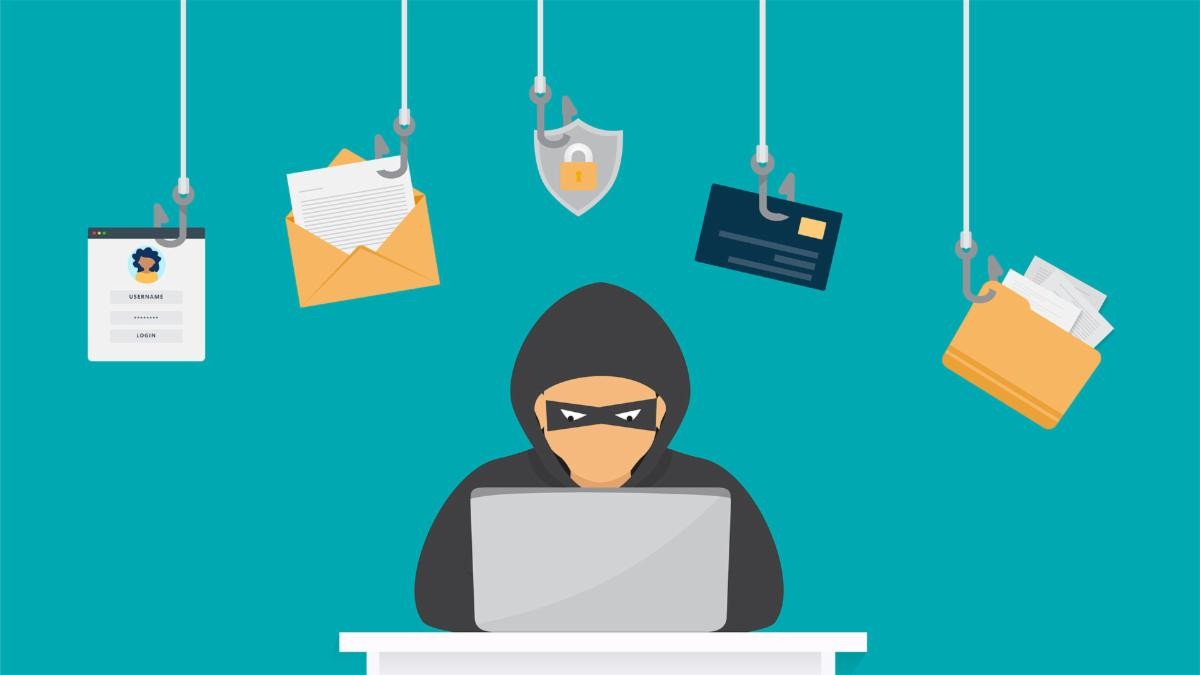
Be on the lookout for phishing and scam messages sent to you posing as Bishop Amy, Father Jonathan, or another member of our parish. All three have occurred in recent weeks.
With current technology, e-mail phishing and spoofing is very common. "Spoofed" e-mails are e-mails that appear to be from someone you know but really are not, despite the name on the e-mail.
Here are some tips to identify e-mail and texting scams and stay safe:
Review the Content
Does the message use urgent or threatening language? Does it ask you to only e-mail and to not call? Are there grammar and spelling mistakes? Does it ask you to send money or gift cards? Does it ask for you to verify your bank account information? All of these are signs of a scam.
Check the E-mail Address
Many times, the e-mail address will be the biggest red flag in determining a phishing scam. You might receive e-mails that say from "Father Jonathan" or "Resurrection Office," but check the e-mail address from where it was sent. Spoofed e-mails often look like they’re from someone you know, but the address may have extra letters, numbers, or slight misspellings, or are often just a random gmail address. For example, Jonathan may be spelled Jonathon.
Don't Click Suspicious Links
Clicking on any links, especially ones that ask for payment or information, is always a risk. When in doubt, close the e-mail and go to the website directly or contact the person or organization from whom you received the e-mail. You can also hover your mouse over any link before clicking it to see if the web destination matches what you expect.
Don't Download Unknown Attachments
If you receive any documents or files you weren't expecting, DO NOT open or download them. It is possible a "Trojan Horse" virus will be downloaded to your device as soon as you click it. Verify with the sender for confirmation that the files are safe.
|