|
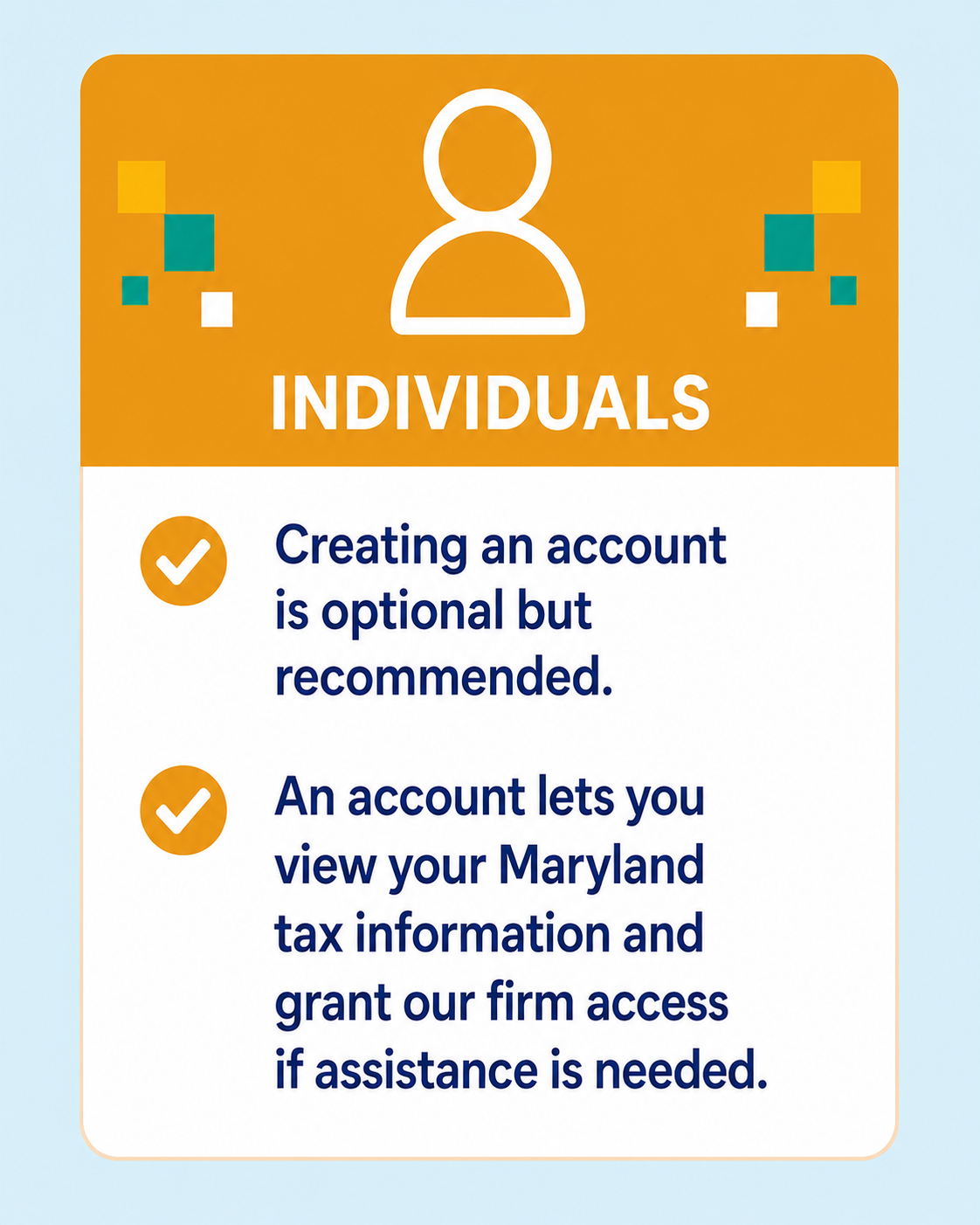
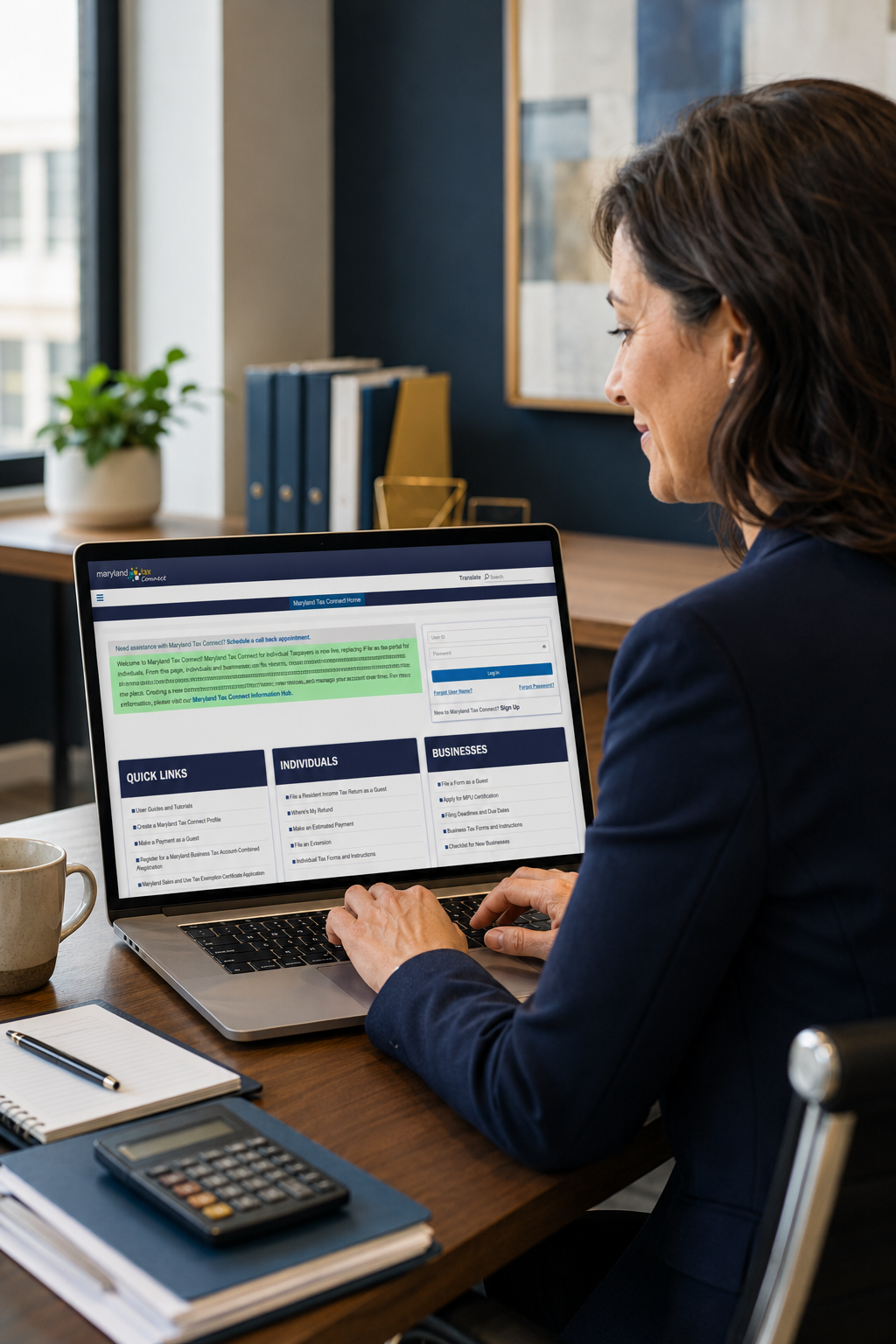
You will need to follow the steps in the PDF below to add our firm as an authorized user. During the process, please contact Maria or Julissa by phone or email to obtain their User ID and Confirmation Number so the access can be properly linked.
Once you add them as an authorized user, be sure to select all applicable permissions and access options. You will need to check the boxes next to the tax accounts you are granting access to, and then select all available options within each permission box. In some cases, there may be three or more additional permissions within a section, and each one should be selected to ensure full access.
It is important that all appropriate permissions are granted. If the necessary boxes are not checked, they may only be able to view your name and will not have access to the account information needed to assist with notices, payments, and other matters.
|