July 17, 2025

Time to Read: 5 Minutes


CAM Joke of the Week

Why did the CNC programmer get kicked out of the bakery?

They tried to optimize the donut recipe with VoluMill and deleted all the holes.

Industry Intel

Shadow Factories: The Secret to Powering U.S. Onshoring and Minimizing Downtime - In this opinion piece, Augury CEO Saar Yoskovitz argues that "shadow factories"—untapped production capacity unlocked through AI-driven machine and process health—can significantly boost domestic manufacturing resilience and efficiency while supporting onshoring initiatives.

They Cracked Supersonic Manufacturing: U.S. Lab Debuts Dual-Material 3D Printer to Reinvent Flight & Power - Oak Ridge National Laboratory and JuggerBot 3D have unveiled a pioneering large-format 3D printer that seamlessly blends thermoplastics and thermosets—using advanced calibration and automated “Material Cards”—to dramatically boost manufacturing versatility for aerospace, energy, defense and beyond.

Marvin Brings 600 Manufacturing Jobs and a Positive Company Culture to KCK - Minnesota-based Marvin Windows and Doors is investing $76.5 million in a 400,000 sq ft fiberglass production facility at the former Woodlands racetrack in Kansas City, Kansas—aiming to hire 600 employees, foster a long‑term, community-focused culture, and strengthen partnerships with local schools and the Wyandotte Economic Development Council.

Industry Growth (Open Jobs)

A few hot openings across the industry this week:


CNC Machinist/Programmer (Afternoon Shift) - HEICO Corporation - Eagan, MN


CNC Programmer - Clearwater Composites - Duluth, MN


CNC Programmer/CNC Swiss - Binks US LLC - Shoreview, MN


CNC Programmer - Splintek Inc. - Lenexa, KS


NC Programmer - Youngers and Sons Manufacturing Co Inc - Viola, KS


CNC Programmer - Precision of New Hampton - New Hampton, IA


CNC Machine Programmer - Cardinal Scale Manufacturing Co - Webb CIty, MO


CAM TIP OF THE WEEK (Powered by GibbsCAM)

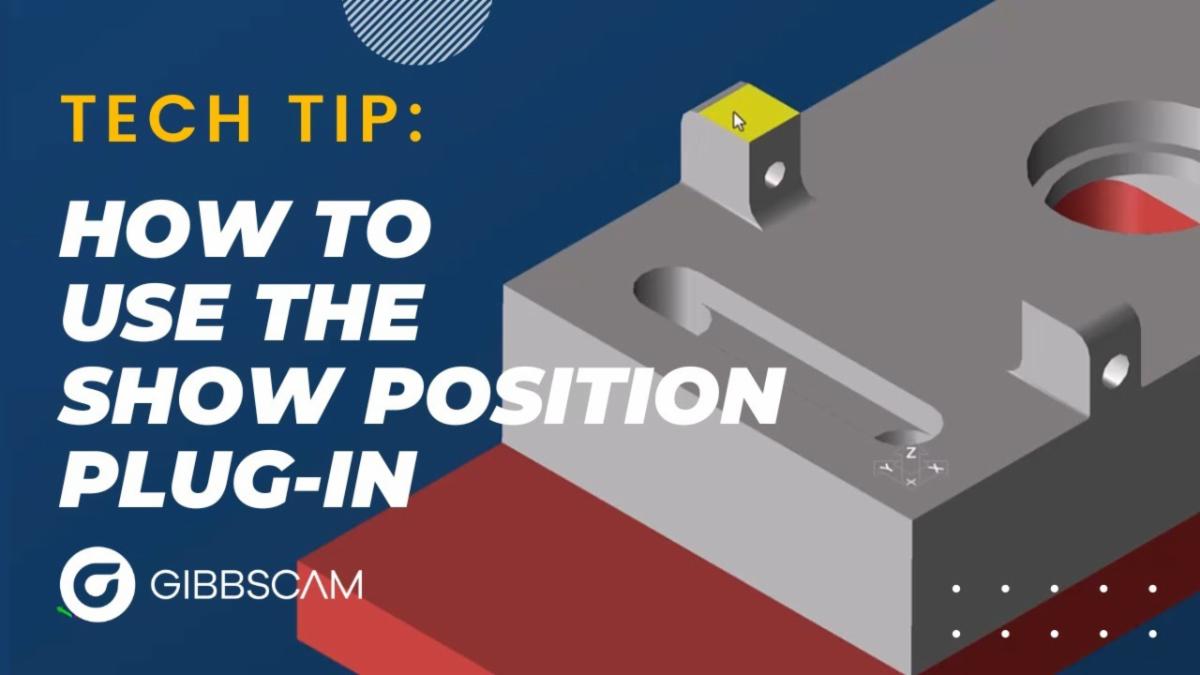
Tech Tip of the Week: Master the “Show Position” Plug-In in GibbsCAM


This week’s video delivers a succinct, less than five-minute tutorial that equips users with a powerful yet often overlooked feature in GibbsCAM.


What You'll Learn:

  • How to activate and configure the Show Position plug-in for swift access to precise position data.
  • Practical use cases demonstrating how it accelerates part inspection and improves machining accuracy.
  • Step-by-step guidance—this walkthrough is ideal for beginners and seasoned machinists alike.


What Makes It Valuable:

  • Boosts efficiency by eliminating manual coordinate hunting.
  • Reduces errors during setup and in-process checks.
  • It’s a no-fluff explanation—just essential steps that will save time on the shop floor.


Trade Show & Event Radar

Date

Show

Location

Aug 6-7, 2025

Advanced Manufacturing Expo

Grand Rapids, MI

Sept 8-11, 2025

Fabtech

Chicago, IL

Sept 23-25, 2025

SteakFest Open House

Plymouth, MN

Oct 7-9, 2025

Westec

Anaheim, CA

Oct 19-21, 2025

Wichita Industrial Trade Show

Wichita, KS

Oct 21-22, 2025

MD&M Midwest - Advanced Manufacturing Minneapolis

Minneapolis, MN

Ask a CAM Pro

Q: What quick checks should I do before posting NC code?

Tim Trzil

Applications Engineer

Posting code without a few final checks? That’s how “just one more part” becomes “just wrecked the fixture.”


Before you hit Post, take five minutes for this sanity-saving checklist. It’s fast, easy, and could save your setup, your tooling, or your day.


What work offset(s) is/are  active at the machine? Make sure your post is set to match them. If you're reusing a setup, double-check—this is critical if you are reusing a setup.


Next, check tool numbers and holders. No ghosts allowed. Every tool in your program should be physically loaded, with the correct length and number. Mismatches here lead to broken parts or broken tools.


Then verify clearance and retracts. Your retract planes should clear every clamp, vise jaw, and part edge. If your Z is set too low or your rapids are cutting corners, you’re flirting with disaster.


Simulate with stock, not just air moves. Run a solid simulation with your actual stock and fixtures in place. Collisions love to hide in assumptions.


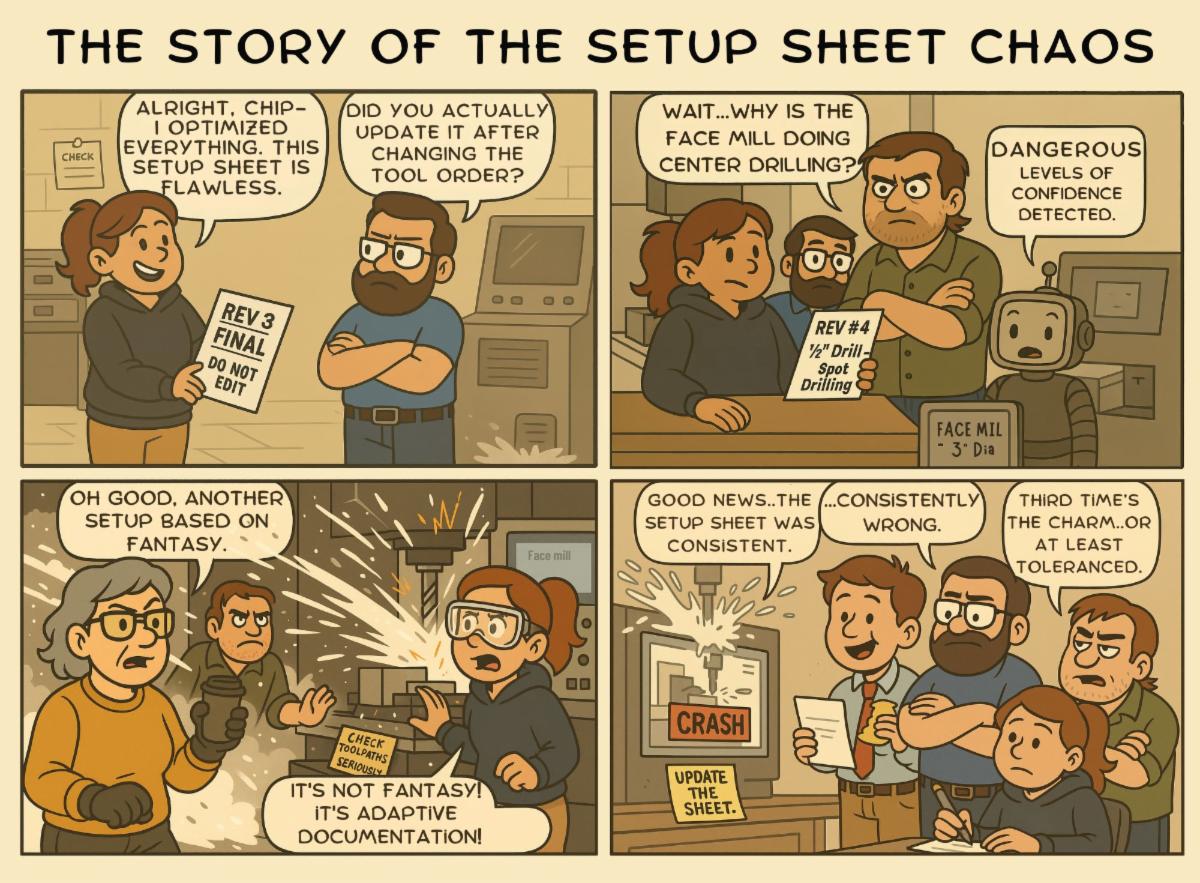
Review your setup sheet. If someone else is running your code, don’t make them guess. Make sure it includes all tool numbers, work offsets, workholding instructions, and anything they absolutely shouldn’t miss.


After the code has been posted, scan the first and last operations. Look for key machine functions: spindle direction, coolant on, tool callouts, safe start, and a clean tool return at the end.


Quick tip? Make this a habit, not a panic move. These checks are your last line of defense before metal meets machine.


Have a programming question?


Send it in for the next edition of Ask a CAM Pro!


CAMedy Central