|
AI is a powerful tool, but they’re not a one-size-fits-all solution when it comes to creating images for commercial printing. Before you drop those MidJourney, ChatGPT, or Gemini images into your final files, check out these tips:
Low-Resolution Woes
One of the most common issues we encounter is low resolution. AI-generated images often look fantastic on a screen but fall apart when scaled up for print. The images may be too small, pixelated, or lack the sharpness needed for high-quality printing. When these images are enlarged for banners, posters, or other large-format graphics, the flaws become glaringly obvious.
The solution: Scale up image resolution before sending us the files to check the image quality. At 100% of size, large format graphics need at least 100dpi, while small format pieces like posters and brochures require 300dpi.
Strange Anomalies and Image Flaws
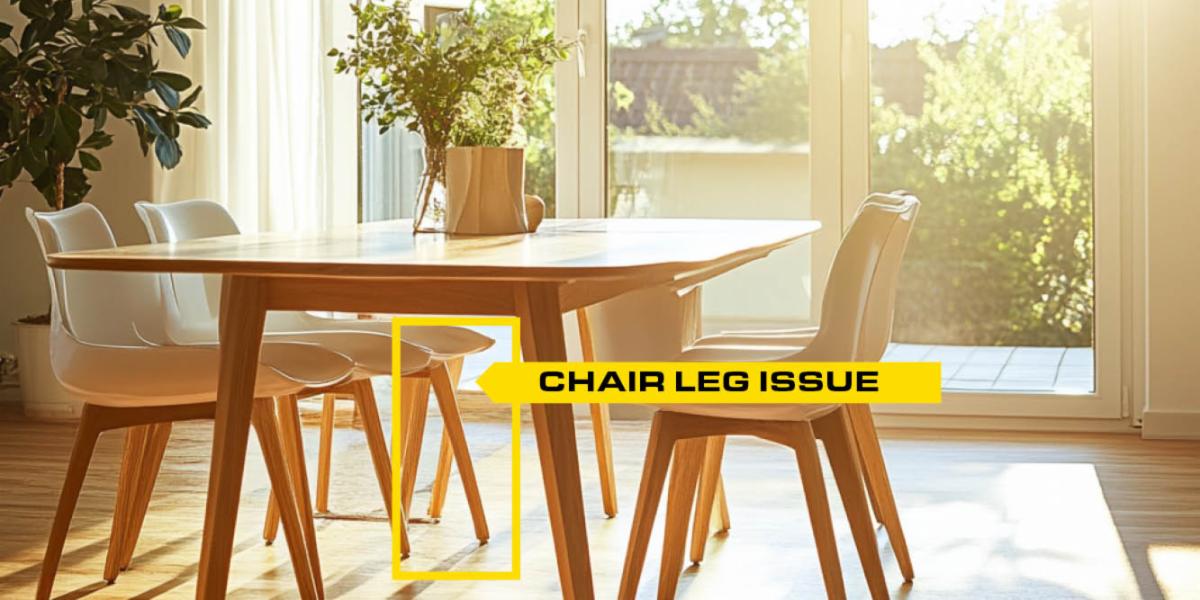
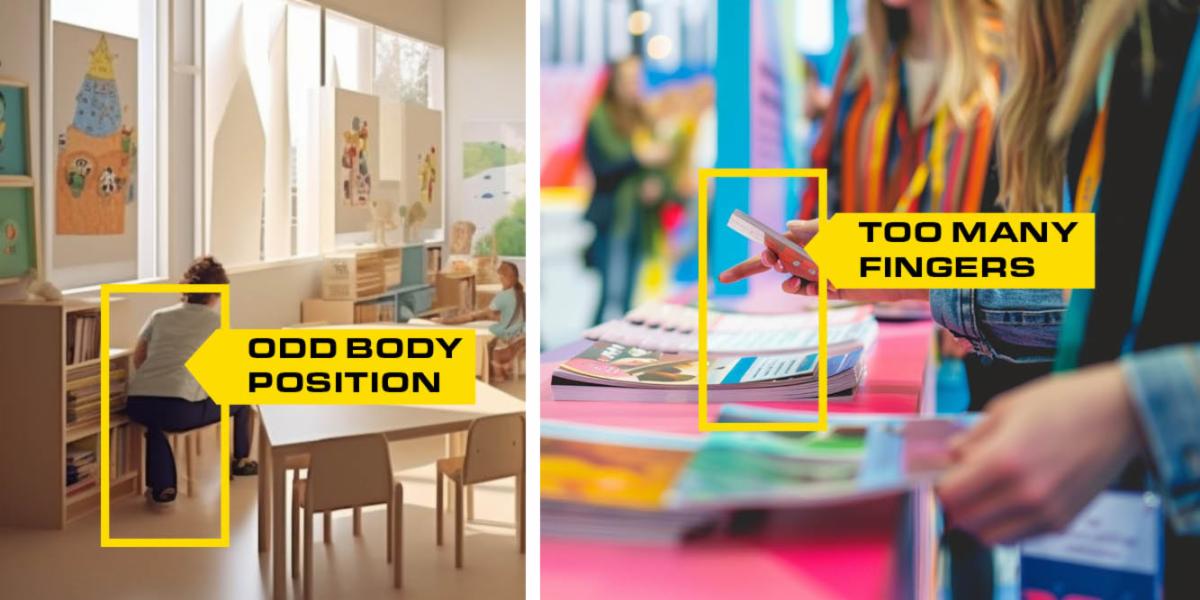
Another pitfall is the bizarre flaws that can occur in AI-generated images. Have you ever noticed a chair with a missing leg? Or a person with too many fingers? These types of errors are common in AI-generated images. While they may be easy to overlook on a small screen, they stand out like a sore thumb when printed. Such flaws can undermine the integrity of your project, leaving your clients questioning the quality of your work.
The solution: Critically review every part of your AI images, enlarging the images to see detail. Do any photo editing before sending us the files.
Ensuring your AI-generated images are high-resolution and free from strange anomalies will help you have a great final product and save you time and money in production setup.
Need more file setup support? Give us a call. We're happy to guide you.
|