Easy ways you can support Brightwood PTA all year long
1.
Amazon Smile
Do you shop on Amazon.com? You can support Brightwood by shopping through
https://smile.amazon.com
instead. Just log in, choose Brightwood Elementary School PTA as your charity of choice and then shop as you normally would. Amazon will donate 0.5% of the price of your eligible AmazonSmile purchases to Brightwood Elementary PTA.
2.
Box Tops
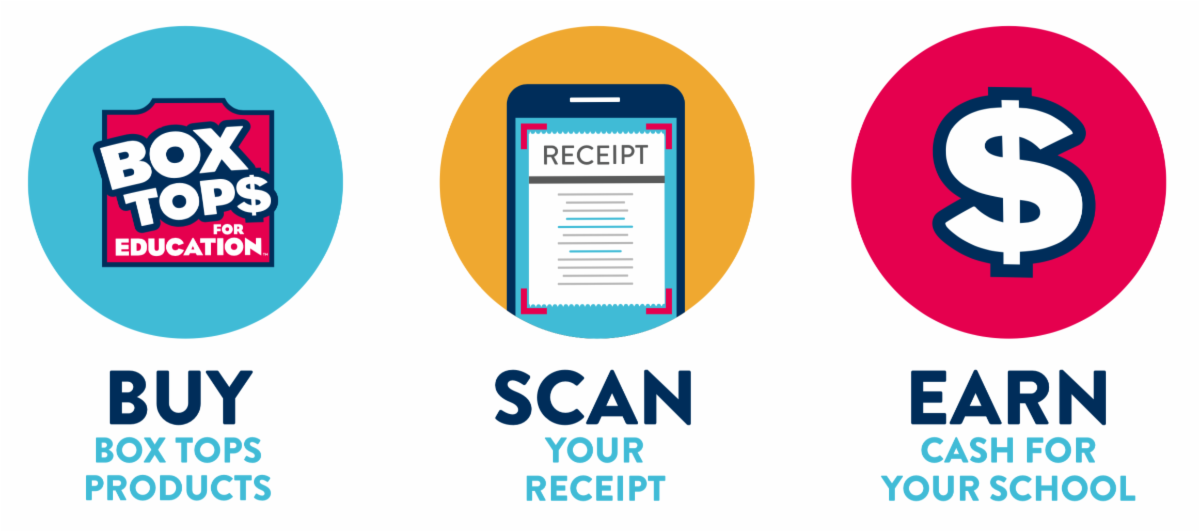
Help Brightwood earn Box Tops! Collect them throughout the year and drop them off in the Box Tops collection box at the Brightwood front office. Monies raised directly support our school.
3.
Ralphs
You can now donate to Brightwood PTA every time you shop swipe your Ralphs Rewards card! This program does not c
ost you a penny.
Up to 4%
of your purchases will be donated to Brightwood PTA. You must first follow the steps below to connect your Ralphs rewards card to Brightwood PTA.
- Start by going to the Ralphs website: www.ralphs.com
- Click on either “sign in” (if you have a log–in password) or “create an account” on the right. If you’re creating an account, follow the steps on the website. You’ll need your email, a password and your zip code. You can apply for a Ralph’s card if you don’t have one yet, or use your Ralphs card number or telephone number linked to your card.
- When you see the confirmation page, make sure to check the box that says “I have read and agree to the Terms and Conditions”. From there, you will be notified by email that your account has been created. Go to your email and click the link in the email sent by Ralphs. (If you don’t see an email from Ralphs, check your spam folder.)
- Now you can log in with your Ralphs online account using the email and password you just created. After you log in, you’ll see a page with My Account. At the top of list is “Account Settings”. Click on this tab and then the “Community Rewards” tab. Select the “Edit Community Contribution Program Information”. On the next page, enter “Brightwood Elementary School PTA” or our nonprofit number “93885” into the first field, then click “search”. Select “Brightwood Elementary School PTA” in the list then click “save changes”.
Your Ralphs Rewards card is now connected to Brightwood PTA. And you’re all finished! Encourage your family & friends to sign up too.
THANK YOU FOR YOUR SUPPORT!