|
One Cool Tip Newsletter
May 28, 2025
| Your daily dose of tech-savvy brilliance! | |
😀Hello Rodger, Happy Windows Wednesday, Cool Tipper!
Get ready to streamline your digital life with simple, actionable tips delivered straight to your inbox.
Today's Cool Tip Theme: Notepad Gets a Brain
IN THIS ISSUE
- 🚨 Google Scam Alert!
- 📱 WhatsApp on iPad!
- 🚀 Boost Your Week with AI.
- 🖼️ AI Photo Magic!
- 🧠 Notepad Gets Smart!
- 🆕 Notepad Tabs!
- ✅ Spellcheck in Notepad!
- 🥚 Notepad Easter Egg!
New here? Subscribe to the One Cool Tip Newsletter for daily updates. It's FREE!
-
😂 Laugh with Us! Enjoy our Tech Joke of the Day, Haiku and Cool Tip Comics.
-
🌐 Stay Informed! Check out ICYMI, and our One Cool Tip Video.
🔔 Is your email provider (Gmail, Yahoo, Outlook...) not delivering the newsletter?
Check the Junk folder - Move the newsletter to your Inbox. And reply to this email with a “Hey, Rodger” or “I got it.” That tells your mail service you want this newsletter!
Today's Tech Trivia
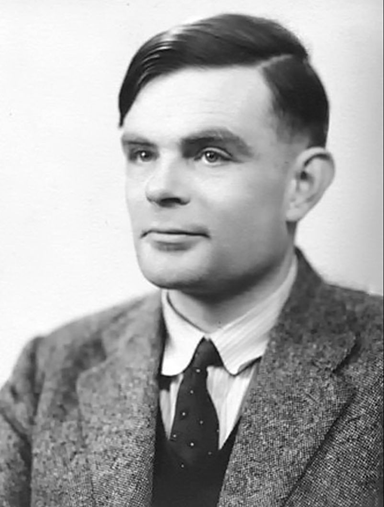
Which famous computer scientist, known for his groundbreaking work in artificial intelligence and cryptography, is often considered the "Father of AI"?
A) Alan Turing
B) Bill Gates
C) Steve Wozniak
D) Ada Lovelace
Answer at the end of this newsletter.
| | |
3️⃣
If you enjoy the One Cool Tip newsletter, please forward this newsletter to THREE friends or colleagues or share it on social media using the links below.
Share this One Cool Tip Newsletter!
| |
🚨 Beware of New Online Scams! 🚨
Google’s latest May 2025 Scam Advisory warns users about evolving fraud tactics, including customer support scams, malvertising, and fake travel websites.
Scammers are using AI-powered phishing techniques and impersonating trusted brands to steal sensitive information.
🔹 Stay Safe:
-
Verify customer support contacts: never trust unsolicited calls or emails.
-
Avoid clicking suspicious ads: malvertising can install malware on your device.
-
Double-check travel sites: fraudsters are creating fake booking platforms.
Learn more HERE.
Stay vigilant and always verify sources before sharing personal data! 🔒
And in Other News...
- WhatsApp Finally Lands on iPad! 🚀
After years of waiting, WhatsApp for iPad is officially here! 🎉 Now, iPad users can enjoy video calls with up to 32 people, screen sharing, and optimized multitasking with Split View and Stage Manager.
🔹 Key Features:
- Seamless syncing with your existing WhatsApp account.
- Magic Keyboard & Apple Pencil support for smooth messaging.
- End-to-end encryption ensures your chats stay private.
Download it now from the App Store and experience WhatsApp like never before! 📱✨
- 🚀 Let's Get Back on Track
Let's make this week count!
Copy/Paste this AI-powered prompt. Use with your favorite AI assistant: Gemini, Copilot, Grok, DuckAI, Meta and ChatGPT.
"It’s Wednesday of a short workweek. Ask me what I still need to accomplish before Friday. Help me list unfinished tasks, identify what’s most important, and create a simple plan to get it all done without stress."
| | |
🖼️ Cool ChatGPT AI Prompt of the Day: Transform Your Photos!
- Upload a portrait photo.
- Enter this prompt:
Take this updated portrait image and enhance it to look polished and professional. Improve lighting, subtly smooth skin, adjust contrast, and sharpen facial details while keeping it realistic and true to the original. Add a soft, blurred background with natural tones to make the subject stand out. Maintain the original outfit and facial expression.
| | | |
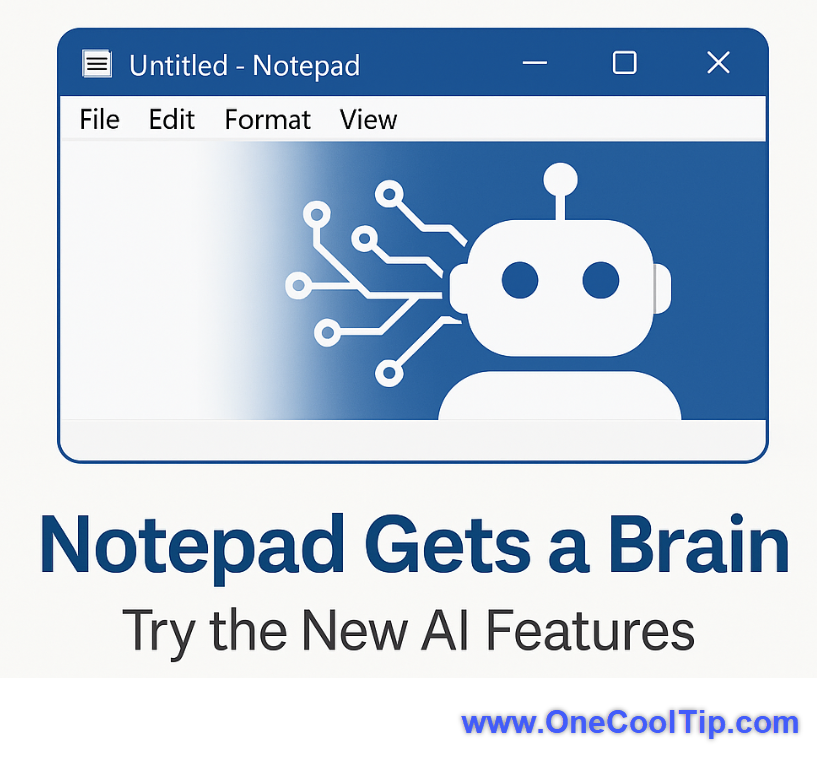
Notepad Gets a Brain: How Microsoft's AI-Powered Feature Supercharges Your Text Editing
Microsoft's classic Notepad app just got a major upgrade—AI now helps you rewrite and summarize text with ease. Here's how to make it work for you.
Ever wished you could quickly rephrase a paragraph without opening another app?
Here's a Cool Tip: Use Copilot AI in Windows Notepad.
Microsoft's latest AI integration into Notepad transforms the humble text editor into a smart writing assistant.
What Is the New AI Feature in Notepad?
Microsoft has introduced new AI-powered features in Notepad for Windows 11.
This tool allows users to rewrite content and summarize lengthy passages—all within the Notepad application.
Key Features:
-
Rewrite: Modify existing text to change tone, length, or clarity.
-
Summarize: Condense long documents into concise summaries.
These features leverage Microsoft's AI models and are integrated into the Windows Copilot system.
What You'll Gain
-
Efficient Editing: Quickly edit text without leaving Notepad.
-
Enhanced Clarity: Improve the tone and structure of your writing.
-
Time Savings: Summarize lengthy documents in seconds.
Step-by-Step Instructions
Here's how to do it.
Using 'Rewrite':
-
Highlight the text you want to modify.
-
Right-click and select 'Rewrite', or
-
Choose from options like 'Make shorter', 'Make longer', or 'Change tone'.
Summarizing Text:
-
Highlight the text to summarize.
-
Right-click and select 'Summarize', or
-
Use the shortcut Ctrl + M.
Pros and Cons
Pros:
-
Integrated Workflow: No need to switch between applications for writing assistance.
-
User-Friendly: Simple right-click options and keyboard shortcuts.
-
Versatile: Suitable for drafting, editing, and summarizing tasks.
Cons:
-
Limited Availability: Currently only for Microsoft 365 or Copilot Pro subscribers.
-
Requires Microsoft Account: Must sign in to access AI features.
-
AI Credits: Usage may consume AI credits tied to Microsoft 365 subscriptions.
Feature Access
-
Requirements: Microsoft account and Notepad version 11.2504.46.0 or higher.
-
Subscriptions: Some features require Microsoft 365 Personal, Family, or Copilot Pro subscriptions.
Key Takeaways
Microsoft's integration of AI into Notepad transforms it from a basic text editor into a powerful writing assistant.
With features like 'Rewrite' and 'Summarize', users can enhance their productivity directly within the app.
Try It Yourself
Ready to experience AI-powered writing in Notepad?
Update your Notepad app and start exploring these features today.
READ MORE
Read the Full Cool Tip
| | |
Help support One Cool Tip. Use this Amazon link when you shop online.
Look at these Cool Products:
|
-
🚀 Rocketbook Smart Notebook: This reusable notebook allows you to write, scan your notes to the cloud, and then wipe the pages clean for endless use. $28.99 Check it out on Amazon!
-
🖊️ Uni-ball Jetstream Retractable Ballpoint Pen: Known for its incredibly smooth, quick-drying ink, this pen is perfect for smudge-free writing and boasts archival-quality ink. 12 pack. $19.50 Check it out on Amazon!
-
📆 PRODUCTIVITY STORE 2025 Planner Pro: Organize your year with this stylish planner featuring monthly, weekly, and daily sections, goal setting pages, and habit trackers. $26.99 Check it out on Amazon!
| | |
🆒Tell Me More
-
AI-powered writing: Notepad now includes Rewrite and Summarize features to assist with content creation.
-
Copilot integration: AI-powered writing tools require a Microsoft account and AI credits.
-
Subscription-based access: Some features require a Microsoft 365 or Copilot Pro subscription.
⏩Quick Tips
-
🔄 Refine your writing: Highlight text and use "Rewrite" to adjust tone and clarity.
-
📌 Summarize long text: Use Ctrl + M to condense lengthy content into key points.
-
🔍 Find AI-generated suggestions: Click the Copilot button in Notepad for writing assistance.
| | |
✅ More Must-Read Tech Tips
| |
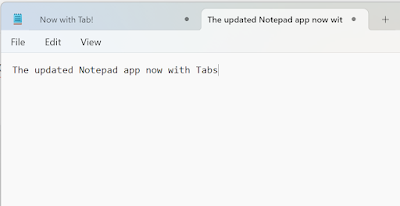
👀 How Do I Open a New Tab in Notepad?
Microsoft enhanced Notepad, first introduced in 1993 for MS-DOS and then 1985 in Windows, with tabs to improve the app experience.
The updated app with tabs provides a quick and easy way to keep your data organized and enables you to switch between notes.
Here's how to use it:
-
Open the updated Notepad app
-
Click the + icon to create a new tab.
Besides the introduction of the tabs feature, Notepad has been updated to support emoji input and auto-saving of unsaved files.
Discover more HERE.
| | |
🤔 Have You Ever Wondered How to Spellcheck in Notepad?
Do you need help with spelling when you type?
Have you ever wished Notepad could catch those pesky spelling errors as you type?
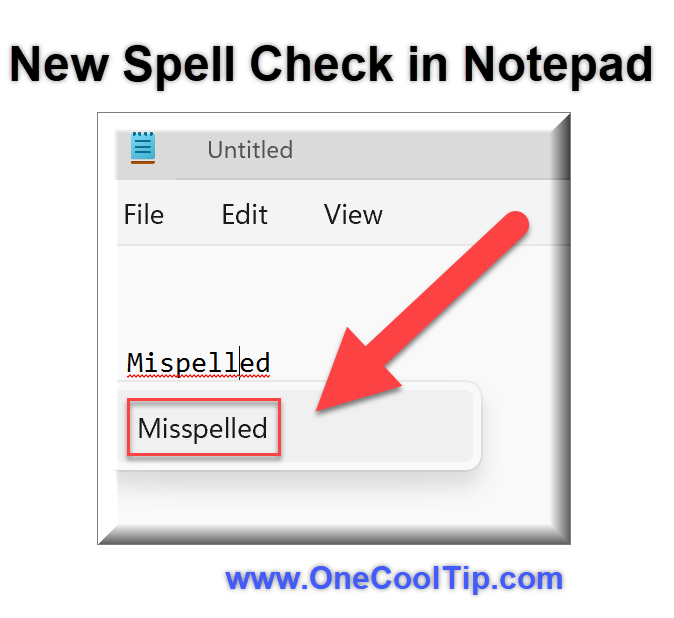
Here's a Cool Tip. Use the new spell check feature of Notepad in Windows 11.
Microsoft has finally added a spell check feature to Notepad, making it easier than ever to write confidently.
Here's how to do it.
- Launch the Notepad app on your Windows 11 computer.
- Click the gear icon in the Notepad toolbar to open the settings page.
- Turn on the “Spell check” toggle switch.
- Enable the “Autocorrect” toggle switch to automatically fix common misspellings.
Say goodbye to embarrassing typos and misspelled words.
Correct mistakes on the fly without interrupting your workflow.
Notepad’s new spell check feature is a game-changer for productivity.
Whether you’re drafting a novel, writing code snippets, or composing a quick note, having an extra pair of digital eyes ensures polished, error-free content.
Embrace this long-awaited enhancement and elevate your writing experience!
Find more HERE.
| |
.
Did you know that there's a hidden Easter egg in Windows 11 Notepad?
Here's a Cool Tip: Spin the gear icon in the top-right corner of the window.
It's a fun little distraction.
The gear icon opens the Notepad settings, where you can change things like the font, the text size, and the line spacing.
Here's how to do it:
-
Open Notepad.
-
Click on the gear icon in the top-right corner of the window.
-
Hold down the mouse button and drag the gear icon around.
You can also spin the gear icon by right-clicking on it.
If you want to spin the gear icon really fast, you can use the scroll wheel on your mouse.
Learn more HERE.
| | |
❓Did you share this newsletter with three friends yet?
⌨️Today's Cool Keyboard Shortcuts
Cool Keyboard shortcuts for Notepad:
-
Ctrl + M: Summarize text
-
Ctrl + Shift + N: Start a new AI-powered document
-
Alt + R: Toggle AI suggestions
✍️Today's Haiku
Words flow, AI guides,
Notepad whispers thoughts anew,
Typing finds its wings.
🔎 Do you have a Cool Tip or tech question? Email us at onecooltip.com@gmail.com.
😜 Tech Joke of the Day 😅
Why was Notepad so chill?
Because it never had to deal with formatting drama.
| |
| 🤔 How do you usually take notes on your PC? | | | |
Did You See These Cool Tips This Week?
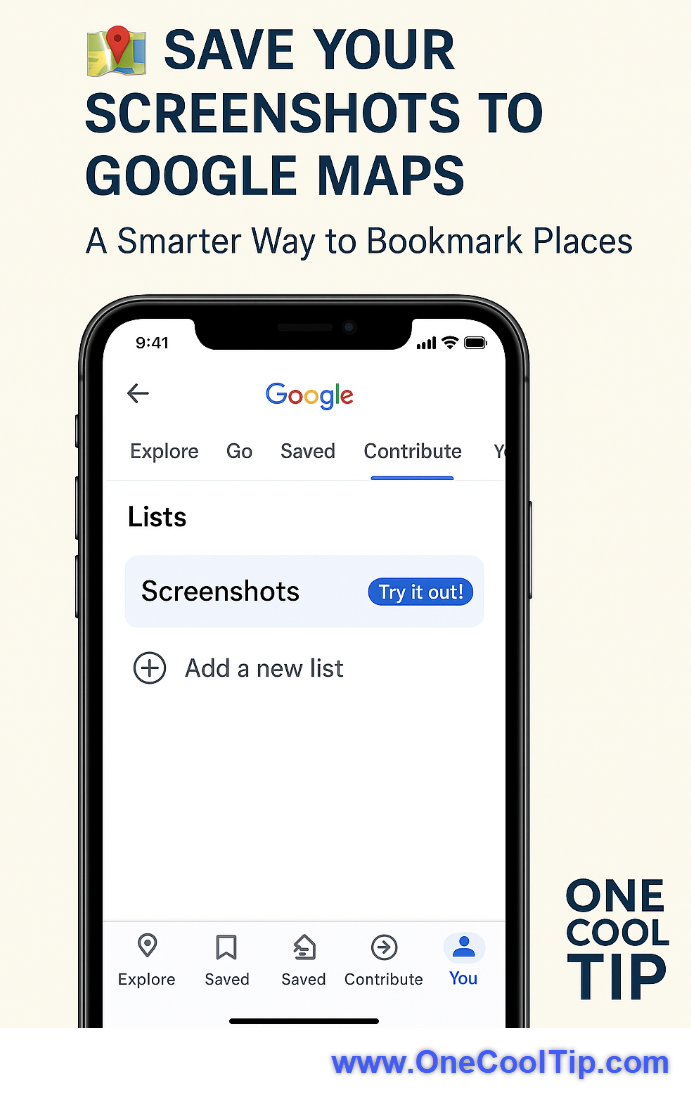
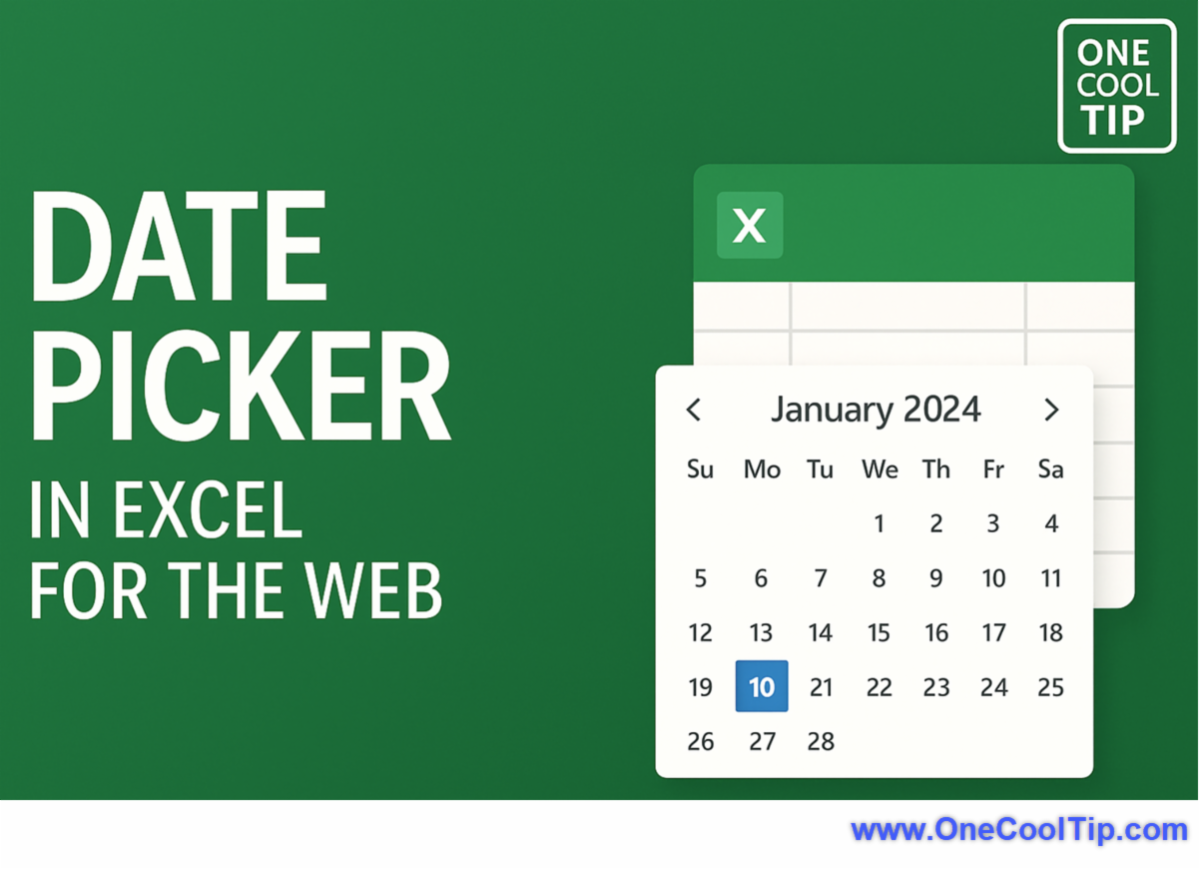
| | | | Save Your Screenshots to Google Maps | Google Maps now lets you turn screenshots into saved locations using AI. No more digging through your camera roll—just snap, review, and save. | | | | Effortless Date Entry in Excel for the Web: Meet the Built-In Date Picker | No more manual date typing errors or cumbersome third-party add-ins! The Date Picker in Excel for the Web streamlines date entry with a simple double-click. | |
ICYMI - In Case You Missed It ...
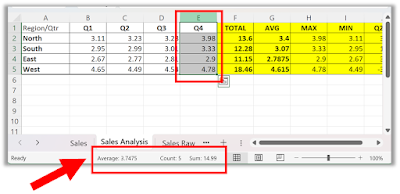
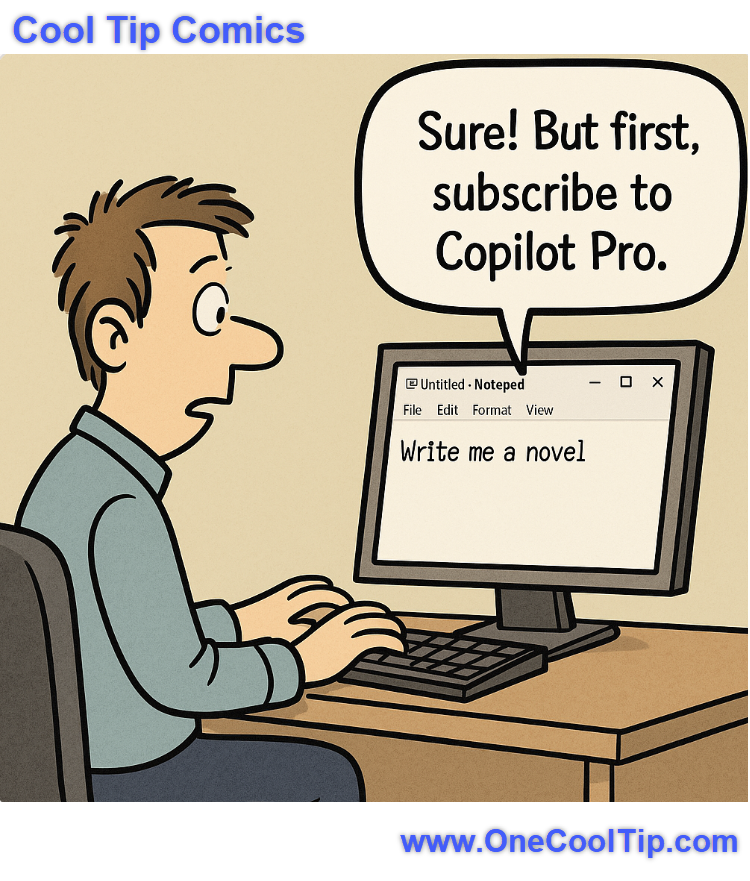
| | | | Boost Your Excel Productivity with this Cool Status Bar Tip! | Unleash the hidden power of Excel's status bar to instantly calculate and analyze your data, boosting your productivity with quick insights. | | When your novel starts with inspiration… and ends with a subscription. | | |
Trivia Answer: A) Alan Turing
Alan Turing was a visionary mathematician and computer scientist whose work laid the theoretical foundations for computer science and artificial intelligence.
His most notable contribution to AI is the "Turing Test," a method for determining if a machine can exhibit intelligent behavior indistinguishable from that of a human.
His ideas, explored in his 1950 paper "Computing Machinery and Intelligence," continue to influence the field of AI today, long after his tragic death.
----------
Tomorrow's Cool Tip is waiting to amaze you.
Until then, go forth and conquer the tech world with your newfound knowledge!
And be sure to visit www.OneCoolTip.com for Cool Tech Tips for a Cooler Life!
Enjoy!
Rodger
Chief Cool Tipper
onecooltip.com@gmail.com
| |
| What do you think of today's OneCoolTip newsletter? | | | |
Please Share the One Cool Tip Newsletter!
You asked for it. You got it. There is now a One Cool Tip Newsletter archive. Did you delete a newsletter and want to read it again? Check it out HERE.
Want to help One Cool Tip grow? Please forward this email using the link above. And if you see an OCT social media post, please LIKE, COMMENT and SHARE!
Have you subscribed to the One Cool Tip YouTube channel? Subscribe HERE.
| | Connect with One Cool Tip!! | | |
|
As an Amazon Associate, One Cool Tip may earn a small commission from qualifying purchases.
Our media content is intended solely for informational purposes only. Please do not construe anything here as legal, tax, investment, financial, marital or other advice.
Copyright © 2025 | www.OneCoolTip.com | All Rights Reserved
|
| | | |