‌
September 2019
TECH TIPS ISSUE
Cyber Liability Insurance
Tips Saving Files Microsoft Office
Cyber Security CLE Webinar (1.0 credit)
What IS Cyber Liability Insurance?
What Is Cyber Liability Insurance?
 
Cyber liability insurance covers liability and financial losses that result from data breaches and other cyber events. It can cover legal fees, notifying customers about a data breach, restoring personal identities of affected customers, recovering compromised data and repairing damaged systems.
 
Businesses and their vendors that have access to customer or employee personally identifiable information or protected health information are increasingly required to have cyber liability insurance to protect all parties and the data involved.
 
Why does your business need Cyber Insurance?
 
Remember file cabinets? It used to be that a file cabinet was like your personal bank vault – holding the papers that defined and valued a business. From employee records to bank statements, that file cabinet had everything necessary to keep things running.
 
To protect those files, some drawers were locked. Some file cabinets were kept in executive offices with limited access, keys...

Tips on Saving Microsoft Office Files
 
Have you ever been working on a document and your computer has an issue? There could have been a power surge or the computer locked up. Your heart starts pounding fast as you think about losing the content in the document.  There are several ways to make sure that content is not lost and possibly recover the file.
 
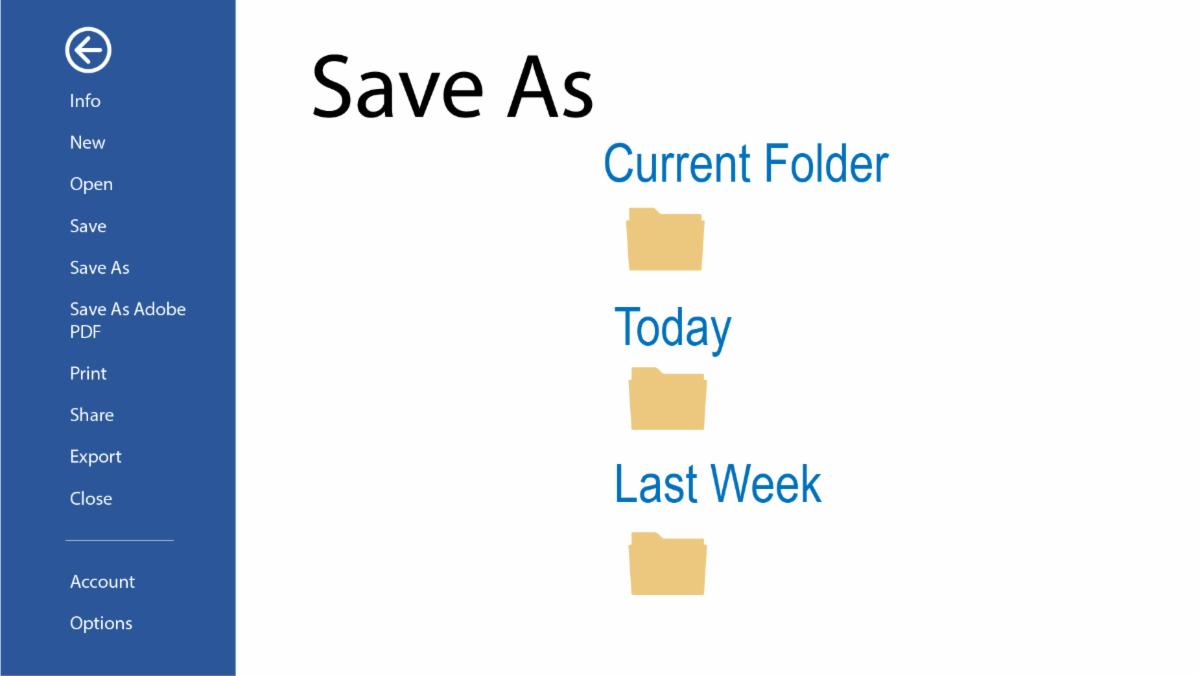
When you are creating a new document save the document under a file name. If you are creating a file from a previous document, open the old document and immediately “Save As” and give it the new file name. If you happen to Save and don’t change the file name, you will write over the content from the previous file.
 
Microsoft Word, Excel, PowerPoint and Publisher have an AutoRecover. It is standard for the time to be set up for every 10 minutes. You can access this in your programs.
 
  • Microsoft 2019, 2013, 2010 - Go to File then click on Options.
Click on Save and increase or decrease the minutes.

  • Microsoft (macOS X edition) in the Menu click on Preferences. Then increase or decrease the AutoRecover option.
 
If you click on “Don’t Save” when you meant to save, there might be a way to recover that file content if the AutoRecover was set up and the timing was set up.
 
To recover a file: Click on File> Open  
Go to the bottom of the page of Recent Documents and you will see “Recover Unsaved Documents”. The unsaved files will be listed in this section.

 
Please contact the Seltek Help Desk at helpdesk@seltekinc.com if you have any question s.
For the legal community, we are offering a complimentary:
Cyber Security CLE Webinar
(1.0 Credit) on Wednesday,
Oct. 16, 2019 from 12 PM – 1 PM.
Please contact Kay Larkin at
804-360-4490 x20 or klarkin@seltekinc.com to register.
Contact Kay Larkin with any questions
klarkin@seltekinc.com 804.360.4490 x20