|
In this edition of Learning Inside Out, we’re highlighting Digital Citizenship Week, taking place the third week of October. With AI-generated content becoming part of our everyday world, it’s more important than ever for students to ask questions, think critically, and take a closer look at the information they encounter online. Even our youngest learners can start developing the skills to recognize what’s real, what’s misinformation, and what’s simply someone’s opinion.
The resources and activities below provide practical and engaging ways for students to build their digital citizenship skills. They’ll explore how to spot fact from fiction, question what they see and hear online, and use technology safely, responsibly, and thoughtfully. These are skills students can use every day as they learn, connect and explore online.
| | |
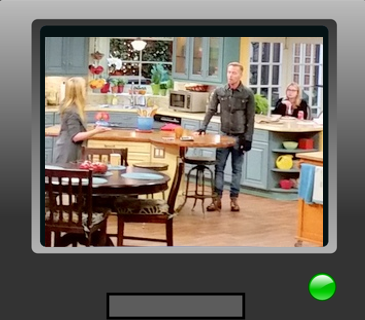
In this lesson, students are introduced to the idea that what they see in media can be deceptive. They explore the idea that media are “framed” by their creators and consider what parts of the world are left out of the frame. Through viewing activities, discussion and drawing, students develop an understanding of how framing can influence what we see and understand. Extension activities are provided to reinforce these concepts.
Activities
-
Watch Frame It! The video explains when we tell a story we can choose what parts to keep in and what parts to leave out. Have students create their own in the Frame picture to share with others. Have students guess what the artist left out
-
Get outside and read Dot., a story about a girl who loves technology and knows how to tap, swipe and share, but pays little attention to the world around her. Use the story to start a conversation about balancing screen time with time outdoors. Ask students what they might miss when they are focused on a screen, then head outside to explore and notice the world around them
-
Play That’s Private students learn about the kind of information they should keep private online
| | |
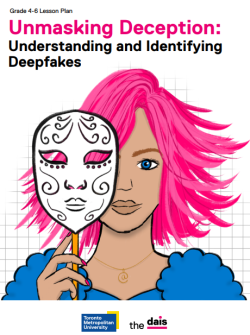
This lesson responds to the growing and increasing sophistication of AI-generated content, which makes it difficult to discern between ‘real/authentic’ or ‘manipulated’ content. This lesson equips students with the critical thinking skills necessary to identify deepfakes and other forms of synthetic online content, while also evaluating their purpose, credibility, and accuracy.
Activities
-
Watch My Digital Literacy Adventure the video emphasizes that being digitally literate means thinking critically, being creative, showing empathy, protecting personal information and using your voice responsibly online. After watching the video, ask students to create a poster showing what it means to be digitally literate. Have them add pictures or symbols for the skills they need online
-
Read the Technology Tail, the book offers a timeless message to students learning how to navigate the fast-changing digital age and the trail they are leaving behind online
-
Try Digital Footprints as Trail Marking take students outside to walk on a muddy or sandy trail. Have them look back at the tracks they leave behind. Discuss how, like footprints, our online searches, posts, and comments leave a digital trail that can be seen and followed by others.
| | |
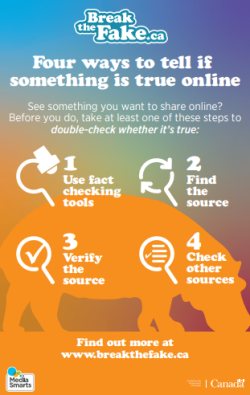
This resource teaches students how to critically evaluate information they access on the internet using four simple steps. Students participate in a workshop that teaches them four quick, easy steps to verify online information. After practicing these four steps they create a public service announcement aimed at teaching one of these steps and spreading the message that it is necessary for everyone to fact-check information we see online every time we are going to share it or act on it. The lesson helps students become more responsible digital citizens by teaching them practical strategies to identify reliable information and reduce the spread of misinformation online.
Activities
-
The Fact Checking Challenge introduces students to four quick steps for checking whether online information is reliable. Have them practise the steps using a sample post, video, or article. Students create a short public service announcement highlighting one fact-checking step and reminding others to verify information before sharing or acting on it
-
Try the Glitter Trail activity to help students understand their digital footprint and the importance of thinking before sharing. Take students outdoors and put a small amount of washable glitter on one student’s hand. Have them shake hands, touch natural objects, and pass an item. Notice how quickly the glitter spreads. Discuss how, like glitter, information shared online can spread quickly and be difficult to control
-
Using the My Digital Footprint template or creating their own, have students draw or write the websites and social media apps they commonly use. Give students time to complete their page, then display the worksheets around the classroom. Invite students to look for common patterns and discuss what they notice.
| | |
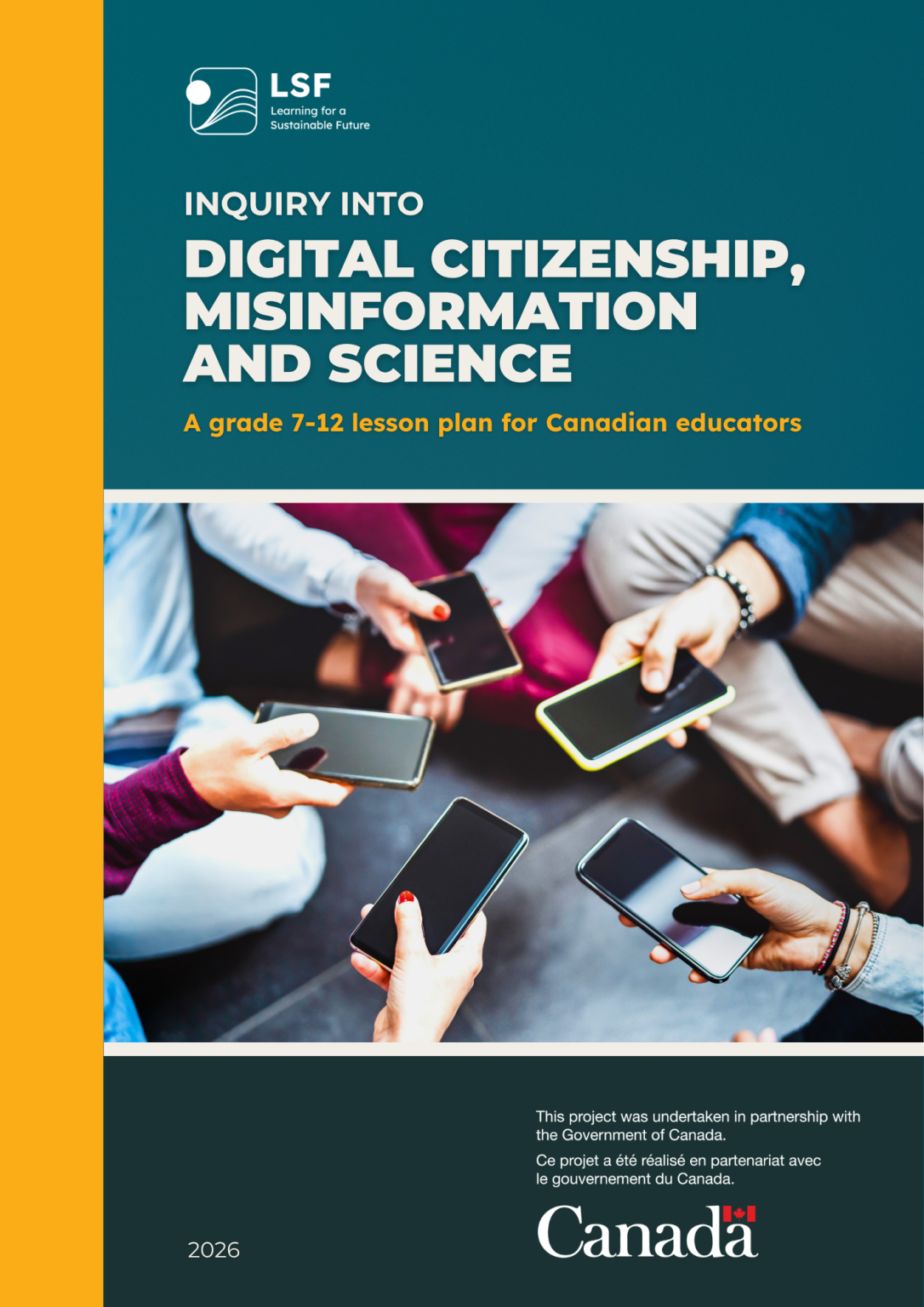
This resource engages students in inquiry-based learning focused on digital citizenship, disinformation/ misinformation, and scientific thinking. Through interactive activities, students learn to distinguish fact from opinion, evaluate the credibility of media, and apply critical thinking skills to identify misinformation and science denial. The lesson culminates in a task that allows students to demonstrate their understanding. The lesson promotes responsible digital citizenship and evidence-based reasoning while encouraging students to reflect on their own information consumption habits.
Activities
-
Watch the video on AI generated misinformation. Discuss how AI-generated videos can make it more difficult to distinguish reliable, evidence-based information from false or misleading content. Review the questions on page 21 before watching, then discuss students' answers after viewing
-
Have students play #ForYou The Algorithm Game card game and use it as a prompt to learn about and discuss the role that algorithms, data collection, and machine learning play in their lives. After playing, invite students to design their own game to communicate some of what they have learned in the lesson
-
Dealing with Digital Stress take this activity outdoors and have students role-play scenarios that show how social media can create stress, such as comparing themselves to others or feeling pressure to respond. After each scenario, have students walk or sit quietly outdoors and identify a healthy strategy for managing digital stress
| | |
About Learning Inside Out
Above you will find a selection of activities, broken down by various grade levels. These guides will be released biweekly and archived on our Learning Inside Out page, so you can always access the full catalogue.
Some of the activities have been modified from resources on our R4R database, simplified and adapted for both outdoor learning in the school yard or at-home as needed. The activity descriptions above should contain all the information and links that you need!
If you'd like to view the full original resource on R4R, including curriculum connections for every province/territory, click the activity title.
We want this guide to work for you, so your feedback is invaluable to us.
Use the feedback button at the bottom of this Guide, or email us at info@LSF-LST.ca. We would also love to see photos of students engaging in the activities, please e-mail us any pictures or videos you have!
| | Follow us on social media for continued weekly highlights & other exciting opportunities through the school year! | | Please share widely with any parents and teachers in your life! | | Learning for a Sustainable Future (LSF) is a Canadian charity with over 25 years of experience working within the education system. Our Resources for Rethinking (R4R) database is an award-winning collection of resources that are peer-reviewed by certified teachers and connected to curriculum in all provinces and territories. R4R is recommended on many Ministry of Education websites. | | | | |