|
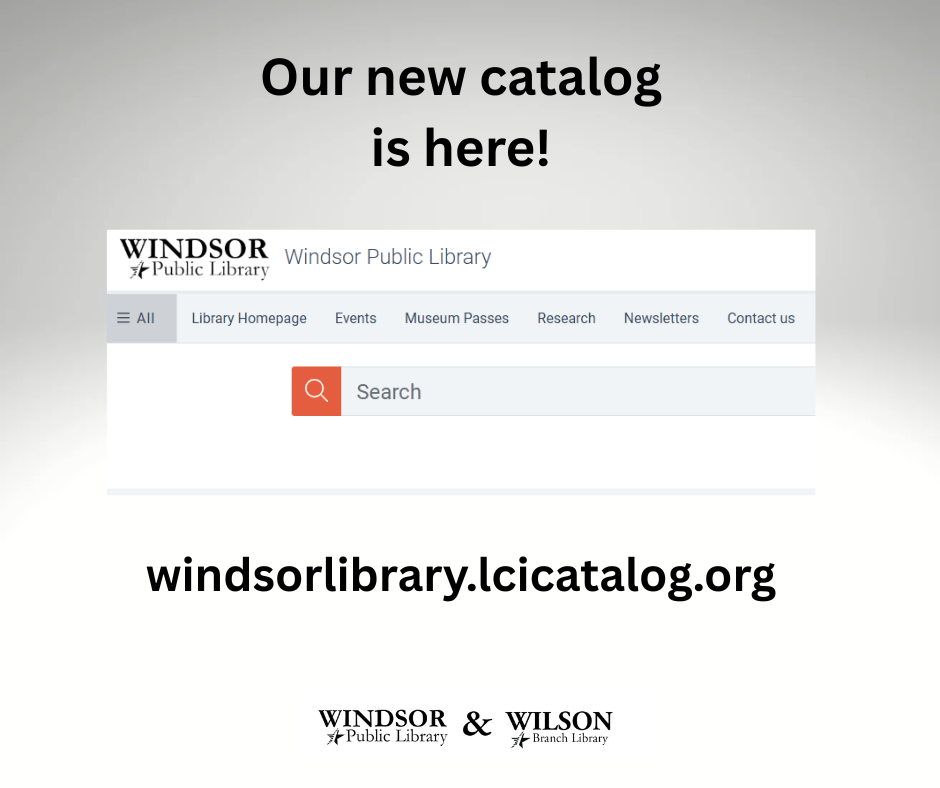
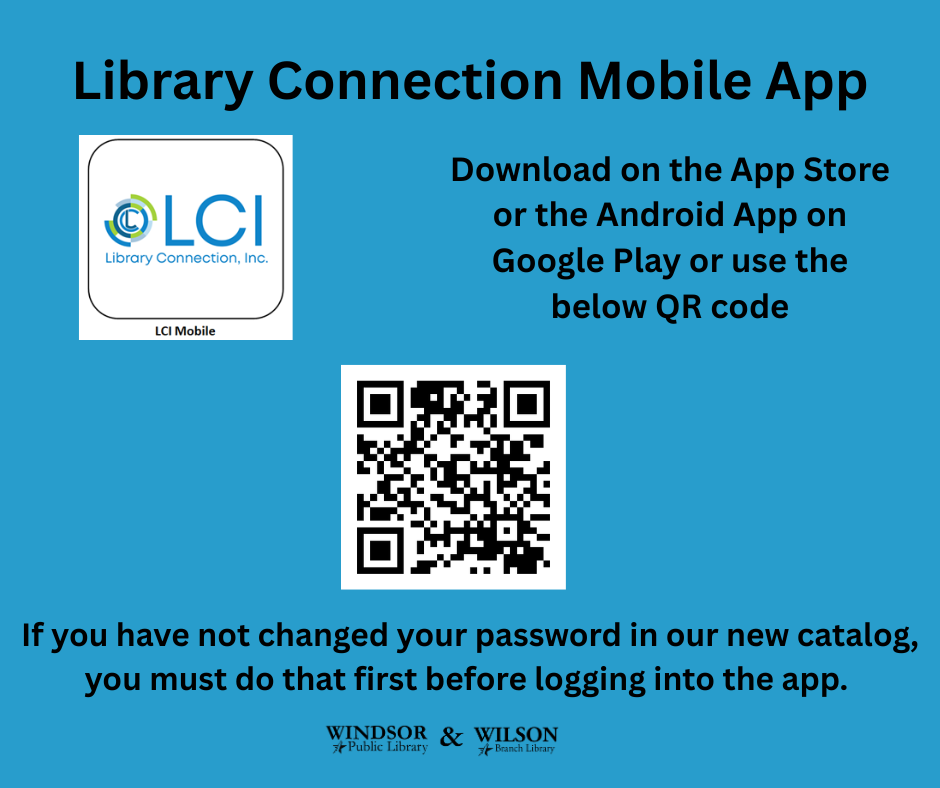
Our new catalog, Vega, is live. And our new Library Connection Mobile app is also available.
Here are some instructions on how to reset your password in our new catalog which you will need to do to be able to login to the app.
1. Go to windsorlibrary.lcicatalog.org and click on Log In which will be in the top right hand corner.
2. Enter your library card number (barcode) and click reset password.
3. Enter your library card number again. Click on "Send Passcode Reset Link." This will send a link to the e-mail you have on file with your library card number. If you do not have an e-mail or you do not use that e-mail anymore, please call the library to change this information.
4. Once you receive the link in your e-mail, reset your password to something with at least 8 characters.
5. You should be able to login then and see your checkouts, place holds, etc.
When in doubt, please reach out to us with your questions! You may call the Windsor Public Library at 860-285-1910 or the Wilson Branch at 860-247-8960.
|