|
Group Chats in ChatGPT: A Smarter Way to Think as a Team
Group Chats in ChatGPT bring multiple people and AI together in a shared workspace that helps teams plan, research, and create faster. This new feature blends collaboration with intelligent context so your group stays aligned from the first message.
Every team has moments when ideas scatter across email threads, chat messages, and meeting notes.
Here's a Cool Tip: Group Chats in ChatGPT.
Group Chats in ChatGPT aim to fix that problem by giving teams a shared conversation space where AI helps organize discussions, answer questions, and keep work moving.
It feels like having a project room that never loses context, remembers prior decisions, and helps everyone stay productive.
Feature Explanation
Group Chats in ChatGPT allow multiple participants to chat with each other and with ChatGPT inside a single shared thread.
Unlike traditional chat apps, ChatGPT remains aware of the ongoing conversation and can answer questions, summarize decisions, or produce content that the entire group can use.
Participants can join on web, mobile, or desktop, and the feature supports file sharing, code snippets, and documents.
ChatGPT dynamically adapts to group context and keeps responses focused on the team’s goals.
This feature matters because it shifts AI from a one-to-one assistant to a shared collaborator that entire teams can rely on for brainstorming, meeting prep, research, or troubleshooting.
What You’ll Gain
- Faster alignment on shared tasks.
- Easier planning with AI summarization.
- Centralized notes, decisions, and next steps.
- Smooth collaboration across platforms.
Step-by-Step Instructions
Here's how to do it.
Microsoft Web/Desktop
-
Open ChatGPT in your browser or desktop app.
-
Select New Chat and choose Add People (top right corner).
-
Select "Start Group Chat."
-
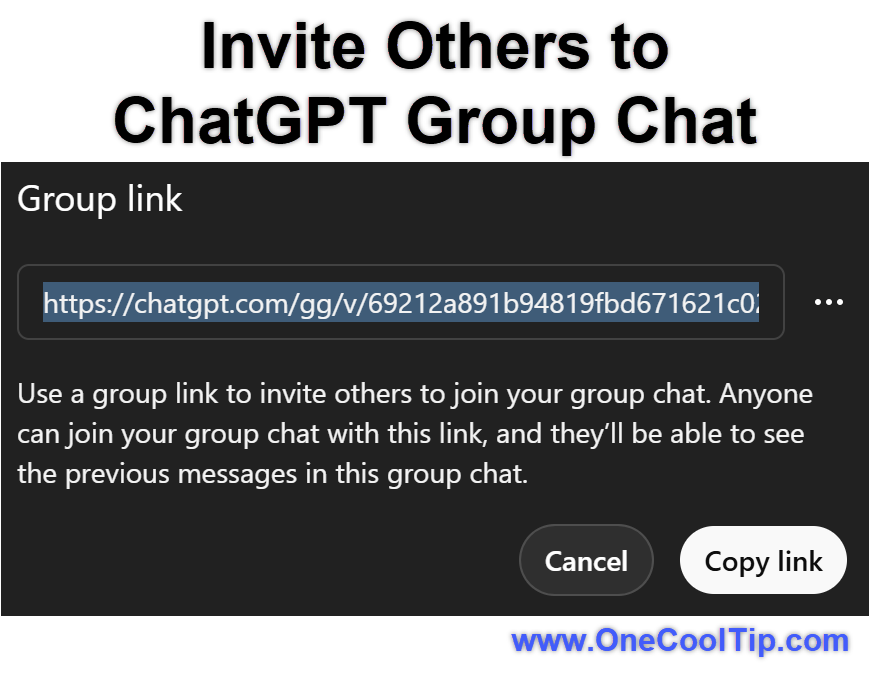
Add participants by email or sharing an invite link.
-
Start chatting. ChatGPT will join automatically when prompted.
|