2026 - August Silver Platter™


As a valued member of aSKaVIE’s Silver Platter™, I thank you for this opportunity to serve you.  This is some of the latest tech information that I promised I would share with you when you subscribed to my VIP List. I "Av-preciate" you!


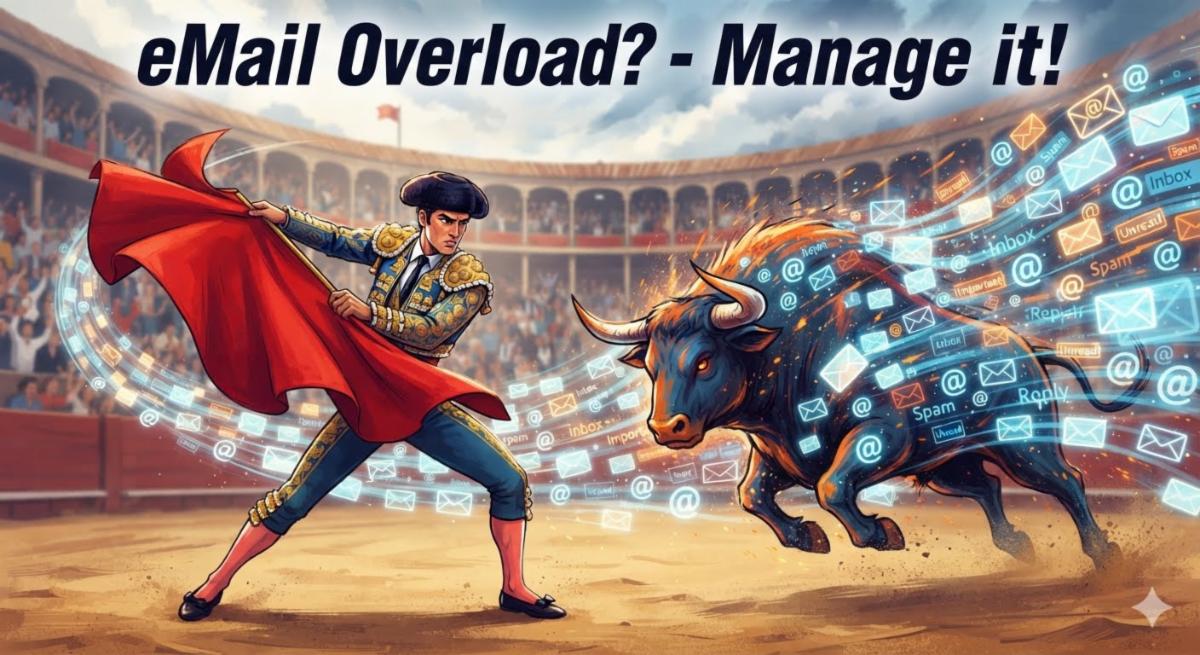
Email Overload a Challenge?

Here’s the Solution. . .


Keeping on top of e-mail can be a challenge. Your Tech Concierge™ has found that by applying a system to help organize incoming and outgoing e-mail, it can be managed just as any paper or digital file. Left unchecked, e-mail will accumulate and may easily reach the capacity of both Mail Servers and Software Applications. While each individual or organization has its own unique needs, typically, general rules can be applied that work for most, then modified to achieve a custom approach that works just right for you.


Let’s review the types of incoming mail:


Incoming Mail -

1)     Client Correspondence

2)     Vendor Communication including Bills, Orders, Notifications

3)     Newsletters – (i.e., Requested and Subscribed from authorized sources)

4)     Advertisements

5)     Personal – Friends, Family, Shopping, etc. (non-business related)

6)     Other – Miscellaneous

7)     Unsolicited Mail and SPAM

8)     Junk


Each type of e-mail may be dealt with by applying standard handling rules:


DEDICATE REGULARLY SCHEDULED TIME TO INCLUDE DAILY E-MAIL REVIEW. 


TAKE APPROPRIATE ACTION USING THE FOLLOWING QUALIFIERS:       


The Urgency/Need to Respond:

Reply if it can be done quickly or if the message requires immediate attention.


O T H E R W I S E:  Forward, Delegate, Schedule, File, Unsubscribe or Trash using the following qualifying questions:


1) Is this e-mail time sensitive wherein it will lose value by a certain date? Use your Calendar to Schedule action and move it to a “To-Do By xx/xx/xxxx” Folder


2) Must it be Delegated to another party?

 If so, immediately Forward it to that party and schedule follow-up as required. Alert the sender of your action either via CC to sender in the Forwarded e-mail or via a separate e-mail reply to sender if further explanation of your action is required.


3) Must additional research be carried out to enable appropriate follow-up?

   Schedule action or place in a “Research By xx/xx/xxxx” Folder and alert the sender as necessary to be respectful of their inquiry and to let them know that you are working on a solution and will resolve by a specific date or time frame.


4) Is this a Newsletter that has value for current and future reference?

        Move it from the Inbox and File in a Newsletter Folder by Name – otherwise Trash or Unsubscribe

Note: Only cancel subscriptions for emails you actually signed up to receive. When in doubt, Trash or Trash and Block Sender.  Consider modifying your e-Mail SPAM filter or Whitelist if it hasn't appropriately been identified.


5) Is this mail unwanted? – TRASH IT


Note: We have the need to hold onto certain mail that has been either received or sent. By applying e-Mail retention rules, we can generally place constraints on the amount of mail we need to manage, and we can create a system that will allow for appropriate timing and handling methods.


    Criteria for Retention

Does it have an expiration date?

Is it required to be retained by Law, ACT or Business purpose?

Is this required for a future event? (ie. Tickets, Reservations, Sale)

Is it necessary for follow-up?

Does it have any other significance?


     TRASH

Any remaining mail that doesn’t meet the above criteria should be moved to Trash.

Trash should be emptied at least every 30 days.


ORGANIZE YOUR INBOX


Your e-mail inbox can be likened to an airport landing strip. The goal is to keep this “landing strip” clear of traffic and to permit new planes (e-mail) to freely flow in. If an airport landing strip were to park all the planes that landed on it and never moved them off to their respective gates at the airport, air traffic would back up and no additional planes would be able to land – a disaster. The same situation happens with your e-mail server and e-mail client. The goal is to efficiently handle your incoming e-mail with a strategy that makes most efficient use of your valuable time, accomplishes your goals with minimal effort, and reduces the number of times you “touch” a single e-mail.


For people, clients, vendors, and companies that you correspond with frequently, you may want to create special mail folders to move and store mail into so that, over time, it can be easily identified and retrieved.   As needed, these mail folders can also be further organized and stored and even archived by year. By applying organizational techniques that meet your specific needs, you’ll be able to store and sort your mail alphabetically, numerically by job or client code, etc. Using an organizational format like your paper or digital filing system, you can easily reference and retrieve a message. Establishing an organizational system that works to compliment the way you already manage your work flow is likely the best approach.


IN SUMMARY


By applying the above techniques and using an e-mail application such as Microsoft Outlook, you will utilize a system that you and your staff can feel confident will help organize and streamline your e-mail workload. Using a system that mimics the way you would naturally handle your paper files when storing and finding them will go a long way to helping you manage your e-mail as well. Over time, your e-mail can accumulate. Taking steps to respond on a timely basis to mail you receive, deleting mail you no longer need, and organizing mail you wish to keep, will make your e-mail tasks much easier to handle.

For help applying any of these techniques to your business, contact “Your Tech Concierge”.


For assistance with this or any other IT challenge please contact Your Tech Concierge™ via https://www.askavie.com/room-service/


Why e-Mail Encryption?


You hopefully realize that sending private, personal and confidential information via standard email services is akin to posting it on a public billboard. Your mail is sent through the public Internet and anyone with access can intercept the message in transit , including free platform hosts such as Google, Microsoft, AOL, Yahoo, Xfinity, you name it.


Is your e-mail host "scanning" your mail and using the content to provide targeted ads and related content to you? Remember, if its free, your content is payment for the service.


I’ve helped clients get over the hurdles and limitations of even the most popular e-mail providers with secure and encrypted mail services offered by Proton.


Take control of your data with end-to-end encryption – with HIPAA Compliance


Proton is a simple move toward a better internet where privacy is the default, offering an all-in-one solution that includes encrypted email, calendar, contacts, file storage, and a VPN.


Proton Mail - Secure & Private by Default


I can help you with any e-Mail challenge from overloaded, disorganized mailboxes, to hacked accounts.


Silver Platter Entre'

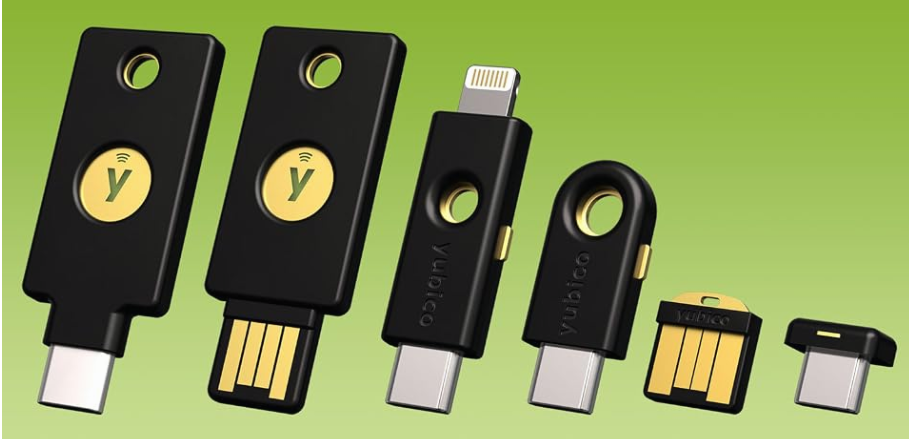
Multi-Factor Authentication(MFA) the Safer way... You have the need to protect your accounts. MFA via SMS (text messaging) is the traditional method, however, it is often inconvenient especially when other authorized individuals may need access to your account when you're not around. I've found using hardware authentication via a YubiKey is the perfect solution. Plug in to your device and authenticate with a unique encryption key dedicated only to you - the user of the key. Use backup keys to protect your account in the event you lose the original or need access from another location. I've been testing these out and have found them to be most convenient and I'd be happy to help answer your questions and get you setup.


YubiKeys-2 Factor Security

Are you behind in your PC Maintenance?


Roboform for years, has been my recommended choice for secure storage and management of your passwords and notes. It also includes a form filler. Roboform Everywhere stores encrypted versions of your passwords and synchronizes them to all of your devices. This includes PC’s, Macs, Tablets, Phones, and encrypted access via the Web too. 


Download a Free copy or Purchase an Annual License that covers all of your devices for an annual premium subscription with a special limited time – 30% off discounted price.


Please share my Digital Business Card

aSKaVIE's Biz Card


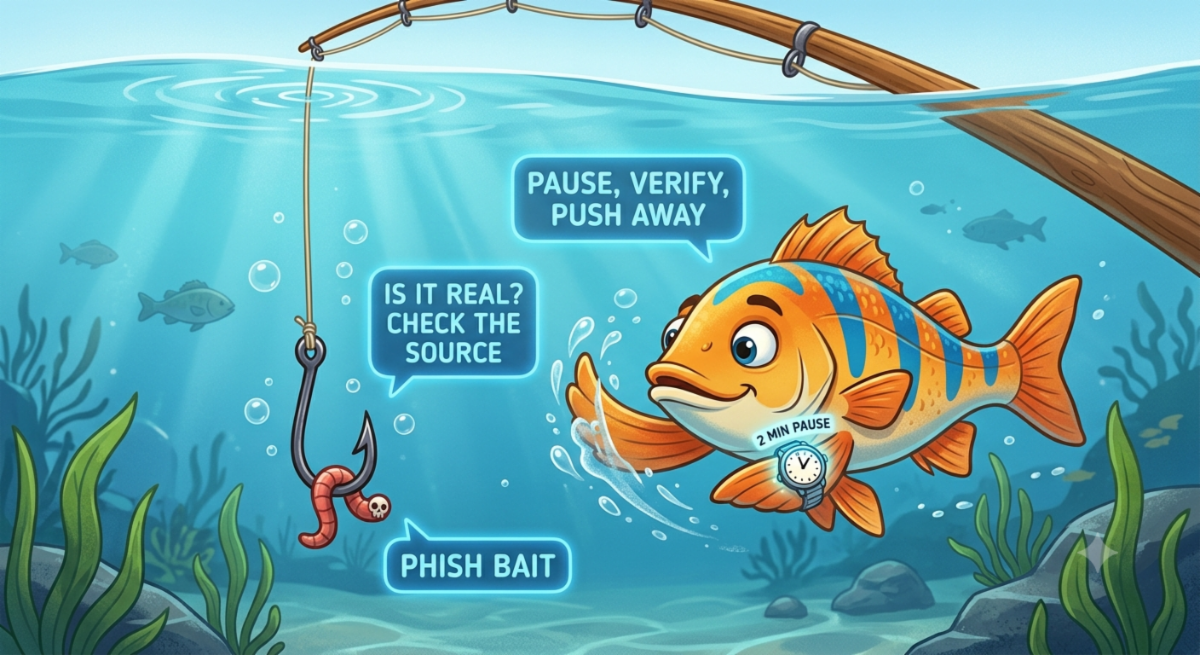
The 2-Minute Pause + Push Away

2-Minute Pause


Phishing schemes are on the rise and becoming more effective and convincing as a result of AI assisted attacks. These only work if the "victim" takes the "bait". For years, I've taught a near fool-proof technique to combat phishing and I call it the "2-Minute Pause" combined with what I call the "Push Away" technique. Listen to my audio below for the details - it's just 3 minutes and 8 seconds that may just help avoid getting "caught".:


aSKaVIE's tECH tALK tIP™


2-Minute Pause – ( Recorded 01/31/17)


Find More tECH tALK tIPs™ :  

https://www.askavie.com/tech-talktips/


The Silver Platter Appetizer

Download Complimentary

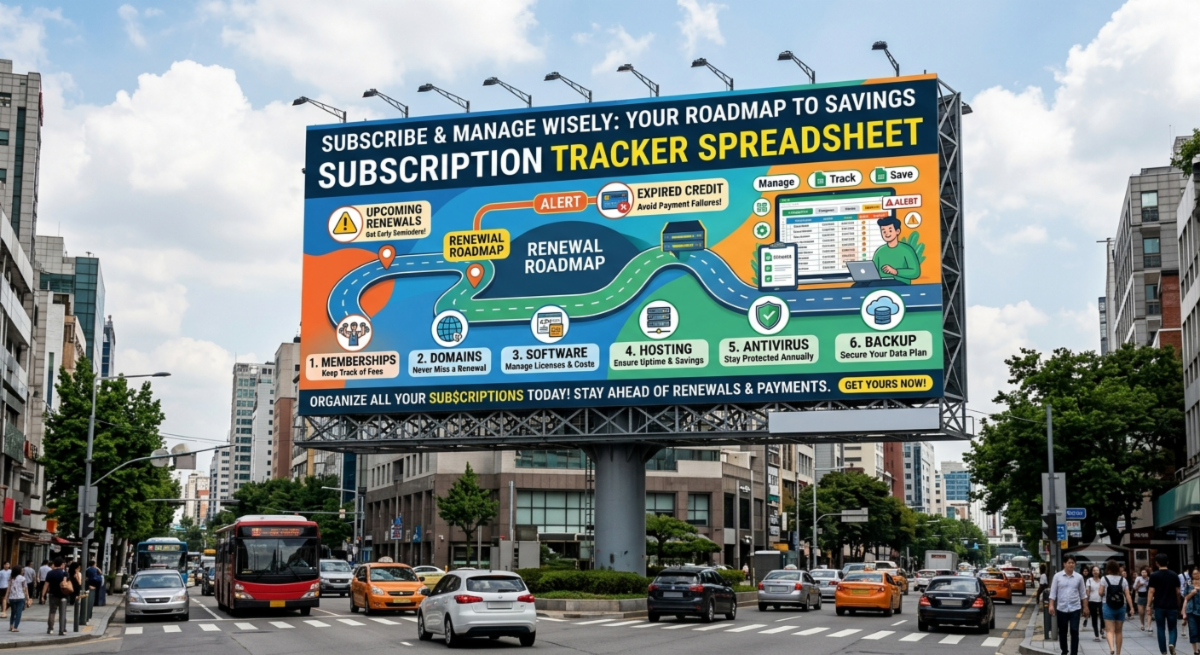
aSKaVIE's Subscription Tracker

This spreadsheet was designed after years of working with clients who hadn't organized their subscriptions.  When asked to determine when a subscription was due for renewal, a client would scramble to find the information needed to address the challenge. 


Worse yet, if a credit card on file with a subscription expired, was cancelled due to a security breach, lost, or for whatever reason in need of updating, all subscriptions needing the card replacement were difficult to quickly identify. 


Often, the first alert a client receives regarding an expired subscription is when their e-mail account fails to send or receive mail, their website fails to load, a software program they use every day for their work just stops working or a subscription update notice appears in the middle of an important project.


To help avoid any of these preventable challenges, this document was born. As a Silver Platter subscriber, you may download it for FREE and begin using it immediately. It is an Excel spreadsheet and it will work with any Excel compatible program.

As always, if you need assistance, just Ring the Bell for Your Tech Concierge.


I look forward to sharing more tasty tidbits with you in the next edition of the Silver Platter.


Please share this with a friend that might enjoy a taste of the Silver Platter too. If you received this from a friend, it's free to sign up for your own copy. Just click the button below:


Stay tuned for the next edition of aSKaVIE's Silver Platter™


Until then, visit me on my website at:


www.aSKaVIE.com


Please let me know if you have any questions or suggestions on how you'd like Your Silver Platter™ served up. Hope to hear from you soon.


Summer is Here

Take care of those pending IT Projects you've been too busy to address. Let's Talk...


Contact Me Today (888)-374-3712

 
Facebook  X  Instagram