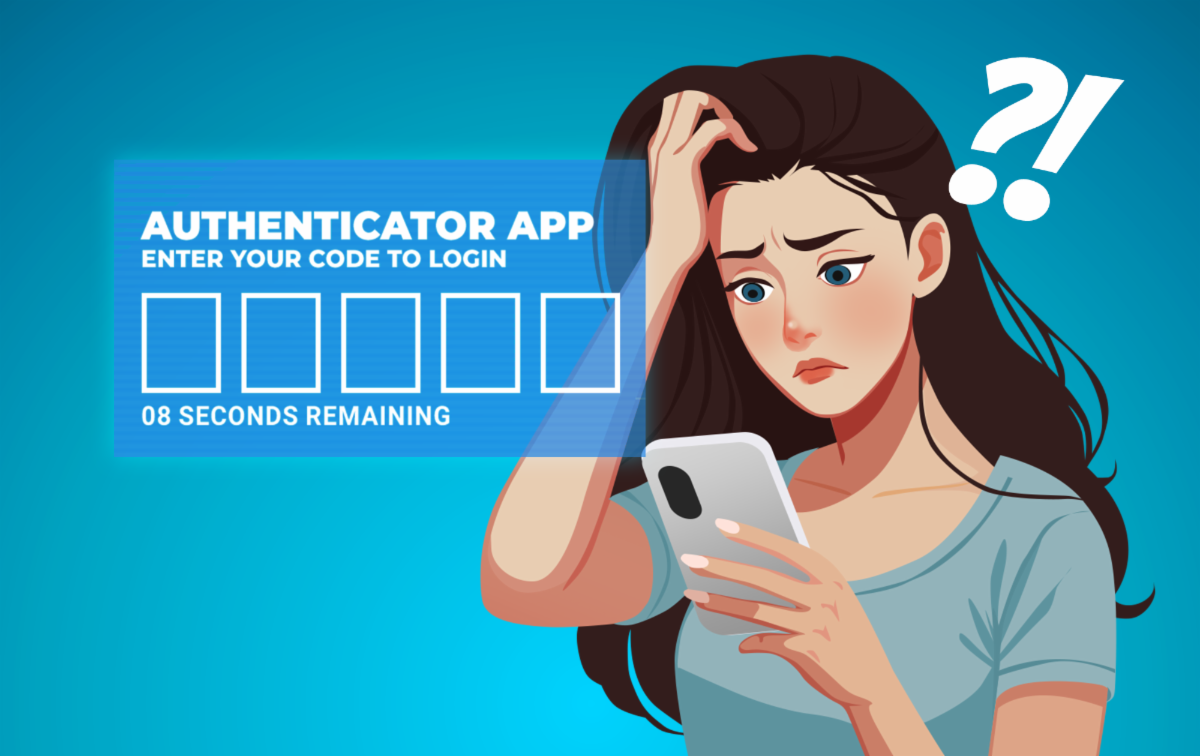
How to Avoid Being Locked Out by Two-Factor Authentication

Two-factor authentication (2FA) adds an extra layer of security to your online accounts, making them far more resistant to hacking. However, if you lose access to your 2FA, such as through a lost phone or a misplaced physical key, you might find yourself locked out of your own accounts. This guide will walk you through practical steps to protect yourself from that scenario.


Print and Store Backup Codes


When setting up 2FA, most services provide backup codes as a safety net. These codes can help you regain access if you lose your primary 2FA method. Here's how to make the most of them:


1.      Print the codes. Don't just screenshot them or save them on your device; print them out and keep them in a safe location such as a fireproof safe or a secure drawer at home.


2.      Don't store them digitally. Avoid saving backup codes as a PDF or text file on your primary device. If you lose access to that device, you'll also lose access to the codes. Keep them offline for added security.


By taking the time to store your backup codes safely, you're creating a reliable fallback plan.


Use a Reputable Authentication App with Cloud Backup


Choosing the right authentication app can make a big difference in preventing lockouts. Popular options such as Google Authenticator, Microsoft Authenticator, and Authy offer varying features, so pick one that suits your needs.


1.      Select a reputable app. Stick to well-known and trusted apps that have good security practices.


2.      Enable cloud backup. Some apps, such as Authy, allow you to back up your 2FA credentials to the cloud. This feature can be a lifesaver if your device is lost or damaged.


3.      Install the app on multiple devices. Add the app to a secondary device, such as a tablet or an old smartphone. Just make sure all devices are secured with a PIN code or password to keep your accounts safe.


By having your 2FA credentials accessible on more than one device, you significantly reduce the risk of being locked out.


What to Do If You Lose 2FA Access


Even with the best precautions, accidents happen. If you lose access to your 2FA device or key, here's what you can do:


1.      Use your backup codes. This is the fastest and most reliable way to regain access. Enter one of your stored codes to log in and reset your 2FA method.


2.      Check if one of your devices is still logged in. Sometimes, you might have an existing session open on another device. Use this opportunity to update your 2FA settings or generate new backup codes.


3.      Contact the service provider. Many online services have account recovery processes. Be prepared to provide proof of identity, such as a government-issued ID or answering security questions.


Need Help? We're Here for You


Two-factor authentication is an essential security measure but requires careful management to avoid unnecessary headaches. While 2FA might occasionally lock you out, it also keeps the bad guys out, a trade-off that's worth it. You don't know how many hacks it's already protected you from, and, in most cases, losing 2FA access is recoverable.

It's a small price to pay for peace of mind. If you're unsure about setting up or maintaining your 2FA, let us handle it for you.


Contact us today at 940-282-0290 to ensure your accounts stay secure and accessible.

DOWNLOAD PRINTABLE VERSION

The Danger of Buying Cheap Electronics from China


Everyone loves a bargain, and with online marketplaces such as Wish, AliExpress, and Temu, finding low-cost electronics has never been easier. But when it comes to electronics such as wall chargers, the question isn't whether you're saving money upfront; it's whether you're risking your safety.


For example, let's explore the risks associated with one of the most dangerous culprits: wall chargers.


The Real Issue with Cheap Electronics


Let's immediately clear up one misconception: the fact that something is made in China isn't the problem. Most of the world's electronics are manufactured there, including high-quality products from trusted brands.


The real concern lies in how easy it has become to buy extremely cheap electronics from unknown manufacturers. These products often skip critical safety and quality checks to keep costs low, which can lead to dangerous outcomes.


Why Are Brand-Name Chargers So Expensive?


It's natural to wonder why an Apple charger costs so much when you can buy a lookalike online for a fraction of the price. While it's true that brands such as Apple charge a premium, their official chargers are designed with advanced safety features. These include:


  1. Proper electrical isolation keeps high-voltage wall power separate from the low-voltage USB output.
  2. Overload protection to prevent overheating.
  3. Quality components that undergo rigorous testing.


These features aren't just about adding cost; they protect you and your devices. On the other hand, cheap chargers cut corners by omitting these safeguards entirely.


The Risks of Cheap Wall Chargers


Electrocution and Fire Hazards


Wall chargers work by converting high-voltage wall power (240 V or 120 V) to a safe, low-voltage output (typically 5 V for USB devices). In a quality charger, this conversion happens through a transformer and proper electrical isolation. Without these, the high voltage can come dangerously close to the USB side. The consequences?


  1. Electrocution. Imagine touching a charging cable and receiving a 240 V or 120 V shock.
  2. Fire risks. Poorly designed chargers can overheat, sparking fires that could endanger lives and property.


Damage to your devices


Another way cheap chargers save money is by skimping on power regulation. This can lead to:


  1. Voltage surges sending too much power to your device, potentially frying its circuits.
  2. Underpowered charging delivering inconsistent or insufficient power, which can harm your device's battery over time.
  3. Dirty power. Cheap chargers often produce "noisy" power, meaning the electrical current isn't smooth and consistent. This can cause erratic device behavior, shorter lifespans, or outright failure.


Fire risk from overheating


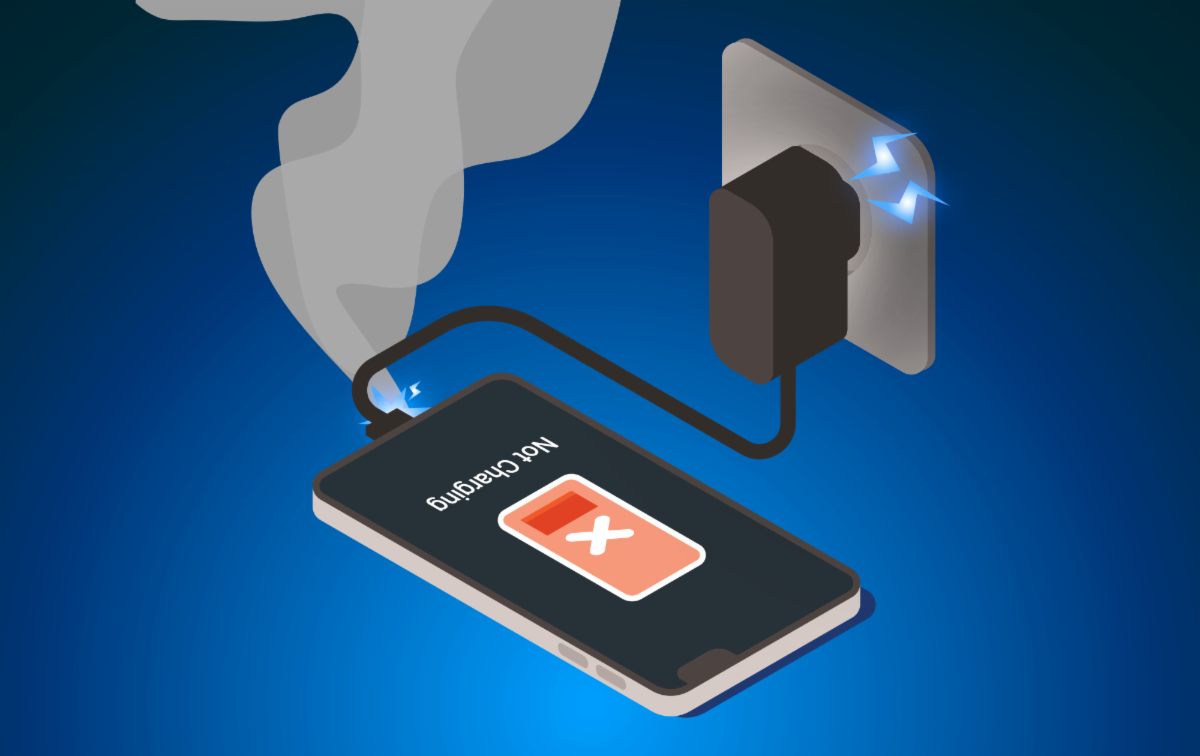
Wall power is incredibly potent. If a charger's internal components aren't up to standard, the heat generated during operation can't be safely dissipated. Over time, this can cause components to fail catastrophically, leading to smoke or fire. Poorly designed chargers can even overheat while plugged in with no device attached.

How We Can Help


We understand the appeal of a bargain, but when it comes to electronics, long-term safety and performance should never be compromised.


If you want to make informed decisions about your future technology purchases, give us a call at 940-282-0290.


We're here to guide you in choosing high-quality electronics that are safe and reliable.

DOWNLOAD PRINTABLE VERSION
 
Brian W. Norby
 
(Owner of both BWN Computer
AND That Computer Man)


1-940-282-0290
Visit BWN Computer's Website
Visit That Computer Man's Website
Connect with us
Facebook  Linkedin