Meeting News


NRG2026 Virtual Session Kick Off

Planning to attend any NRG2026 virtual sessions? Zoom links are now available!


FOR NRG MEMBERS 

Log into the NRG Oncology website to access the full list of virtual session links via the Virtual Session Resources webpage.


FOR NON-NRG MEMBERS 

Log into the CVENT Attendee Hub to join your session. 

NOTE: Registration is required to access CVENT. Click here to register if you haven't already. Detailed instructions on using the Attendee Hub are provided below.


What is the Attendee Hub?

The Attendee Hub is NRG’s event platform where you can:

  • View your registered sessions
  • Access session agendas and virtual session links
  • See venue maps and Wi-Fi details
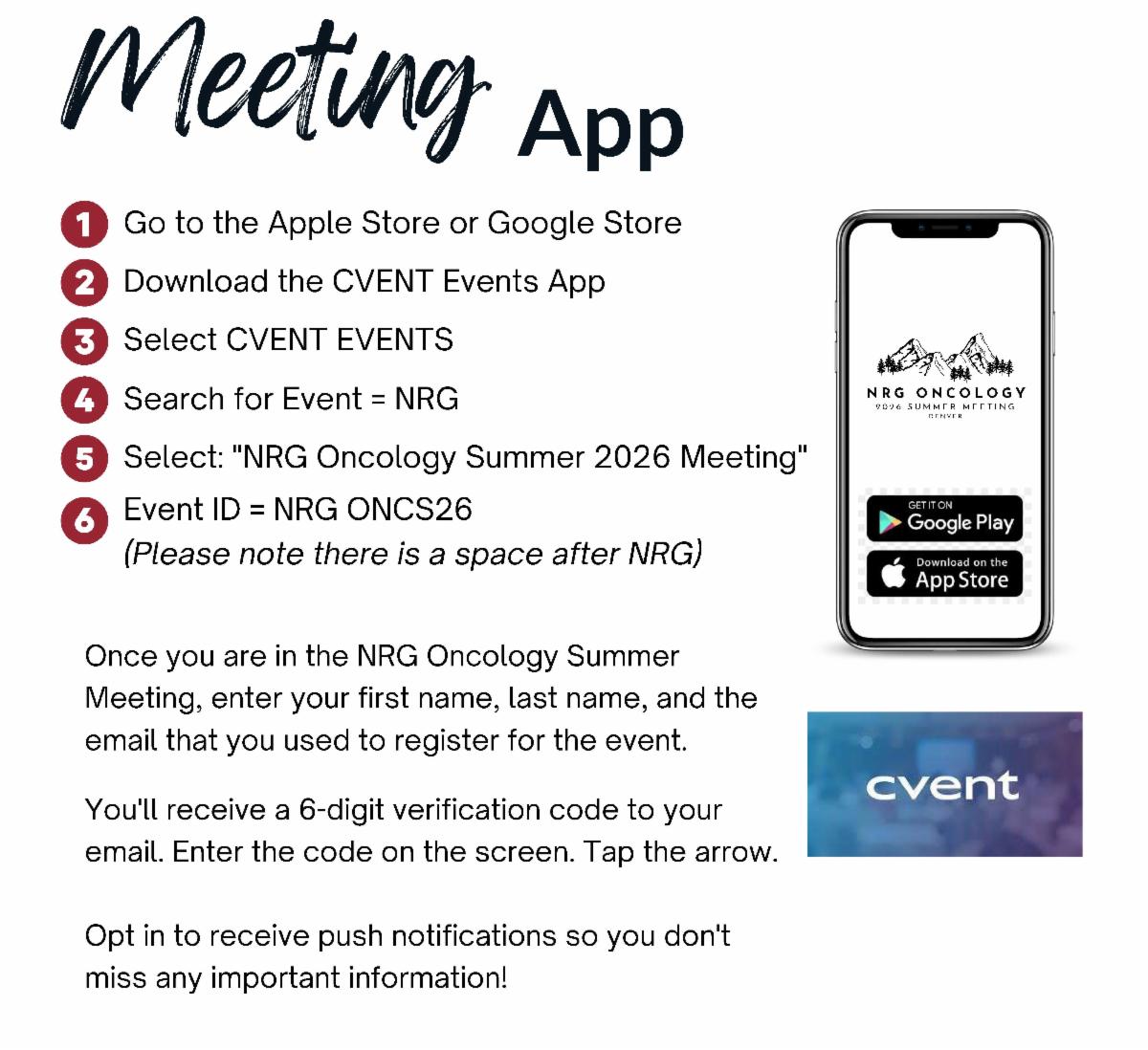
  • Use the mobile app (for in-person attendees)


How to Access the Attendee Hub

Follow these steps to log in:

  1. Visit the Attendee Hub
  2. Enter the name and email address that you used to register.
  3. You’ll receive a 6-digit verification code by email and text.
  4. Didn’t get it? Check your Junk/Spam folder.
  5. Enter the code to access the Hub.

NOTE: For security, you may be logged out after a period of inactivity. To log back in, revisit the Hub and request a new code.


Google Chrome is the recommended browser for the best experience.


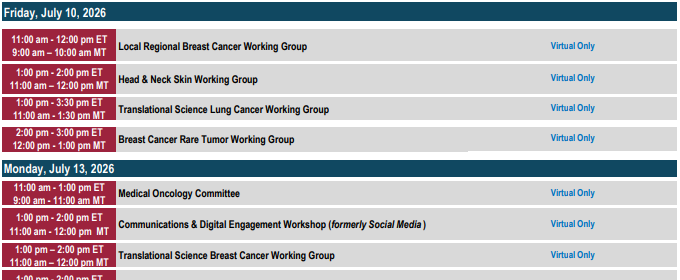
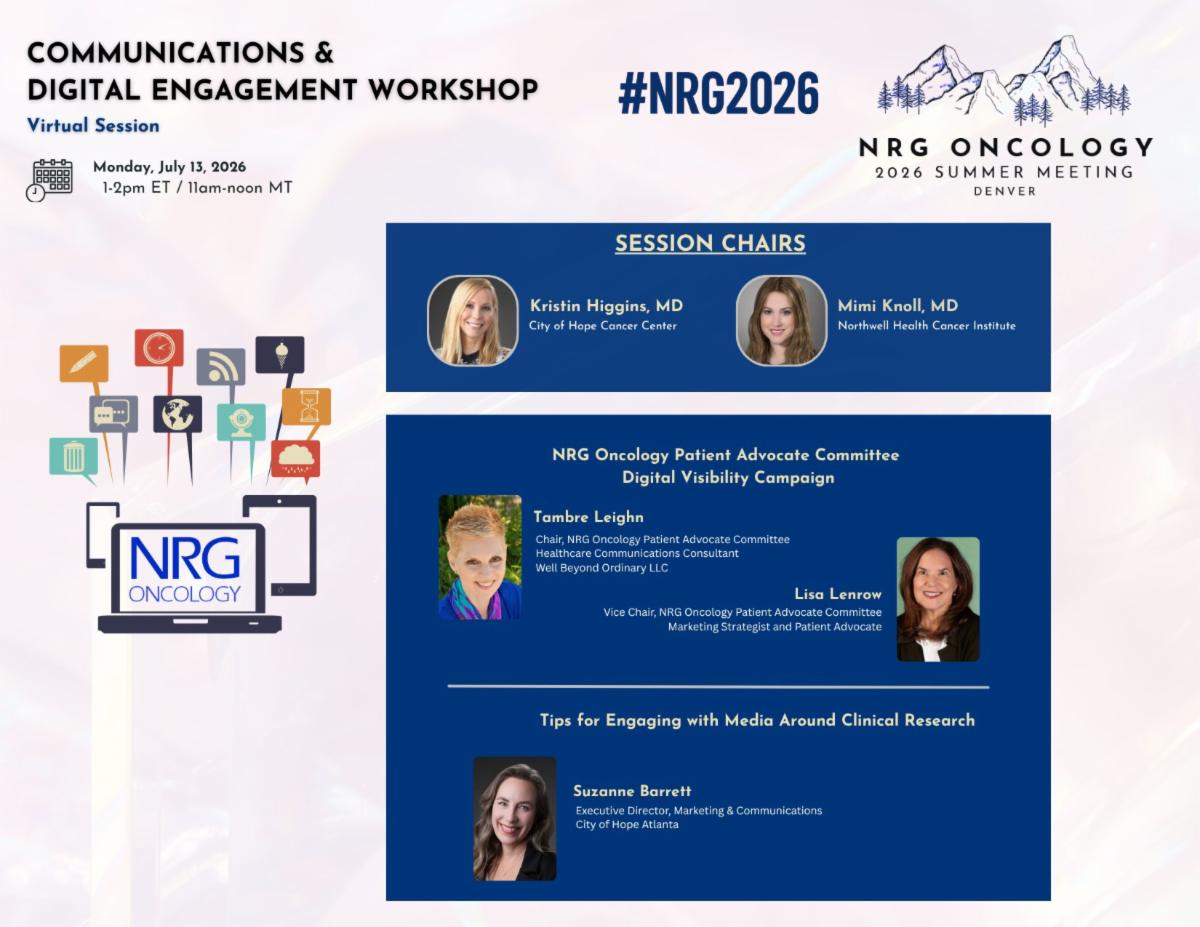
Virtual Highlights: Don't Miss These Must-See Sessions!

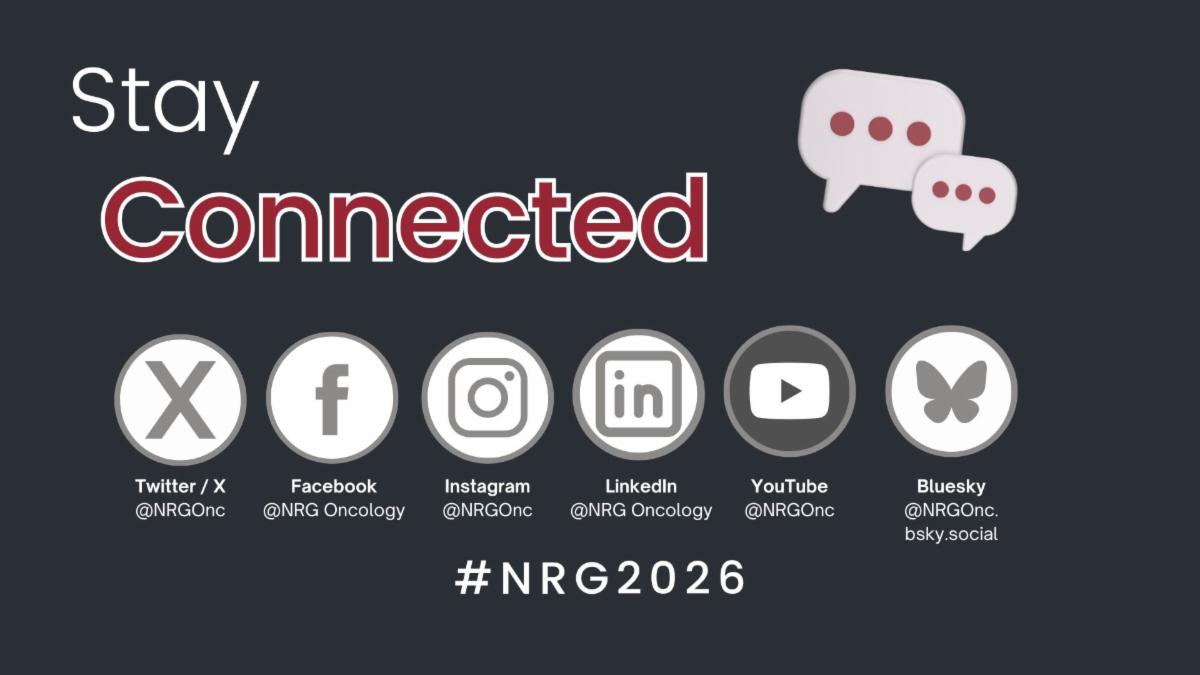
Be sure to follow us on social media and use the hashtag #NRG2026 to be a part of the conversation!


We are on the following social media platforms:

Twitter/X: @NRGOnc

Facebook: @NRG Oncology

Instagram: @NRGOnc

LinkedIn: @NRG Oncology

YouTube: @NRGOnc

Bluesky: @nrgonc.bsky.social


Meeting Slides

Following the meeting, we will be adding slides from sessions to the NRG Website Meeting webpages. Please continue to check back as these are added in the weeks following the Meeting.

NRG Meeting General Help 

For any issues related to the meeting, please contact meeting-reg@nrgoncology.org.