Your AAML Fellowship Experience Just Received an Upgrade

We're dedicated to enhancing your experience as an AAML Fellow. We're thrilled to announce that your online experience just received an upgrade; a new, modern Fellowship portal. All of your Fellowship information is retained and accessible, but you will need to setup a new login.


Follow the steps outlined below to set up your login and ensure a seamless transition to the AAML Fellowship portal. A new login is required to access your portal. Your previous login information is no longer valid.

Setting Up Your New Login


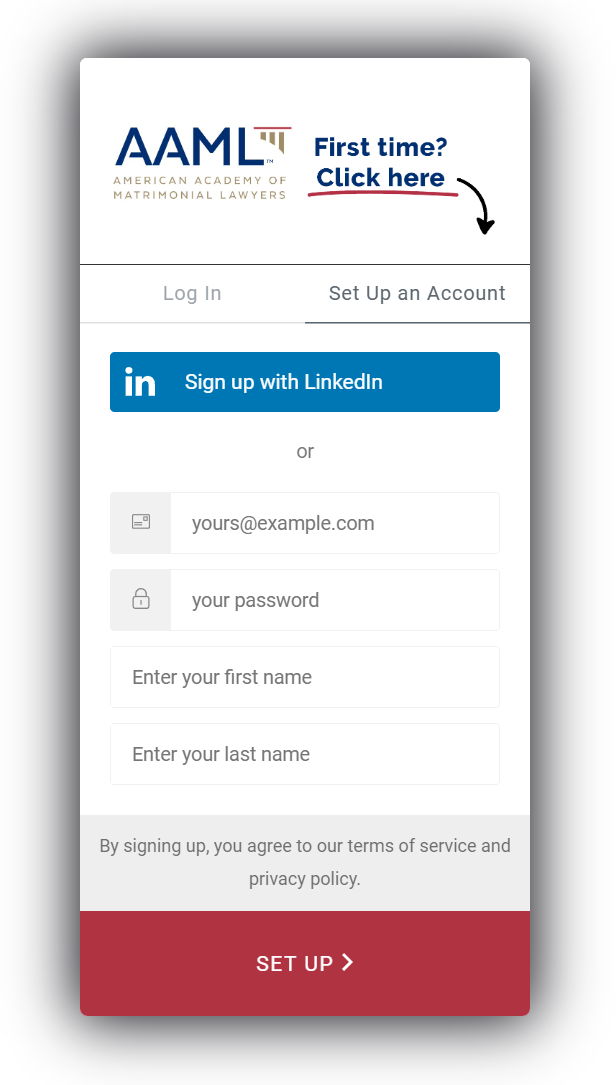
Head to the new portal to set up your login credentials.


Use the “Set Up an Account” (not “Log In”) tab in the pop-up window when logging in for the first time.


Please enter your first and last name, email address and a new password. Use the email address you are receiving this email out to create your new account. Your password does not need to match your previous AAML password login.


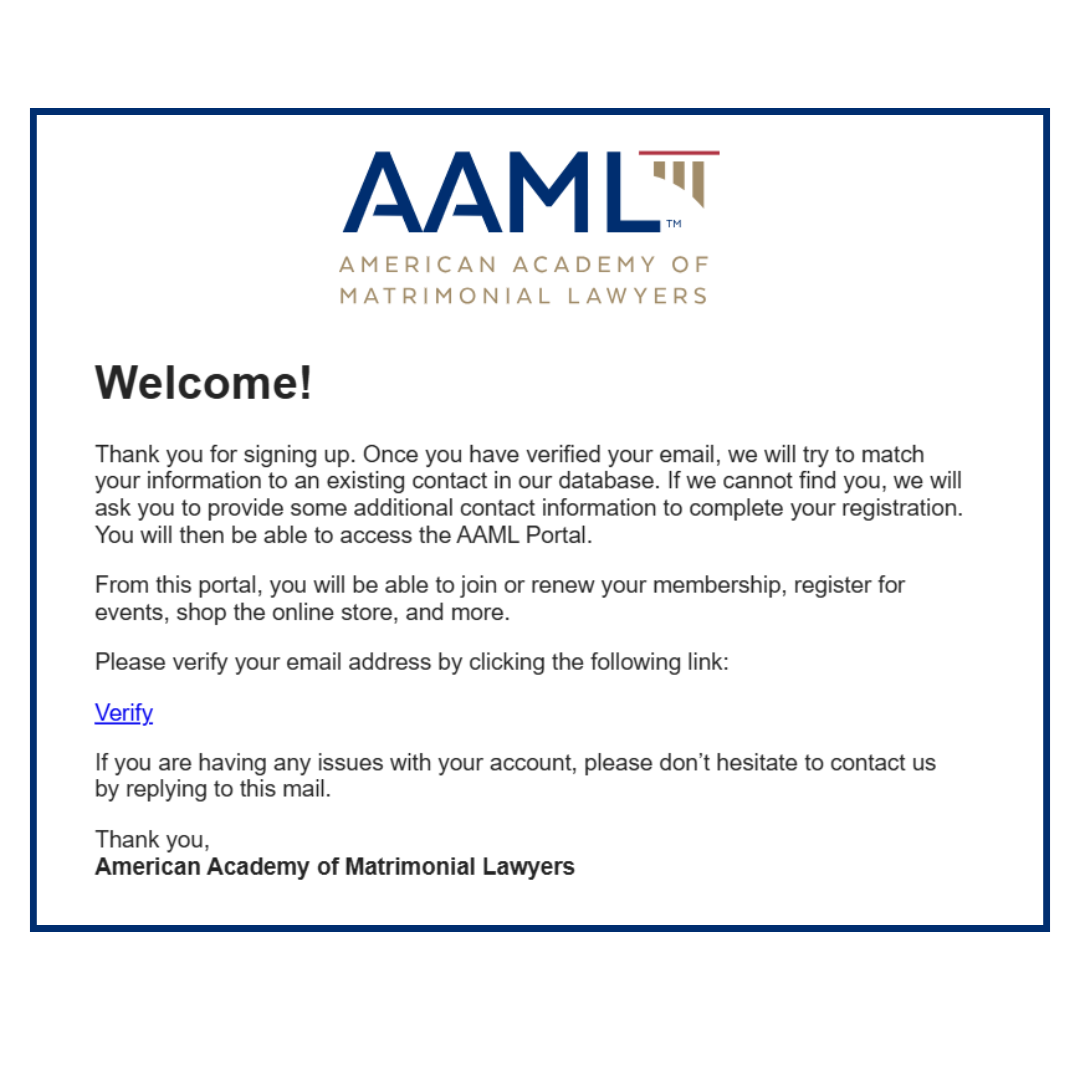
You will receive an email (like the image to the left) to verify your email address and complete your account setup. Make sure to check your spam folder if you do not receive it.


Setting up new login credentials is required to activate your login. Once your account has been set up, you may navigate to the “Log In” tab. Without an account, you will not be able to renew your Fellowship or access your Fellow benefits.

Need More Help?


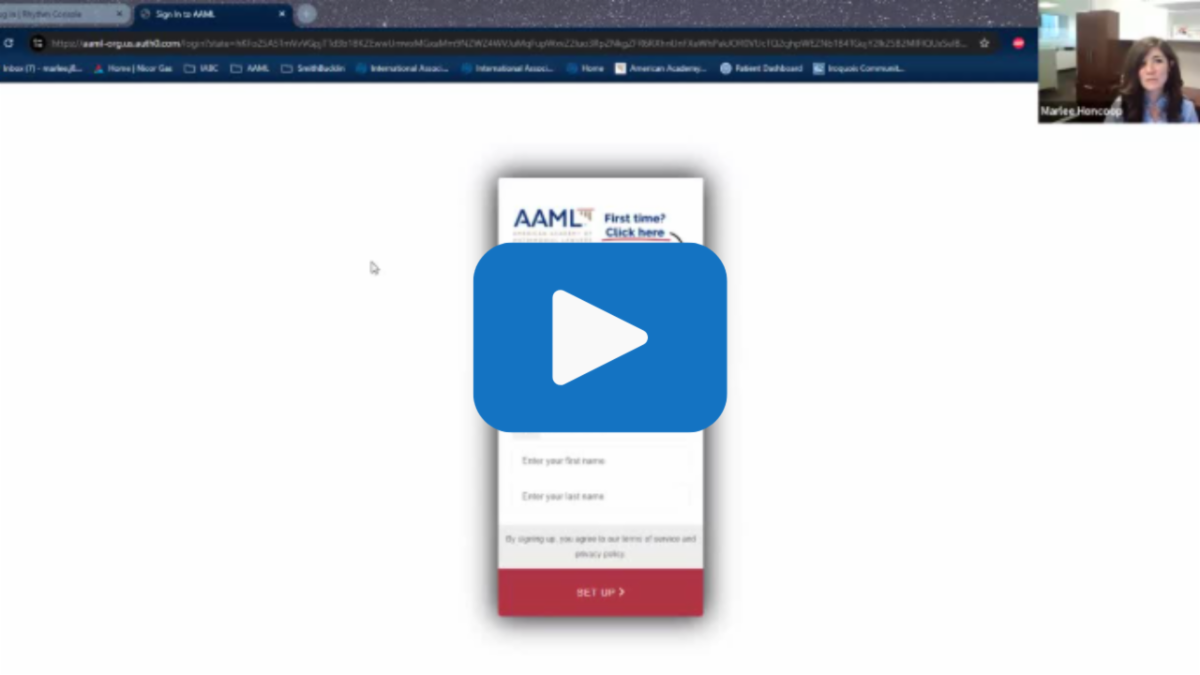
Use the how to video below or our list of FAQs as you login and explore the new portal. If you still need assistance, please reach out to AAML staff at office@aaml.org and we are happy to walk you through the process.