|
Talk to Mr. Darcy? How NotebookLM Brings Jane Austen to Life
Ever wished you could ask a question about Pride and Prejudice and get an instant, citation-backed answer? Google's NotebookLM makes it possible by turning classic literature into an interactive AI experience.
Have you ever struggled to remember exactly how Captain Wentworth and Anne Elliot rekindled their romance in Persuasion?
Or perhaps you want to compare the theme of inheritance across all seven of Jane Austen’s novels simultaneously.
In the past, this required hours of flipping through pages or searching disparate websites.
Here's a Cool Tip: Ask Jane Austen's book in NotebookLM.
Today, you can simply ask the books.
Google’s NotebookLM has evolved from a simple note-taking tool into a powerful engine for interacting with massive amounts of text, and a new shared notebook containing the collected works of Jane Austen proves just how game-changing this is for readers, students, and book clubs.
Feature Explanation
NotebookLM is Google's AI-powered research assistant that allows you to upload documents such as, PDFs, Google Docs, text files, and then "chat" with them using Gemini Pro.
Unlike a general chatbot that pulls information from the entire internet, NotebookLM is "grounded" in the specific sources you provide.
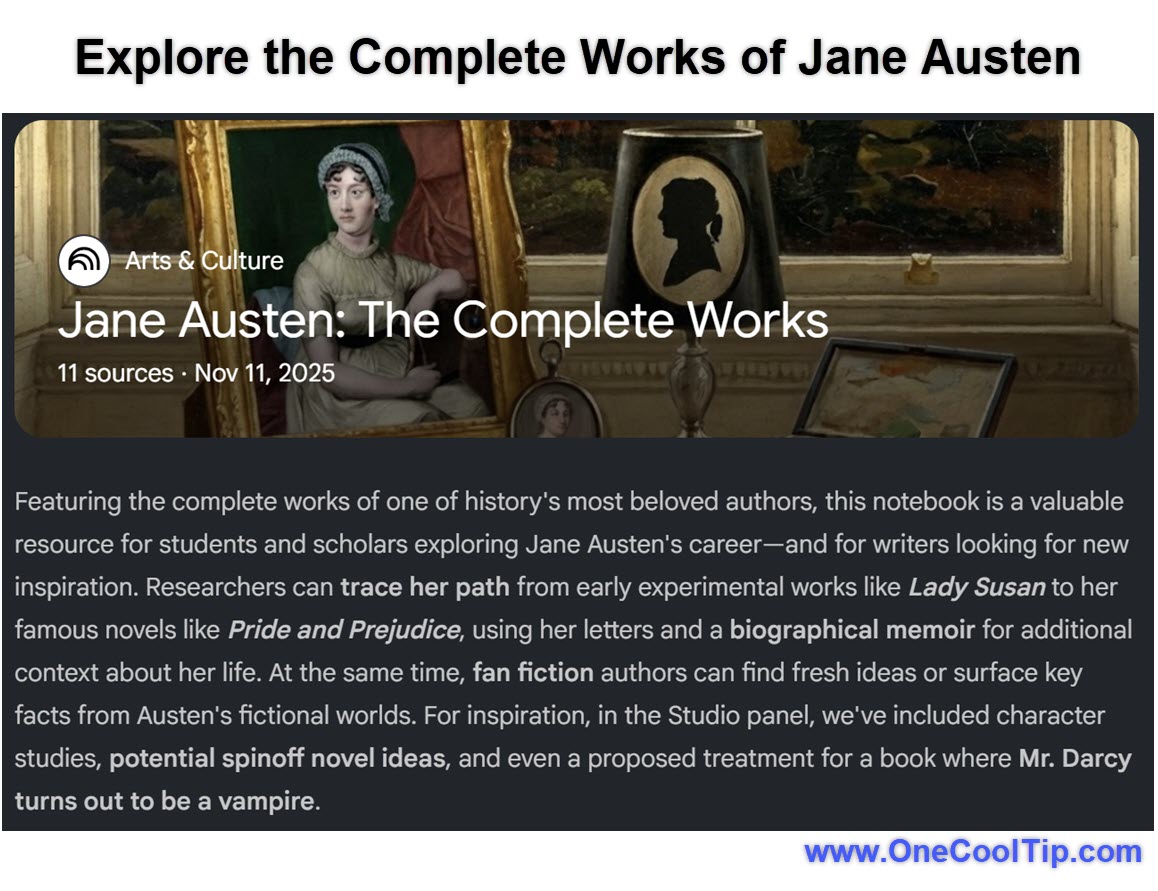
The "Jane Austen: The Complete Works" notebook, shared by author Steven Johnson, contains the full text of Austen's major novels.
By accessing this public notebook, you are not just reading the books; you are interacting with a closed AI system that knows every character, plot point, and turn of phrase in Austen's bibliography.
It creates citations for every answer, showing you exactly where in the text the information resides.
What You’ll Gain
-
Instant Literary Recall: Find specific quotes or plot details across seven books in seconds.
-
Deep Comparative Analysis: Ask complex questions comparing themes or characters between different novels.
-
Audio Discussions: Listen to a "Deep Dive" audio overview where two AI hosts discuss the books like a lively podcast.
Step-by-Step Instructions
Here's how to do it.
Accessing the Austen Notebook (Web/Mobile)
-
Navigate to the NotebookLM.
- Sign in with your Google account if prompted.
-
Look for "Jane Austen: The Complete Works" in Featured Notebooks section.
-
Or click this link to go directly: "Jane Austen: The Complete Works".
-
Type a question in the chat box at the bottom, such as "Compare the father figures in Emma and Pride and Prejudice."
-
Explore the Studio Pane for pre-made content such as Slides, Mind Maps, Infographics, Quizzes, Video Overviews, and Audio Overviews.
|