|
One Cool Tip Newsletter
October 17, 2025
| Your daily dose of tech-savvy brilliance! | |
😀Greetings! Happy Friday Funday, Cool Tipper!
Get ready to streamline your digital life with simple, actionable tips delivered straight to your inbox.
Today's Cool Tip Theme: Fluid Paint
IN THIS ISSUE
- ⚠️ Phishing Security Alert.
- 🛡️ Instagram Update.
- 🚀 Friday AI Productivity Tip.
- 🖼️ AI Art Prompt of the Day.
- 🖌️ Be Creative.
- 🌊 Virtual Aquarium.
- ✨ Stunning Digital Art.
- 🌌 Paint the Universe.
New here? Subscribe to the One Cool Tip Newsletter for daily updates. It's FREE!
-
😂 Laugh with Us! Enjoy our Tech Joke of the Day, Haiku and Cool Tip Comics.
-
🌐 Stay Informed! Check out ICYMI, and our One Cool Tip Video.
🔔 Is your email provider (Gmail, Yahoo, Outlook...) not delivering the newsletter?
Check the Junk folder - Move the newsletter to your Inbox. And reply to this email with a “Hey, Rodger” or “I got it.” That tells your mail service you want this newsletter!
Today's Tech Trivia
Answer at the end of this newsletter.
| |
| What mathematical model is used in computing to simulate the dynamic flow of fluids? | | | | |
3️⃣
If you enjoy the One Cool Tip newsletter, please forward this newsletter to THREE friends or colleagues or share it on social media using the links below.
Leave a Tip!
Share this One Cool Tip Newsletter!
| |
🚨Beware Fake Microsoft Support Scams🚨
A new phishing campaign is impersonating Microsoft with fake security alerts and logos to trick users into giving up login credentials or installing remote access tools.
Scammers send emails claiming urgent account issues, then redirect victims through fake CAPTCHA pages and pop-up overlays that mimic Microsoft’s interface. These overlays lock the browser and display a fake support number. If called, users are pressured to share credentials or install malware.
What to do:
- Never trust pop-up support numbers.
- Press ESC to exit fake browser locks.
- Verify alerts directly via your Microsoft account, not through email links.
And in Other News...
- Instagram Now Uses PG-13 Ratings for Teen Accounts
Instagram has updated its teen account settings to align with PG-13 movie standards, meaning users under 18 will now see content similar to what’s allowed in a PG-13 film.
Teens are automatically placed into a 13+ content setting, which filters out posts with strong language, risky stunts, and adult themes like alcohol or marijuana. Parents can opt into a stricter “Limited Content” mode that blocks even more material and restricts comments and AI interactions.
Bonus Tip: Parents can now report inappropriate content and receive feedback on moderation decisions.
| | |
🚀 Make It a Great Week!
Copy/Paste this AI-powered prompt. Use with your favorite AI assistant: Gemini, Copilot, Grok, DuckAI, Meta and ChatGPT.
“It’s Friday and time to clear the decks for the weekend.
*‘Help me finish my week strong. Here’s what’s still on my plate: [list your tasks, projects, or unfinished goals].
Organize these into three categories: Must Do Today, Delegate or Defer, and Ignore or Automate.
For each “Must Do,” give me the next concrete step I can take right now to get it done before the weekend.’
Optional: Ask your AI to draft a short Friday summary email or report you can send to your boss, team, or client recapping what you accomplished.”
| | | |
🖼️ Cool ChatGPT AI Prompt of the Day: Clean Recipe
“Turn my week into abstract art.
Here’s what my week felt like: [add a few descriptive words or phrases e.g., calm, colorful, chaotic, productive, surprising].
Create an image that visually represents that mood using shapes, colors, and motion with no text.”
| |
🤖One Cool Tip AI Companion
| |
Do you want online tech help?
Check out the NEW and improved One Cool Tip AI Companion, powered by ChatGPT.
Log in with ChatGPT or create a FREE ChatGPT account.
One Cool Tip AI Companion
| | |
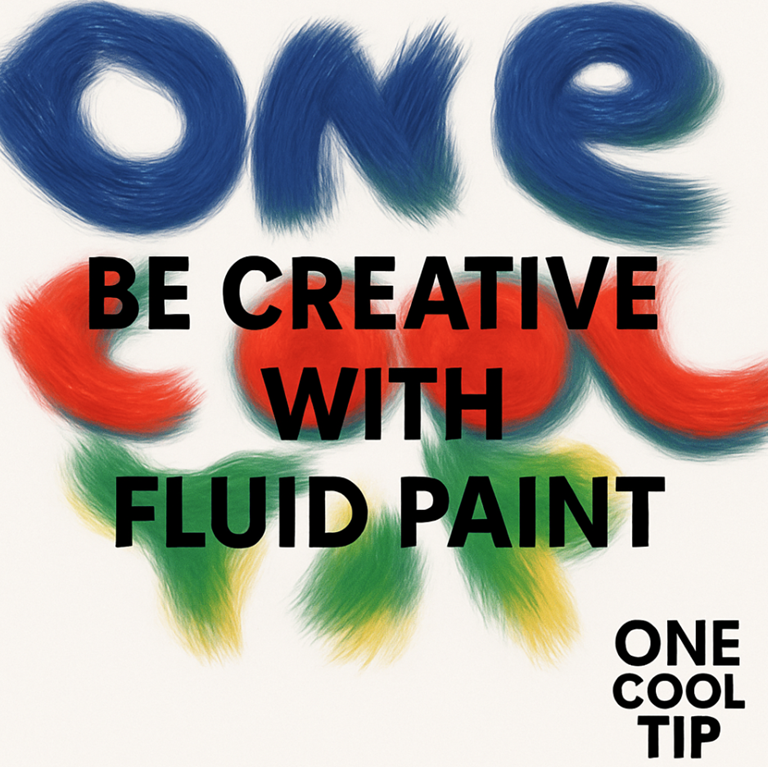
Be Creative with Fluid Paint
Turn your mouse or fingertip into a digital paintbrush that flows like liquid color. Fluid Paint by David Li lets you create mesmerizing art right in your browser with no downloads, no cost, just pure creativity.
Remember the joy of swirling paint in water as a kid?
Here's a Cool Tip: Paint with Fluid Paint.
Fluid Paint captures that same sense of wonder but with code.
It’s a browser-based art tool that transforms simple brush strokes into hypnotic motion, letting you experiment with color, form, and flow.
Whether you’re an artist seeking inspiration or just need a creative break after a long workweek, this is digital art therapy powered by physics and fluid dynamics.
Feature Explanation
Fluid Paint is an interactive online experiment created by David Li, known for blending computer science and art.
The website simulates the way liquids move, ripple, and blend.
You paint directly in your browser, and every brushstroke spreads, mixes, and flows naturally as if it were real paint floating on water.
There’s no “save” button, no gallery, and no pressure to produce something perfect; just the satisfying experience of color in motion.
It’s creativity without consequence.
What You’ll Gain
- Rediscover artistic play and relaxation
- Explore the physics of motion through color
- Create mesmerizing visuals for screenshots or inspiration
Step-by-Step Instructions
Here's how to do it.
- Go to david.li/paint/ on your desktop, tablet, or phone.
- Move your mouse or finger across the screen, each movement adds color that flows and blends dynamically.
- Use the sliders to adjust color, brush size, and bristle count.
- Try fast strokes, circular motions, or short taps. Every gesture creates a unique fluid pattern.
- Use your device’s screenshot tool to save your art and share it on social media.
Pro tips:
-
Click and hold to paint.
-
Scroll to change brush size.
-
Space + drag to pan.
-
Drag edges to resize canvas.
fig. 1 - Fluid Paint Controls
Pros and Cons
Pros
- Free and runs instantly in any browser.
- Beautiful, immersive experience.
- Encourages creative relaxation.
Cons
- No export or sharing tools built-in.
- May be GPU-intensive on older devices.
- Can be addictive once you start experimenting.
Configuration Guide
You don’t need to install anything.
Fluid Paint runs directly in your browser using WebGL technology.
For the smoothest experience:
- Use an up-to-date browser like Chrome, Edge, or Safari.
- For touch devices, rotate to landscape for more space.
Feature Access
Fluid Paint is free and public, available on desktop, tablet, and mobile.
No login, no subscription, and no ads.
It’s purely an interactive digital art canvas accessible from anywhere.
Score
Criterion | Score | Justification
Value 9
A free, stress-relieving creative tool accessible to everyone.
Usability 8
Simple to use instantly, with minimal controls.
Wow Factor 10
The fluid motion effect feels alive and endlessly fascinating.
Total Score: 27/30 🌟 Excellent.
Highly recommended for creative play and inspiration.
Key Takeaways
Fluid Paint turns your browser into a playground of motion and color.
It’s intuitive, mesmerizing, and ideal for anyone who wants to explore art and physics through digital flow.
Try It Yourself
Take a five-minute break and paint with motion.
Visit Fluid Paint, then share your favorite creations with the hashtag #FluidPaint and tag @OneCoolTip to show your masterpiece!
READ MORE
Read the Full Cool Tip.
| | |
Help support One Cool Tip. Use this Amazon link when you shop online.
Look at these Cool Products:
|
-
🖊️ XP-PEN Digital Stylus Pen: Perfect for fluid painting on tablets. Pressure-sensitive and precise. Overall Pick! Check it out on Amazon!
-
🖥️ Huion Kamvas Pro 13 Drawing Tablet with Screen: A full-color display lets you paint directly on the surface. Save 20% Overall Pick! Check it out on Amazon!
-
🎧 Sony WH-1000XM5 Noise-Canceling Headphones: Create in peace while listening to ambient music. Check it out on Amazon!
| | |
🆒Tell Me More
- You can change brush size and flow in real time, affecting how far and fast paint “bleeds” into surrounding space.
- The tool’s design intentionally omits layers, undo stacks, or save states. It’s an exploratory, ephemeral canvas.
- Because it’s browser-based, it works across desktop, tablet, and many mobile devices as long as the GPU can handle it.
⏩Quick Tips
-
🎯 Use a stylus (or finger) instead of mouse: you'll get more precise, natural strokes.
-
🎨 Start with mid-size brush + moderate flow: extreme settings often lead to “muddy” color blends.
-
🖼️ Zoom out and pan: fluid art often looks better viewed from a distance.
-
📸 Take screenshots early and often: there’s no built-in save, and you might lose a pattern you love.
-
🔄 Vary stroke speed and direction: fast strokes create streaks, slow ones allow blending and diffusion.
| | ✅ More Must-Read Tech Tips | |
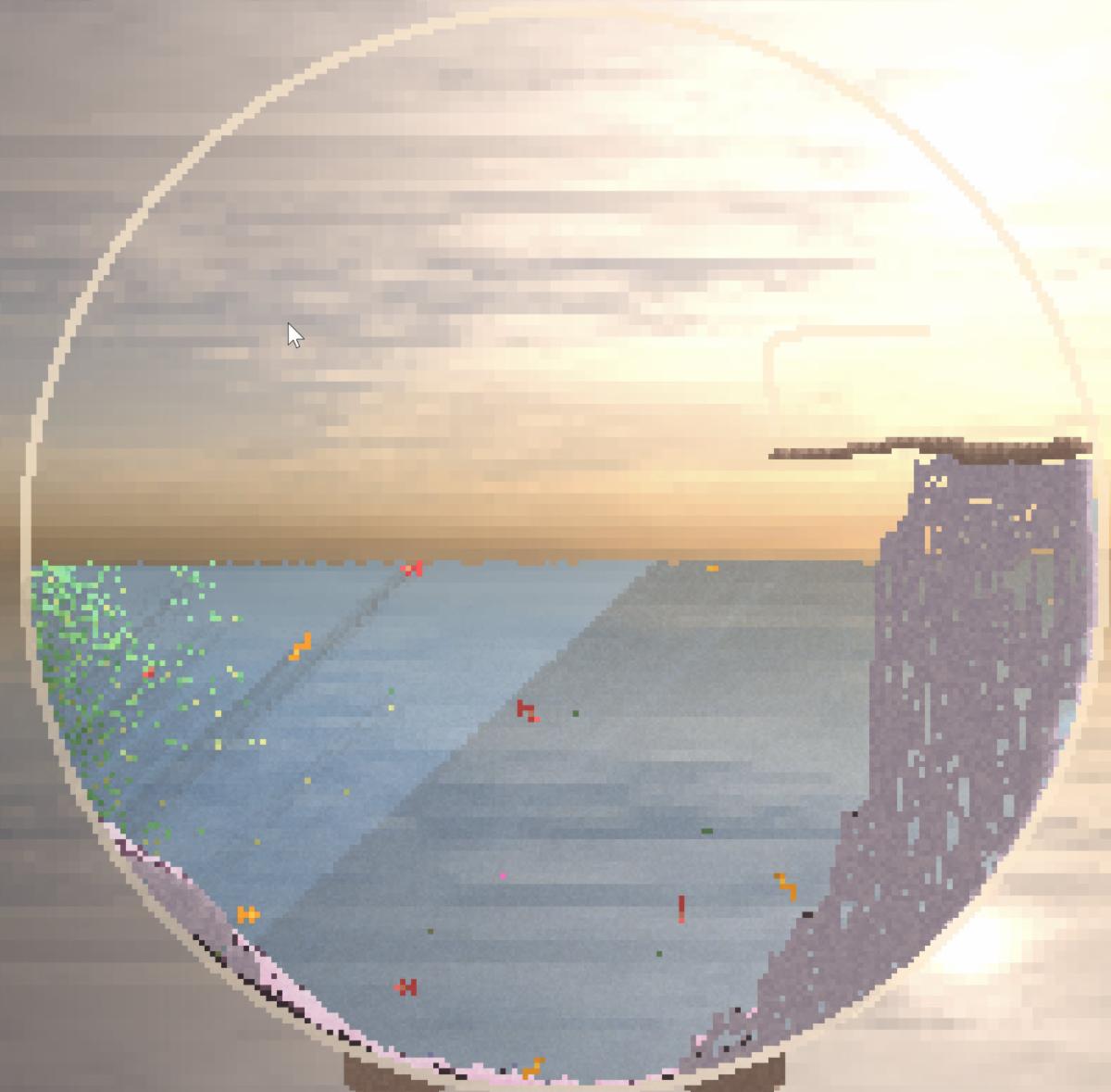
👀 How Do I Build a Virtual Aquarium?
Have you ever dreamed of curating your own underwater paradise?
Orb Farm is an immersive virtual ecosystem that brings the wonders of the ocean to your fingertips.
Here's how to do it.
-
Navigate to Orb Farm: https://orb.farm/
-
Populate Your World with a diverse array of fish, invertebrates, and plants.
-
Keep a close eye on your ecosystem's health and balance. Ensure proper nutrition, remove waste, and prevent overcrowding.
-
Unlock new species, decorative elements, and challenges as you progress.
Orb Farm is more than just a digital aquarium; it's a portal to an underwater realm of wonder, learning, and creativity.
Discover more HERE.
| |
🤔 Have You Ever Wondered How to Create Stunning Digital Art?
Need to be creative during a boring call?
Don't want to make a mess with crayons and paint?
Weavesilk.com is a website that allows you to create beautiful digital art with ease.
It’s an interactive platform that lets you draw with your mouse or finger and create mesmerizing patterns and designs.
The website has a simple interface that makes it easy to use.
Find more HERE.
| | |
🙋♂️ Here's How to Paint the Universe.
Do you need a few minutes of creativity?
Check out this Cool Tip for Friday Funday: 29a.ch
This site lets you create a colorful cosmos.
Pick a color and start spreading your artistic design across the universe.
Learn more HERE.
| | |
❓Did you share this newsletter with three friends yet?
😎 Cool Facts
-
59-89 Years: Full 3D fluid simulations used in Hollywood effects often require rendering clusters to calculate a single second of footage. A three hour movie would take 5-89 years to render on a single machine. Source.
-
8,192: High-end drawing tablets, which greatly enhance control in tools like Fluid Paint, can detect 8,192 or more distinct levels of pressure, allowing for incredible nuance in how density is applied to the canvas. Source.
⌨️Today's Cool Keyboard Shortcuts
-
Space + Drag: Pan the canvas (All platforms)
-
Scroll Wheel: Resize brush (Windows/macOS)
-
Cmd + Shift + 4: Screenshot on Mac
-
Win + Shift + S: Screenshot on Windows
😜 Tech Joke of the Day 😅
Why did the digital paintbrush get promoted?
Because it always made a good impression.
🔎 Do you have a Cool Tip or tech question? Email us at onecooltip.com@gmail.com.
| | |
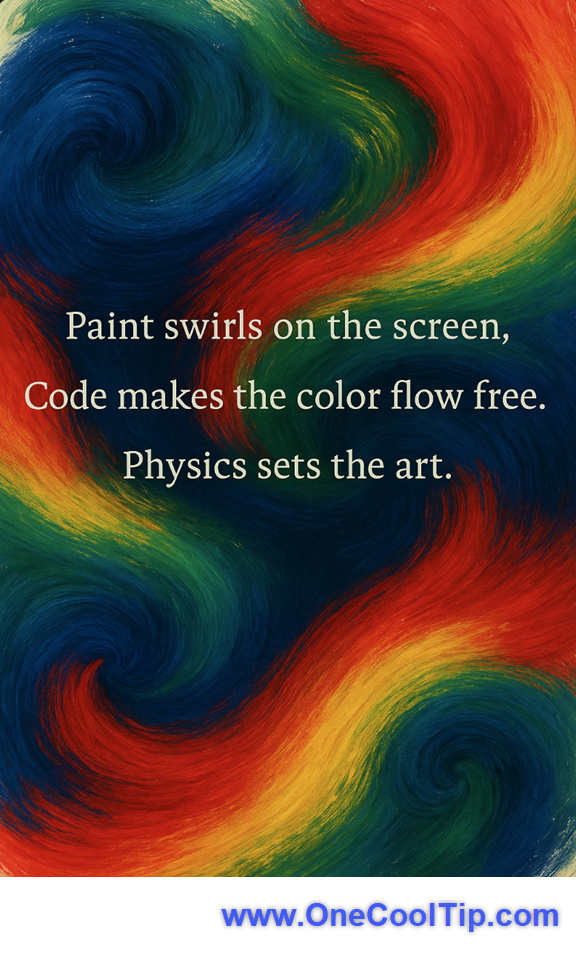
Paint swirls on the screen,
Code makes the color flow free,
Physics sets the art.
| |
| 🤔 When you try a digital art experiment like Fluid Paint, what’s your favorite goal? | | | |
Did You See These Cool Tips This Week?
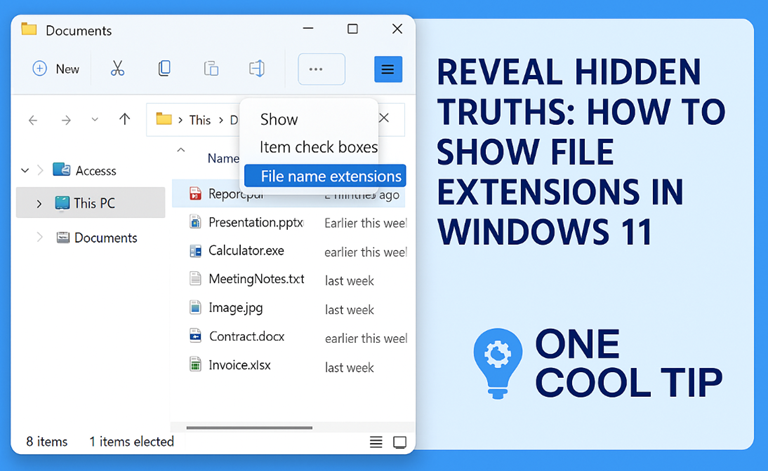
| | | | Call Screening on iPhone with iOS 26 | iOS 26 gives iPhone users a smarter way to handle unwanted calls. The new Call Screening feature lets your phone ask unknown callers to identify themselves so you can see who’s calling and why before you decide to answer. | | | | How to Show File Extensions in Windows 11 | Know exactly what you're clicking. Learn how to display file extensions in Windows 11 and avoid costly mistakes. | |
ICYMI - In Case You Missed It ...
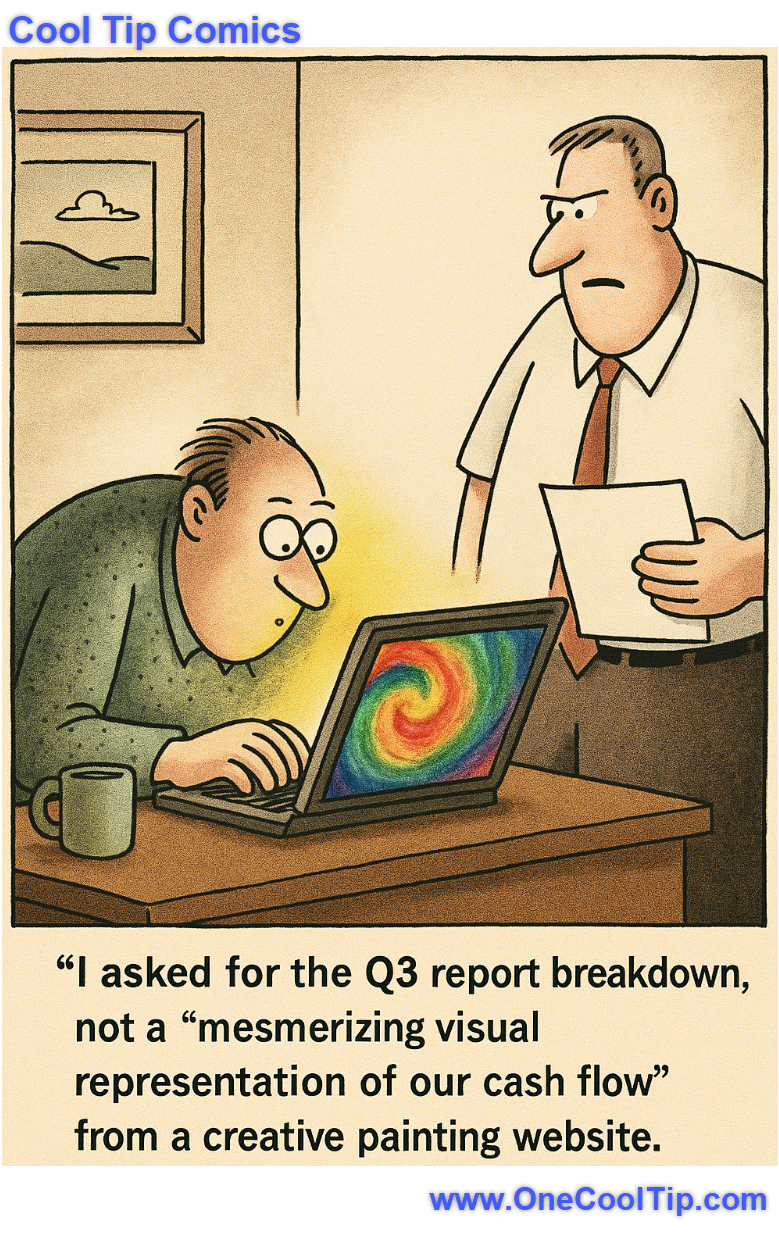
| | | | Turn Your Word Docs into Podcasts with Microsoft 365 Copilot | Discover how Microsoft 365 Copilot’s new audio overview feature in Word transforms documents into podcast-style summaries. It's perfect for multitaskers, educators, and busy professionals. | | Turns out creativity does flow through the spreadsheets, just not in the way accounting intended. | | |
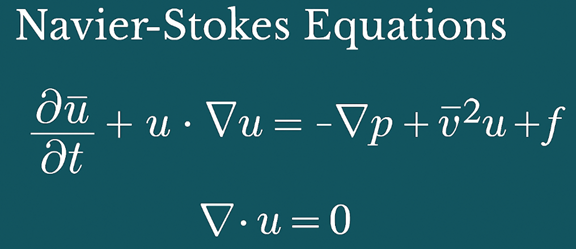
Trivia Answer: D) The Navier-Stokes Equations
The Navier-Stokes equations describe the motion of viscous fluid substances.
While incredibly complex and difficult to solve analytically, they form the bedrock of computational fluid dynamics (CFD).
In digital art, simplified or approximated versions of these equations are what allow software to model the stunning, realistic dissipation, swirling, and blending effects seen in Fluid Paint, smoke simulations, and water graphics in video games.
Essentially, they are the mathematical rulebook for liquid behavior that computers follow.
----------
Tomorrow's Cool Tip is waiting to amaze you.
Until then, go forth and conquer the tech world with your newfound knowledge!
Be sure to visit www.OneCoolTip.com for Cool Tech Tips for a Cooler Life!
And if you Like One Cool Tip, please support with TipJar!
Enjoy!
Rodger
Chief Cool Tipper
onecooltip.com@gmail.com
| |
| What do you think of today's OneCoolTip newsletter? | | | |
Please Share the One Cool Tip Newsletter!
You asked for it. You got it. There is now a One Cool Tip Newsletter archive. Did you delete a newsletter and want to read it again? Check it out HERE.
Want to help One Cool Tip grow? Please forward this email using the link above. And if you see an OCT social media post, please LIKE, COMMENT and SHARE!
Have you subscribed to the One Cool Tip YouTube channel? Subscribe HERE.
| | Connect with One Cool Tip!! | | |
|
As an Amazon Associate, One Cool Tip may earn a small commission from qualifying purchases.
Our media content is intended solely for informational purposes only. Please do not construe anything here as legal, tax, investment, financial, marital or other advice.
Copyright © 2025 | www.OneCoolTip.com | All Rights Reserved
|
| | | |