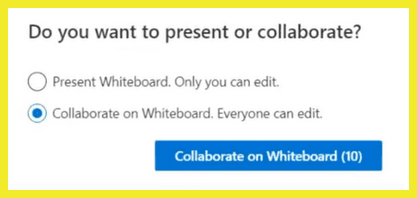
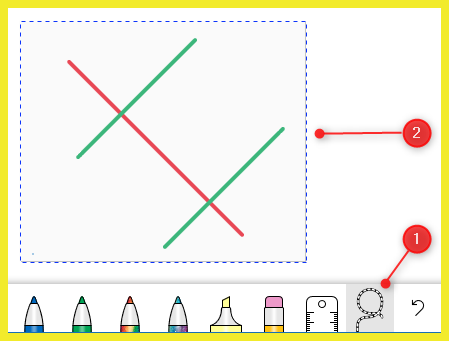
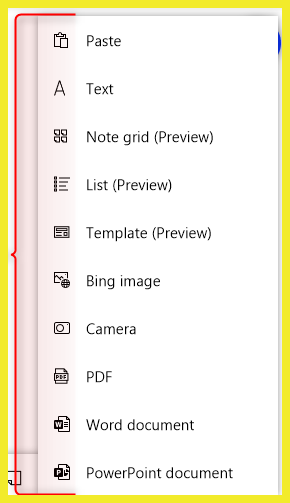
You can share a whiteboard to make it available to all participants in a Teams meeting. That same whiteboard is simultaneously available in the Whiteboard applications on Windows 10, iOS, and on the web.
Here's how to get started:
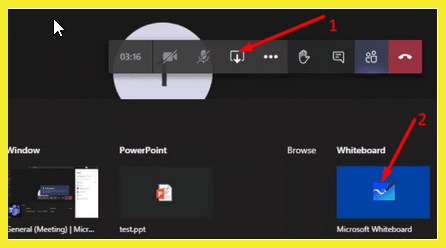
In the Whiteboard section, select Microsoft Whiteboard
or
After joining a Teams meeting, click the Share icon in the share tray of that meeting. (per below image)
Note: The ability to start a new whiteboard is currently limited to the Microsoft Teams clients on Windows 10, Mac, and for the web. The Teams apps for iOS and Android can only view whiteboards that have already been created.