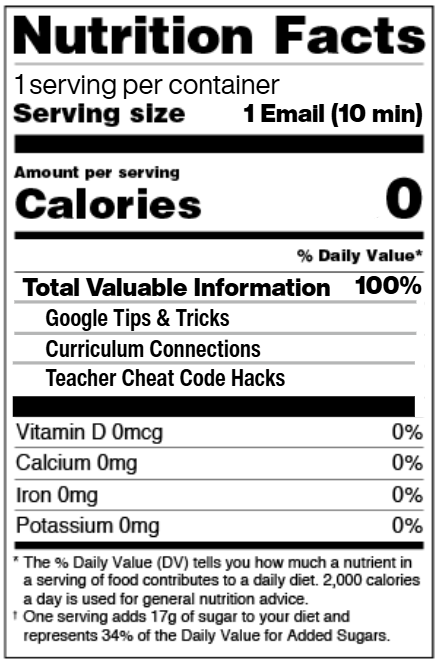
Welcome to the May issue of Tiger Bytes. This is your monthly dose of technology tips and tricks created by your Secondary BTIL team members and delivered to your inbox for you to use.


Google Tips & Tricks: Google Vids Is Something You Should Know About!


f you haven't messed around with Google Vids, this is the time to save some time as well as spice things up in the classroom. Google Vids is an AI-powered video editor designed to make storytelling effortless. Go to Google Drive, click on the "New" button, and then select Google Vids.


One feature is to "Convert Slides" which you can turn any existing Google Slides into a video. Vids converts your slides into scenes and adds AI-generated scripts and voiceovers instantly. Use this for subs, students who miss class, or maybe a way to flip your classroom.


Teacher Hack: Two Tools You Didn't Know You Needed

by Linsey Zimmerman & Traci Walsh


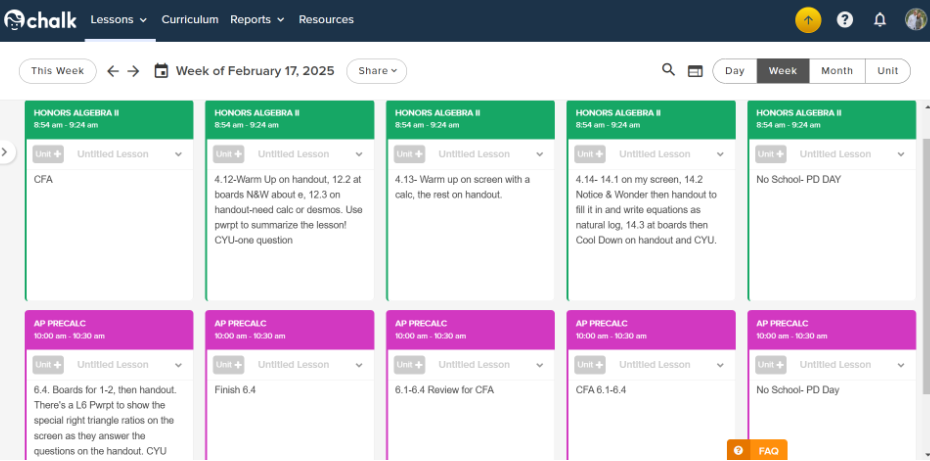
Need a digital tool for keeping track of your weekly lesson plans? Check out Chalk! Chalk is the digital version of our old spiral lesson plan books…except this is accessible anywhere and you don’t have to carry it around with you! YAY! Chalk allows you to set up multiple “courses/subjects”, has options to move lessons forward or backward if we have an interruption that makes you pivot plans for the day, and keeps them from year to year so you can import them to the new school year or go back and compare where you were last year “at this time”. So, if you’re looking to upgrade in August and try something new, check it out!

Mote is a Chrome Extension that allows you to record yourself (or students can use it too) and import the clip into a document. Want to leave yourself a note in your lesson plans to remind you next year? Use Mote to record your notes and insert the comment in the lesson plan. Want to give students feedback on their assignment and not type it out 80 times individually? Record it with Mote once and insert it in a comment. Want to explain something from your notes but don’t want to make a whole video? Record it with Mote and insert the link. Let us know how YOU use Mote this next school year!


Curriculum Connections: Ideas For Writing Effective Prompts

by Jackie Bakker & Bridget Adam


Struggling to get the results you want from AI? The secret is in the prompt. Click the button to access the Google Doc which includes:  


  • Structures to think about the types of information to include in your prompts.
  • Examples of what the prompts could look like.
  • Generated Responses that we created using the frameworks and prompts.


By refining your prompts, you can leverage AI as a classroom collaborator that aligns perfectly with your content and rigor.