|
One Cool Tip Newsletter
June 6, 2025
| Your daily dose of tech-savvy brilliance! | |
😀Hello Rodger, Happy Friday Funday, Cool Tipper!
Get ready to streamline your digital life with simple, actionable tips delivered straight to your inbox.
Today's Cool Tip Theme: Fun and Productivity
IN THIS ISSUE
- 🚨 NFT Airdrop Scam Alert.
- 👨💻 OpenAI introduces Codex.
- 🚀 Compassionate AI Life Coach.
- 🖼️ Creative AI Prompt.
- 🎮 Productivity Hack.
- 🃏 Play Google Solitaire.
- 🌐 Free Games Galore.
- 🕹️ Retro Gaming.
New here? Subscribe to the One Cool Tip Newsletter for daily updates. It's FREE!
-
😂 Laugh with Us! Enjoy our Tech Joke of the Day, Haiku and Cool Tip Comics.
-
🌐 Stay Informed! Check out ICYMI, and our One Cool Tip Video.
🔔 Is your email provider (Gmail, Yahoo, Outlook...) not delivering the newsletter?
Check the Junk folder - Move the newsletter to your Inbox. And reply to this email with a “Hey, Rodger” or “I got it.” That tells your mail service you want this newsletter!
Today's Tech Trivia
Which groundbreaking 1970s video game is widely credited with popularizing the arcade game industry and setting the stage for the home console market?
A) Space Invaders
B) Pac-Man
C) Pong
D) Asteroids
Answer at the end of this newsletter.
| | |
3️⃣
If you enjoy the One Cool Tip newsletter, please forward this newsletter to THREE friends or colleagues or share it on social media using the links below.
Share this One Cool Tip Newsletter!
| |
🚨Beware of Fake NFT Airdrop Scams! 🚨
Cybercriminals are targeting cryptocurrency users with fraudulent NFT airdrop scams. They disguise these scams as free rewards, tricking users into clicking malicious links that steal their crypto.
🔴 How the Scam Works:
- You receive an unexpected NFT or token in your non-custodial wallet.
- A memo appears with a link to claim more rewards.
- Clicking the link connects your wallet to a fraudulent site.
- You’re asked to enter login details or seed phrases - giving scammers full access to your funds.
✅ How to Stay Safe:
-
Ignore unsolicited airdrops: if you didn’t sign up for a promotion, it’s likely a scam.
- Never click unknown links in wallet memos or social media posts.
-
Verify offers directly with official cryptocurrency providers before taking action.
-
Use strong security practices: enable two-factor authentication and store seed phrases securely.
Stay alert and protect your crypto! More details here. 🔒
And in Other News...
-
👨💻 OpenAI Launches Codex - Your New AI Coding Assistant
OpenAI has introduced Codex, a powerful AI coding agent now integrated into ChatGPT.
Designed to streamline software development, Codex can write code, fix bugs, run tests, and propose code improvements—all autonomously.
It's like having a junior developer on your team, ready to tackle tasks efficiently.
Codex is currently available to ChatGPT Pro, Team, and Enterprise users, with plans to expand access to Plus and Edu users soon.
To start using Codex, navigate to the ChatGPT interface and look for the Codex panel. From there, you can input tasks, review outputs, and manage Codex's interactions with your codebase. More info here.
Has this been a long week? Try this AI prompt!
Copy/Paste this AI-powered prompt. Use with your favorite AI assistant: Gemini, Copilot, Grok, DuckAI, Meta and ChatGPT.
“Act as a compassionate life coach. I’m feeling a bit off today—low energy, maybe stressed. Give me a short, personalized pep talk, a practical tip to boost my mood, and one small action I can take right now to feel more in control and uplifted.”
| | |
🖼️ Cool ChatGPT AI Prompt of the Day: Transform Your Photos! In this case, Mona Lisa
- Upload a portrait photo.
- Enter this prompt:
Here’s a portrait. Reimagine it in an unusual or artistic style while keeping my face recognizable.
Choose one of these styles or surprise me with something weird and wonderful:
- Studio Ghibli animation style
- Vintage 1930s detective noir photo
- Cyberpunk neon glitch effect
- Magazine cover from the 1980s
- Pencil sketch with dramatic shading
- Mosaic made of circuit board patterns
Keep the final image high quality, centered, and frame-worthy. Don’t distort my facial structure—just stylize it creatively.
| | | |
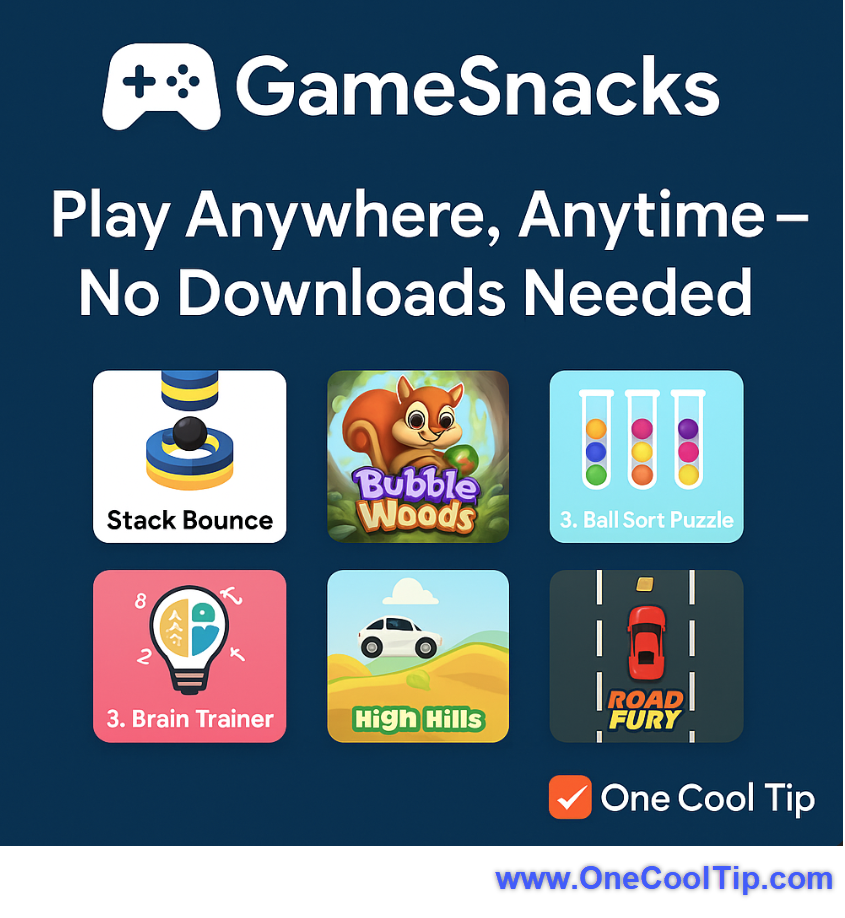
Gamesnacks: Your Secret Weapon for Boosting Productivity (Seriously!)
Have you ever found yourself staring at a blank screen, battling a mental block, or just feeling the creeping tendrils of mid-afternoon slump?
What if a few minutes spent on a seemingly simple game could actually make you more effective?
Here's a Cool Tip: Play Gamesnacks.
Gamesnacks.com is Google’s platform for lightweight, HTML5 games.
While the initial thought might be, "Games? For productivity?", stay with me.
This isn't about lengthy gaming sessions that derail your day. It's about leveraging micro-breaks and quick mental shifts to reset your brain, much like a quick stretch helps loosen tight muscles.
These aren't graphics-intensive, time-sucking epics; they're quick, engaging, and designed to be accessible across a wide range of devices, directly within popular Google products.
What You'll Gain
- Quick mental resets for improved focus
- Stress reduction during demanding workdays
- A surprisingly effective way to break through creative blocks
- Feature Explanation: The Power of Micro-Breaks with Gamesnacks
Gamesnacks is Google's foray into providing accessible, instant-play games that require no downloads, installations, or powerful hardware.
Built on HTML5, these games are designed to load quickly and run smoothly across virtually any device with a web browser - from a desktop PC to a budget smartphone.
The core benefit for business users, educators, and productivity enthusiasts isn't the games themselves, but the strategic application of these quick diversions.
Think of it as an active meditation, a brief mental circuit breaker.
When you hit a wall on a complex spreadsheet, are struggling to articulate an idea for a presentation, or simply feel your attention waning after hours of screen time, a 5-minute Gamesnacks session can provide the necessary mental distance.
This brief shift in focus allows your subconscious to continue processing, often leading to fresh perspectives or renewed energy when you return to your task.
It’s a scientifically backed concept: short, focused breaks improve long-term concentration and creativity.
Step-by-Step Instructions: Accessing Gamesnacks
Here's how to do it.
On Any Web Browser (Microsoft Web/Desktop, iOS, Android, etc.):
-
Launch Chrome, Edge, Safari, Firefox, or any other browser of your choice.
-
Navigate to Gamesnacks.com and press Enter.
-
You'll be presented with a catalog of various HTML5 games.
-
Click on any game to start playing instantly.
-
Full-Screen Option: Most games offer a full-screen mode for a more immersive experience. Look for an icon resembling four arrows pointing outwards, usually in the corner of the game window.
Pros and Cons: Weighing the Playful Productivity
Like any tool, Gamesnacks has its strengths and limitations when viewed through a productivity lens.
Pros and Cons: Weighing the Playful Productivity
Here's a quick look at the advantages and limitations of using Gamesnacks for a productivity boost:
Pros:
-
Highly Accessible: No installations or powerful hardware needed; play on virtually any device with a web browser.
-
Ideal for Micro-Breaks: Lightweight and short games prevent burnout without derailing your day.
-
Variety of Games: Choose from puzzles to quick-reflex challenges to suit your mental state.
-
Educational Tool: Useful for quick brain breaks or rewards in educational settings.
Cons:
-
Potential for Distraction: Easy accessibility can lead to excessive time consumption if not used mindfully.
-
Limited Depth: Games are designed as "snacks," not for deep or complex gaming experiences.
-
Varying Integration: Not universally embedded across all Google services; often requires direct website navigation.
-
Network Restrictions: May be blocked in environments with strict internet usage policies.
Configuration Guide & Feature Access
- Gamesnacks requires no complex setup or configuration.
- It's a web-based platform, meaning its "configuration" is simply accessing the website.
- There are no settings to enable or disable within the Gamesnacks platform itself, as it's designed for immediate, pick-up-and-play access.
Who can use this feature:
- Gamesnacks.com is generally accessible to the general public with an internet connection and a web browser.
- There are no specific subscription requirements (like Microsoft 365 or enterprise accounts), nor is it limited to beta testers or specific device users.
- Its HTML5 nature makes it widely compatible across various operating systems (Windows, macOS, Linux, iOS, Android) and devices (desktops, laptops, tablets, smartphones).
Key Takeaways
Gamesnacks.com offers a surprising, yet effective, avenue for boosting productivity through strategic micro-breaks.
By providing instant access to simple HTML5 games, it allows users to quickly reset their minds, reduce stress, and overcome mental blocks, ultimately leading to improved focus and creativity without requiring significant time commitments or specialized hardware.
Try It Yourself
Ready to discover how a little play can lead to big productivity gains?
Head over to Gamesnacks.com and give it a try during your next mental block or mid-afternoon slump.
We'd love to hear how it works for you!
READ MORE
Read the Full Cool Tip
| | |
Help support One Cool Tip. Use this Amazon link when you shop online.
Look at these Cool Products:
|
-
🕹️ 8Bitdo SN30 Pro Controller: A versatile wireless controller perfect for casual browser games. $44.99 Check it out on Amazon!
-
🎧 Anker Soundcore Life Q20 Hybrid Active Noise Cancelling Headphones: Block out distractions and focus on your Gamesnacks break, or dive back into work with improved concentration. $43.99 Check it out on Amazon!
-
💻 Portable Monitor - ASUS ZenScreen: Extend your screen space and keep Gamesnacks open on a secondary display for quick access to a mental break without minimizing your main work window. $199 Check it out on Amazon!
| | |
🆒Tell Me More
-
Instant Play, No Downloads: Gamesnacks titles are all HTML5-based, meaning you can jump right into a game without any lengthy downloads or installations.
-
Designed for Accessibility: These games are optimized to run smoothly even on lower-end devices and with slower internet connections, making them globally accessible.
-
Integrated with Google Go: Gamesnacks often appear within the Google Go app, offering seamless access to quick entertainment without leaving the app.
-
More Than Just Fun: While entertaining, these quick games can serve as effective mental breaks, helping to improve focus and reduce stress during busy workdays.
-
Broad Appeal: The game library offers a variety of genres, from puzzles to arcade classics, ensuring there's something for everyone to enjoy for a few minutes.
⏩Quick Tips
-
🚀 Access Anywhere: You can visit Gamesnacks.com directly in any web browser on your computer, tablet, or smartphone. Just type in the URL and start playing!
-
💡 Quick Mental Reset: Use a 5-minute Gamesnacks break when you hit a mental block or feel your focus waning. It’s like a quick stretch for your brain.
-
📱 Optimize for Mobile: Gamesnacks are designed for mobile-first. If you have a low-end device, try accessing them through the Google Go app for an even smoother experience.
-
🎮 Explore Game Genres: Don't stick to just one game! Experiment with different types like puzzles, action, or strategy to find what best helps you recharge.
-
🌐 Check Your Network: While designed for low bandwidth, a stable internet connection will still provide the best experience for instant loading and smooth gameplay.
| | |
✅ More Must-Read Tech Tips
| |
👀 How Do I Play Solitaire on Google?
Have you ever found yourself with a few spare minutes and nothing to do?
Ever wished you could turn those idle moments into a fun, engaging experience?
Remember clicking "New Game" on that old computer solitaire?
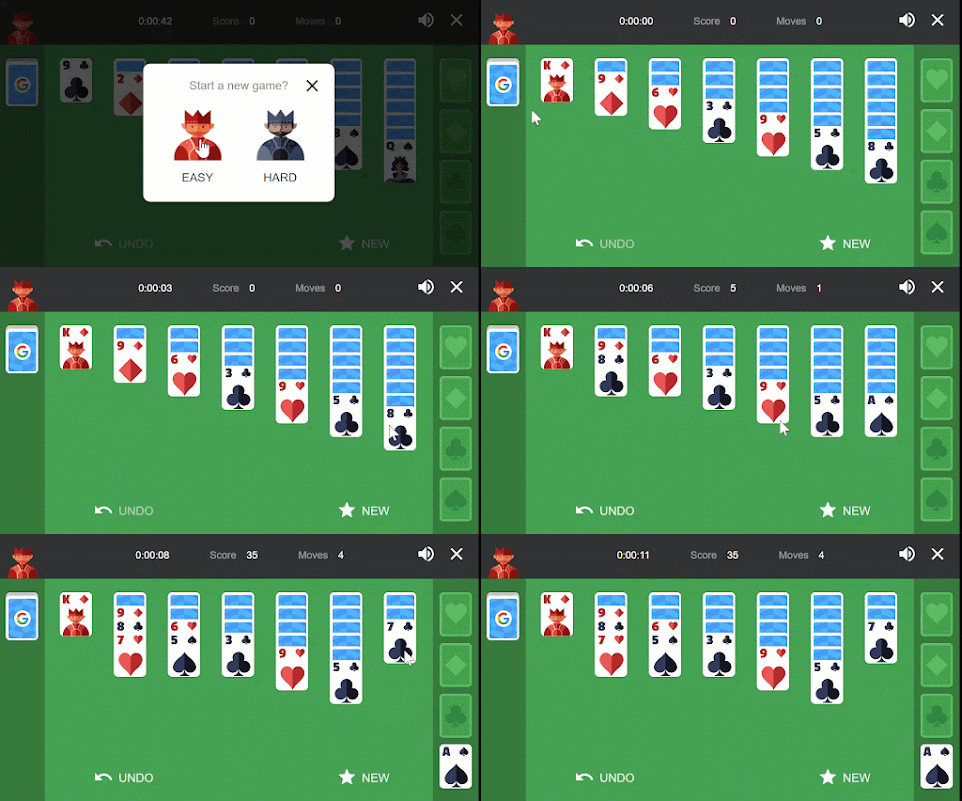
Here's a Friday Funday Cool Tip. Play Google's Solitaire game.
Relive the classic card-flipping fun, right in your browser, with Google Solitaire!
Play to keep your brain sharp while you procrastinate (we won't judge!).
Here's how to play.
-
Open your favorite browser and go to Google.com
-
Search for "Google Solitaire." or go to https://www.google.com/logos/fnbx/solitaire/standalone.html
-
Select to play Easy or Hard mode.
-
Click and drag cards to move piles to empty slots.
-
Build the foundations by alternating colors, and remember, only kings can go on empty stacks.
-
Did you make a clumsy move? No worries! Hit the handy "Undo" button to turn back time and keep your strategy on track.
- When you clear all the stacks, Google Solitaire showers you with confetti and applause. You deserve it!
Solitaire is a proven stress reliever, offering a mental escape and a chance to focus on something simple and satisfying.
So give it a try!
Discover more HERE.
| |
🤔 Have You Ever Wondered How to to Play Free Online Games?
Have you ever wondered how to kill time without killing your budget?
Have you considered diving into the world of online gaming but don’t know where to start?
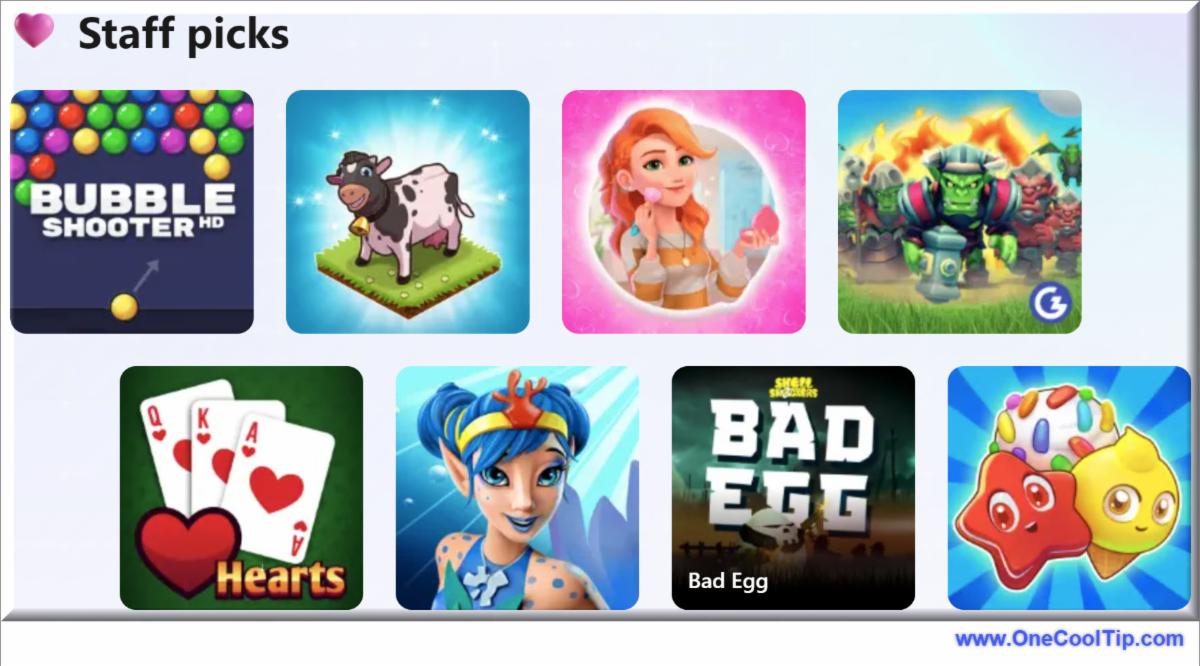
Here's a Friday Funday Cool Tip. Play FREE online games at MSN.com,
The site offers a plethora of free online games, including a variety of categories such as Arcade, Puzzle, Strategy, Card and more.
Here's how to do it.
-
Open your preferred web browser and navigate to MSN.com.
-
Browse through the categories: ‘Staff Picks’, ‘New’, ‘Arcade’, ‘Strategy’, ‘Puzzles’, and more.
-
Click on a game that piques your interest.
-
Wait for the game to load and click ‘Play Now’.
Playing free online games on MSN.com has several advantages.
It’s cost-effective, accessible, and offers a wide variety of games.
However, as these games are ad-supported, you may experience occasional interruptions.
But that's how we can play FREE games!
Whether you’re a seasoned gamer or a curious newbie, MSN.com’s free online games offer something for everyone.
So why wait?
Start exploring today and unleash your inner gamer!
Enjoy!
Find more HERE.
| |
🙋♂️ Here's How to Pac Man on Google.
A little bored today at work? Shhh. Don't let the boss see.
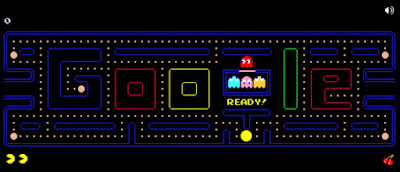
Let Google brighten your day with this playable Google Pac Man Doodle
This Google originally came online in May of 2010.
Millions of productive man hours were lost courtesy of Google's addictive game that appeared on the main screen for millions of users.
To play:
-
Go to Google Pac Man.
-
When the game starts, use the keyboard Up, Down, Left and Right keys to move Pac Man around the maze.
-
The objective is to remove all dots and power pellets without be caught.
-
Avoid the Ghosts, Blinky (Red), Inky (Cyan), Pinky (Pink) and Clyde (Yellow).
-
Eat Power Pellets to energize and eat the ghosts. Eat the fruit to score extra points.
Fortunately, there's a mute sound button!
Learn more HERE.
| | |
❓Did you share this newsletter with three friends yet?
⌨️Today's Cool Keyboard Shortcuts
Cool Keyboard shortcuts (Windows/Mac):
-
Ctrl/Cmd + T - Open a new tab. (Useful for quickly opening Gamesnacks without closing your current work.)
-
Ctrl/Cmd + W - Close current tab. (Quickly close Gamesnacks when your break is over.)
-
F11 (Windows) / Ctrl + Cmd + F (Mac) - Toggle full-screen mode. (Immerse yourself in the game during your break.)
-
Ctrl/Cmd + Tab - Switch between open tabs. (Effortlessly toggle between work and your game break.)
✍️Today's Haiku
Quick games in your hand,
No installs, just tap and play
Pause life, game away.
🔎 Do you have a Cool Tip or tech question? Email us at onecooltip.com@gmail.com.
😜 Tech Joke of the Day 😅
My computer's favorite game is "Freeze Tag."
It wins every time.
| |
| 🤔 How do you typically recharge or take mental breaks during a busy workday? | | | |
Did You See These Cool Tips This Week?
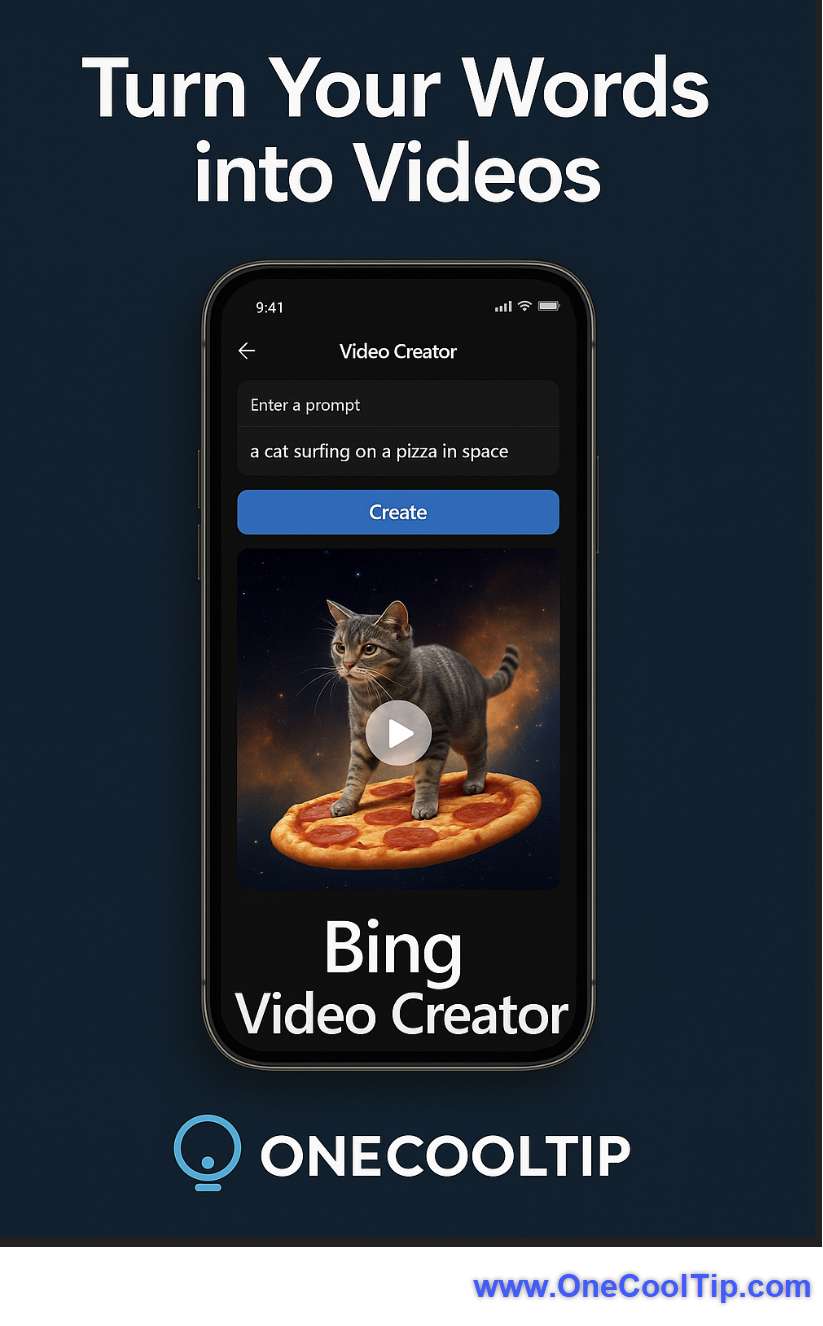
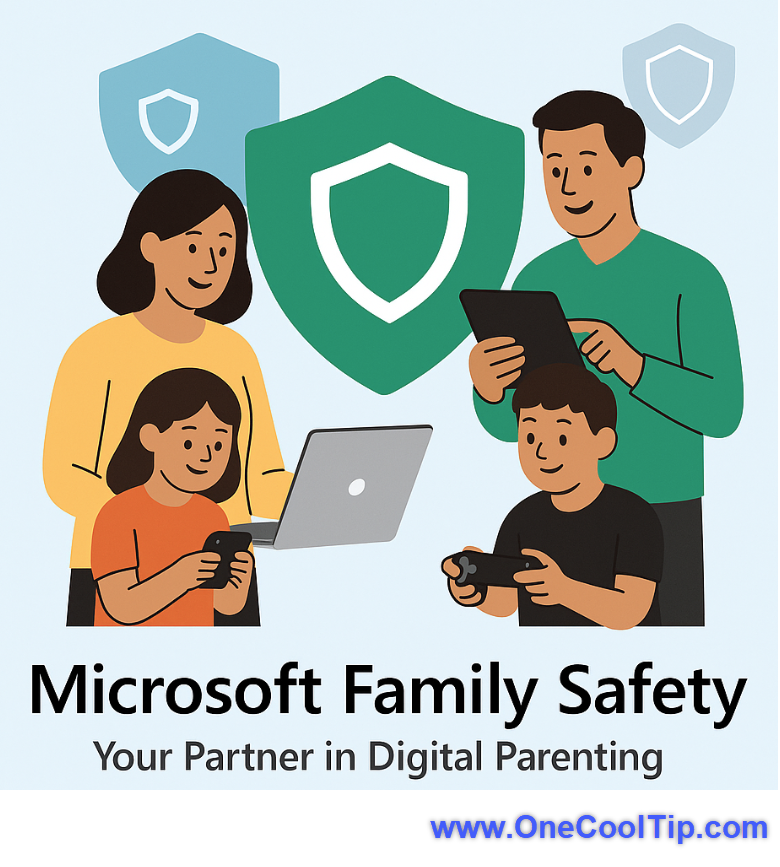
| | | | Bing Video Creator: AI-Powered Video Generation Made Easy | Unlock AI-Powered Video Creation with Bing Video Creator Bing Video Creator revolutionizes video production by enabling users to generate high-quality, AI-driven videos simply by entering text prompts. | | | | Microsoft Family Safety: The Ultimate Guide to Protecting Your Family Online | Want to keep your family safe online while encouraging healthy digital habits? Microsoft Family Safety offers robust parental controls, screen time management, and location tracking to help you create a secure and balanced digital environment. | |
ICYMI - In Case You Missed It ...
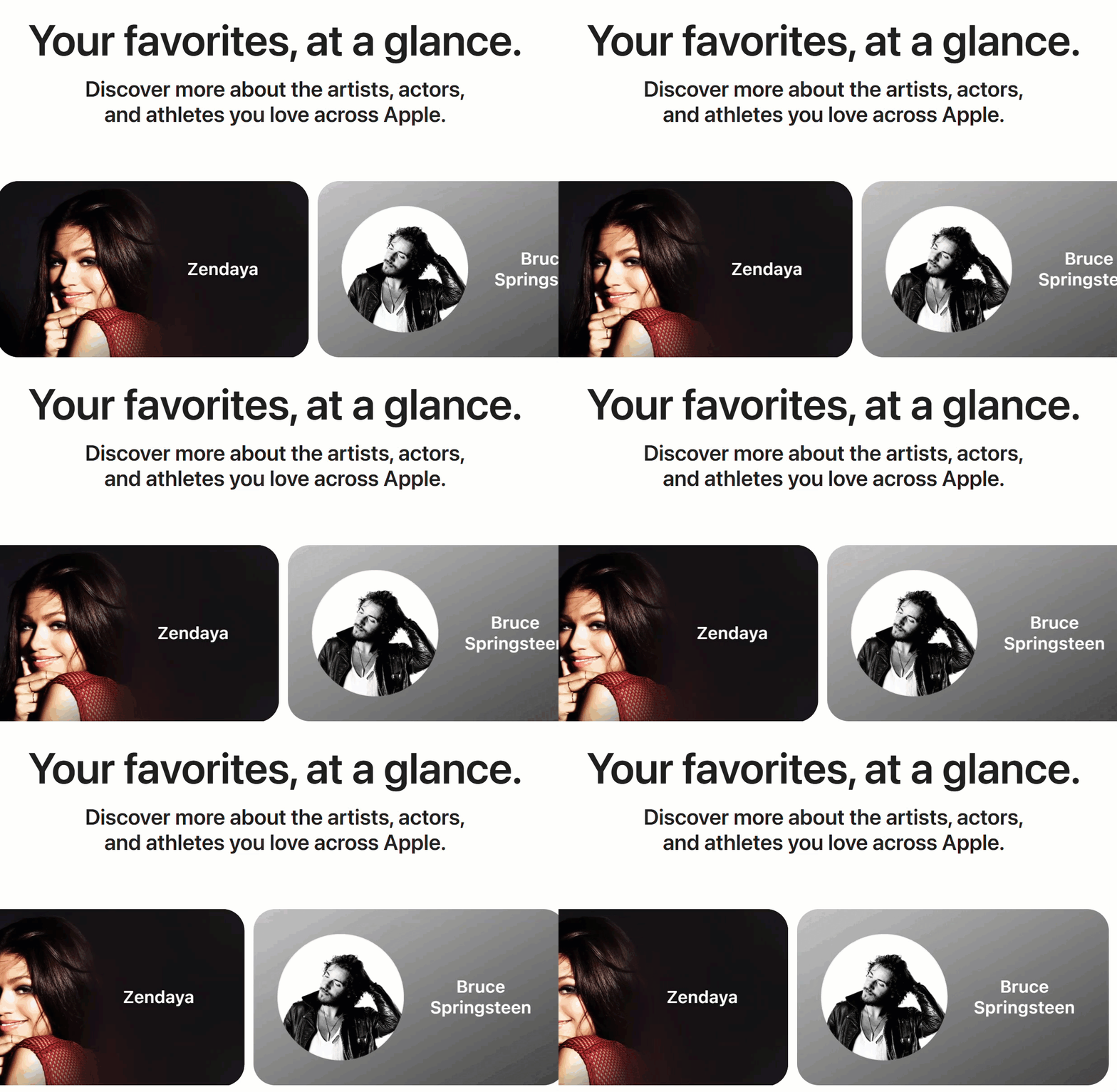
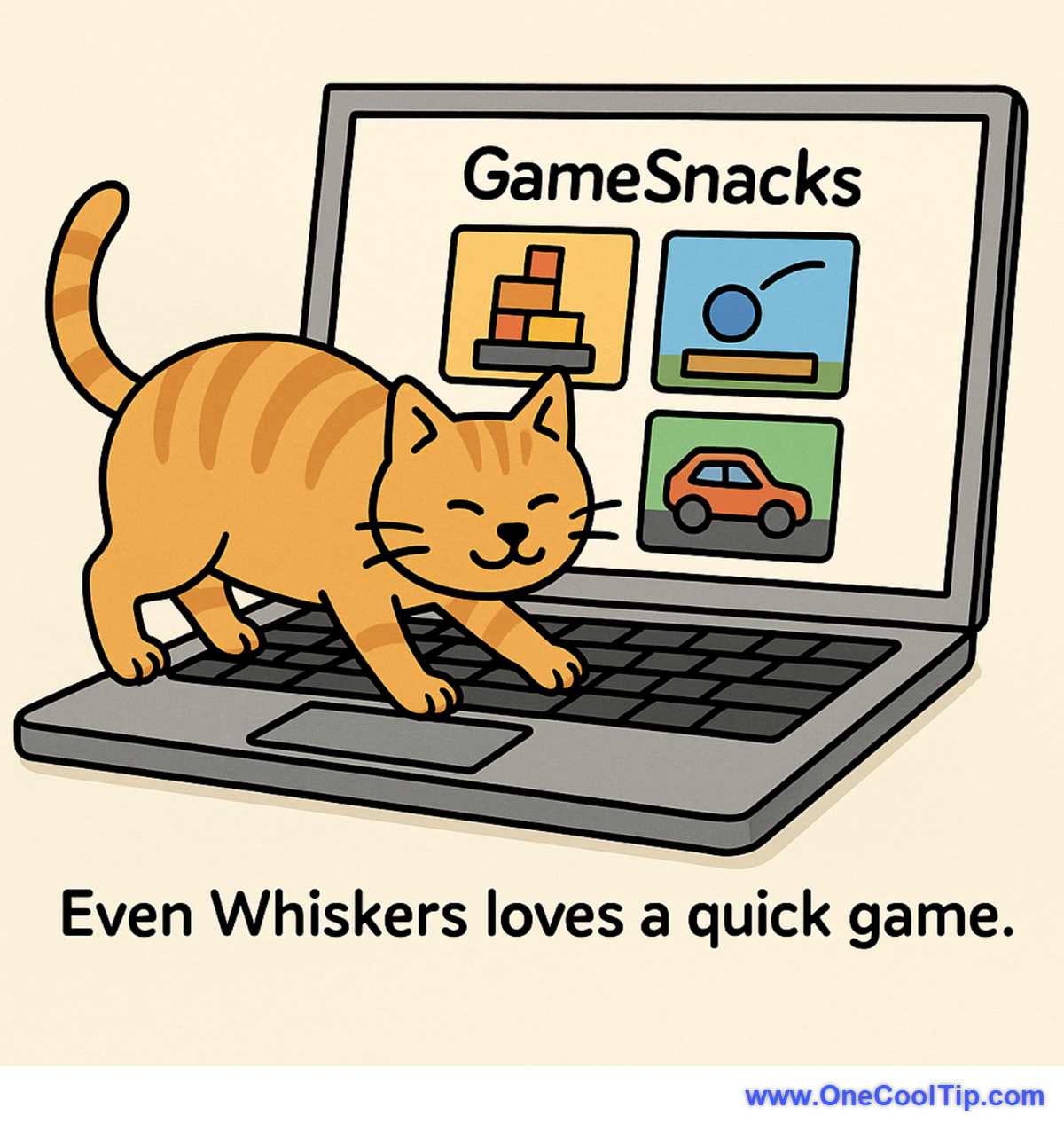
| | | | Apple Snapshot: Your One-Stop Hub for Celebrity Content Across Apple Services | Discover how Apple’s new Snapshot platform centralizes your favorite stars’ content from Apple Music, TV, and Podcasts into one sleek, interactive experience. | | Even Whiskers loves a quick game. I guess every now and then, you need a “paws” button. 😆 | | |
Trivia Answer: C) Pong
While titles like Space Invaders and Pac-Man became cultural phenomena, it was Atari's Pong, released in 1972, that truly kickstarted the video game revolution.
Its simple, intuitive gameplay, mimicking a table tennis match, made it an instant hit in arcades.
Pong's commercial success proved the viability of the video game industry, leading to a surge in arcade game development and eventually paving the way for home consoles, forever changing the landscape of entertainment and technology.
----------
Tomorrow's Cool Tip is waiting to amaze you.
Until then, go forth and conquer the tech world with your newfound knowledge!
And be sure to visit www.OneCoolTip.com for Cool Tech Tips for a Cooler Life!
Enjoy!
Rodger
Chief Cool Tipper
onecooltip.com@gmail.com
| |
| What do you think of today's OneCoolTip newsletter? | | | |
Please Share the One Cool Tip Newsletter!
You asked for it. You got it. There is now a One Cool Tip Newsletter archive. Did you delete a newsletter and want to read it again? Check it out HERE.
Want to help One Cool Tip grow? Please forward this email using the link above. And if you see an OCT social media post, please LIKE, COMMENT and SHARE!
Have you subscribed to the One Cool Tip YouTube channel? Subscribe HERE.
| | Connect with One Cool Tip!! | | |
|
As an Amazon Associate, One Cool Tip may earn a small commission from qualifying purchases.
Our media content is intended solely for informational purposes only. Please do not construe anything here as legal, tax, investment, financial, marital or other advice.
Copyright © 2025 | www.OneCoolTip.com | All Rights Reserved
|
| | | |