WE HOPE YOU JOIN US!

All attendees will be able to access content and opportunities to connect during and after SCMS 2022, making the conference the foremost home of cinema and media studies scholarship. Attendees have a unique opportunity to build relationships, share knowledge, expertise, experience, and seek partnership opportunities on our innovative virtual platform. The platform is now available for conference attendees.
If you have not yet visited the conference platform, please make sure and do so BEFORE your session. Check your email for an authentication link from our provider, Pathable. This link is only necessary the first time you log into the platform, as you will be prompted to set a password for future logins. We encourage you to check out the platform well before your scheduled session. Make sure to:

  • Check that you can log in to the platform
  • Confirm you are registered and not just a member of SCMS
  • Double-check that all your information is correct

If you have trouble with any of the above, please contact us at helpdesk@scmsconference.com.
Q: Can I still register for the conference?
A: We welcome you to still register for #SCMS22 but please note— new registrations need time to be processed by our conference platform, so please leave yourself 3-6 hours for this process and know you will not be able to immediately join a session.

Q: How do I return to the SCMS Conference website on Pathable?
A: Go to https://scms2022.us2.pathable.com to sign in. You may wish to bookmark this site.

Q: How will I attend specific sessions at the virtual conference? Are you sending me a Zoom link?
A: No. Panels must be accessed through the conference platform. Navigate directly to the session and click JOIN MEETING in the upper right-hand corner of the session page at the start time of the meeting. Sessions can be found under the Conference tab, Sessions A-J tab, the Session K-S tab, or under ‘My Agenda’ if you have added the session to your agenda.

Q: I am having trouble locating my invitation to the site. Can you help?
A: If you have previously registered, please look in your spam or junk folder for an invitation email from our conference platform, Pathable (“SCMS 2022 Pre-conference & Virtual Conference <no-reply@pathable.com>”). This email contains a unique access URL and more information about the platform. If you do not see this email, please let us know by emailing helpdesk@scmsconference.com. Please note: the time period between when you register, and when you receive the automated email is usually a few hours so please don’t leave registering until the last minute. 

Q: Are there instructions for Chairs?
A: If you are a chair of a panel, workshop, or roundtable, please view the guides on how to present HERE.

Q: Are there instructions for Presenters?
A: If you are a "presenter" on a panel, workshop, or roundtable, please view the guides on how to present HERE.

Q: Are there instructions for Attendees?
A: Yes, please view the guides HERE.

Q: Which time zone is the conference operating in?
A: In SCMS communications and graphics we refer to specific sessions and meeting times for the 2022 Virtual Conference in Central Time, US. On the Pathable conference platform, all times will appear in your (the user’s) time zone. 

Q: How will I join a session?
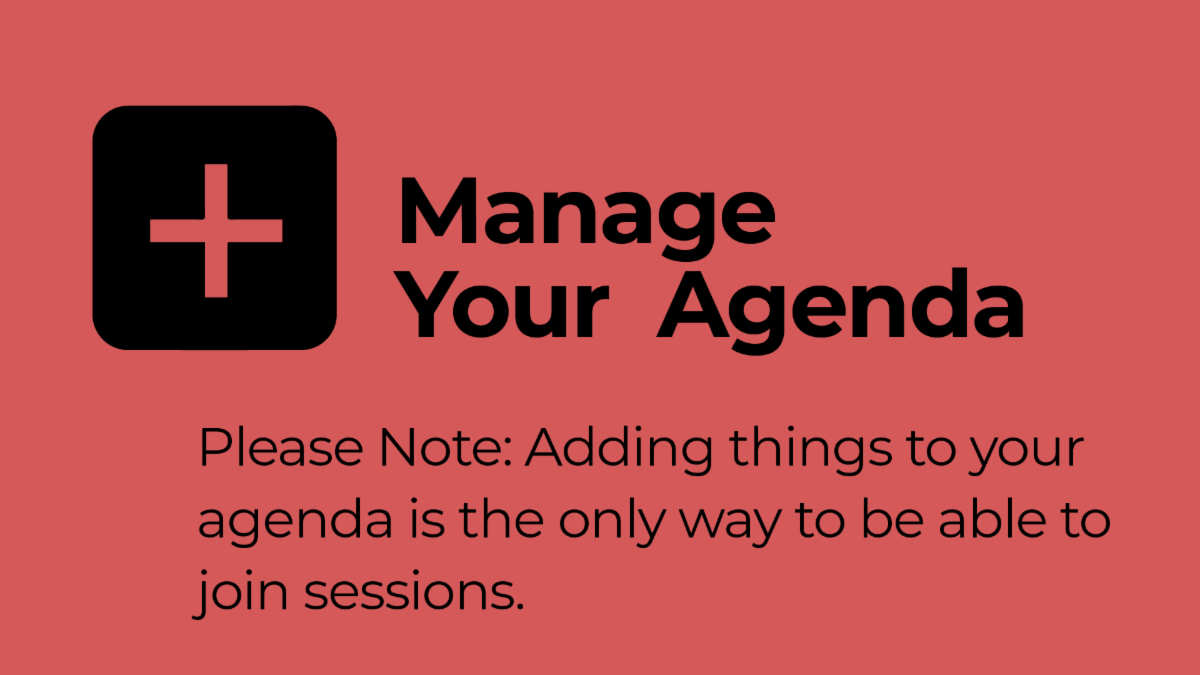
A: You need to add each session you would like to attend. Click the session box, you will see a “+” plus icon button on the top right. Once you have clicked, it will appear in your "My Agenda" tab for easy access. At the time of the session, you will have a "Join Meeting" button to enter the session.

Q: Do you have a Help Session I can attend/view?
A: We encourage presenters and attendees to check out our Help Session recording. Once on the platform, the recording can be found here: https://scms2022.us2.pathable.com/help-session or under Attendee Info > Help Session.

Q: There are some sessions I would like to attend but my schedule doesn’t allow it. Will I be able to view them later?
A: All registered conference participants will have full access to all available session recordings from the time of the proceedings through April 30, 2022. More information here.

Q: Can I go in and out of sessions?
A: Yes, you can enter and leave any live session as long as it is not at capacity (all sessions have a capacity of 500).

Q: I don’t see the Awards Ceremony listed on the platform. Am I missing it?
A: The Awards Ceremony will take place after the conference, as a special event in May. More information and details regarding the Awards Ceremony and award winners will be circulated to the membership after the conference. We look forward to celebrating everyone!

Q: What kind of support will there be in case I am having problems?
A: We wish for all attendees to have a smooth time operating within the platform. We have planned for all kinds of member support for the conference: 

Conference Platform Tech Support
On our conference site, in the top left corner, there is a “Need Help Get Support” button. Clicking that text will send a direct message to the Pathable support team. This is ideal for platform questions at any time but specifically during the live event.

You can also submit a help ticket here (response time is generally fast): https://adminsupport.pathable.com/hc/en-us/requests/new

Preparation for the Conference - Tech Support
In addition to all of the SCMS guides provided under Attendee Info, there is an excellent resource called “Camp Pathable”. Here you can find pre-recorded and live training sessions (Ask The Expert) available as well as a plentiful Knowledgebase with videos, guides, and FAQs.

Visit Camp Pathable at https://camp.pathable.co/
Enter in your First Name, Last Name, Email, and Password
The access code is: pathabletraining

Session Specific Technical Issues
In case of a session-specific technical issue (e.g., someone’s video sound not working), you can send a message to the chair at any time via the Zoom chat.

SCMS Specific Support
For SCMS specific support (e.g., “I can’t access the platform” or “I’m not listed on my panel’s session”), please email helpdesk@scmsconference.com or send a text to 405-455-8876.

Our virtual platform provides a number of additional opportunities for interacting with presenters and fellow attendees. Below is a quick summary of ways to reach out or share your thoughts.

Conversations
You can start or join a public conversation by clicking the Public Forums link on the People tab. Once there you can see and search existing conversations. Hit the reply button on a comment to add your two cents. To initiate a new conversation, click “New Conversation.”

Send Message
Really liked someone’s presentation? Curious about a citation or reference? Just want to connect with an old friend? Go to the Inbox link under your name at the top-right and start a “New Conversation.” You can choose to direct message one or more attendees.

You may also send a direct message to someone by clicking on their name, then clicking on “Send Message” on their profile page. Attendee profile pages can be found under the People tab > Attendees.
The 2022 SCMS Annual Conference features a Virtual Exhibit Hall where you can learn about new products and services, connect with representatives of publishers, and get discounts and giveaways. To get the most out of the Virtual Exhibit Hall, begin by browsing the exhibitor pages. You can get to these by clicking on the exhibitor card under the Exhibit Area tab. You should also visit exhibitors’ virtual trade show booths during their open hours, which should be indicated at the top of the description in their exhibit “booth”. Virtual tradeshow booths are Zoom meeting rooms tied to exhibitor pages which allow you to talk directly with an exhibitor.

Busy at the time a particular exhibit representative is available?
No problem. If you can’t visit a booth during their open hours, there are a number of ways you can contact exhibit representatives, for example, use the “Leave Your Card” button on the exhibitor page to connect directly with exhibitors and ask them questions.

Here's a full list of our 2022 Exhibitors - please visit them all:
It might be particularly difficult this year for conference participants to attend all proceedings due to time zone and dependent care challenges, among other commitments. Therefore, sessions may be recorded and can be made available to registered SCMS attendees until April 30, 2022. We recognize that some members may be concerned about privacy issues, which is why we are requiring login access and prohibiting individual downloads and screen-captures. Each panel (chair and presenters) will decide whether or not to record their session. 

How To: If you choose to record your session to be viewed on-demand throughout the conference, the chair will be responsible for starting the recording. To start recording, find the Record button on the Zoom toolbar, and select “Record to the Cloud”. Once the recording starts, there are options to Pause or Stop Recording on the same area of the Zoom toolbar, depending on the preferences of the presenters. The chair must stop the recording at the end of the Q&A session. 

Available recordings will be available under the Conference tab > Recorded Sessions. Recordings need time to process and sync to the platform, so they may not be available until the following morning.

Please log into Pathable before the conference and build your agenda ahead of time! You can always join a session live by selecting “Reserve Spot” on each panel page, which will add the session to your agenda, and a button to Join Meeting will immediately appear.

See the full agenda here.

Please note: Pathable automatically shows the time of the sessions in your computer's local time zone, and has a countdown clock to the start time of each panel.
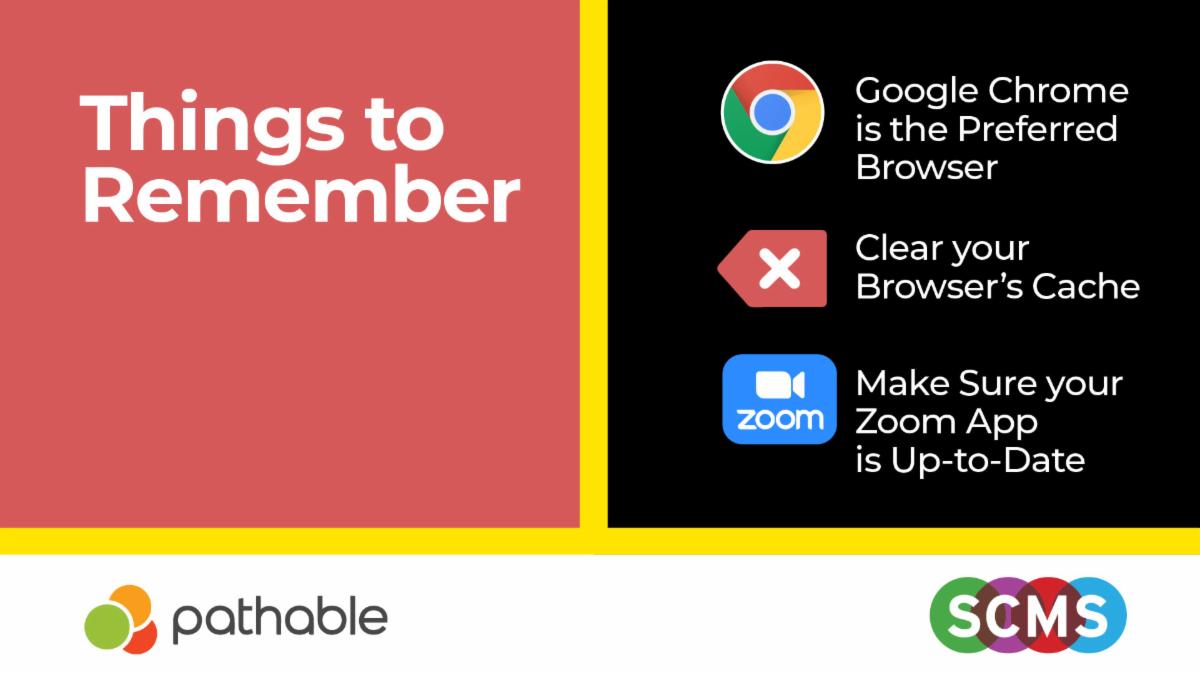
Having trouble with the conference platform? A couple of things to try:
  • Use Google Chrome
  • Clear your cache
  • Logout and back in
  • Try accessing a different tab on the Home page
Be sure to fill out your profile, add pronouns, tags, and any additional information you want other attendees or publishers to know about you.

Customizing your profile makes connections easier, from conversations on similar interests to job opportunities, social hangouts, and more!