|
Unlock the Power of Grok Voice Mode on the Web
Picture this: you’re juggling a packed workday, and instead of typing out queries, you’re chatting hands-free with an AI assistant that nails your tasks in real-time.
Here's a Cool Tip: Try Grok's Voice Mode on the Web.
xAI’s recent launch of Grok Voice Mode for the web makes this a reality, bringing seamless voice interaction to your browser.
What is Grok Voice Mode for the Web?
Grok Voice Mode, already a favorite on iOS and Android, now shines on the web, transforming how productivity enthusiasts, business pros, and educators work.
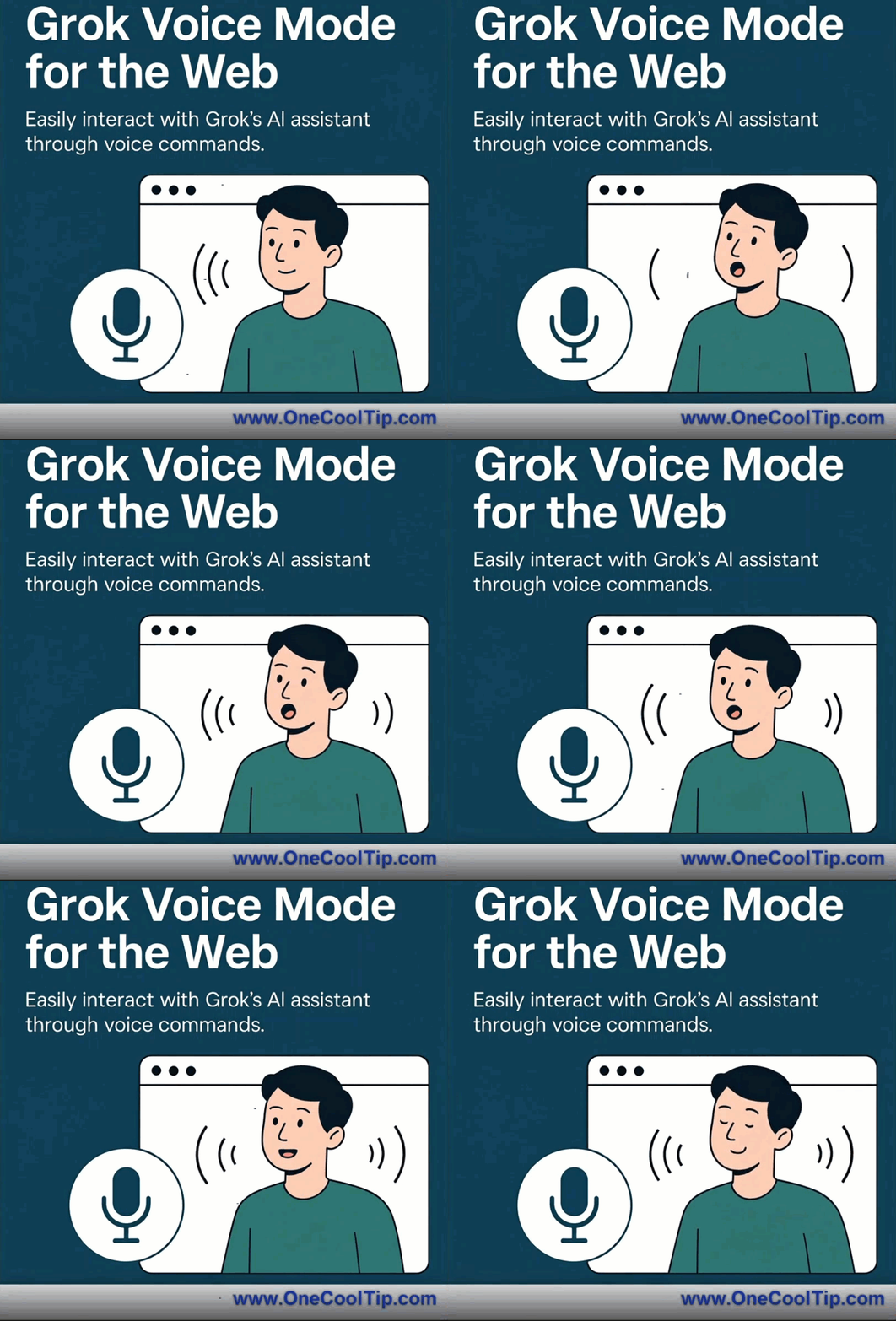
This feature lets you interact with Grok, xAI’s clever AI, using your voice—like having a virtual assistant that listens and responds instantly.
Choose from voices like Ara (upbeat female), Rex (calm male), Eve (soothing female), Sal (smooth male), or Gork (laid-back male), each with customizable personalities (e.g., “Assistant”) and adjustable speech speeds.
Why’s This a Big Deal?
It cuts down on typing time, letting you dictate tasks, research ideas, or manage schedules while multitasking.
For business users, it’s a lifeline: dictate emails during a commute or pull up data mid-meeting.
Educators can generate lesson plans or quiz questions on the fly.
Productivity buffs will appreciate the hands-free ease for juggling to-dos. It’s a practical leap, blending AI smarts with real-world utility.
What You'll Gain
-
Save Time: Dictate tasks instantly, skipping manual input.
-
Boost Multitasking: Stay productive while handling other work hands-free.
-
Enhance Accessibility: Voice interaction supports users with mobility challenges.
Step-by-Step Instructions
Here's how to do it.
Microsoft Web/Desktop
-
Open a supported browser (Chrome, Edge, or Firefox) and go to grok.com.
-
Log in with your xAI account. Free users get limited access; SuperGrok subscribers enjoy higher quotas.
-
Click the microphone icon in the interface to activate Voice Mode, then select a voice and personality from the dropdown.
Pros and Cons
Pros:
-
Versatile Use Cases: Ideal for multitasking, like a sales rep dictating emails during a commute or a teacher summarizing chapters while grading.
-
Fun Customization: Offers a variety of voices (Ara, Rex, Eve, Sal, Gork) and personality options for a tailored, engaging experience.
-
Broad Accessibility: Web access extends functionality to desktop users, enhancing its reach beyond mobile apps.
Cons:
-
Usage Limits for Free Users: Free accounts may hit quotas quickly, limiting frequent use without a subscription.
-
Voice Recognition Issues: Can struggle with accents or noisy environments, e.g., mishearing “schedule a meeting” as “shed a meeting” in a busy café.
-
Less Polished Web Experience: The web version feels slightly rough compared to the app, indicating it’s still evolving.
Score
Criterion Score Justification
Value: 8/10
This feature streamlines tasks with hands-free AI, solving real productivity pain points for busy users. Usage limits for free accounts slightly curb its appeal.
Usability: 7/10
The interface is intuitive, with easy microphone access, but recognition issues in noisy settings or with accents may require patience. A quick guide would help.
Wow Factor: 6/10
Customizable voices are neat, but the feature feels more practical than dazzling—it’s a solid step, not a showstopper.
Total: 21/30 — 👍 Good. Worth adopting for most users.
This tool is great for multitaskers and professionals.
Try it, especially if you’re a SuperGrok subscriber, and expect polish in future updates.
Key Takeaways
Grok Voice Mode on the web offers hands-free AI assistance, saving time and boosting productivity for business users and educators.
Its customizable voices add flair, though free users should note usage limits.
Try It Yourself
Test Grok Voice Mode today at grok.com to supercharge your workflow.
READ MORE
Read the Full Cool Tip
|