Notes on Travel, Visiting the Riviera Maya and a Cool Filter Kit for Your Cameras! |
|
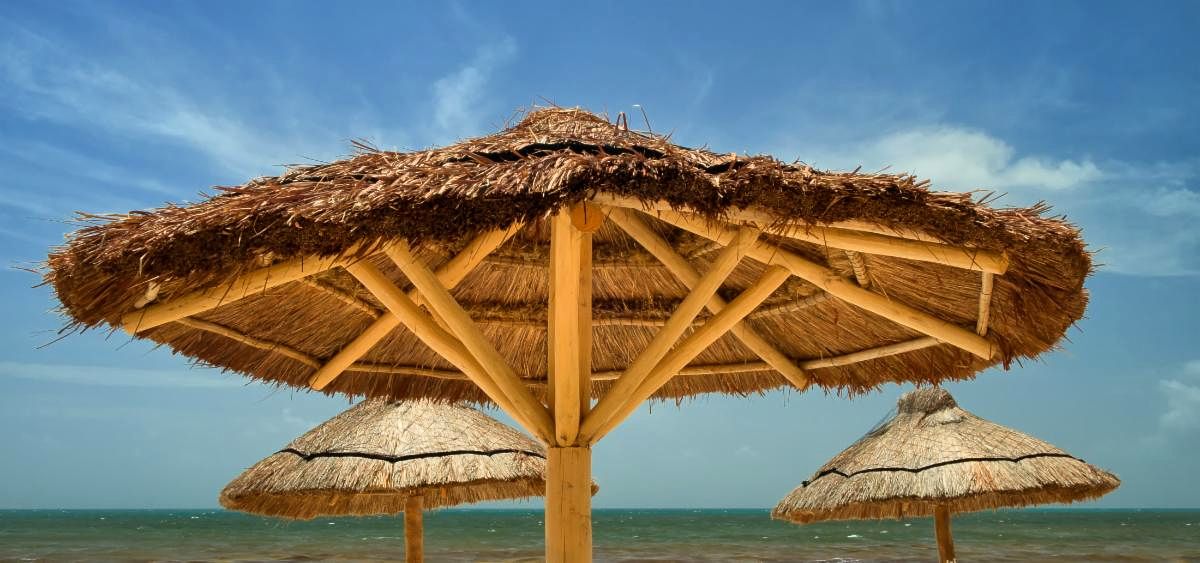
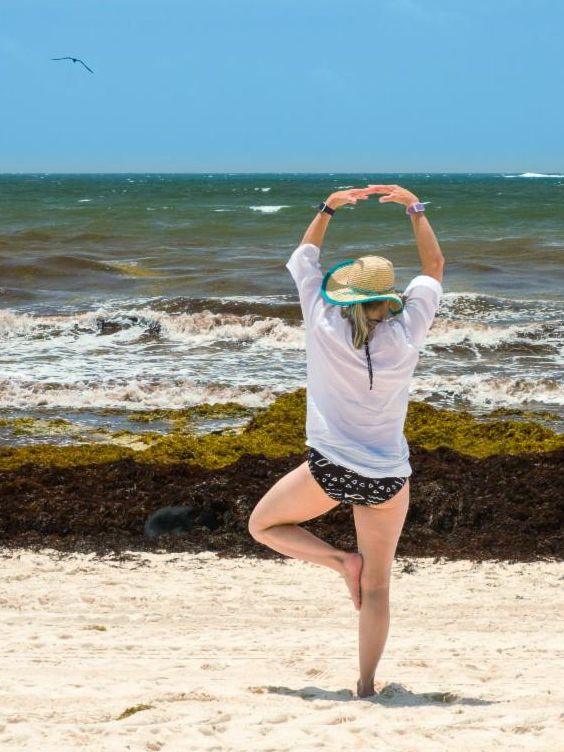
Relaxing at the Beach, Riviera Maya, Mexico
|
|
So, What's International Travel Like?
Our recent trip to Mexico was surprisingly normal, with a few minor annoyances and extra steps. Airlines and airports require mask wearing at all times (except while eating and drinking) and with a few exceptions, most people followed the rules. The plane was fairly full on the way down, and completely full coming back, but United kept things moving very well.
Before returning home, everyone has to take a Covid test with a negative result before entering the US. You need to bring your passport to the test as I'm assuming that there is some digital link that includes test results. I say that, because as when we entered US Immigration and Customs, there were no questions about the test nor any requests to see the paperwork.
In Mexico, mask wearing is not necessary in most places with the exception being the restaurants. When walking around the restaurant, you had to have your mask on, but otherwise you were mask-free. All-in-all it was a good experience and we plan on returning to the same resort next year as it was a beautiful and relaxing place.
|
|
Relaxing in all Kinds of Weather with a New iPad Air 4
As we have a day of storms here in Mexico, I’m taking stock of what it means to get away for a bit. Even though it is possible to take a “staycation”, when your office and studio is in your home you are not really getting away from all the duties, upkeep and projects that seem to whisper in your ear. Truly getting away - in my opinion at least - means a different physical location is required.
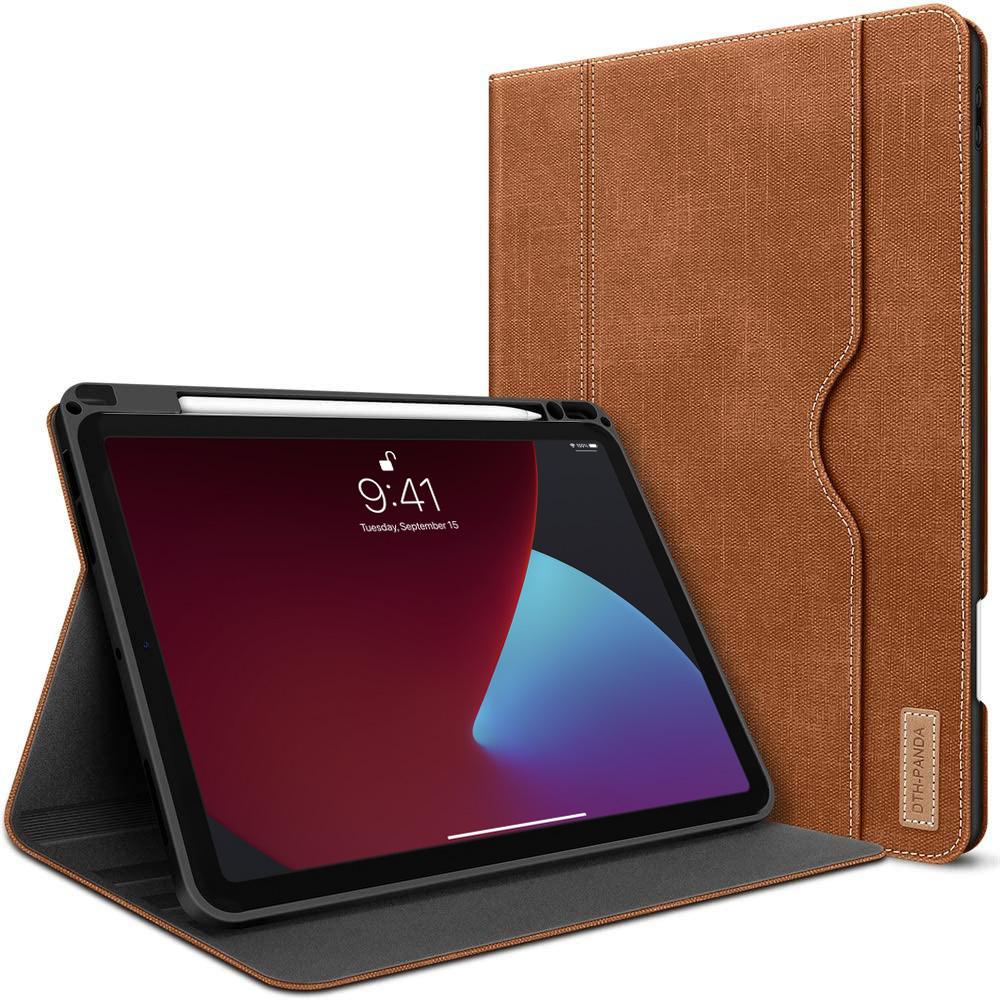
This truly allows me to separate myself from being at home and allows me to relax much easier. Now you might ask, “when and where are you writing this” and I will admit to doing so while on vacation. I did promise myself to leave my computer at home, but I found a bit of a small loophole. With all of the new iPads and the upcoming software updates, I really wanted to see if an iPad could be a replacement for a computer. After doing a lot of research and thinking about it, I bought a new iPad the day before I left. I couldn't just leave it home all by itself!
|
|
My previous iPad had died and I had been thinking about replacing it, but I wasn’t sure if the new iPad Pros were worth the money. I need to upgrade one or both of my computers anyway, so spending wasn’t unlimited. After reading all of the reviews and considering my needs, I decided to go with the newest iPad Air 4 - the model just below the iPad Pro. It supports all of the same accessories and software that the Pro models use and comes in at almost half the price of the iPad Pro 12.9”. As impressive as the 12.9" iPad Pro model is, since I'll be buying the new M1 MacBook Pro soon, the price and performance of the iPad Air 4 was plenty for my needs
I did spring for the Apple Pencil 2 (which is really cool for photo editing!) and look forward to really learning both Photoshop and Lightroom on this device. Both applications are pretty familiar, but there are enough differences to present a bit of a learning curve. What I'm trying to find out over the next month or so is when this device can substitute for my MacBook.
|
|
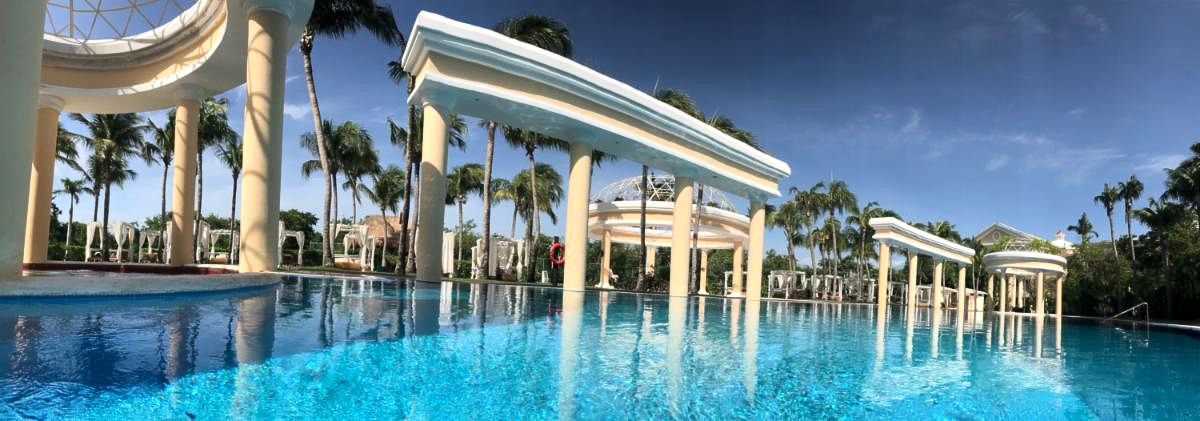
Saturday Morning at the "Quiet Pool", Iberostar Grand Paraiso, Riviera Maya, Mexico
|
|
From what I have read, the iPad Air - while not having the newest m1 processor - is for all intents just as fast using Lightroom and Photoshop as the more expensive models. I have found it so far to be a joy to use and when paired with my portable folding Bluetooth keyboard it really acts just like my MacBook. Diane took one look at how great my new iPad looks and runs that we’re going to buy her one as soon as we get home.
Well, I promised myself to do as little “work” as possible while away, so I will close for now. It’s storming so I though I would gather my thoughts while stuck inside. I did bring plenty to read and I also have my watercolors with me, so I think it’s time to do some painting. The forecast for the next two days is nice, so I’ll plan on some photography and video then.
I hope you are having a good week and I look forward to continuing my travels for Workshops and at Photography Events once they start up again. Hopefully I will get a chance to see you at one over the next year. Until then, thanks for reading!
P.S. I never got any painting done while away :-( I'm going to schedule a day here at home to dedicate to some painting practice!
|
|
Using the New M75 Filter System from NiSi
Long Exposures in Bright Sunlight
The same performance as the 100mm V6 Kit in a smaller size with a smaller price!
|
|
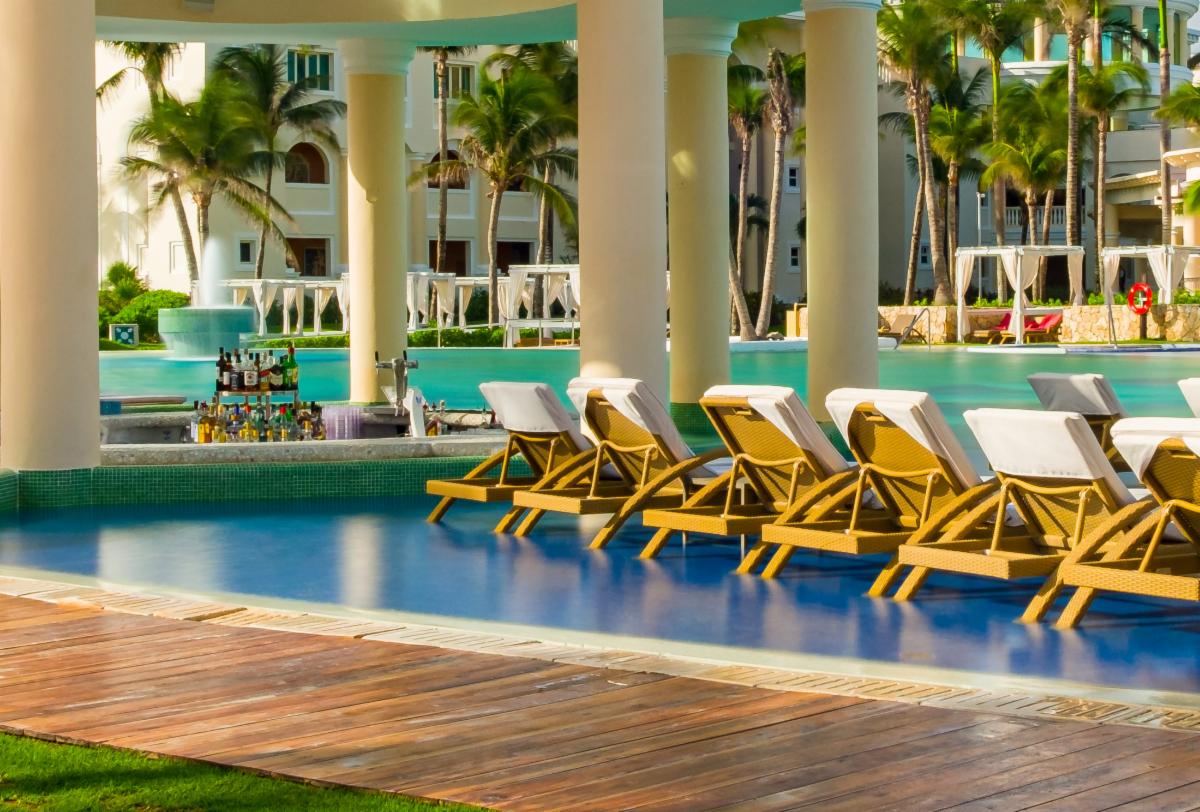
20 Seconds at the Pool - Riviera Maya, Mexico
|
|
During my trip to Mexico, I actually found myself more interested in relaxing rather than doing much photography. Usually on this type of trip we will take a day or two to explore and during those excursions is typically when I shoot the most. Since I had just finished four workshops in six weeks, all I really wanted to do is float in the pool, sit in the hot tub and enjoy poolside drink service!
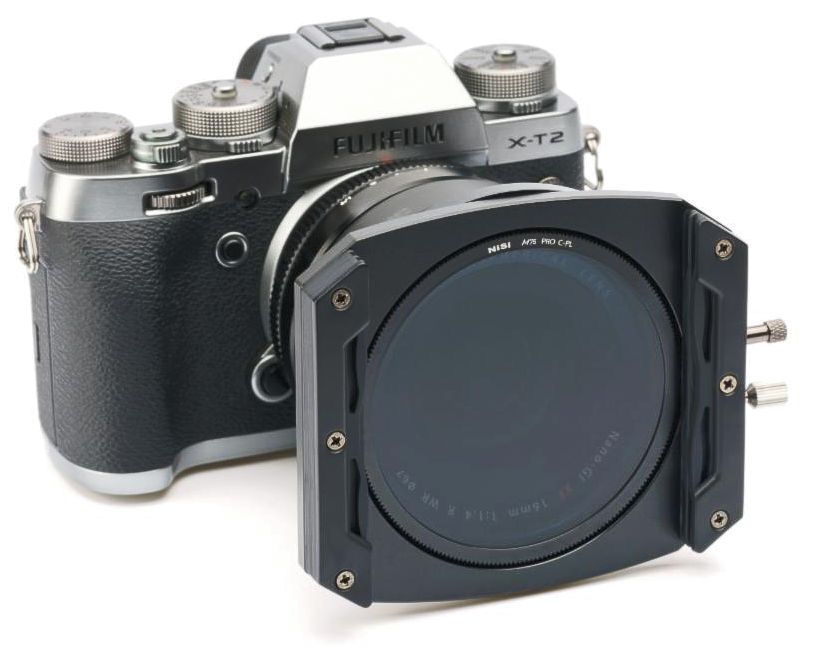
I did however bring a new bit of gear with me that I wanted to share with you. Since the only camera I brought on the trip was my Fujifilm X-T30, the new 75mm NiSi M75 Starter Kit with the Pro CPL seemed like the perfect bit of gear to test out. This filter kit is perfect for anyone who wants to create long exposures and uses lenses from 40.5mm to 72mm standard filter threads.
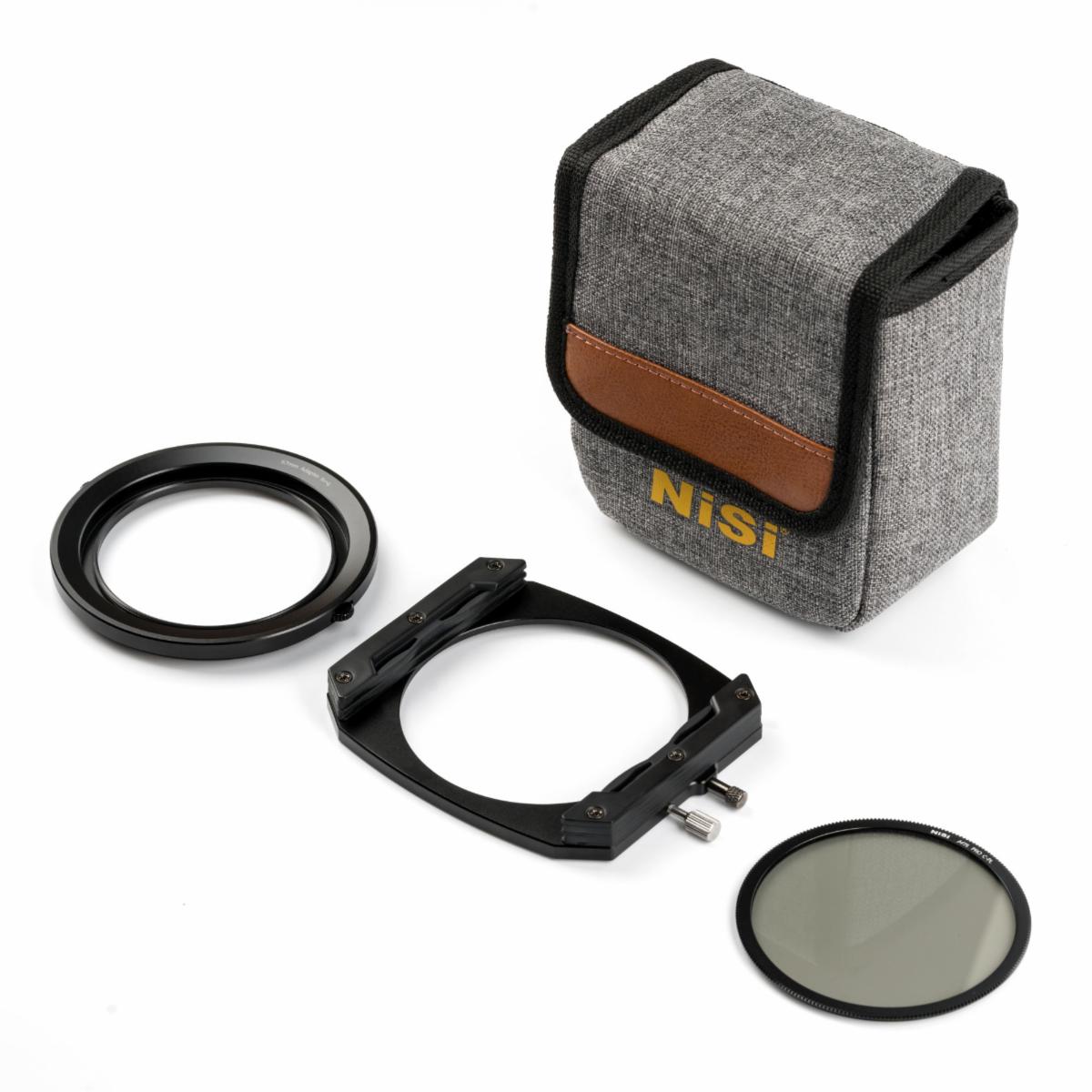
In addition to the CPL (Circular Polarizer) holder and Square Filter Holder, the Starter kit includes 3 filters including the 6 stop and 10 Stop ND, and a Medium Graduated Neutral Density Filter along with a nice Pouch to carry it all in. I was curious to see how the system would perform with 16 stops of ND plus a polarizer (another 2 stops of ND).
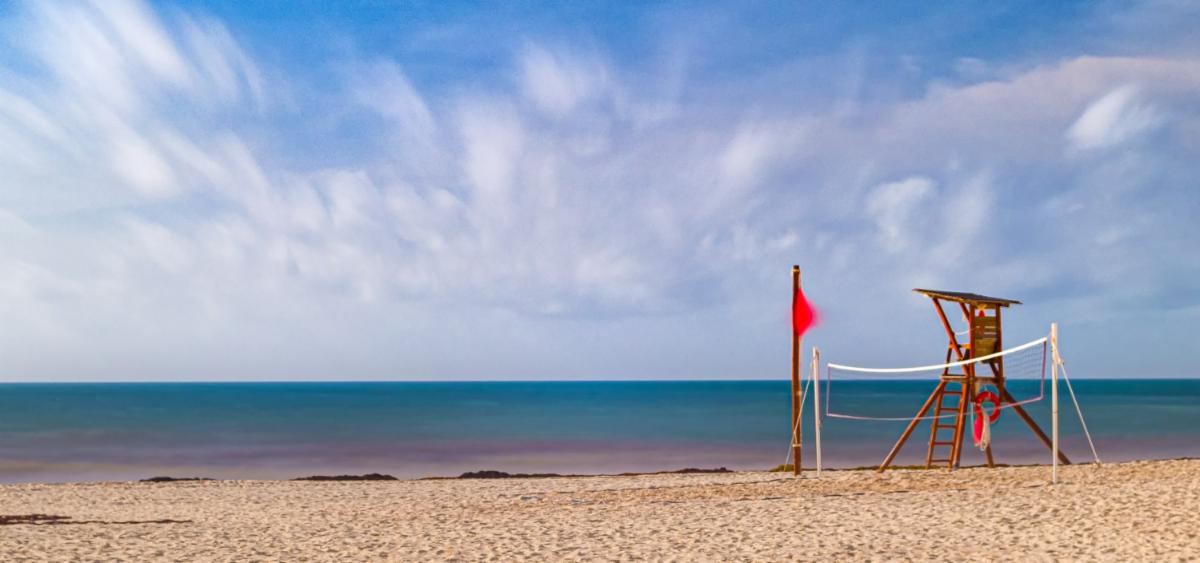
I didn't bring a full sized tripod with me (just a small, tabletop tripod), so this was only a preliminary test. The beach got pretty windy, so doing really long exposures was not going to happen. I did manage a shot at the beach that was a 120 second exposure so that I could blur the ocean and the sky.
What made this all easier was the free NiSi exposure App that automatically calculates your exposure times - very handy considering you can't even see through a 10-stop ND Filter. All you do is tell the App your correct exposure settings with no ND filters (I kept the CPL on the camera) then you dial in the amount of ND Stops you are using and it provides you with a new exposure time. I didn't bring my cable release with me, but fortunately my X-T30 has timed long exposures of up to 15 minutes using the built-in timer. The longest I tried was 2 minutes.
The App, by the way, works with any ND filter systems, so feel free to download it and put it to use if you already own any ND Filters. I created a short video on location that shows the beach and poolside results ...
|
|
120 second exposure, f5, 200 ISO, 16 stops of ND, Fujifilm X-T30 |
|
Cool Gear for Photographers
- A Special Offer on the NiSi M75 Standard, Advanced and Professional Kits.
Since I am a big fan of long exposures when shooting waterfalls, I often use ND filters combined with a Circular Polarizer (CPL) to slow down the shutter speed.
NiSi has released a new kit designed for use with APS-C and Micro 4/3 camera systems for those using lens with filter threads from 67mm down to 40.5mm. In essence these kits are smaller versions of the V6 100mm kit that I use for my bigger cameras and lenses.
|
|
Considering bang for the buck, I love the Starter Kit. At $299 it includes the Pro CPL and 3 filters including the 6 and 10 stop NDs, and a Medium GND8. Personally, I would like to see the kit include the 3 Stop ND instead of the Grad ND since I am a mountain and woodlands kind of guy, so I don't use Grad ND's that often.
In any case, it is so nice to have a filter kit that fits easily in my MindShift PhotoCross sling bag and works so well. Since I like to leave the CPL on the camera, I appreciate that the CPL holder has its own Lens cover.
Visit my NiSi Page on my website and I can offer you 10% off any of the three kits along with free shipping. Since I highly recommend having a 3 stop ND, I've added it to the page as well as an option to consider.
|
|
The Power of Adding and Subtracting with the
Lightroom Linear Graduated Filter!
|
|
Here's a new Quick Tips How-To Video for You!
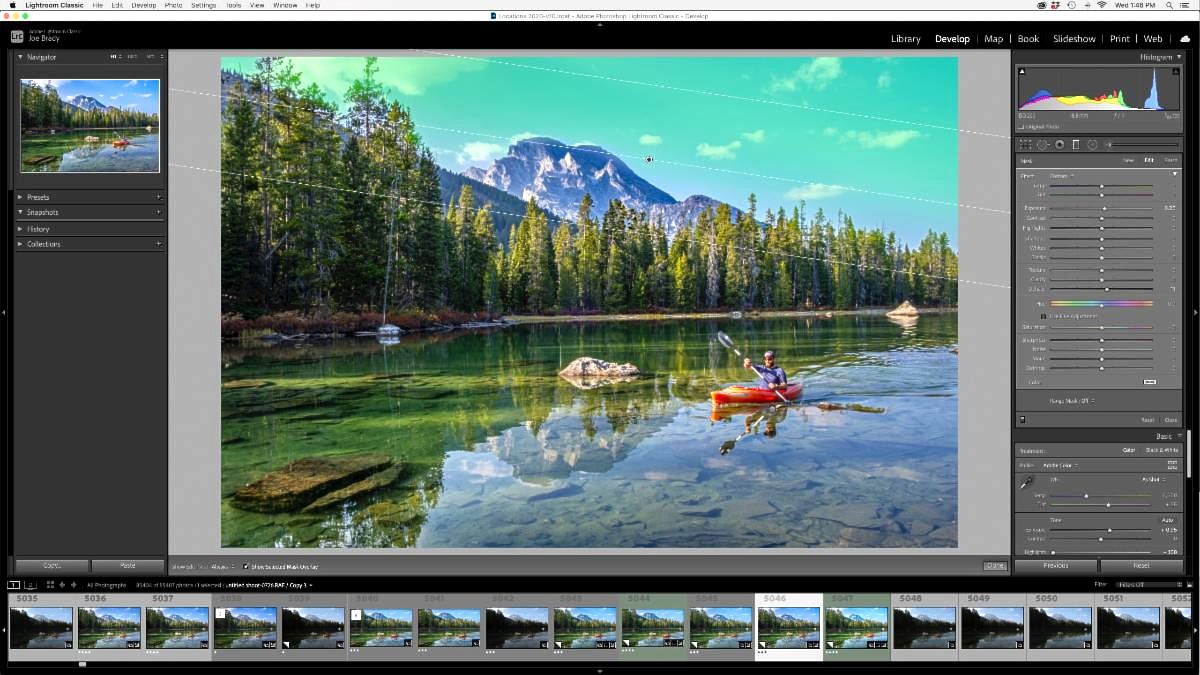
The Lightroom Graduated Filters are incredibly useful tools that can be even more powerful when you understand how to add and subtract from your selections. Very complex selections can be made in seconds by using the Graduated Filter's Brush tool to enhance specific areas in your photos. Watch how just three minutes with this tool can transform an image from bland to beautiful!
|
|
A New Exercise Video from Diane
What's Your Excuse?
We all come up with excuses to not exercise. As a trainer, I've heard some doozies! Remember that exercise is one of the tools we have to stay healthy and moble as we age. So talk yourself into that few minutes of exercise.
Excuse #1 - I don't have time. Answer: You only need to commit 5-10 minutes a day to get started. I'm sure you can spare that much time!
Excuse #2 - I don't have the energy. Answer: Believe it or not, exercise will leave you energized and feeling good. Start with a brisk walk and prove it to yourself!
Excuse #3 - I might get hurt. Answer: If you are concerned about injury, start by working one on one with a certified trainer. We will get you off on the right foot, creating a program specifically for you and any limitations you might have.
Bottom line is get up and move! This week's video with help with that.
Ten minutes is all you need!
Visit me on YouTube for a comprehensive and growing series of Fitness Videos!
and if you would like to see or review all of Diane's Workout Series ...
|
|
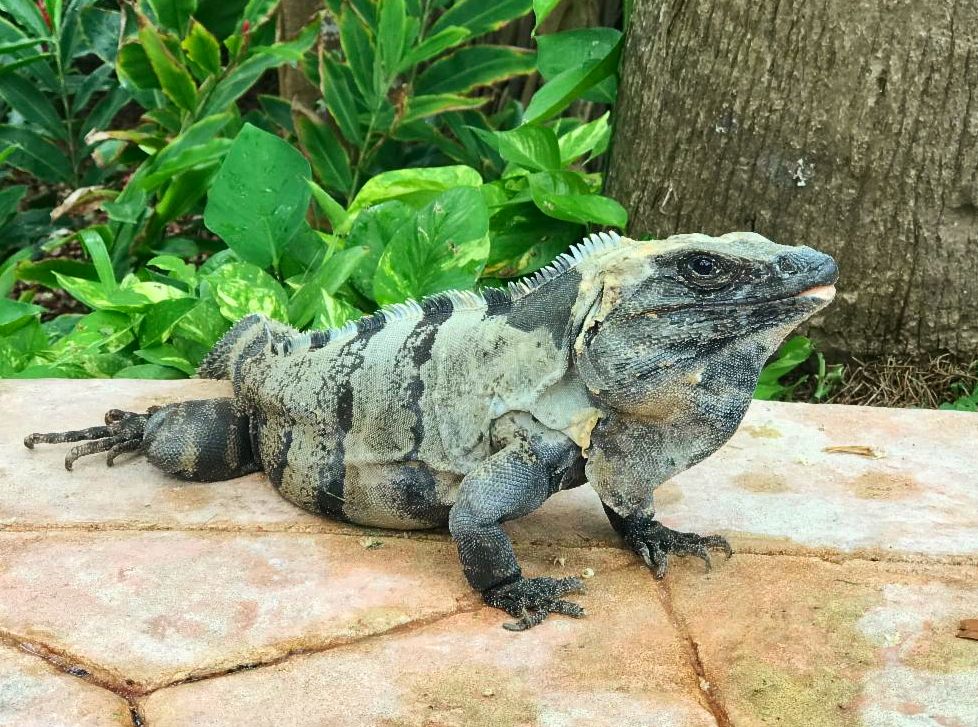
While it has been happening for some time, I'm finally getting the idea through my thick skull that there are more efficient ways to work when you take part in the Apple Ecosystem. I am going to need some time and practice for it all to make sense. Seeing the edits I make on the new iPad while away on vacation automatically show up on my phone, and then my laptop and desktop computers did open my eyes - as did some of the iguanas hanging out around the pool! |
|
The reason I enter into this way of working very slowly is that I have run into problems in the past when having any dealings with Cloud Computing and Storage. In addition, I'm not sure how all this connectivity is going to fit into my image storage and backup configuration. It's both exciting and a bit scary at the same time.
I guess that in the meantime I will try to work the way I always have while starting to incorporate the benefits as I come to fully understand them. As I begin to look into this way of working and storing images, I am amazed at how little I really know - time for an old dog to learn some new tricks!
By the way, we have an opening for our Durango-Telluride Fall Colors and Train Ride Workshop from September 25-30, 2021. I'll advertise the opening next week, but if you might be interested, here's a link to the registration page - send me a note or call if you have any questions!
See You again next ...
|
|
|
|
|
|
|