|
REPORTING ACCURATE STEPS
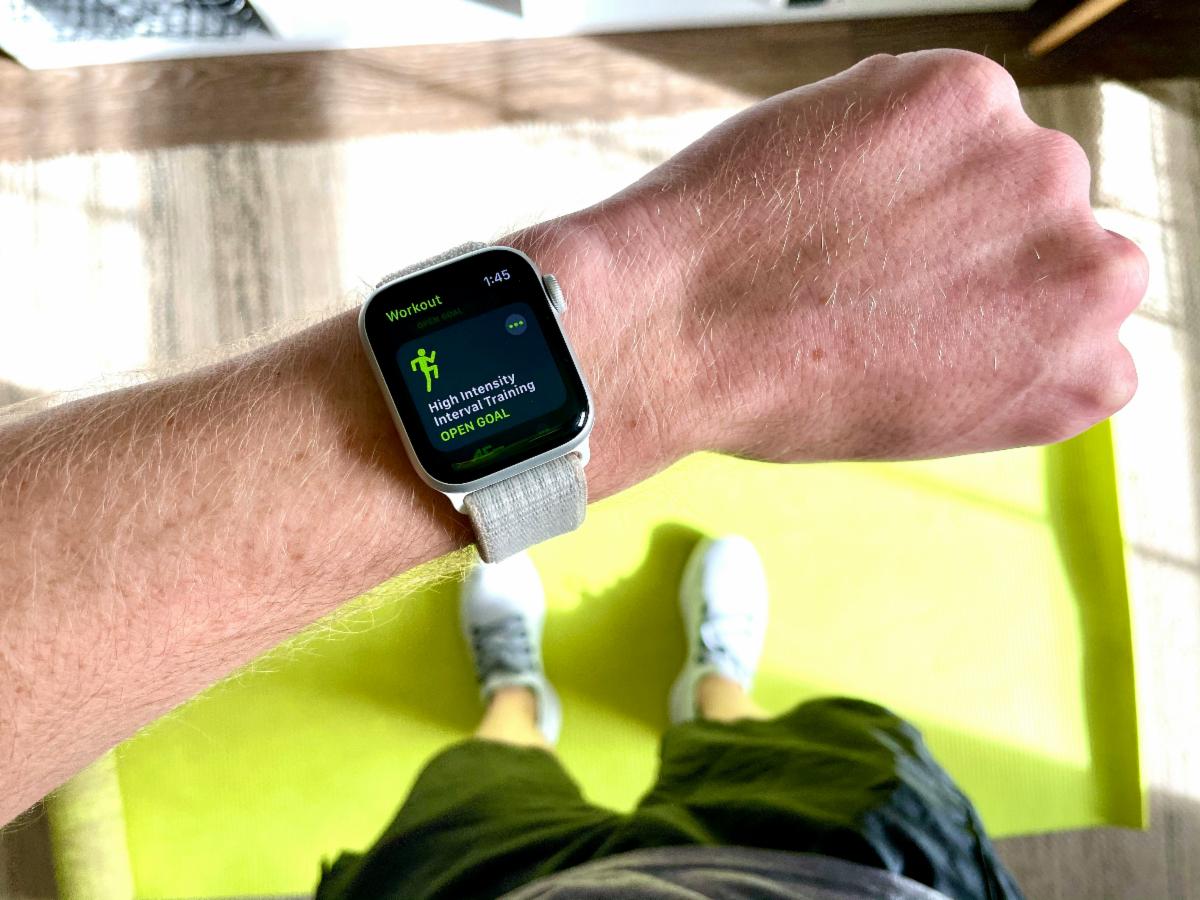
Please be sure your team members are accurately reporting their steps. If you are using a smartwatch, pedometer, or step-counting app while taking part in physical activities, you should not use the conversion function in the participant tracking sheet to report those steps. They are already accounted for in the number of steps your watch or pedometer reports.
Watch the participants guide video for more help on recording your steps and filling out the participant tracking sheet.
COMPLETING THE CHECK-IN FORM
Below are some helpful tips for completing the bi-weekly submission form:
- If you cannot find your team name listed on the form, you can type it.
- The step total you need to report can be found on your captain's spreadsheet in the blue box in the top right corner.
- Do not use commas or decimals in your step count.
- Do not upload your participant sheets. Please transfer all information to your captain's sheet and upload it when completing the bi-weekly check-in form.
|