Hi John,


Since 2011, LabVIEW developers around the world have been using LabSocket—the add-on tool for browser access to LabVIEW VIs—to create amazing applications. A few notable industrial applications include a German cruise ship fleet monitoring system, a Swiss tablet-based UI for a 3D-printer powder processing machine, and a remote Factory Acceptance Testing system in the Philippines. LabSocket has also been used for academic applications in Australia, Mexico, Romania and Sweden and LabVIEW training in Thailand!


This short note provides some news about new versions of LabSocket and the availability of LabSocket source code.

New Desktop Version of LabSocket

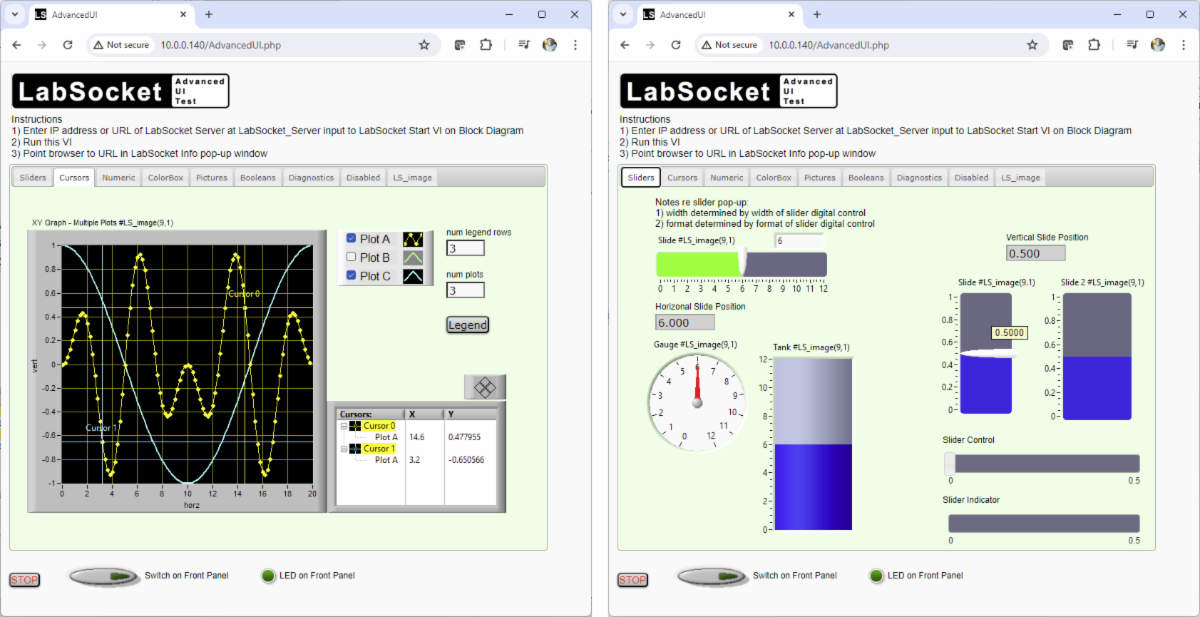
A new desktop version of LabSocket has just been released. This version includes several new features that were added in response to customer requests over the last few years, such as support for cursor controls in XY graphs and pop-up value displays for sliders. A list of the key new features is below.


Thanks to everyone who requested new features. It was an interesting challenge to work on these updates!


The new LabSocket version (v3.5.2.7) is now available through VIPM and also can be downloaded from the LabSocket web site. Existing LabSocket customers may upgrade to this new version at no cost.

I'm currently working on a small but important update to LabSocket-E—the LabSocket version for embedded platforms such as CompactRIO, PXI and Raspberry PI. Expect this version to be released this summer.

LabSocket Source Code

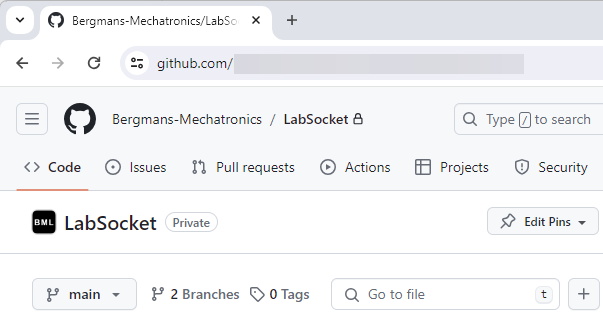
In response to customer interest in access to the LabSocket source code, I'm now using a private GitHub repository for LabSocket development and am making access to the source code in this repository available for purchase. 


LabSocket source code access will provide customers important benefits such as the ability to independently maintain the code and implement their own proprietary features. The repository includes detailed step-by-step instructions to build a VIPM package to allow for in-house distribution of custom LabSocket packages.


Please contact me to discuss how to access this repository.

I look forward to continuing to help LabVIEW developers create unique applications with LabSocket.

Best,

-John

http://labsocket.com

New Features of LabSocket v3.5.2.7

  • Mouse and touch support for cursors in XY graphs and control of XY graph curve visibility from the legend
  • Mouse and touch support for slider controls as images, including pop-up display of current value
  • Table support
  • ColorBox support
  • Synchronization of captions
  • Support for Greek symbols
  • Support for complex numbers and units of numeric elements
  • Support for dynamically updated animated GIF display in browser to enable capabilities such as display of user-selected transient graphical data
  • System parameter initialization using new LabSocket Init VI
  • System monitoring using new LabSocket Monitor VI
  • Detailed diagnostics data output using new LabSocket Diagnostics VI
  • New example VIs, including "Advanced UI.vi" which demonstrates many of the new UI synchronization features