BOS logo

Organize Memberships

June 2025


Key Tags!

Strategies to keep your various

key tags organized whether physically or digitally

Do you have any of those tags or cards for your memberships, VIP status or store accounts?


If you like to read, see below.


If you prefer to watch,

click for the 3 minute video version

Physical Tag Management


a) Nothing clutters up your keys than multiple tags. If you want to clip on one or two of the most frequently used, maybe ok. If you want to have them all with you, then carry on separate key chain just for the tags.


b) Another option is to have a specific card holder wallet for full size cards which makes it easy to pull one out for those locations that require the actual card.

           Need cards for casino loyalty so must carry those with you.

           Some cards have your picture to verify user, so need to have card.


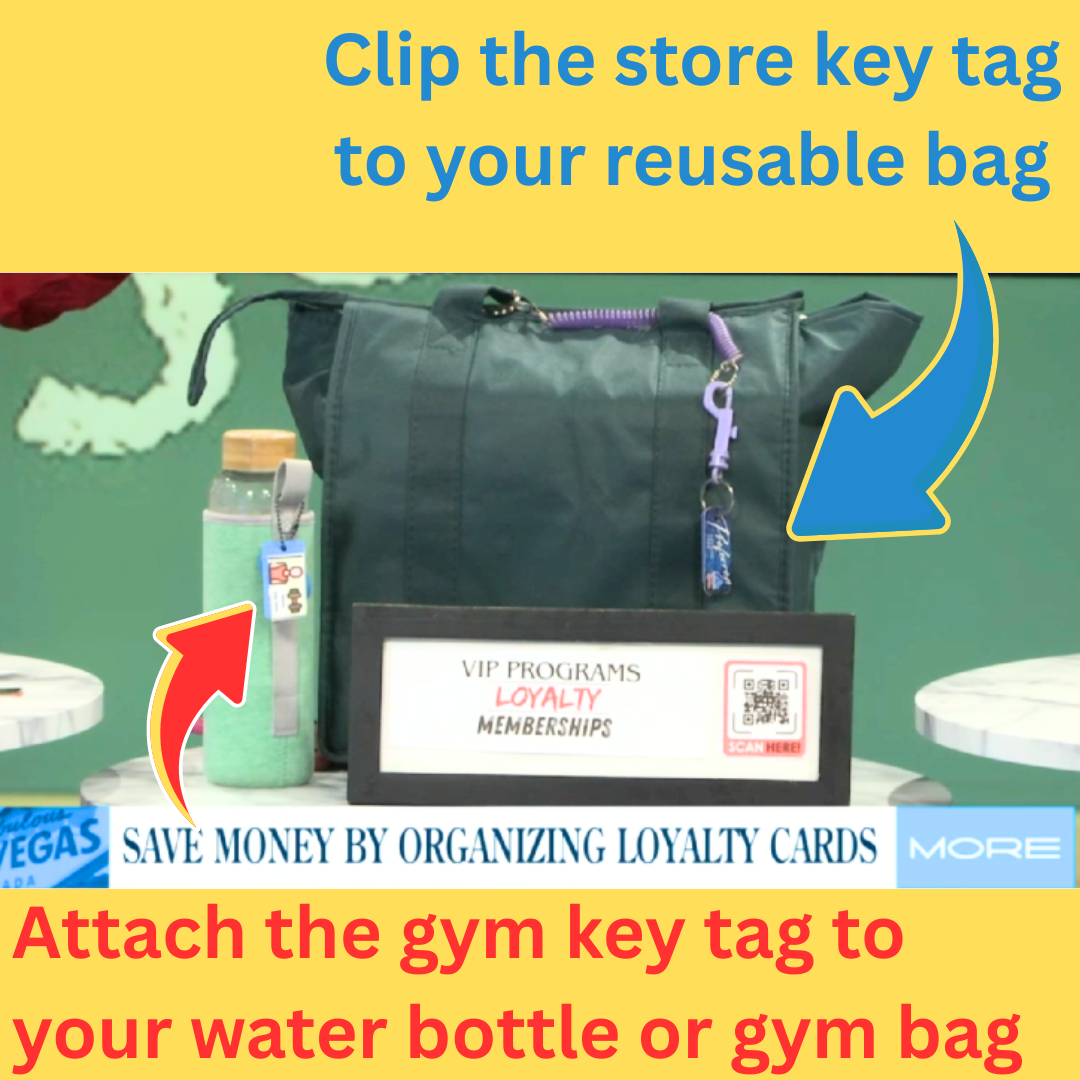
c) Consider putting a single tag for specific vendor on an item you use at that location.


For example:


Put tag for specific store on the reusable bag you take in the store


Put fitness center tag on your workout bag or water bottle case

Click the TV to watch the MORE Show 3 minutes segment

Watch the Fox 5 Vegas MORE Show segment How to Organize Key Tags

Digital Tag Management


a) There are apps (most free) that you can load all membership cards into.

App lets you take a picture, then it reads the barcode and adds it to that store’s profile.  Also has an actual picture of the front and back in case the bar code doesn’t scan. The one I have used for years is called Key Ring.


**some phones or apps have a “wallet” that you can use as well.

Key Ring App Home page


b) Make your own store key tag holding place on your phone.

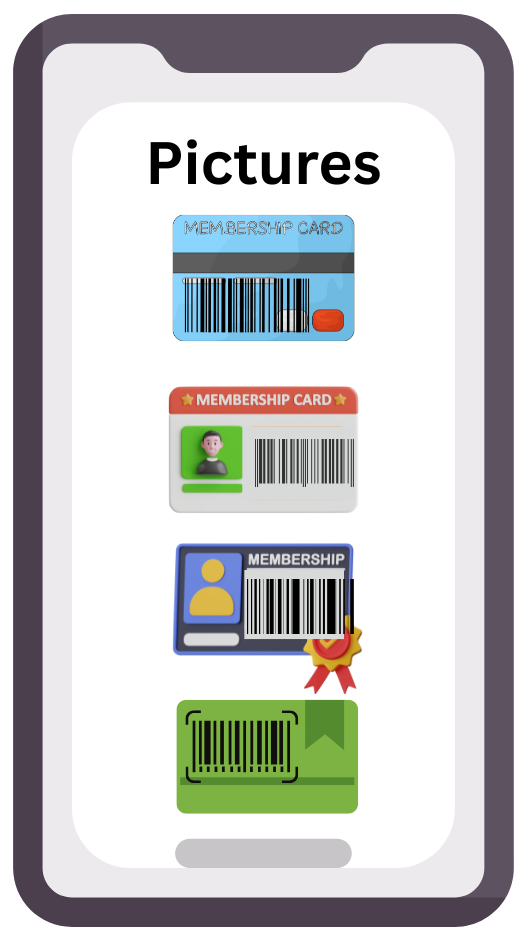
Take you own picture or screen shot of each card making sure the barcode is clear and scannable.


Make a specific gallery or album of pictures for all of your membership cards


No worry of having to log in, remembering a Login or PW, having connectivity, etc.


c) Use each store’s app

(can be cumbersome as you have to navigate to the app, then the code, each store has a different layout of the app, if no connectivity you can’t open it.


d) Using your phone number is an option for many memberships if you don’t mind using it and entering it each time you shop.


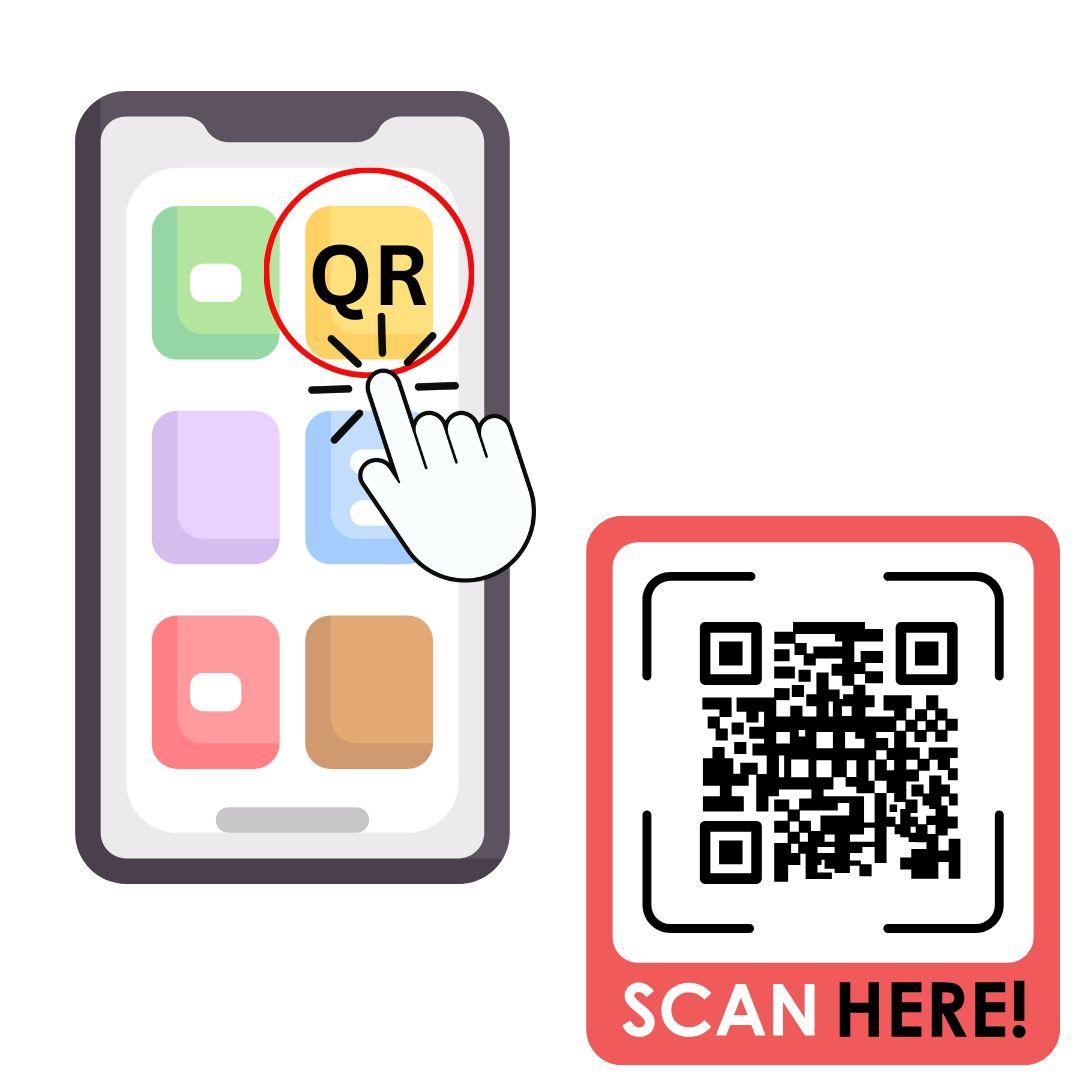
The other code being used for a wide variety of purposes are QR Codes.


If you aren't 100% clear on what they do, a company, store, restaurant, non-profit, media and many others will set up the QR Code to do one of several things. Then you use a QR CODE reader on your phone or tablet to go to the designated target.


It might do one of the following:


Open a URL

Open an email in YOUR email program with an address already added

Open a PDF, such as a menu at a restaurant

Becomes your ticket to enter at an event

Is your Boarding Pass to get on a flight or other transportation


2 Tips for QR CODE READERS:


1) Have the QR code reader app on your main phone screen for easy access


2) Be aware that for some QR CODE READERS the screen that opens will likely have an advertisement so make sure you select the URL for what your are accessing!


If this was forwarded to you, click HERE to join the group and get your own copy of organizing task emails!


Need a speaker for your association's meeting? Brenda inspires audiences to find greater productivity, reduce stress, achieve goals and make daily life more satisfying!


Send an email to schedule a presentation with Brenda!

Joyfully, Brenda