How to Spot Fake Download Buttons and Stay Safe

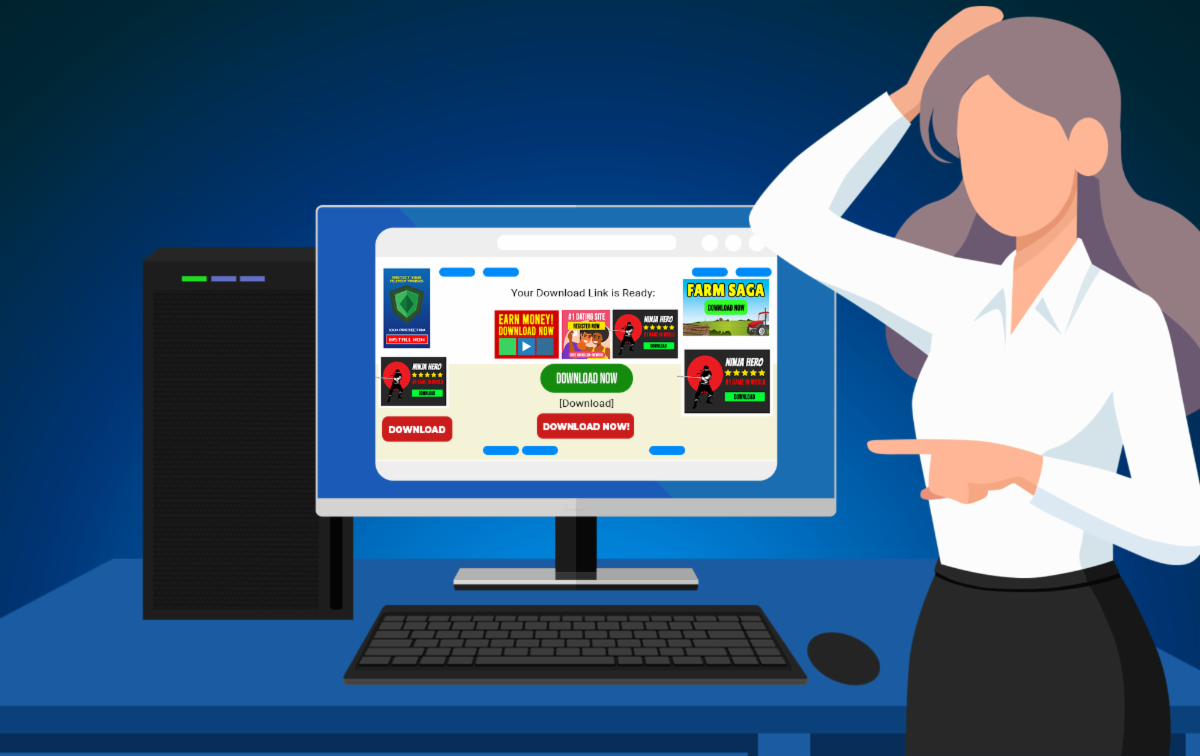
Downloading software from the internet might seem simple, but it can sometimes feel like navigating a minefield. Many websites, even seemingly legitimate ones, feature fake download buttons designed to trick you into downloading malware or other unwanted programs. Let's explore how to recognize these deceptive buttons and keep your computer safe.


Why Do Fake Buttons Appear on Legitimate Websites?


You're probably wondering, "Why would a trustworthy website have fake download buttons?" The answer lies in online advertising. Many publishers rely on ads to make money. Unfortunately, they often have little to no control over the content of these ads. Advertisers may sneak in fake banners disguised as download buttons to mislead visitors. This practice can make even a reputable website feel unsafe.


Why Are Fake Download Buttons Dangerous?


Clicking a fake download button can lead to serious consequences. Instead of getting the application you need, you might end up downloading malware, which can:

  • Steal your personal information.
  • Slow down your computer.
  • Open the door for even more harmful software.


It's not just about annoyance; it's about protecting your privacy and security.


How to Spot Fake Download Buttons


Thankfully, there are a few telltale signs that can help you distinguish real download links from fake ones.


Look for an "Advertisement" Header


Many fake buttons are part of advertisements. Check for an "Advertisement" header near the button or a small "X" to close the ad. This is a strong indicator that what you're seeing isn't a genuine download link.


Hover Over the Button


Before clicking, hover your mouse over the button. In most browsers, you'll see the destination URL in the status bar at the bottom of the window. If the link doesn't match the site you're trying to download from, don't click it.


Avoid Giant Buttons


Legitimate websites rarely use oversized, flashy buttons to prompt downloads. Instead, they often provide a plain-text link that might say something like "Download now" or "Download [Program Name]." If it looks too good to be true, it probably is.


Use an Ad Blocker


Many fake download buttons are embedded in ads, which can be blocked with a browser-based ad blocker. These tools can significantly reduce website clutter and make finding the actual download link easier. If you're not sure how to install an ad blocker, we'd be happy to help.


What to Do If You've Downloaded Malware


If you think you've accidentally clicked a fake download button and your computer is acting strange, don't panic. Give us a call. We can help you remove any unwanted programs and get your computer back to running smoothly. And if you need assistance setting up an ad blocker or a recommended antivirus, we're here for that too.


If you have any questions or feel you may be infected, give us a call at 940-282-0290.


We are here to help keep you and your computer safe.

DOWNLOAD PRINTABLE VERSION

Why Does Your Computer Smell Weird?


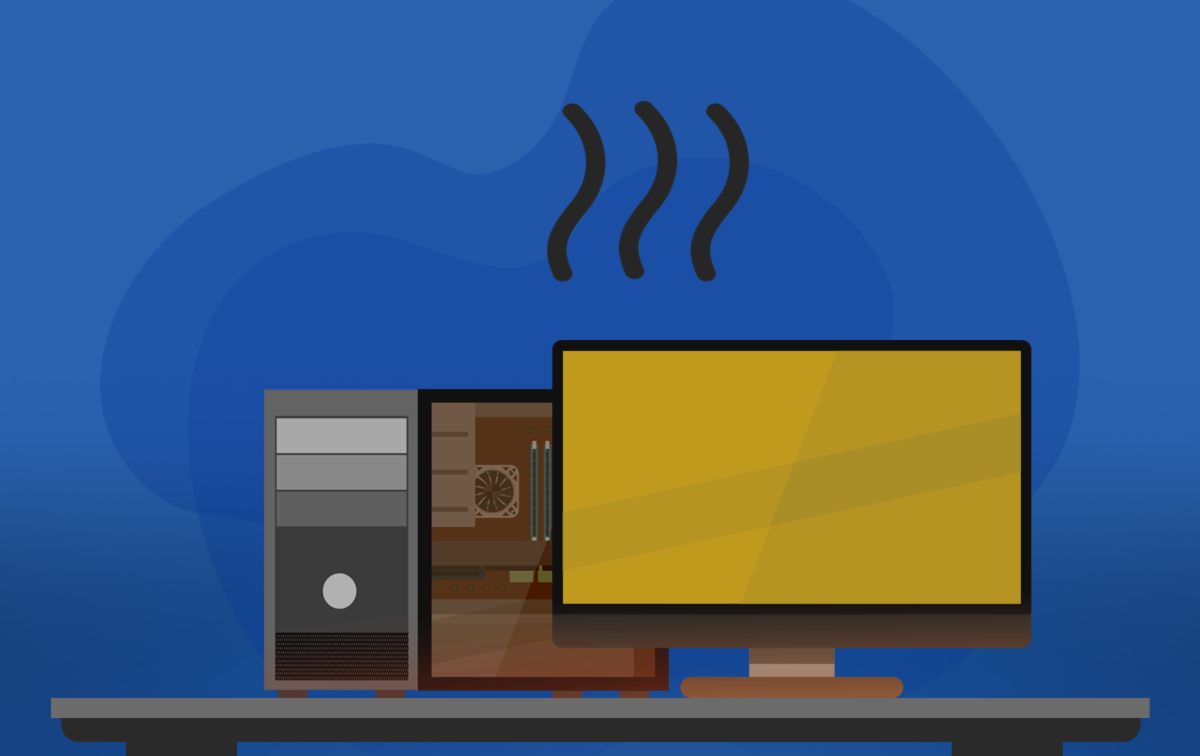
Most people don't expect their computers to have a distinct smell, but sometimes they do. A weird smell coming from your computer is often more than just an annoyance; it can give you valuable clues about potential problems lurking inside. Let's dive into what these smells mean and why you should pay attention to them.


Burning Smell


A burning smell coming from your computer is almost always a sign of trouble. It could be caused by:

  • Overheating hardware. Components such as the motherboard, graphics card, or power supply may be overheating and burning.
  • Manufacturing defects. Faulty components might be melting or burning due to improper design.


If you notice a burning smell, shut down your computer immediately, unplug it, and do not attempt to turn it back on. Continuing to use it could damage the hardware further or even cause a fire. This problem is best handled by a professional technician who can safely diagnose and fix the issue.


Nail Polish Remover Smell


A smell similar to nail polish remover usually indicates a compromised lithium battery. This is a serious issue that can lead to:

  • Swelling batteries. Check for signs such as bulging or curved surfaces and panels coming apart.
  • Fire risks. Lithium batteries can ignite and burn intensely when damaged.


If you suspect the battery is compromised, do not attempt to open the computer yourself. Get it inspected and repaired as soon as possible. A swelling lithium battery is not something to take lightly.


Ozone (Electrical) Smell


The pungent smell of ozone, reminiscent of chlorine bleach, often signals electrical issues. This could be caused by:

  • Loose plugs. Connections inside or outside the computer may not be secure.
  • Arcing electricity. Electrical components, especially in the power supply, could be sparking or malfunctioning.


An ozone smell means there's a risk of electrical damage or fire. Power down your computer, unplug it, and have it checked by a professional.


Cigarette Smell


If your computer smells like cigarettes, it's likely due to:

  • Tar buildup. Tar and other particles from smoke are drawn into the computer by cooling fans and settle on internal components.
  • Dust and debris. The combination of smoke, dust, and hair can create a strong odor over time.


Cleaning a smoker's computer isn't just about improving the smell; tar buildup can also clog fans and reduce cooling efficiency. This job requires disassembling the computer and thoroughly cleaning the components, which is best left to a technician.


"New Computer" Smell


A new computer smell is usually not a cause for concern. It's often due to:

  • Manufacturing solvents – residues from the production process.
  • Plastics gassing out – new materials releasing faint odors as they settle, just like a new car does.


If the smell is pleasant and doesn't resemble burning, it's perfectly normal. However, get it checked out if it transitions into a burning smell.


Smells from your computer can be more than just a curiosity; they're often a warning sign of underlying problems.

If you've noticed any strange smells coming from your computer, don't wait for the problem to get worse.


Contact us today at 940-282-0290, and we'll diagnose and fix the issue quickly and safely.

DOWNLOAD PRINTABLE VERSION
 
Brian W. Norby
 
(Owner of both BWN Computer
AND That Computer Man)


1-940-282-0290
Visit BWN Computer's Website
Visit That Computer Man's Website
Connect with us
Facebook  Linkedin