|
Edit and Refine Workspace Images with Precision Using Google Pics
Google Pics eliminates the frustration of starting over with AI image prompts by letting you modify specific objects, text, and regions directly inside your documents. Here is how to access this visual editor at pics.new or right inside Google Docs and Slides.
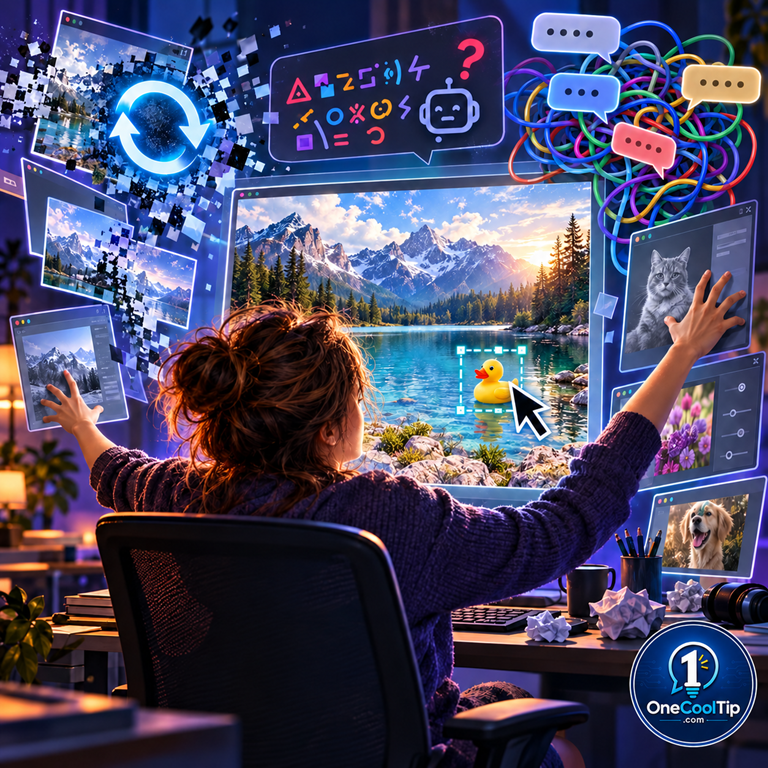
Most AI image generators force you into an exhausting cycle: you type a prompt, get an image that is almost perfect, spot one odd detail, and press regenerate only to lose everything you liked about the original.
Swapping between a web generator, an external graphics suite, and your presentation slide deck just to fix a single misplaced prop or misspelled word drains your focus.
Here’s a Cool Tip: Use Google Pics to isolate and edit single objects in your visuals without regenerating the entire scene.
Google tackled this workflow bottleneck on September 1, 2026, by launching Google Pics.
Built on the company's Imagen 3 and Gemini foundation models, Pics is a dedicated creative canvas that integrates directly into Google Docs and Google Slides.
Instead of treating images as flat, unchangeable blocks, it gives you precision control over individual elements, background regions, and even in-image text without altering the rest of your composition.
Feature Explanation
Google Pics is an AI image generation and precision editing application built specifically for productivity workflows.
It operates in two environments: as a dedicated standalone web editor located at pics.new and as an inline editing overlay inside core Google Workspace applications.
The application addresses the biggest weakness of traditional generative art tools: lack of localized control.
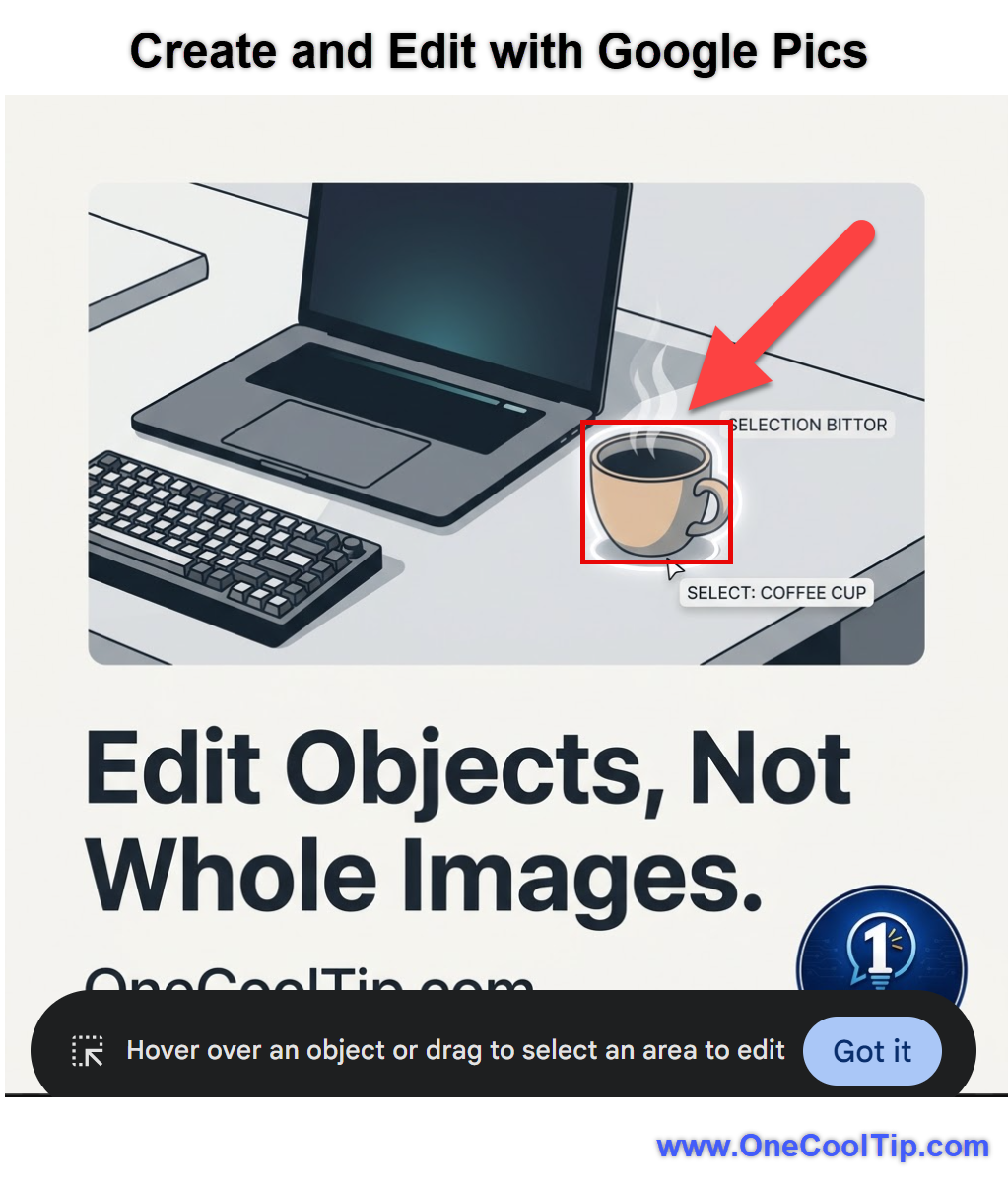
When you load an existing graphic or generate a new concept, Google Pics automatically detects individual objects within the frame.
You can click a single item, such as a coffee mug on a desk or a person's jacket, and issue a plain-language prompt to modify, recolor, or remove that specific element while leaving the surrounding scene intact.
In addition to object segmentation, Google Pics solves another persistent AI issue by offering direct in-image text replacement and translation.
If an AI visual renders a sign with garbled lettering or you need to localize marketing text into another language, you can select the text area, type the correct wording, and preserve the original typography and lighting.
Because Google built Pics for collaborative environments, files live in Google Drive and support multi-user sharing, allowing teams to iterate on visuals together rather than emailing static mockups back and forth.
What You’ll Gain
Save time by making targeted fixes to visual elements without starting your prompts from scratch.
Eliminate tab switching by creating and editing graphics directly inside Google Docs and Google Slides.
Fix text errors instantly with native in-image text editing and automatic translation.
Improve team collaboration by sharing editable AI visual drafts via Google Drive links.
Step-by-Step Instructions
Google Pics is available via modern desktop web browsers for eligible Workspace and personal AI subscription tiers. Mobile editing apps have not yet launched.
Here's how to do it.
Web/Desktop (Standalone Editor):
-
Open your desktop browser, navigate to pics.new.
-
Sign in with your eligible Google account.
-
In the central prompt box, describe the visual you want to create, or click Upload to bring in an existing image from your computer, Google Drive, or Google Photos.
-
Review the multiple generated variations displayed in the preview panel and select your preferred image to open the main workspace.
-
Hover your mouse cursor over the image. Notice how specific items highlight automatically.
-
Click the object you want to alter, or click and drag a custom bounding box around a specific area.
-
In the pop-up instruction field, type your specific modification (for example, "change color to navy blue" or "replace with a laptop") and click Apply.
-
Click Save to Drive in the upper-right corner or click Export to download your finalized image asset.
|