One Cool Tip Newsletter

May 7, 2026

Your daily dose of tech-savvy brilliance!

😀Greetings! Happy Thursday, Cool Tipper!


Get ready to streamline your digital life with simple, actionable tips delivered straight to your inbox.


Cool Tip Theme: iPhone Live Captions


New here? Subscribe to the One Cool Tip Newsletter for daily updates. It's FREE!

3️⃣

If you enjoy the One Cool Tip newsletter, please forward this newsletter to THREE friends or colleagues or share it on social media using the links below.


Leave a $$$ Tip!


Share this One Cool Tip Newsletter!

X Share This Email
LinkedIn Share This Email
Pinterest Share This Email

🚨 🍎 Apple Warns of iPhone Scams 🍎 🚨


Apple has issued a new security advisory detailing how scammers are impersonating Apple Support and using fake messages to steal personal information.


The warning explains that fraudulent texts, emails, and calls may claim your Apple ID is locked or that your device is infected, all designed to trick you into sharing passwords or payment details.


What to Watch For


  • Messages asking you to “verify your account” or “reset your Apple ID.”
  • Pop‑ups claiming your iPhone has malware.
  • Calls pretending to be Apple Support.


How to Protect Yourself


  • Never click links or install profiles from unknown sources.
  • Don’t share verification codes or passwords.
  • Report suspicious messages to reportphishing@apple.com.
  • Manage your account directly at appleid.apple.com.


Apple reminds users that real support never asks for sensitive information by phone or text.


When in doubt, go straight to official Apple channels.


And in Other News...


  • Apple’s $250M iPhone Settlement


Apple may soon pay iPhone owners again, this time over claims that it oversold Siri’s AI features on recent models.


The proposed $250 million settlement covers U.S. residents who bought an iPhone 16, 16e, 16 Plus, 16 Pro, 16 Pro Max, 15 Pro, or 15 Pro Max between June 10, 2024, and March 29, 2025.


What’s at stake


Eligible users could receive up to $95 per device, depending on how many claims are filed. Notifications will arrive by email or mail, though a claim portal hasn’t launched yet.


Why it matters


The lawsuit alleged Apple misled buyers by advertising “Apple Intelligence” and “Enhanced Siri” features that weren’t available at launch. Apple later admitted certain AI capabilities were delayed.


What’s next

If approved by a judge, payouts could begin later this year. Apple says it resolved the matter to stay focused on delivering innovative products and services.


Keep an eye on your inbox, this settlement could put real cash back in your pocket.

Cool Deals of the Day

Help support One Cool Tip. Use this Amazon link when you shop online.


Check out these Cool Deals:


*Prices accurate when originally published.

One Cool Tip may earn a commission from qualifying purchases.

Fuel Your Adventure

Try Big Mike's Jerky!


bigmikesjerky.com


Now on TikTok!


Today's Cool Tip

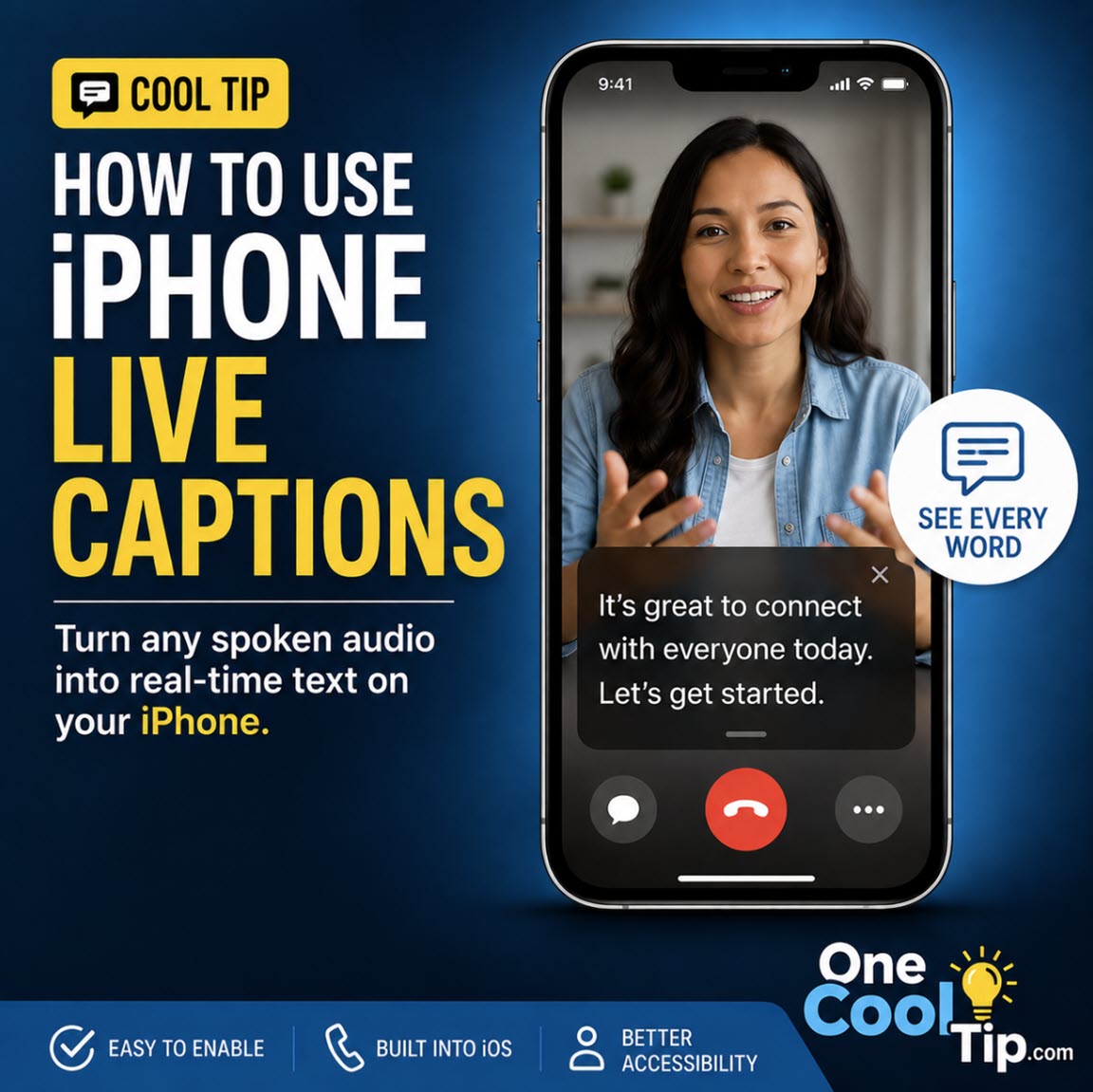
How to Use iPhone Live Captions


Turn any spoken audio into real-time text on your iPhone. Ever miss something important in a video or phone call? iPhone Live Captions displays spoken words instantly, helping you follow along in any situation.


Have you ever struggled to hear a video in a noisy room or missed part of an important phone call?


 It happens more often than we realize. 


Here's a Cool Tip:  Live Captions.


Apple’s Live Captions feature solves this problem by displaying spoken words as text in real time, right on your iPhone screen. 


It is one of those under-the-radar features that can dramatically improve everyday usability.


Feature Explanation


Live Captions on iPhone converts spoken audio into on-screen text in real time. 


It works with phone calls, FaceTime, videos, podcasts, and even in-person conversations using your device’s microphone.


The transcription is processed directly on the device, which improves both speed and privacy. Once enabled, the feature does not require an internet connection.


Why it matters:


  • Improves accessibility for users with hearing challenges.
  • Helps in noisy environments.
  • Enables silent viewing when audio is not practical.


What You’ll Gain


  • Follow conversations without missing key details.
  • Read captions in noisy or quiet environments.
  • Improve comprehension during calls and videos.
  • Add a powerful accessibility layer to your iPhone.


Step-by-Step Instructions


Here's how to do it.


iOS


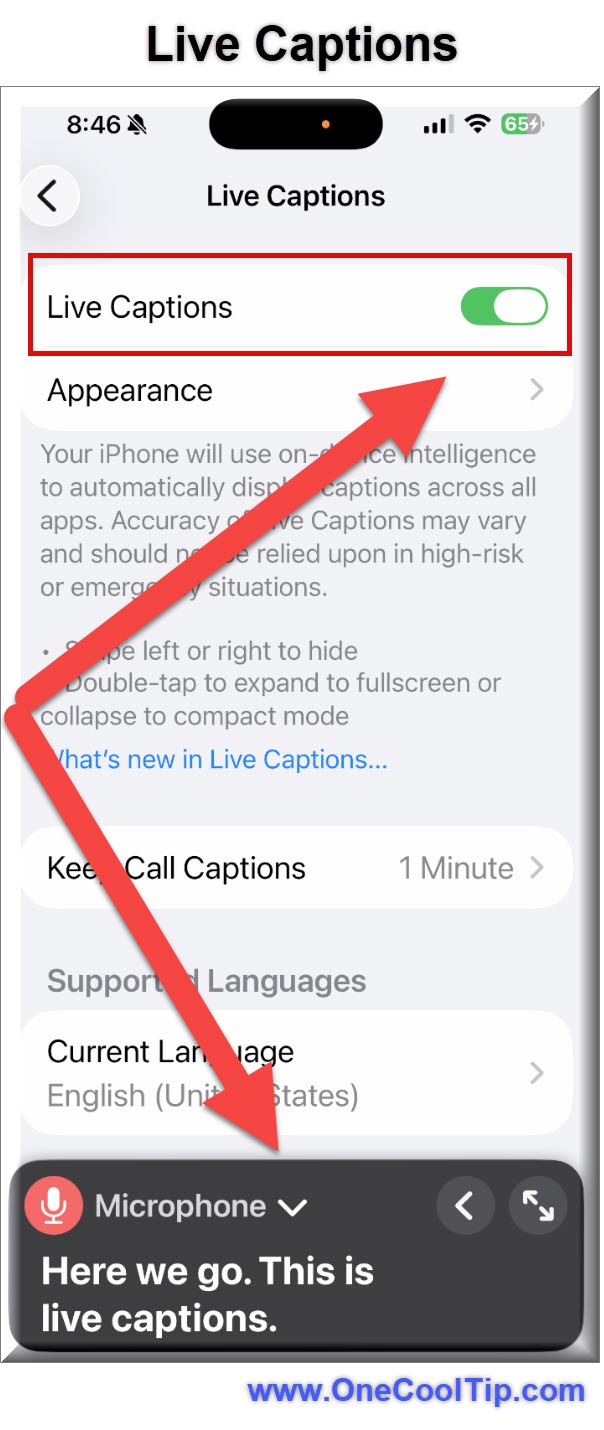
  1. Open Settings.
  2. Tap Accessibility.
  3. Select Live Captions.
  4. Toggle Live Captions on.
  5. Tap Appearance to adjust text size and style.


fig. 1 - iPhone Live Caption Settings Example

Using Live Captions:


  1. Tap the floating captions button that appears on your screen.
  2. Play audio or start a call.
  3. Captions display automatically in real time.


Cool Example:


You are watching a video in a busy café. Turn on Live Captions and follow every word without increasing the volume.


Pros and Cons


Pros:


  • Works offline, improving privacy.
  • Supports multiple audio sources.
  • Simple setup with immediate value.
  • Strong accessibility benefits.


Cons:


  • Still labeled as beta in some regions.
  • Accuracy may vary with accents or background noise.
  • Limited language support depending on region.


Feature Access


  • Live Captions is available on newer iPhones running recent versions of iOS.
  • In some regions, it may still appear as a beta feature. 
  • Language availability may vary and is expected to expand over time.


Score

Criterion | Score (0–10) | Justification
Value | 9 
Highly useful for accessibility and everyday convenience.
Usability | 8 
Easy to enable, though somewhat hidden in settings.
Wow Factor | 8 
Real-time transcription feels powerful and practical.
Total: 25/30 | 🌟 Excellent
A high-impact feature that delivers real value across work, learning, and daily use.


Key Takeaways


Live Captions changes how you interact with audio on your iPhone. 


It is easy to enable and delivers immediate value in both professional and personal scenarios.


Cool Tip Snapshot


  • Feature Name: Live Captions.
  • Platform(s): iOS.
  • Quick Benefit: Converts speech into real-time text.
  • Access Type: Free.


Try It Yourself


Turn on Live Captions today and test it during your next call or video. 


If you find it useful, share this tip with your team, family, and friends, and tell them to subscribe to the One Cool Tip newsletter for more time-saving ideas.


READ MORE


Read the Cool Tip on OneCoolTip.com.

Check out these Cool Tips & Tricks.


  • Quick Toggle: Enable captions fast. Use Accessibility Shortcut in settings.


  • Move Window: Reposition captions easily. Drag the floating box anywhere.


  • Resize Text: Improve readability. Adjust text size in settings.


  • Call Captions: Read phone calls live. Enable captions before dialing.


  • Video Sync: Use with streaming apps. Start captions before playback.


  • Mute Audio: Watch silently. Lower volume and rely on captions.


  • Battery Save: Turn off when unused. Toggle off in settings.


  • Microphone Mode: Capture in-person speech. Enable mic input.


  • Privacy Boost: Keep data local. Use offline mode.


  • Practice Mode: Test accuracy. Try different environments.


ICYMI - In Case You Missed It ...

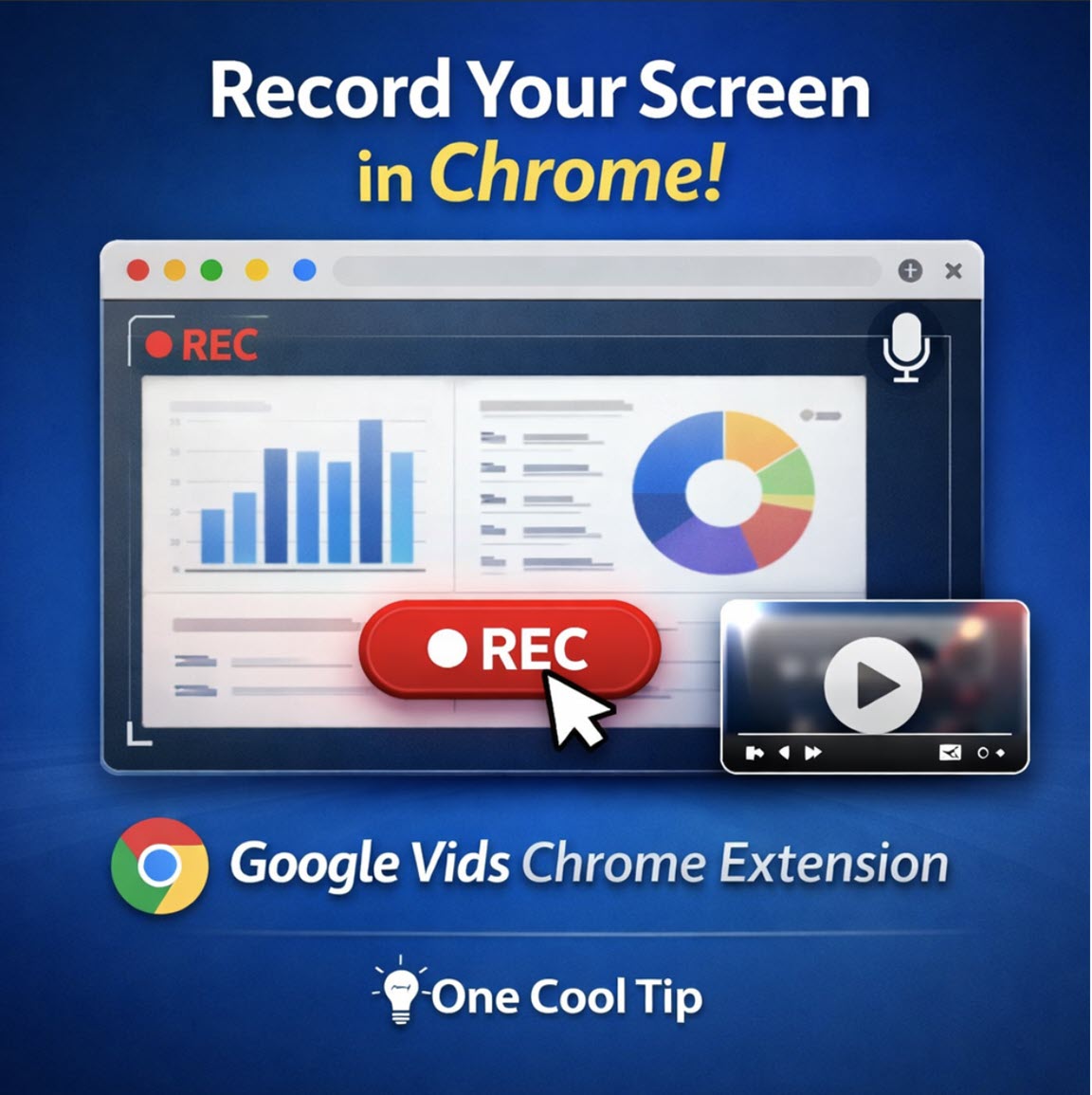
Record Your Screen Directly in Chrome with the New Google Vids Extension


Stop toggling between multiple apps just to record a quick update.


This new Chrome extension puts professional screen recording tools directly in your browser toolbar.


Read the Full Cool Tip.

Looking for your next adventure?


Call Denise at Travel For You.

314.660.3039


Sign Up for the Monthly Newsletter


http://www.travelforyouvacations.com/


https://www.facebook.com/TRAVEL.FOR.U/


See You Tomorrow

Tomorrow's Cool Tip is waiting to amaze you.


Until then, go forth and conquer the tech world with your newfound knowledge!


Be sure to visit www.OneCoolTip.com for Cool Tech Tips for a Cooler Life!


And if you Like One Cool Tip, please support with TipJar!


Enjoy!


Rodger

Chief Cool Tipper

onecooltip.com@gmail.com


What Do You Think?

What do you think of today's OneCoolTip newsletter?
Positive        Neutral        Negative
X Share This Email
LinkedIn Share This Email

Connect with One Cool Tip!!

Facebook  X  Instagram  Web  Pinterest  YouTube  LinkedIn
 

As an Amazon Associate, One Cool Tip may earn a small commission from qualifying purchases.


Our media content is intended solely for informational purposes only. Please do not construe anything here as legal, tax, investment, financial, marital or other advice.


Copyright © 2026 | www.OneCoolTip.com | All Rights Reserved