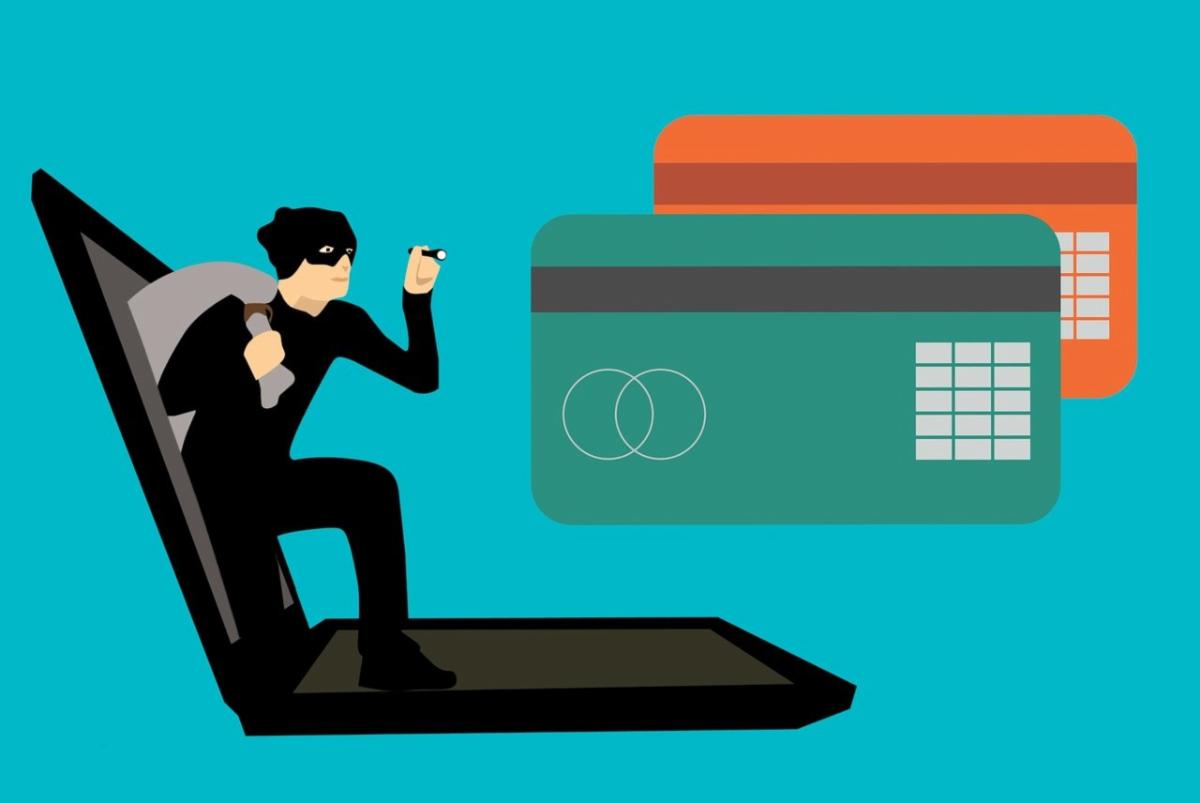
Let’s start with our personal email accounts. First, make sure your anti-spam software is up to date. Try to eliminate as much junk as possible from your inbox. Products like VADE and Barracuda are anti-spam software. Second, there are some common themes to the phishing attacks and ways to distinguish scams before you click.
- Avoid Alerts!! Don’t open them. Know how your banks, credit card companies and vendors will contact you if there is something wrong with your account. It is not normal for them to send Alert emails.
- Avoid "You’ve won" or "You have a Job Offer." These emails are looking for you to enter private information about yourself.
- Avoid unsolicited insurance renewal or real estate sales offers. Just don’t open them. If you do, DO NOT click on links. These emails are looking for financial information.
- Don’t open emails with odd language or grammar choices in the subject. Usually from foreign scam groups.
- Avoid emails from odd or weird email addresses. Again, know who your personal and business contacts are and avoid emails not from recognizable business names.
- Avoid "I’m in Trouble" emails. Somebody else’s email contact list has already been hacked.
Third, if you open phishing emails DO NOT click on any links. Some of the phishing emails have become very sophisticated and look like legitimate businesses. But before you click on links that ask for your private or financial data, look for:
- Company Logo and brand style
- Punctuation
- American-style business grammar
- Company email address
- Content of email
If the bank or credit card company is reporting some type of problem with your account, do not click on links. Go to the Institution’s website and access your account from there. Most financial institutions have two step verification to know it’s really you. If a purported vendor is emailing about a billing problem and wants you to log on with your credentials to resolve the problem, don’t do it. Contact the vendor directly the way you normally would and do not use the phone number provided in the phishing email.
Take a look at Company email accounts.
Most mid and large size companies have firewalls, encryption and antivirus software that help to eliminate phishing but that is not always foolproof.
Here are some standard practices that all sized companies can use:
- Use standard corporate signature for all employees on email correspondence
- Have confirming protocols for transmitting financial, private or confidential data not in the normal course of business. Basically, call the person who purportedly asked you to send employee or financial or account information somewhere, if they really made that request.
- Have an internal two step verification process of electronic financial transactions.
- Provide security training annually. The scams and phishing attacks become more creative each year and employee training is a critical element to reducing the risk of data breaches and malware intrusions.
- Protect passwords are change them regularly
What else is going on? Watch your credit card accounts!
Even when a vendor obtains your data properly, there are still scams to track.
- Automatic renewals for services unless you cancel, this is actually against FTC regulations.
- Credit card companies allowing charges on expired credit cards
- Charges for services you are no longer receiving
- Upcharges for services that you do receive, but with no notice of the upcharge
- Refunds that never materialize for returned merchandise
Monitor your accounts and keep your passwords protected.
The basic message for all of us is to be aware of how much fake email is out there and to stay alert. While you may not be able to stop the emails from coming, you can certainly make sure you delete them before opening or discard them before clicking on anything. Keep your data and private information safe.