β€Š
ITEC | www.itec-ia.org
β€Š
Facebook  Twitter  Instagram  Youtube  
β€Š
β€Š

News and Updates

May 2024

β€Š
β€Š

πŸ—“οΈ Dates on Deck:


May Webinar

May 16, 2024

(more information below)

(add to Google Calendar)


Fall Conference

Oct. 21-22, 2024

(add to Google Calendar)

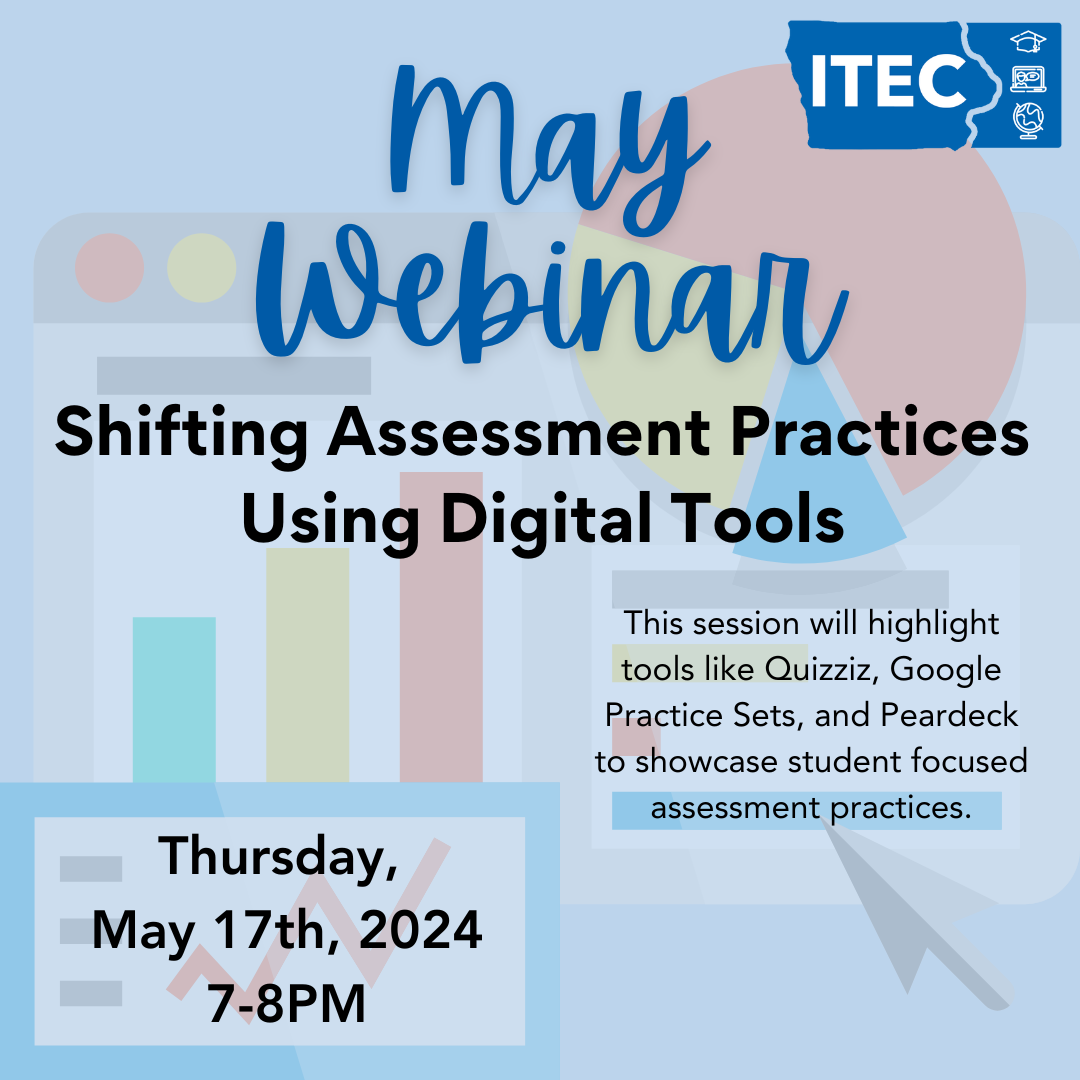
May Webinar

Shifting Assessment Practices Using Digital Tools

In education, there is a constant flow of data inundating us. How can we be intentional about how we use data and in turn provide a student focused approach to gaining insight on student learning? Join us to learn more about how digital tools make this work more efficient for educators and more impactful for students. 


This session will be digging into three different digital tools and showing how good assessment practices can be put into place with these various tools!

Register Now

Consider Presenting

The success of our conference relies on educators like you who are willing to share their stories, their insights & their practice!

ο»Ώ

ο»Ώ

Submit a Proposal

ITEC Sypersma Leadership & Innovation Award

ο»Ώ


ο»ΏITEC annually seeks nominations for the Sypersma Leadership and Innovation Award. Nominees should be educators who champion the innovative use of technology across the state of Iowa. ITEC recognizes that champions exist in all areas of education. This award will recognize teachers, administrators, instructional leaders, technicians, etc. 


Nominate an Outstanding Educator
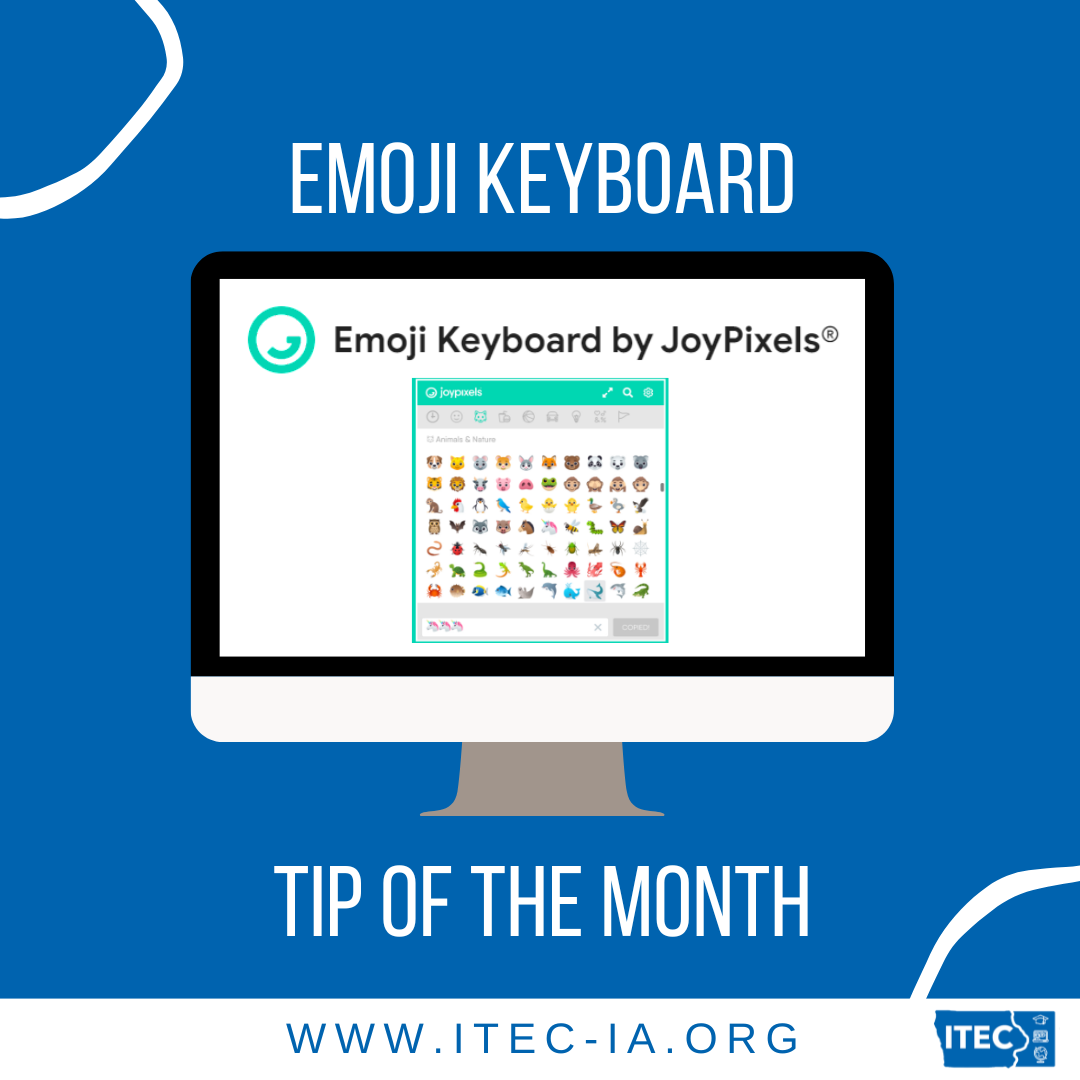
Tip / Strategy To Try Out


Emoji Keyboard by JoyPixels, a Chrome extension that provides easy access to a vast library of emojis. This resource allows educators to effortlessly insert emojis into documents, emails, and other online platforms directly from their browser. Emojis can be a powerful tool in the classroom to enhance communication, add visual interest, and engage students. For instance, educators can use emojis to provide quick feedback on assignments, create visually appealing presentations, and design interactive activities. By integrating emojis, teachers can make digital communication more relatable and fun for students, fostering a positive and dynamic learning environment. To get started, simply install the extension from the Chrome Web Store and explore the diverse range of emojis available for your educational needs.

ο»Ώ

Find out More!

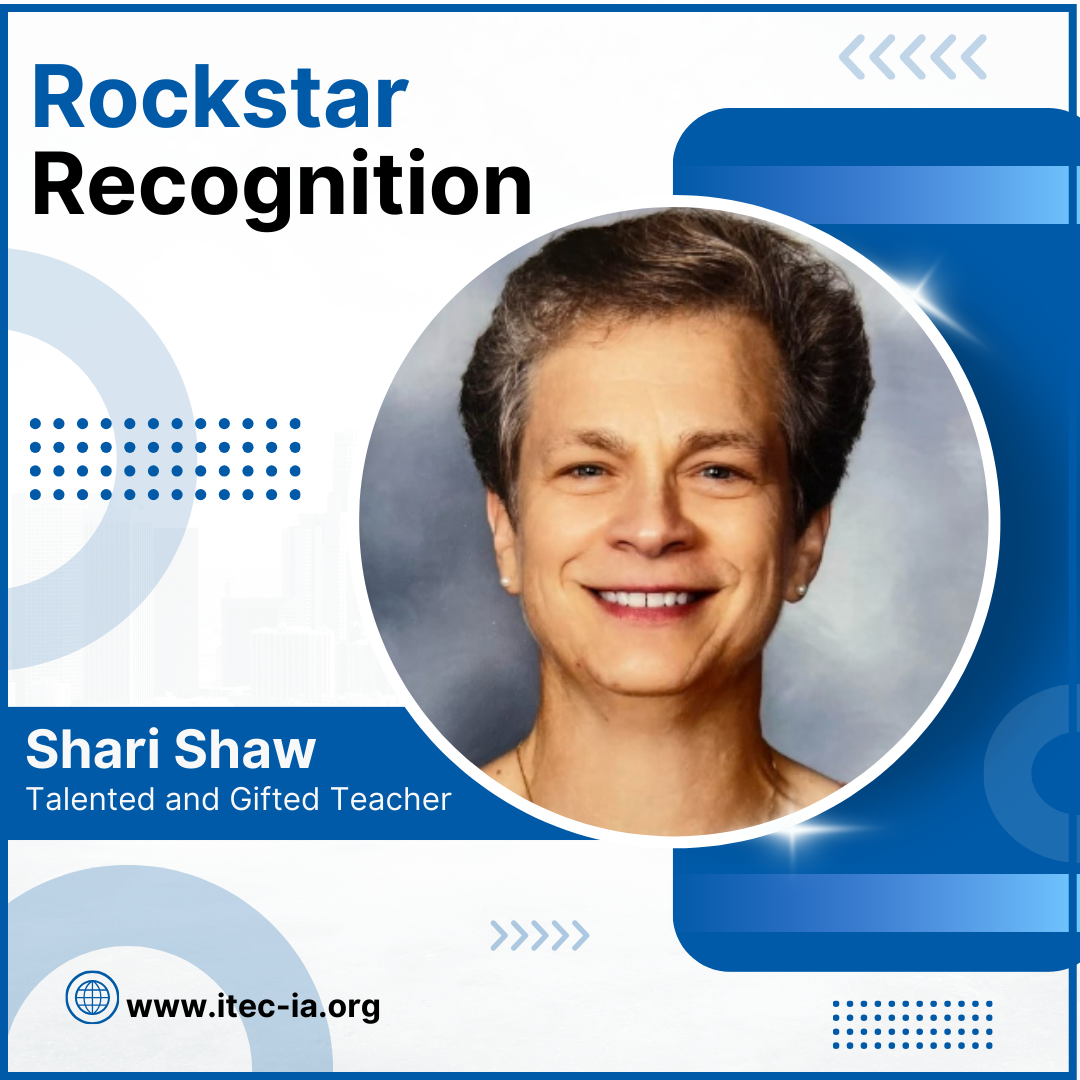
🎸 Rockstar Recognition

Position: Talented and Gifted Teacher


District: Indianola CSD


Years Served: 13 years


Favorite Tech Moment: My favorite tech moment was when our Technology Integration Coach introduced me to Adobe Express Digital Workshop. This opportunity gave myself and my gifted and talented students an opportunity to connect live with experts at Adobe Express. From this experience, my students have created multiple digital projects that have allowed them to use multimedia resources to create unique and meaningful presentations to share with others. Their work has gone from static to dynamic.


Word of Wisdom: "Success is not final, failure is not fatal; it is the courage to continue that counts." -Winston Churchill

Nominate a Shoutoutee

πŸ’» Tech Tool of the Month

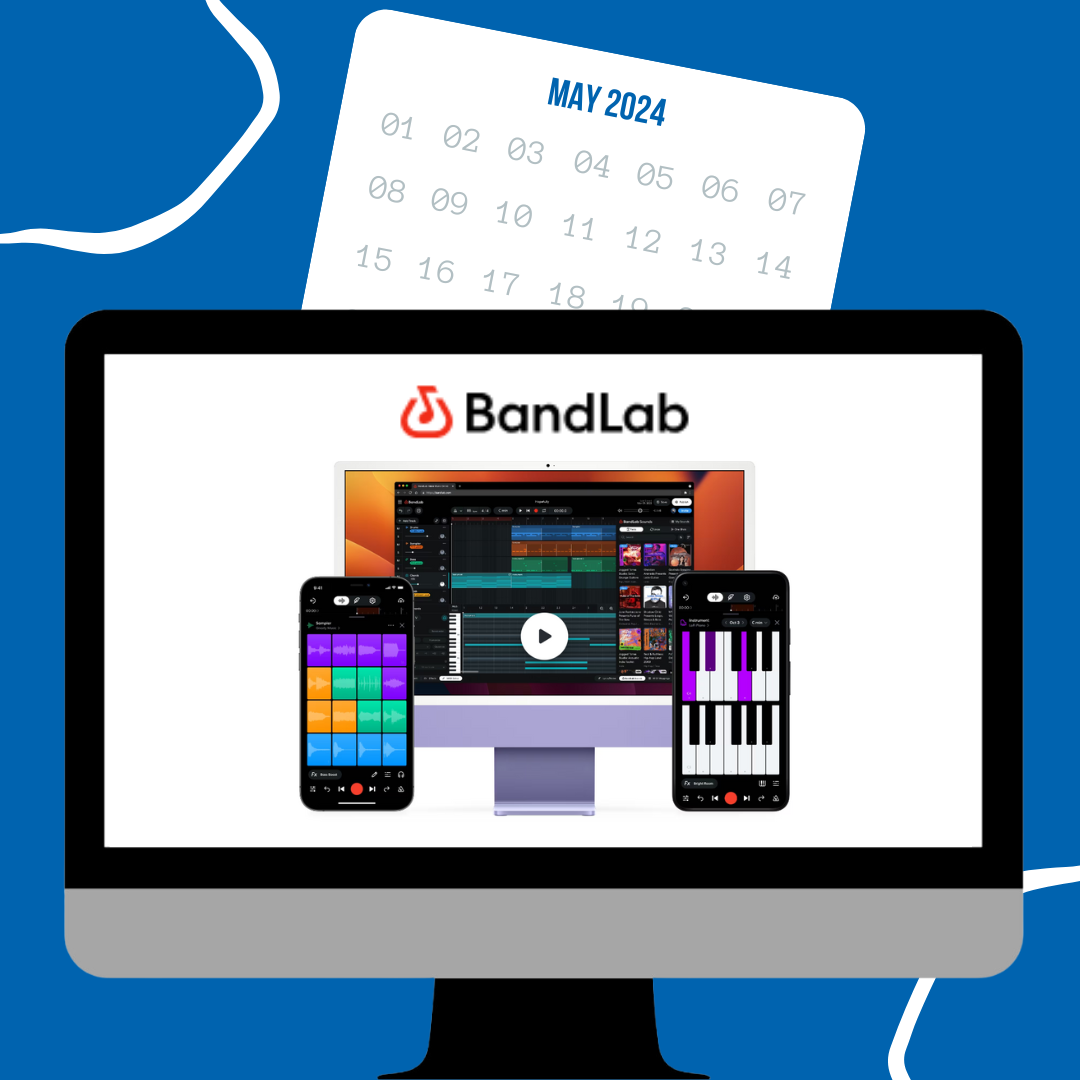
Bandlab


BandLab, a free, cloud-based digital audio workstation designed for music creation, collaboration, and sharing. BandLab offers a range of features including a multi-track editor, an extensive library of loops and samples, and various virtual instruments. It's perfect for classroom settings, enabling students to compose, record, and edit music directly from their Chromebooks or other devices.


Educators can use BandLab to facilitate music projects, collaborative assignments, and even integrate it into subjects like history or literature to create soundtracks or audio presentations. To get started, teachers can create a BandLab for Education account, explore the platform’s resources and tutorials, and design assignments that encourage creativity and teamwork. This tool not only enhances students' musical skills but also fosters critical thinking and collaboration.


Have an idea to share? Check out the Community Content Section below!

Find out more

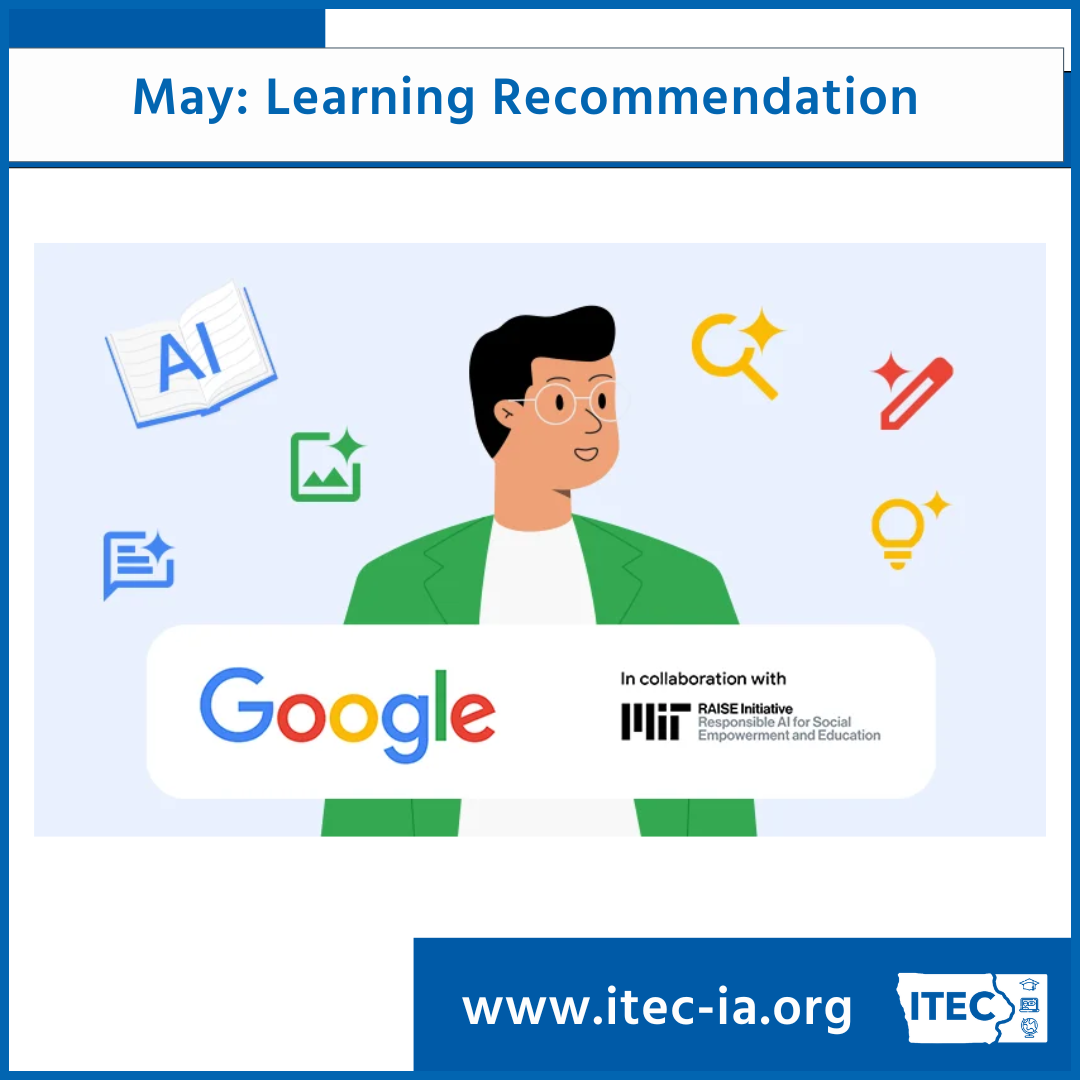
Learning Recommendation

Generative AI for Educators

With the continued growth of AI powered tools, Google launched a course built specifically for educators. In this course, teachers will learn how to use generative AI tools to help save time on everyday tasks, personalize instruction, enhance lessons and activities in creative ways and more.


It is a self-paced course by built AI experts at Google in collaboration with MIT RAISE. Offering hands-on, practical experience across all disciplines, in roughly two hours, teachers will walk away feeling empowered to facilitate learning with generative AI.


Upon completion of the online course, you earn a certificate that you can present to your district for professional development (PD) credit, depending on district and state requirements. One of the best parts is that no previous experience is necessary.

Learn More Here!

We want to hear from you!!


Do you know of an awesome educator we should highlight in a future newsletter?


Have a tool you want us to explore and share? 


Do you have a recommendation or topic for our next webinar?


Do you have an idea for our next newsletter?

Share with ITEC
What is your preferred method to relax and recharge over the summer?
Read a book
Catch up on your favorite show(s)
Travel
Immerse yourself in nature
Reconnect with friends and family
Other
β€Š
β€Š
ITEC | www.itec-ia.org
β€Š
Like and Follow us
Facebook  Twitter  Instagram  
β€Š