|
Dear Parents,
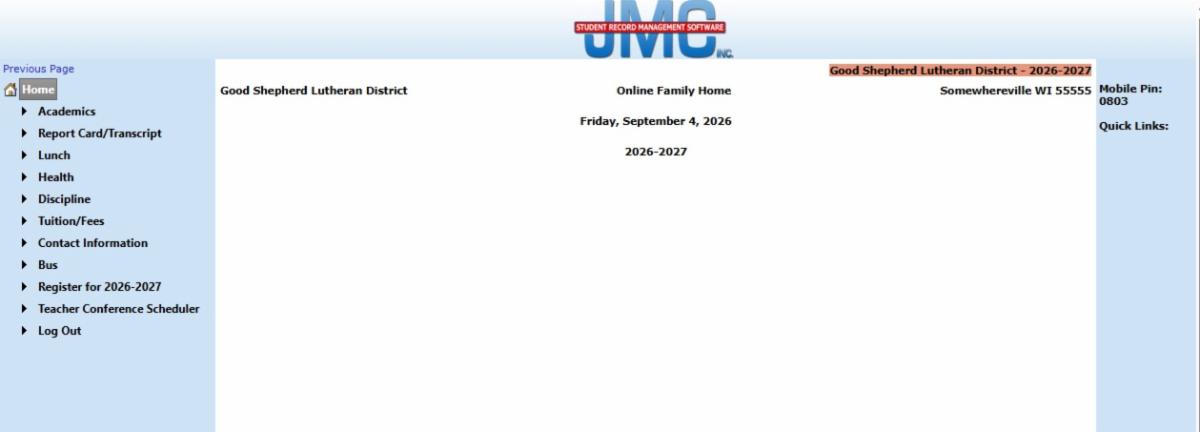
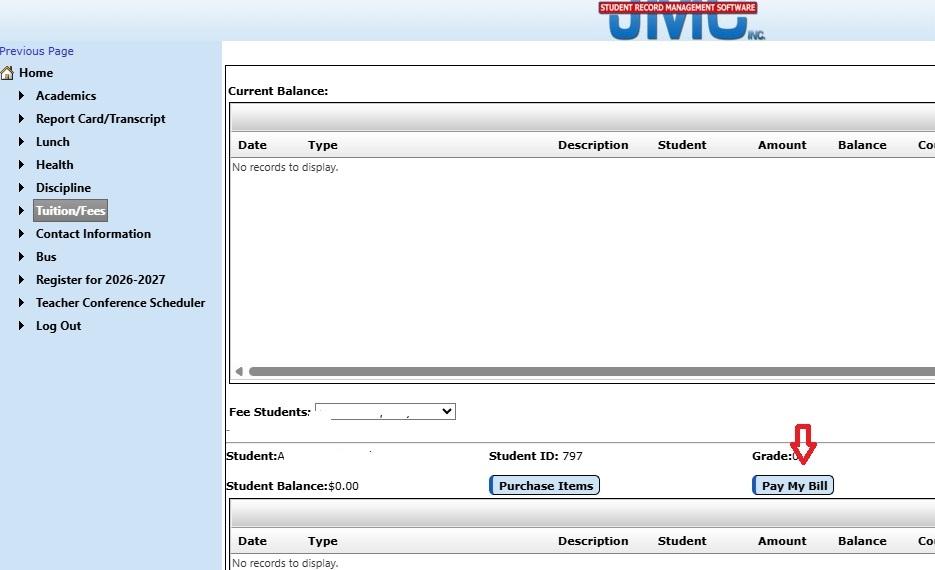
We are excited to announce a new Student Information System (SIS) in place beginning this school year. JMC has replaced our previous system of FastDirect. See below for how to set up and access your account through the Family access so you can monitor the following:
-
All fees EXCEPT Daycare payments.
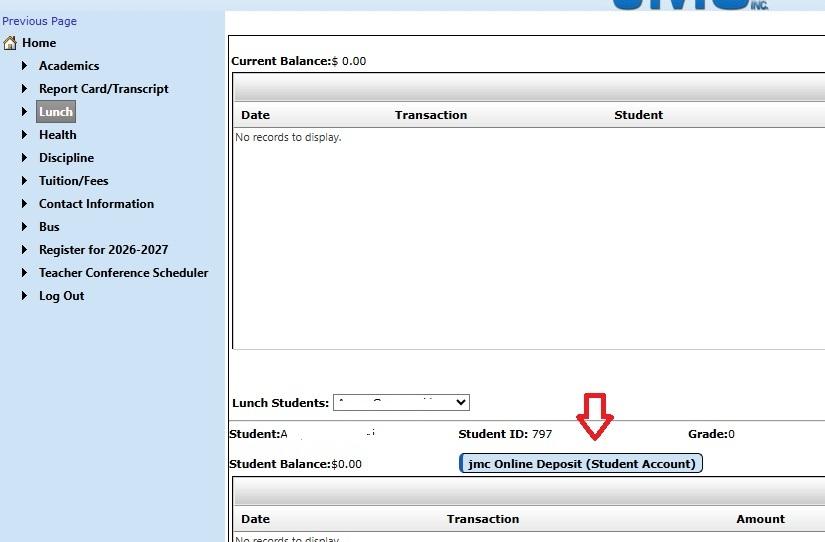
- Lunch
- Grades
- Discipline Reports
- Attendance
- Pay All Fees Online
From our side, we are able to send out the following:
- Class Messages
- Billing Statements
- Disciplinary Reports
- Annual Registration Forms
- And many more things I'm sure that we just haven't discovered yet
Because FastDirect abruptly closed their company mid-July, we were forced to research, choose, and implement a new SIS in about a 2 week time frame on something that normally takes a few months. Thank you in advance for your patience as we continue our crash course of learning in the JMC system. We are working hard to have all aspects of this improved program up and running as soon as possible. The more we use it, the more we like it and are impressed by its features. I believe this will be a wonderful tool for Good Shepherd once we have our feet under us. Just as there is a learning curve for us, we understand that there is for you as well. We are here to help with any questions you may have about how to access your new account. Just let us know what we can do to help.
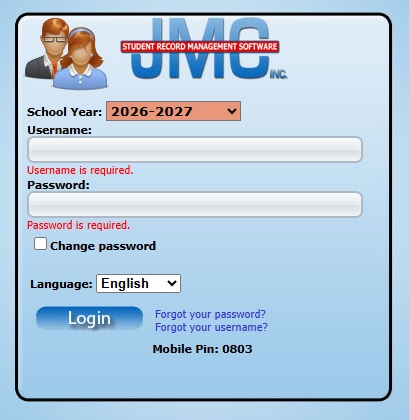
JMC: webaddress: https://gsls.onlinejmc.com/
Parent Access:
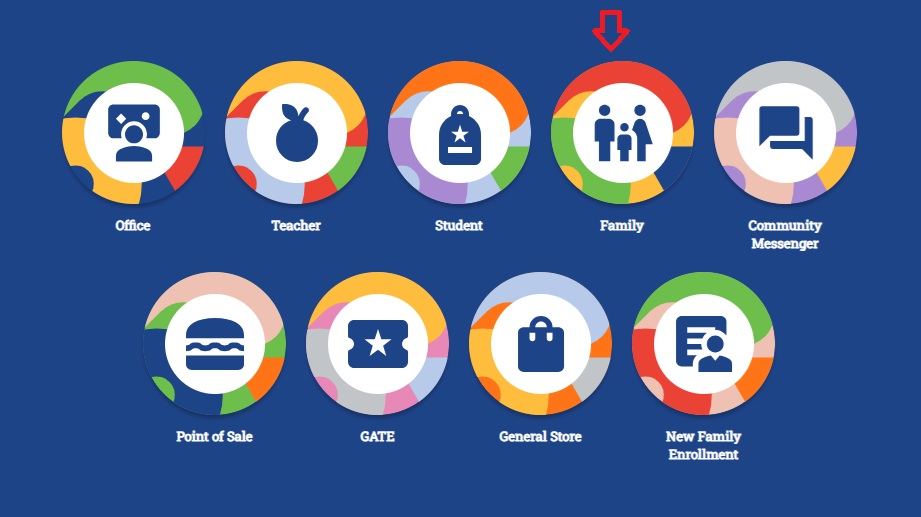
#1 Click on the image that says "Family"
|