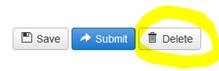
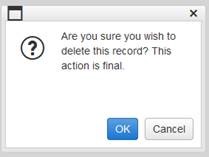
A new feature was added to the E-IRB system at the end of May that enables researchers with edit authorization to eliminate any unwanted draft
Other Reviews
.
[
Tip:
Other Reviews
include Unanticipated Problems (UP), Protocol Violations (PV), Deviations/Exceptions (DEV/EXC), and Administrative Study Closures (aka “Study Closure”).]
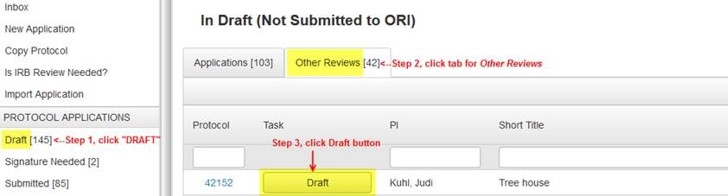
To do so, on your researcher dashboard (see screen shot below):
Go to the DRAFT folder,
Click on the
Other Reviews
tab.
In the list of applications you see under your
Other Reviews
tab, click on the “Draft” button by the type of
Other Review
you wish to delete.