|
Break the part into multiple setups.
Machine what you can from the top, then flip or re-fixture the part to get at the rest. It might take more planning, but it’s often the cleanest solution when you need to hit undercuts from multiple directions.
Program carefully around tool limitations.
Most CAM systems won’t automatically recognize undercut features, so you’ll need to guide the tool yourself. Use containment boundaries, custom approach paths, and check your Z limits to avoid unexpected collisions.
Always simulate with full tool geometry.
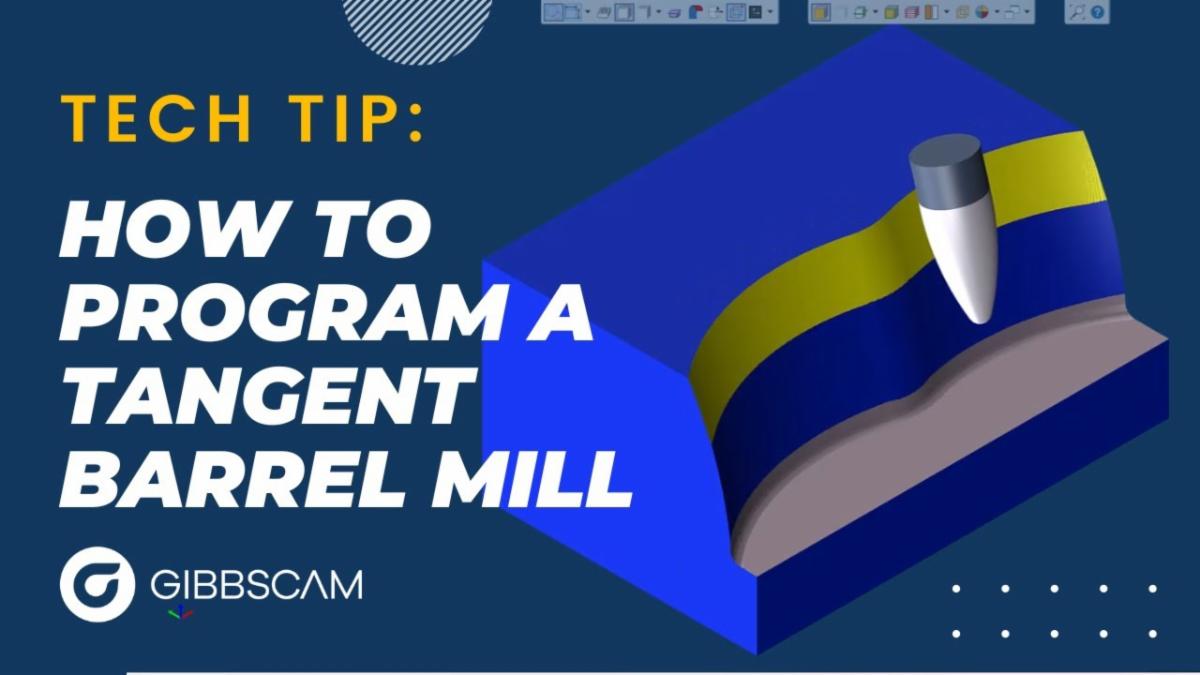
Lollipop tools and long-reach cutters are collision-prone if you’re not paying attention. Run a full simulation that includes the holder and shank so you know everything clears before you hit cycle start.
Bottom line: If you're cutting undercuts on a 3-axis, your creativity is your fourth axis. The right tool and setup can go a long way when your machine can’t tilt the table for you.
Have a programming question?
Send it in for the next edition of Ask a CAM Pro!
|