Issue 45

April 30, 2026

Time to Read: 7 Minutes


-Hot Take-

The shops panicking over AI are the same ones that once freaked out about CNC controls.

Joke of the Week

Q: What does a rush job have in common with a raccoon in the dumpster?

A: Nobody invited it, but now everyone has to deal with it.

Ask a CAM Pro

Real shop problems. Answers from people who have been there.

How do I manage custom M-codes withing my CAM workflow?


Custom M-codes can make your life easier, or they can turn a clean program into a troubleshooting nightmare. Whether you’re using them for probes, air blasts, part transfers, or machine accessories, the key is managing them in a consistent and controlled way. A smart M-code setup saves time; a messy one costs it.


Start with documentation.

Keep a master list of every custom M-code used in your shop. Record what it does, which machines support it, and any special parameters or timing requirements. Post it somewhere visible, both in the CAM folder and near the control. Never assume two machines interpret the same M-code the same way.


Integrate custom M-codes into your post-processor.

Hard-coding M-codes in your G-code file by hand is risky. Add them to your post as standard options or user parameters so they’re inserted automatically at the right point in the program. This keeps your process repeatable and makes your posts machine-specific instead of relying on memory.


Use operation-level notes or macros.

For actions like air blast, spindle orientation, or chip conveyor control, create post variables or checkboxes in the CAM system that toggle the M-code on or off. Label these clearly so any programmer or setup person can understand what each one does before posting.


Simulate or backplot with M-codes visible.

Most CAM systems won’t simulate machine behavior for custom M-codes, but you should still include them in your backplot and NC review. Seeing them in context helps catch placement errors, like turning coolant off before a tool change or skipping a needed air blast.


Group non-cutting M-codes logically.

Insert accessory commands at safe points in the program, usually between tool changes or during spindle stops. Avoid embedding them mid-cut unless they’re tied to a specific motion, like a part clamp during probing. Sequence matters when machines execute M-codes asynchronously.


Test new M-codes on a dummy program first.

Whenever you introduce a new custom command, isolate it in a short test file before embedding it in production code. Watch the control behavior carefully and confirm it executes as expected with no delays or overrides.


Keep M-codes consistent across posts.

If multiple posts share the same functions, standardize their variable names and numbering. For example, don’t use M51 for air blast on one machine and M52 on another unless it’s unavoidable. Consistency cuts down on confusion and training time.


Bottom line:

Custom M-codes are powerful tools when managed like data, not notes. Document them, post them properly, and test them once before you trust them.


Have a programming question?


Send it in for the next edition of Ask a CAM Pro!

Weekly Poll

Choose from the answers below.

In precision machining, what usually separates a good part from a problem part?

View the results of last week's poll HERE.

From the Floor

Mill-Turn Math: When Efficiency Pays Off


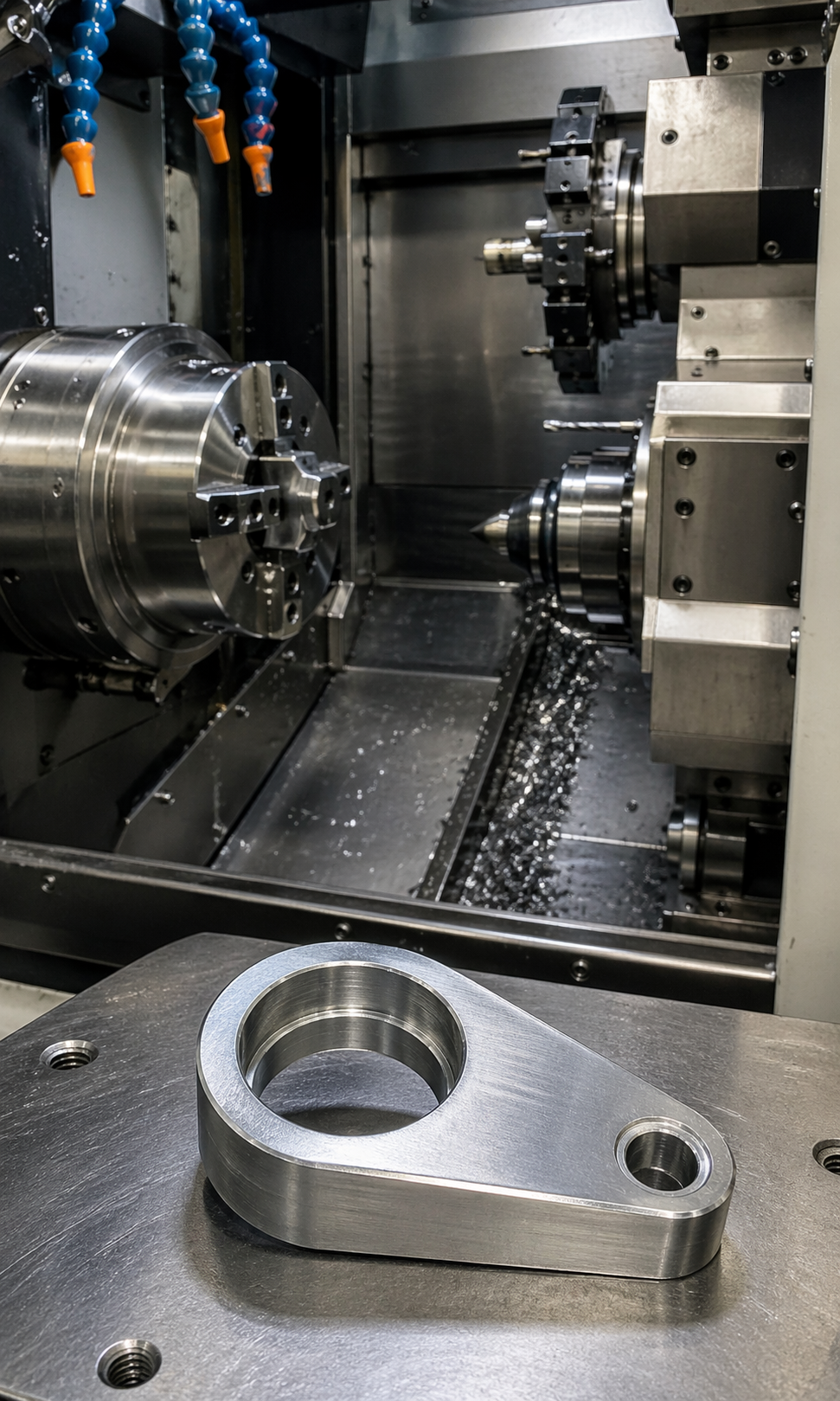
"We had a teardrop-shaped part that constantly gave us trouble on the mill. It took too long, we were breaking cutters, and the part had a tendency to walk out of the setup.


When we brought in a mill-turn, we didn’t just run the same process on a new machine. We rethought everything. We switched from indexable cutters to solid carbide, started using the Y-axis, added through-coolant drills, and dialed it in over a few trial runs.


Eventually, we realized the job actually made more sense on a sub-spindle lathe, so we moved production there. That change alone cut about three minutes off every part.


The impact was huge. We ended up buying two more lathes because of it. And the mill-turn that helped us rethink the process? We sold it! That job is what made it click for me… a good process change can pay off in a big way.”


-President (Machining)

CNC Underground: Afterhours

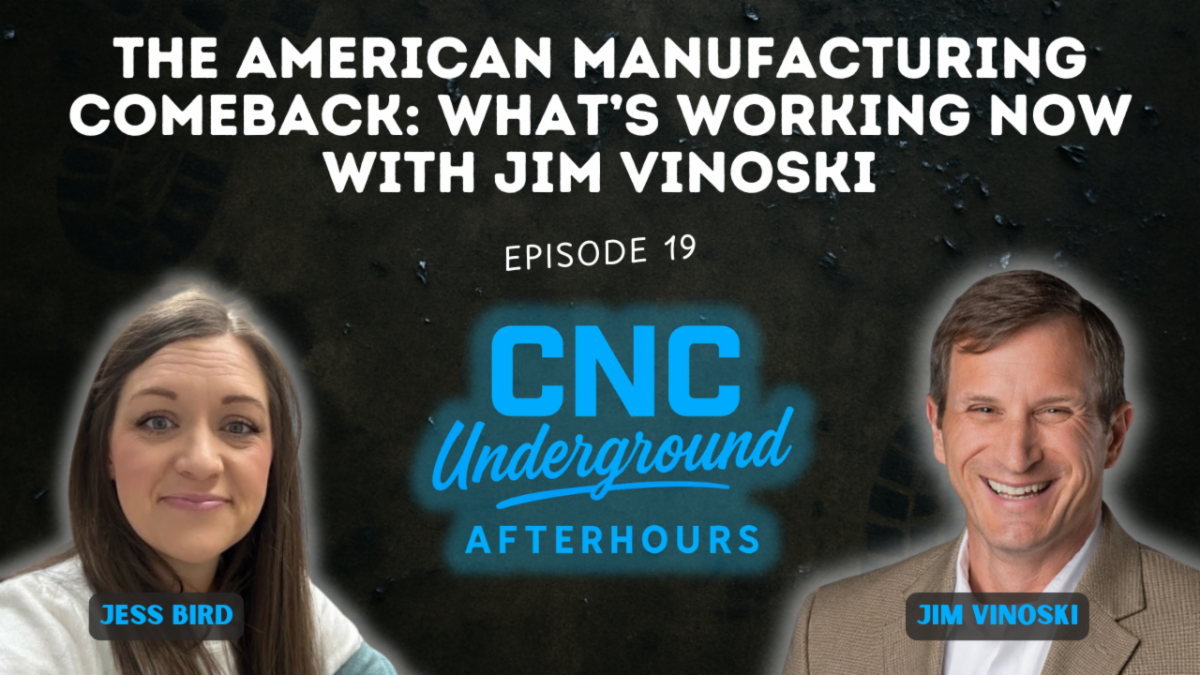
Jim Vinoski, longtime manufacturing executive, Forbes columnist, and host of the Manufacturing Talks web show, joined CNC Underground: AfterHours to unpack decades of industry transformation. Hear how his hands-on journey from bike building to engineering leadership shaped his view of factory work, and why modern manufacturing’s biggest wins start with people and process, not just machines. This episode delivers honest insights into automation, leadership, and the urgent need to embrace change.


Key Takeaways:

  • Understand why empowering frontline workers and fostering autonomy drives the highest-performing shops.
  • Hear how lagging behind in automation, or failing to document business processes, can hold both shops and the entire industry back.
  • Learn how new work systems and AI-driven solutions can unlock efficiency far beyond the shop floor, from quoting to workforce development.

Video of the Week (Powered by GibbsCAM)

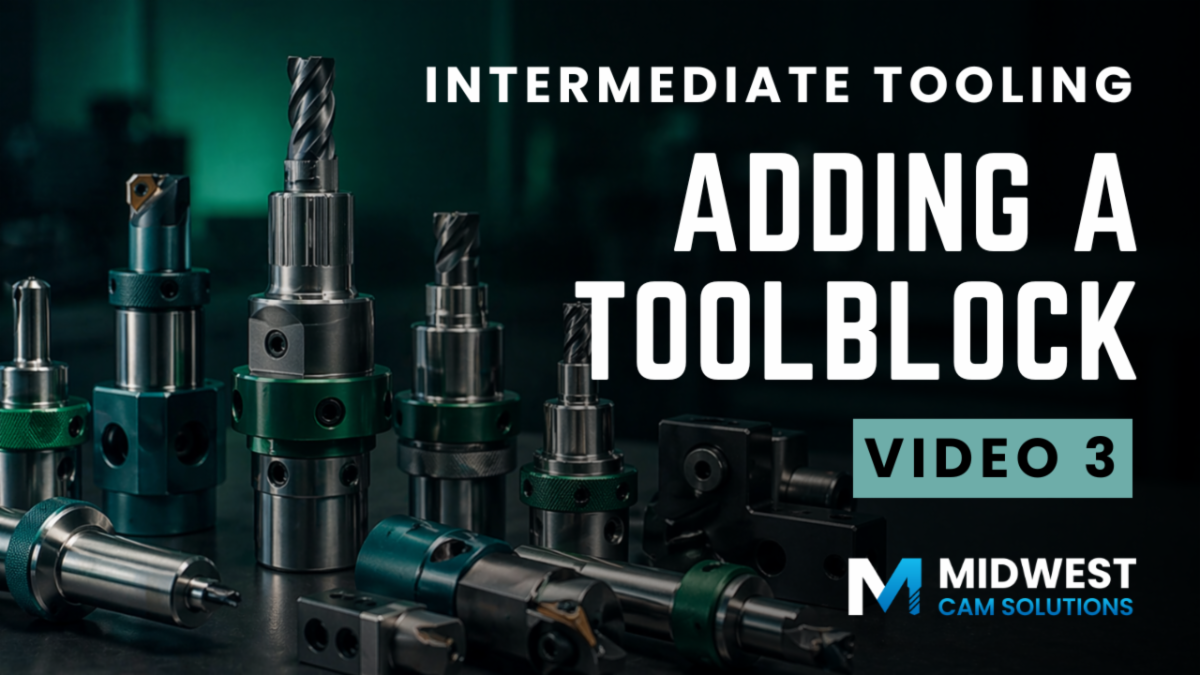
Intermediate Tooling: Adding Toolblocks - Video 3

Learn how to select and assemble toolblocks in GibbsCAM using Tool Setup Data. This video walks through choosing holders, sleeves, and extensions, building out the kinematic structure, and understanding how your tooling setup impacts offsets, simulation, and posted output.

CAMedy Central

Industry Intel

How John Deere Broke the Mold

John Deere’s foundry work highlights how training, working conditions, and process discipline are helping modern manufacturing evolve without losing the hands-on expertise behind the work.


Nucor's Q! Beat Wall Street Estimates on Higher Pricing, Steel Demand

Nucor beat first-quarter expectations as higher steel prices, stronger shipment volumes, and tariffs on imports helped boost demand for domestic steel.


The CMMC Readiness Gap: Why Many Small Manufacturers Are Underprepared

Many small and mid-sized defense manufacturers are discovering they are less prepared for CMMC compliance than expected, especially when it comes to documenting cybersecurity controls, defining system boundaries, and proving readiness under formal assessment.

Industry Growth (Open Jobs)

A few hot openings across the industry this week:


Machinist Night Shift - Akkerman Inc. - Brownsdale, MN


CNC Lathe Setup & Programmer (Mazak/Mazatrol) - Precise Products Corporation - Minneapolis, MN


CNC Programmer - Precision of New Hampton - New Hampton, IA


CNC Machine Programmer (Aerospace & Defense) - Rensberger Technologies Inc - Sioux Falls, SD


Machinist - Terhorst Manufacturing - Minot, ND


CNC Machinist & Tool Room Tech - Cardinal Health - Norfolk, NE


CNC Programmer/Machinist - Abel Machine, LLC - Holden, MO


CNC Programmer - NWI Aerostructures - Park City, KS

Trade Show & Event Radar

Date

Show

Location

May 5-6

Morris & Tsugami America Open House

Brooklyn Park MN

May 6-7

TechDays 2026

Mebane, NC

May 12-13

SteakFest 2026 Open House

Delafield, WI

June 22-25

Automate

Chicago, IL

July 29-30

Advanced Manufacturing Expo

Grand Rapids, MI

Sept 14-19

IMTS

Chicago, IL

Oct 21-23

FABTECH

Las Vegas, NV

November 11-13

Titans of CNC Boombastic Show

Flower Mound, TX

Did someone forward you this newsletter?

Subscribe to get your own copy every week.