ITEC | www.itec-ia.org
 
Facebook  Twitter  Instagram  Youtube  


News and Updates

October 2025


ITEC is dedicated to bringing fresh insight and best practices to support educators! This year we have a line-up that is 🔥 This dynamic line-up is ready to share tips and tricks from their personal playbooks when it comes to engaging students through dynamic, future-ready learning!

🗓️ Dates on Deck:


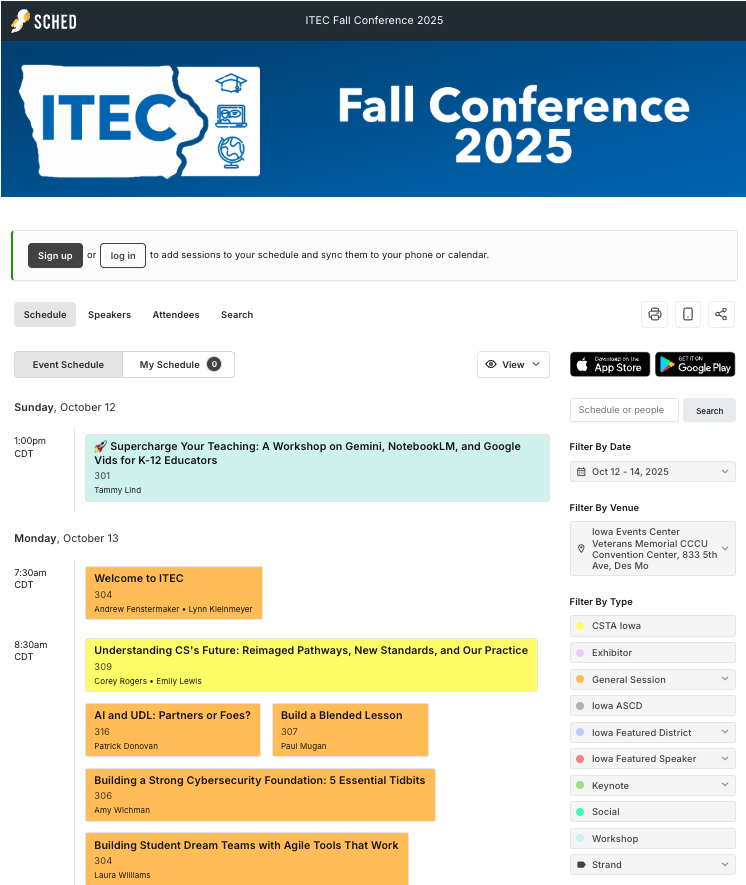
Fall Conference

Oct. 12-14, 2025

(add to Google Calendar)

Fall Conference

ITEC's Annual Fall Conference is taking place October 12-14 at the Iowa Events Center in Des Moines, IA. Don't miss out! Get registered before early bird registration ends on

September 30th.


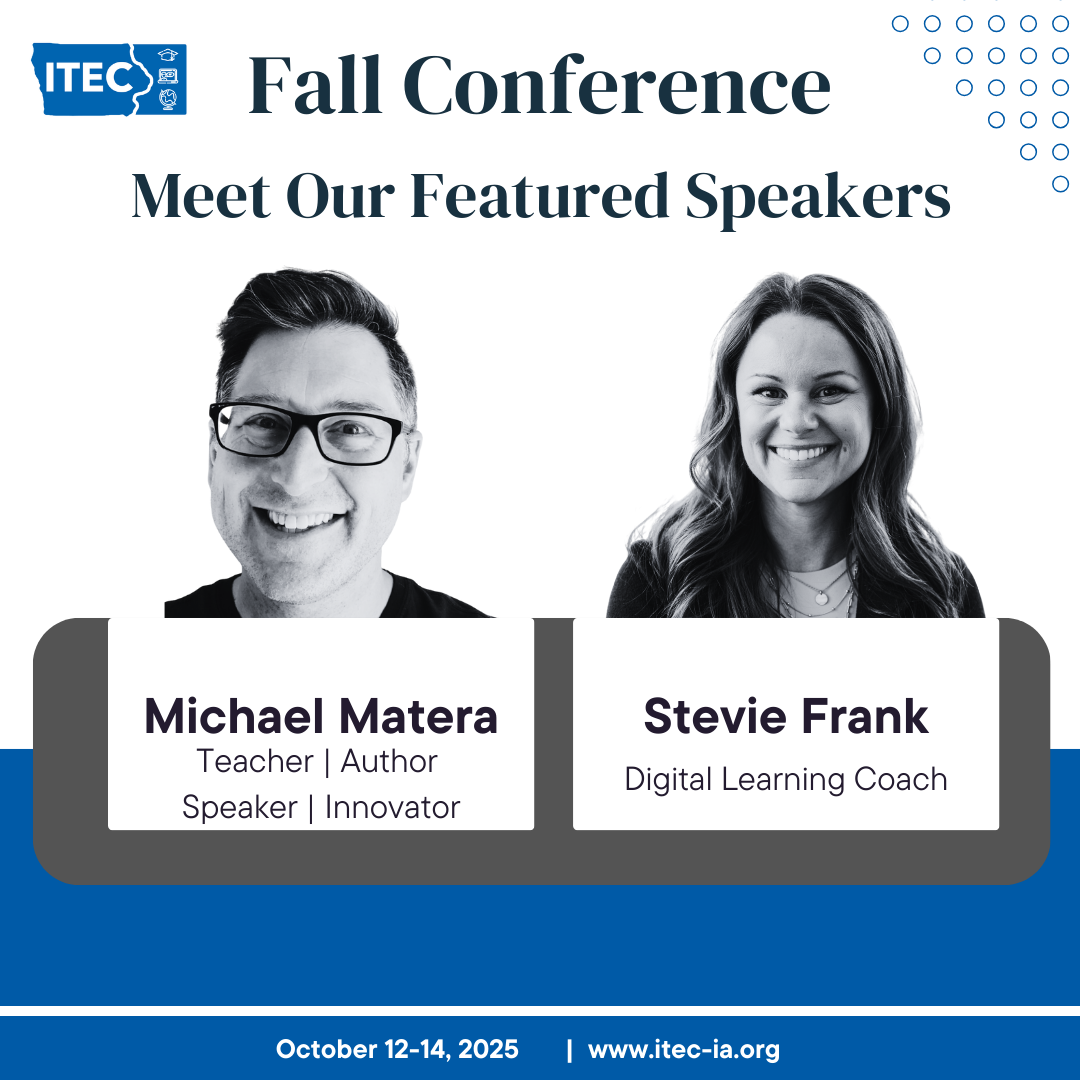
We have a great line up of both Featured Speakers: Michael Matera, Stevie Frank and Iowa Featured Speakers: Jeff Glade, Chad Sussex, Melissa Wicklund as well as a Featured District: Sioux City Community School District.

Tip / Strategy To Try Out

Lock It Before You Share It

Keep your layout on lock - literally! Try this easy trick to protect your design and your sanity.


Ever sent a beautifully designed template to students only to find parts of it deleted or moved? Use Lock & Replace in Adobe Express to protect your layout while still allowing for personalization. Locking an object keeps it fixed in place, while Lock: Allow Text Replace or Lock: Allow Image Replace lets students update content without altering the design.


Why this matters:

It keeps your templates consistent, prevents accidental edits, and saves you time fixing formatting issues. Students can still make it their own—without breaking a carefully crafted layout. Plus, it’s a great way to model clean, purposeful design for students learning to create their own digital projects.


Pro Tip:

When creating a slide or graphic, lock headers, footers, and logos completely, but use Lock with Replace on areas where students should add their own text or images. This balance of structure and creativity gives students voice and choice while keeping the final results polished and easy to manage.


Learn more at helpx.adobe.com.


Don't forget to check out one of our Adobe Express sessions at the ITEC conference next week!

💻 Tech Tool of the Month

Revision History


Revision History is a Chrome extension that gives you a quick summary of student writing in a Google Doc that includes: total time spent editing the document, number of editing sessions, word count and character statistics, and percent of content created through typing vs pasting. 


The extension creates an interface bar that quickly shows you all of this information so you can easily provide feedback to students and understand their writing process. This can also be very useful to see if there are large copy and paste edits. 


The extension also flags potential concerns in the writing process such as sudden large additions of text that may indicate plagiarism or AI use, inconsistent writing speeds across different sections, unusual editing patterns that do not match typical student behavior, an sections with minimal revision.


Learning Recommendation

Explore Google's AI Course for Educators

Is your lesson-planning folder feeling a little dusty? Are you tired of writing the same email... again? Ready to get some time back in your busy week?


If you’ve found yourself wondering how AI could fit into your teaching, you’re not alone—and Google has a learning path just for you! "Get Started with Google AI in K12 Education" is a free, on-demand course designed to help educators explore what AI is (and isn’t), how it’s already showing up in education and ways to use it responsibly to support student learning. You'll get hands-on experience and learn how to use these tools responsibly, whether you're using the standalone Gemini app or integrating AI with your favorite Google Workspace apps like Docs and Slides!


The best part? It’s short, practical and built with busy teachers in mind!


NOTE: Article crafted with assistance from Gemini & ChatGPT!

We want to hear from you!!


Do you know of an awesome educator we should highlight in a future newsletter?


Have a tool you want us to explore and share? 


Do you have a recommendation or topic for our next webinar?


Do you have an idea for our next newsletter?


ITEC | www.itec-ia.org
 
Like and Follow us
Facebook  Twitter  Instagram