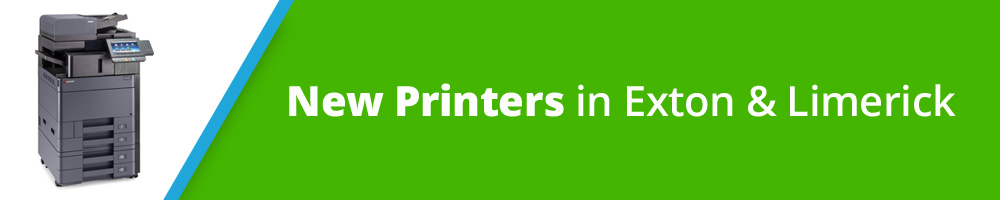
The functions are the same- copy, scan to email, fax & printing. The computer at the offices is set up to print with the new printers.
The new printers have AirPrint for compatibility with Apple devices.
Your current Printer Pin will work on the new printers.
If you don't know your Printer Pin, you can find it in your Agent File in Paperless Pipeline. From your list of transactions, click on your Agent File & look in the "More Info" section.
If you have been using your laptop to print at the offices, you will need to download the new printer driver to connect your laptop to the new printer. See step 4 below.
Besides using the office computer to print, other printing options include:
1) Bring a thumb drive & print from that.
2) Direct connect print by using the blue cord on the printer & connect it to your laptop (not MAC compatible).
3) Download the printer driver to your laptop here. In the 'choose an option" bar type 2553 to find the driver for TASKalfa2553ci. Download the KX printer driver (which should show up as the first option) & follow the prompts.