| ||
What we shipped in September | ||
Hey! | ||
We've been busy at Nook. Your rooms can now hold three versions, catch layout problems before they're built and light up like the real thing. Renders work in every browser and the Room Summary became a spec sheet worth handing off. Here's the quick tour. | ||
Room versions | ||
Show them three ideas, not one | ||
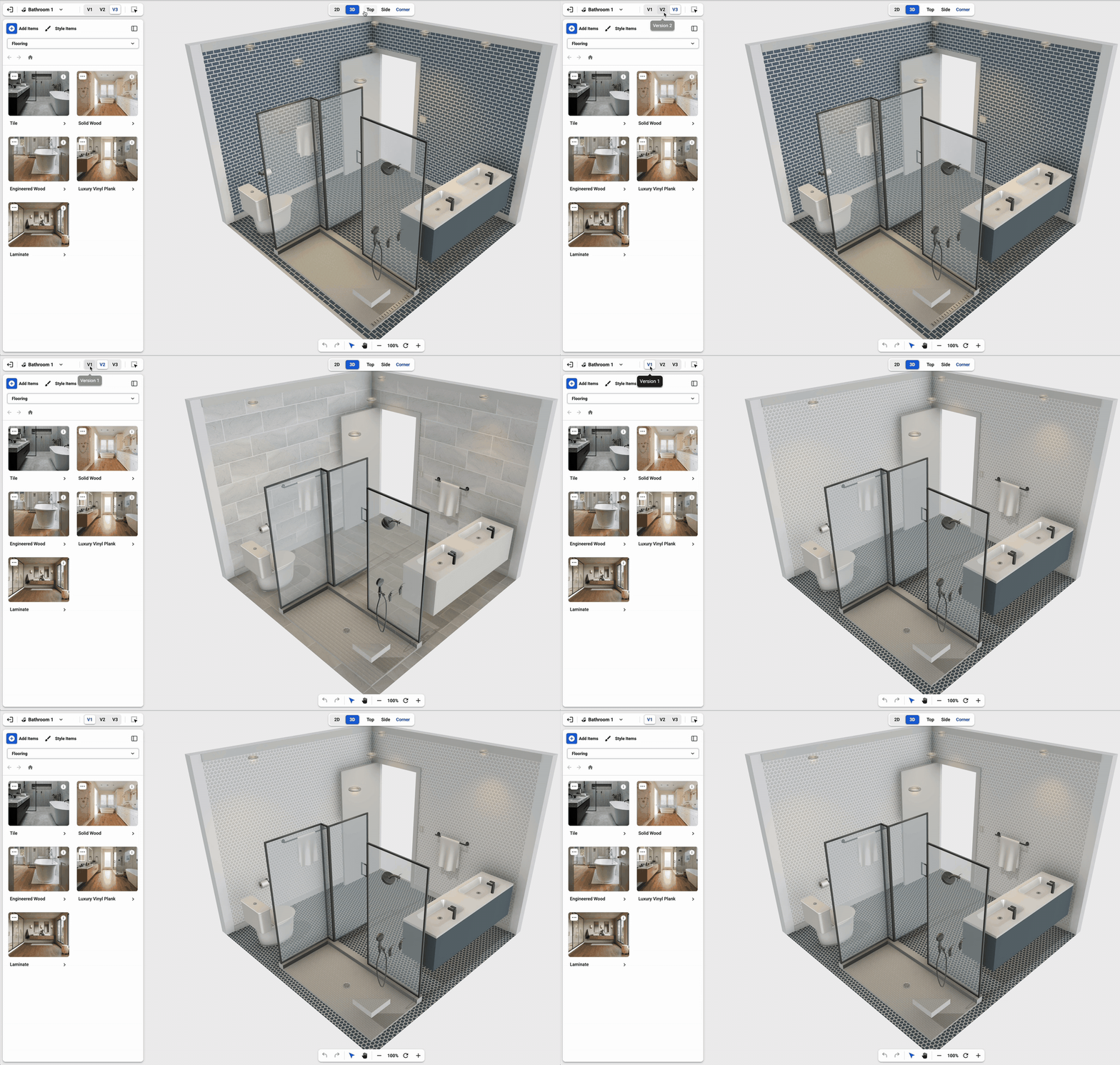 | ||
Every room holds up to three versions. Try a different layout, a new finish or a whole new direction without losing what you had, then flip between them with one click. | ||
When your client or partner can see the options side by side, the conversation moves from “what if” to “that one.” | ||
| Make your own versions → | ||
Plan warnings | ||
Fix it on screen, not on site | ||
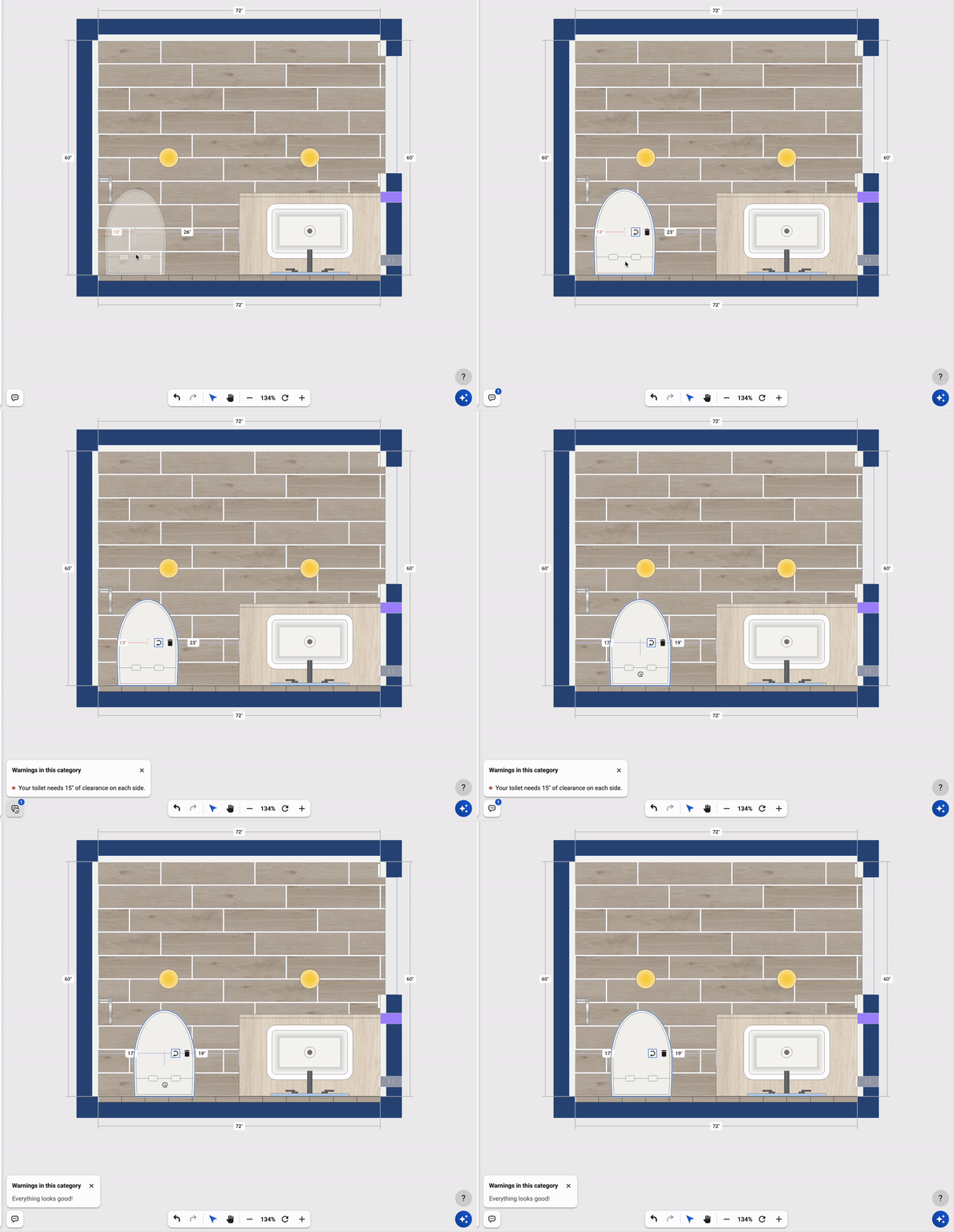 | ||
A new button counts the problems in your plan and lists them in plain sentences. Put a toilet too close to the wall and the measurement turns red, and Nook tells you exactly what it needs. Fix it, and you'll see “Everything looks good!” | ||
| Check your plan → | ||
Lighting | ||
Light the room the way it'll be wired | ||
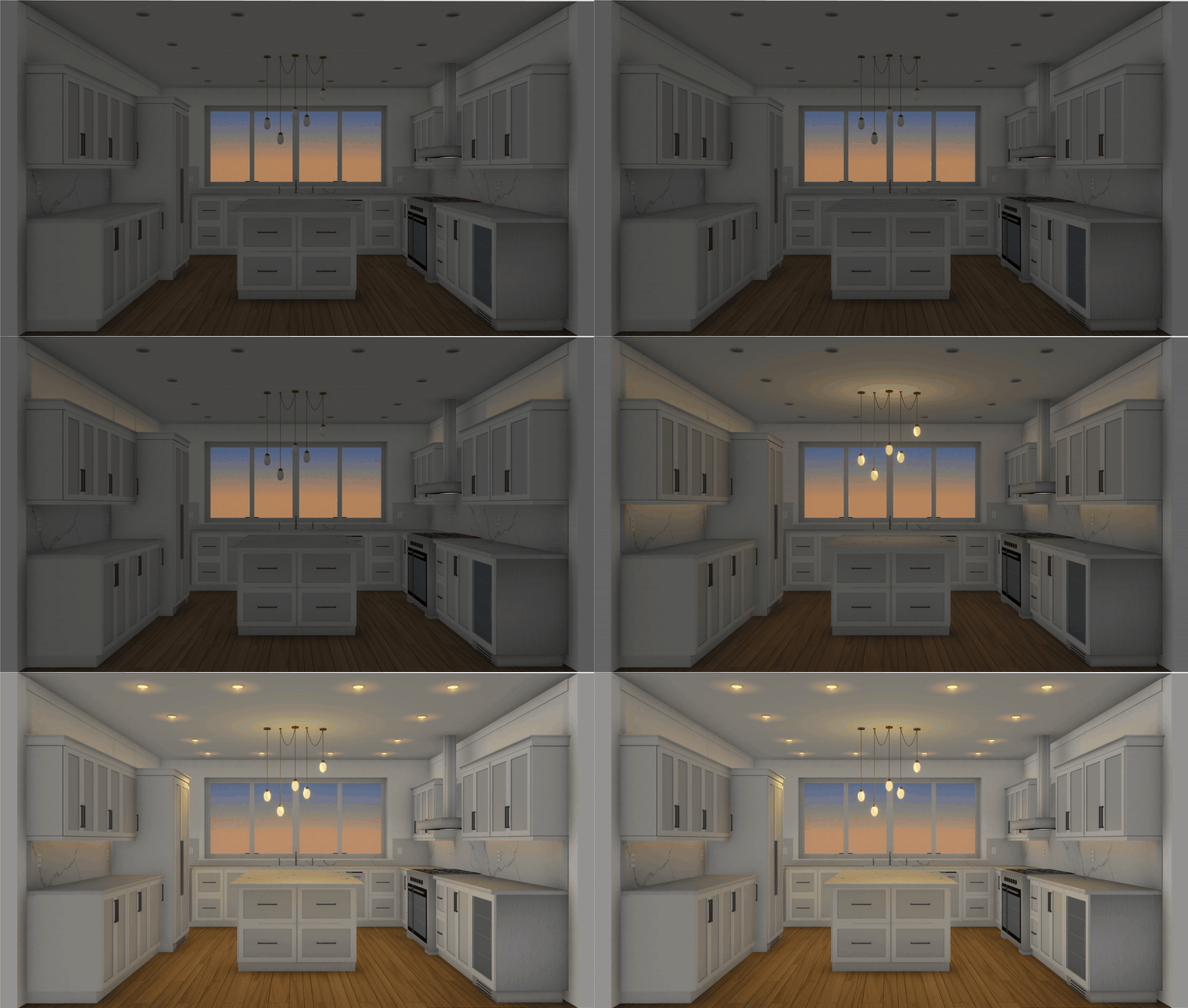 | ||
Connect your lights to your controls and form a circuit, then flip them on one at a time: recessed, pendants, under-cabinet and LED strips on top of the crown that wash the wall above. Every light glows in 3D and casts soft shadows. | ||
Slide the time of day from morning to night and watch the light through the windows change with it. It's the fastest way to see what your kitchen (or any room) feels like after dinner, not just at noon. | ||
| Try it in your next room → | ||
| ||
Renders | ||
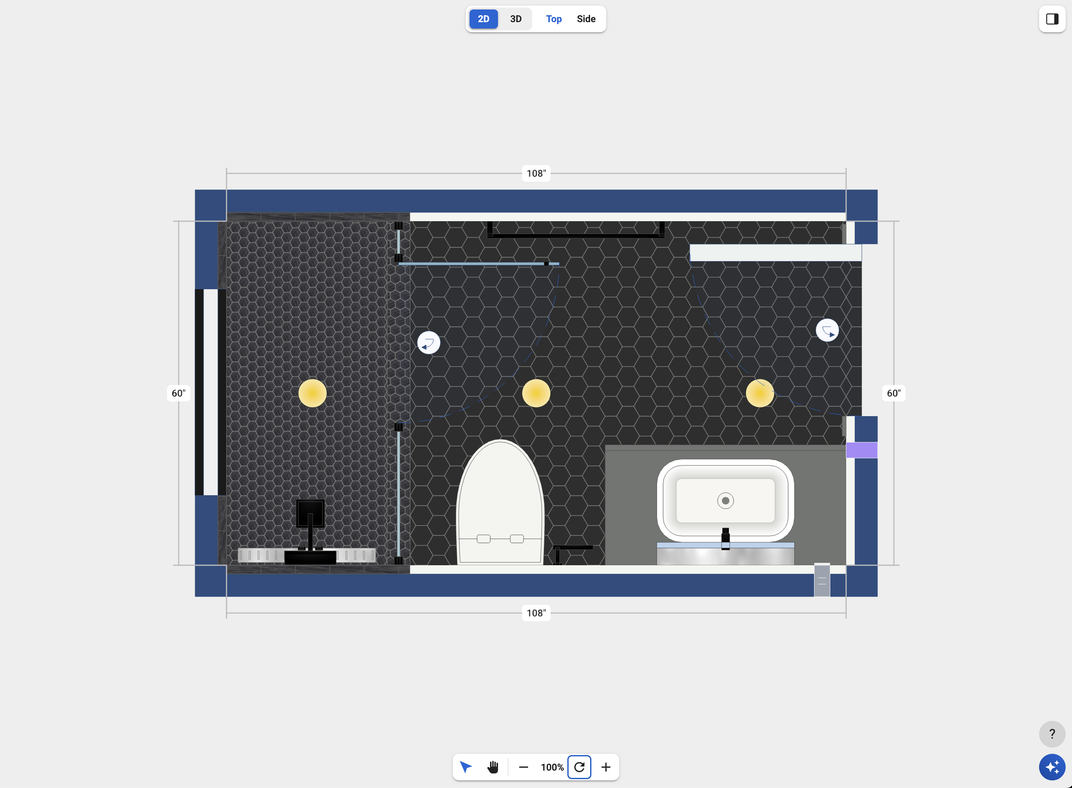
High-resolution renders, in every browser | ||
Your plan | ||
 | ||
Your render | ||
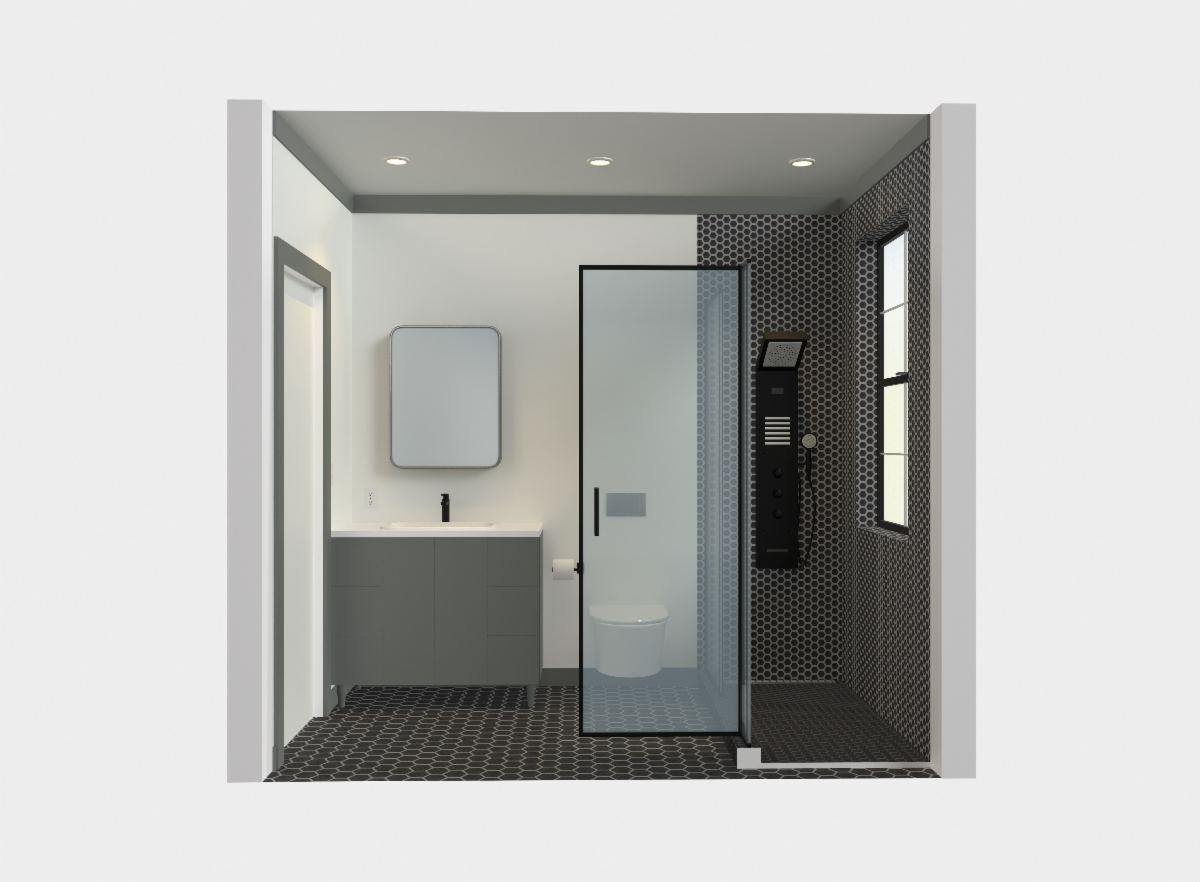 | ||
Turn any room into a high-resolution image you can actually use. Save it to your gallery, share it with your client or a friend, or download it and drop it straight into a proposal. | ||
Renders now work in Chrome, Safari and Firefox, and take about five minutes. They match what you see in 3D, only better. | ||
| Make your first render → | ||
Room Summary | ||
A spec sheet you can hand off | ||
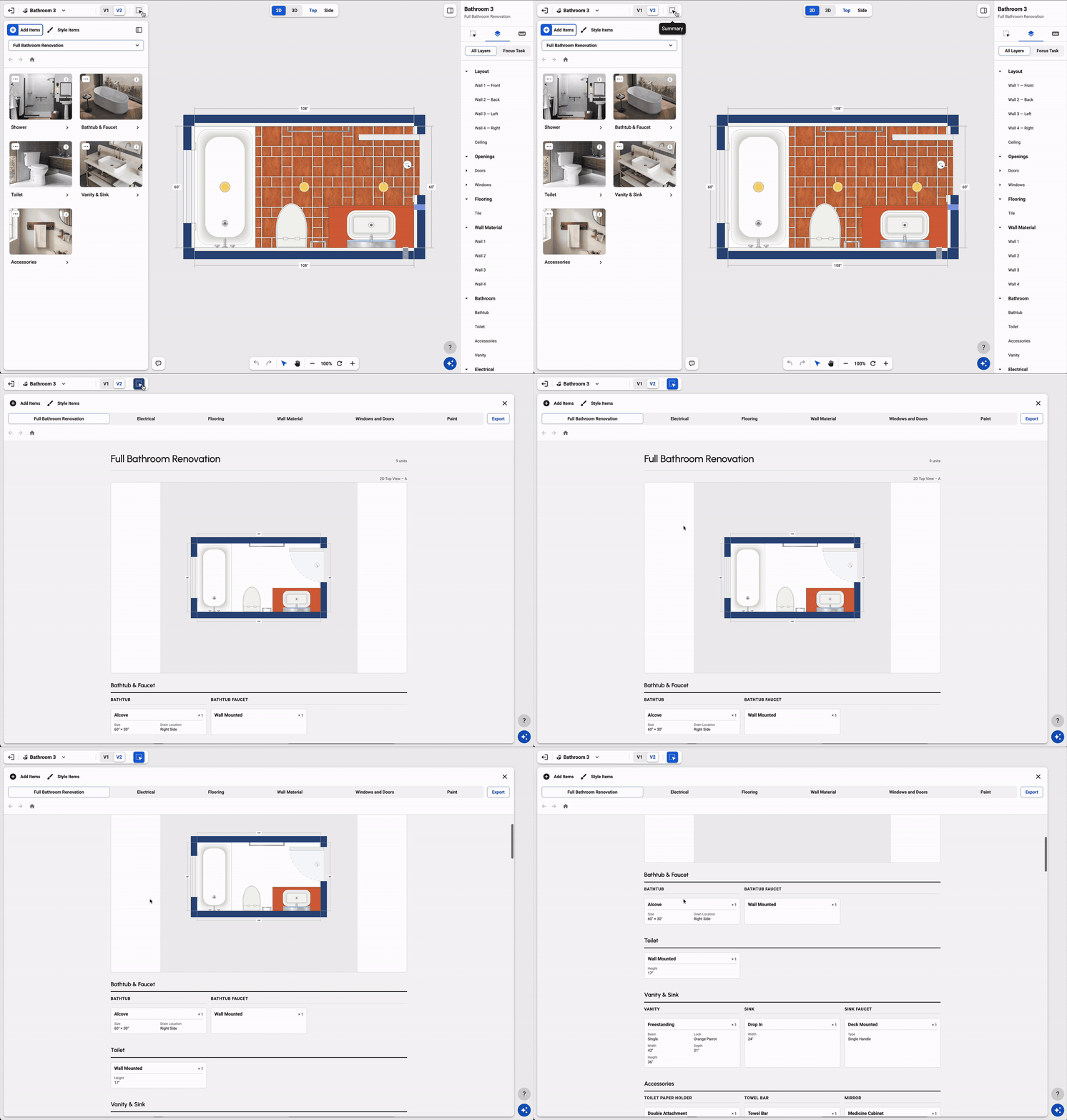 | ||
Room Summary is now a clean spec sheet, organized by category, and it updates in real time. Swap the tile and the count changes with it. | ||
It shows square footage and approximate tile and plank counts for floors, walls, paint, countertops and backsplashes. Download it and share it with your client, your contractor or whoever's placing the order. | ||
| See your Room Summary → | ||
Also new | ||
Spanish. The whole app is now in Spanish, and the AI assistant answers in Spanish too. | ||
iPad. Fingers and Apple Pencil work on the plan and in 3D, including pinch to zoom. | ||
A new look for Nook. Our website got a full makeover, with one page for pros and one for homeowners. | ||
Tell us what you think. Just hit reply. We read every email, and it really does shape what we build next. And if you know anyone who might benefit from Nook, please share this email with them. | ||
| Thanks for building with Nook, Marc Singer Founder, Nook | ||
|
 |