October is AAC Awareness Month! Let's Promote Accessible Communication Together.
AACcessible Communication
By Clarice Nolan
October is AAC Awareness Month! Join us in celebrating by learning how you can better advocate for those who use alternative and augmentative means of communication and creating an environment that provides greater access to these methods.
What is AAC?
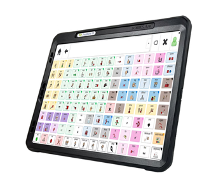
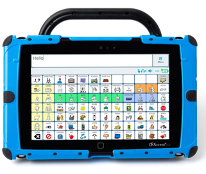
AAC stands for augmentative and alternative communication. Augmentative forms of communication are those that supplement or enhance communication, such as body language, gestures, and visuals, to help others better understand the message being conveyed. Alternative forms of communication are used when one’s speech or communication style cannot be easily understood by others. This means finding a different way to communicate may be necessary, such as using a speech generating device.
Tips for promoting awareness and acceptance of AAC
in the classroom environment:
Use Visuals and Core Boards
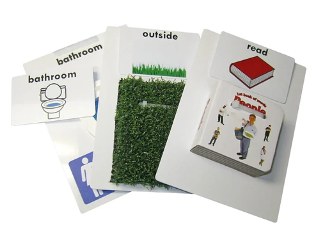
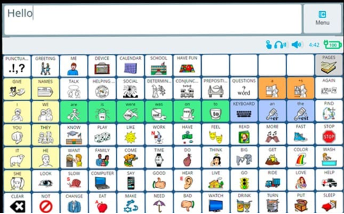
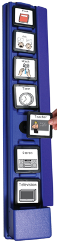
Whether you are reading a book, teaching a lesson, or giving verbal directions, the use of visuals can support all learners! This is an example of augmentative communication. Point to the most impactful words on a communication core board when you are reading a book, pair gestures with your verbal directions, or use a visual schedule to help students better reference what is happening next.
Model without Expectation
When a student is using a speech generating device, speak their language with them! We wouldn’t force students to say what we want them to say when communicating verbally, so why force the use of an alternative mode of communication? By modeling what you are saying on a device as well, you are inviting your student to communicate with you, not for you. This offers a safe space for them to see what that looks like and make the choice to do the same.
High Engagement
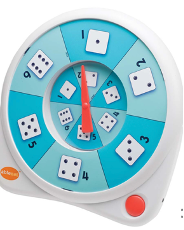
Communication should be used in a variety of ways, including play and social connection! A great way to encourage communication with AAC is by using cause and effect toys with high engagement or even mid-tech communication devices programmed with game-specific phrases (i.e., “my turn”, “your turn”, “go fish!”).
Environmental Uses
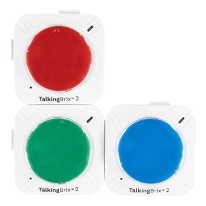
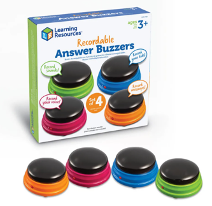
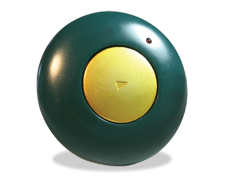
Placing alternative or augmentative communication devices around the classroom grant opportunities for varied access to content. Use speech recording buttons within independent work spaces to leave the student a verbal direction, define the vocabulary word of the day, or record a morning message for the students to access on their own time.
Core Word of the Week
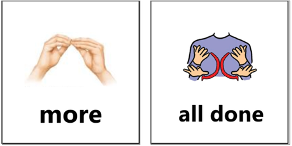
Core words make up 80% of the words we use in our daily conversations. By introducing core words in a multi-modal way (visual, verbal, on a speech generated device, in sign language, etc.), students are better able to learn and use these words in a meaningful and communicative context. Plus, it promotes various forms of AAC in the process!
There are so many ways to support your AAC users and promote accessibility to all forms of communication in your classroom.
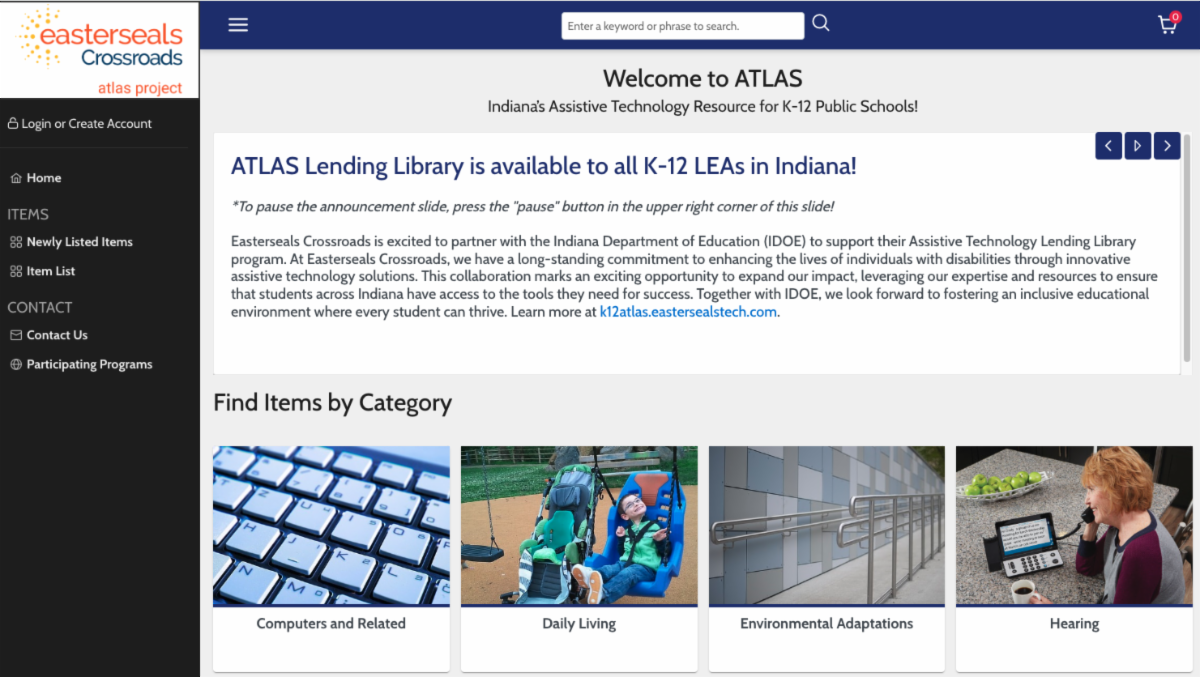
All of these tools are available to borrow from the ATLAS Lending Library, free of charge!
Need assistance? Our AT Specialists will help you find the right AAC options for your students and environment. Contact us today!
Join us in October as we host our next ATLAS Answers session to learn about assistive technology and get your questions answered!
October Focus:
Augmentative and Alternative Communication (AAC)
October 15, 2025 at 12pm EST
All sessions will be held live via Zoom, and you can use the same Zoom link each month to join!
Did you miss our September session? No problem! You can listen here!
ATLAS is excited to launch ATLAS Answers, a new live monthly series! Each session will highlight a different assistive technology topic to help you build your knowledge and confidence with AT tools and strategies.
Join us each month for:
A brief, focused presentation on a featured AT topic
Followed by open Q&A time for educators to ask questions and get support
Can’t make the live session? No problem! Each session will be recorded and available for on-demand viewing so you can watch whenever it works for you.
Whether you're just getting started with AT or looking to deepen your expertise, ATLAS Answers is here to support your journey.
Your questions. Real answers. Practical support – every month!
Every person has a unique sensory profile! Have you ever found yourself chewing gum while working, needing to get out of your seat after a long computer session, or putting on relaxing music after a stressful day? Those are all examples of self-regulation tools! Our students are still learning how to regulate their sensory systems and may need some extra support to implement strategies that work best for them. A regulated body is one that is ready to learn!
Check out the ATLAS catalogto see what types of sensory tools may be beneficial for your students.
Check out two of our newest devices!
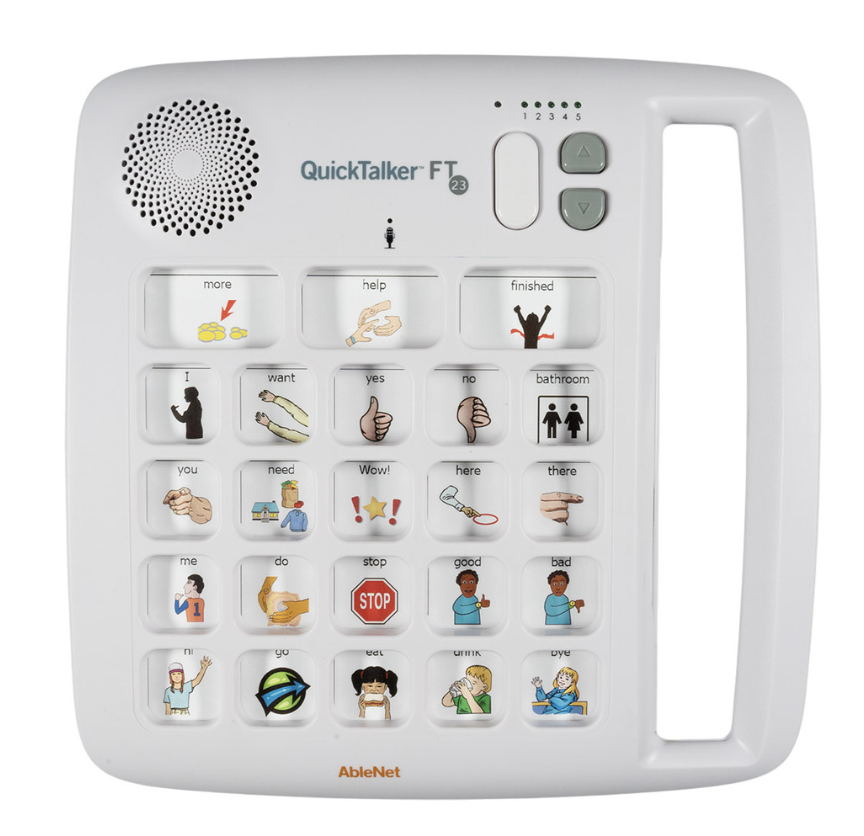
QuickTalker FT 23
The QuickTalker FeatherTouch 23 speech device provides multi-message communication that is highly portable, durable, and easy to use. The FeatherTouch membrane responds to the lightest touches and smallest fingers, and makes it easy for almost anyone to communicate. QuickTalker FeatherTouch 23 includes 103 unique messages available across five recording levels and provides an individual with robust communication options throughout the day.
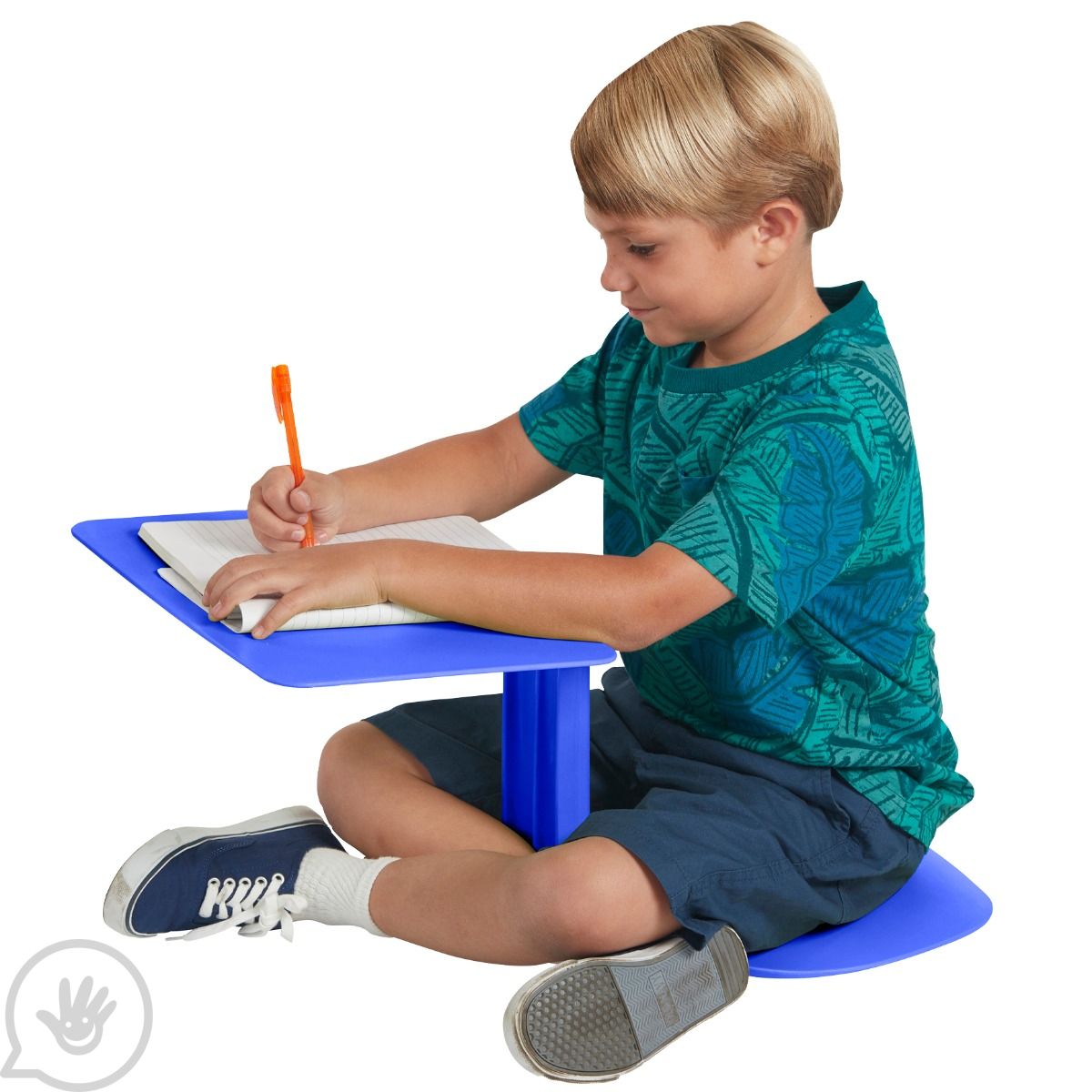
The Surf Portable Lap Desk
Sit on the floor? Sure! The cleverly crafted all-in-one seat and desk means that kids, teens and adults can sit and work wherever they’d like. The ergonomic design means it’s easier to maintain good posture too! Place your notebook, laptop or tabletop game on top and get comfortable while you study, work or play. Flexible seating solution works in any classroom. Stackable for easy storage and lightweight for portability.
Ergonomic design for improved posture
Supports kids with ADHD and sensory integration disorder