IT'S TECH THURSDAY AT ABI
WINDOWS 10
HOW TO COLOR CUSTOMIZE
YES IT'S ALL ABOUT THE COLOR
The classic Windows Start menu had a refresh at the end of last year.
The new design is more streamlined, so the icons stand out more.
The colors will also change depending on if you're running light or dark mode.
HERE ARE THE STEPS TO CHANGE COLOR
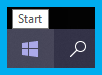
Start Menu
Start Screen Taskbar
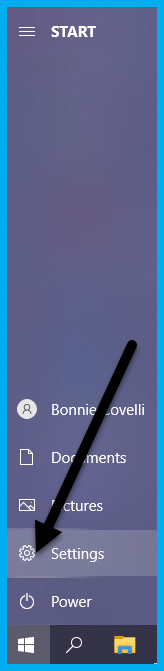
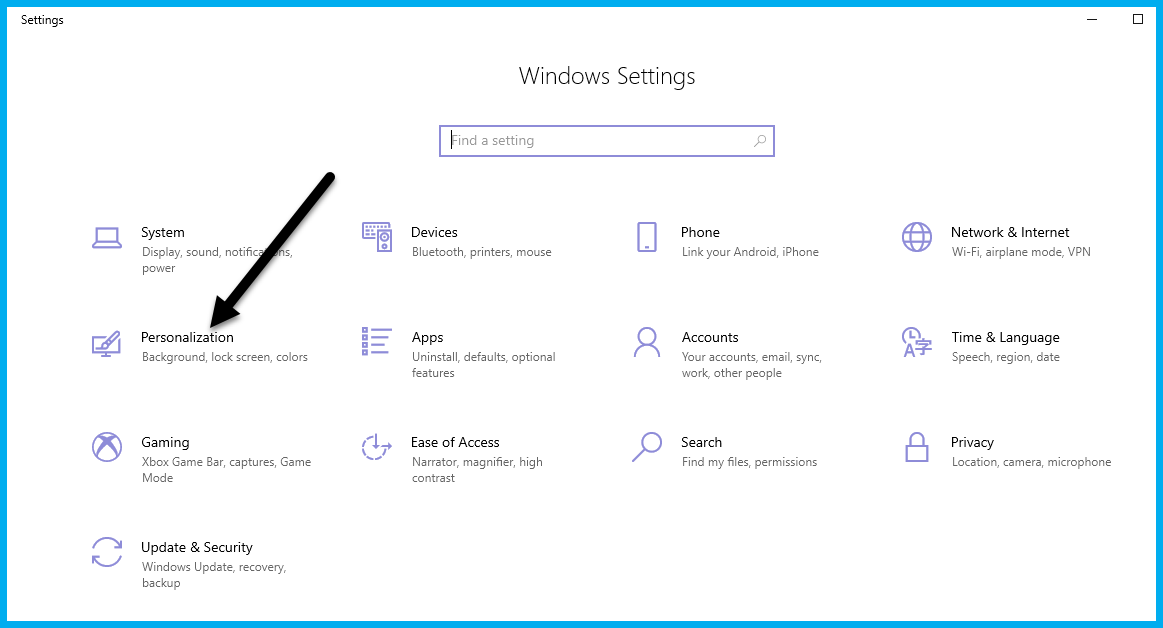
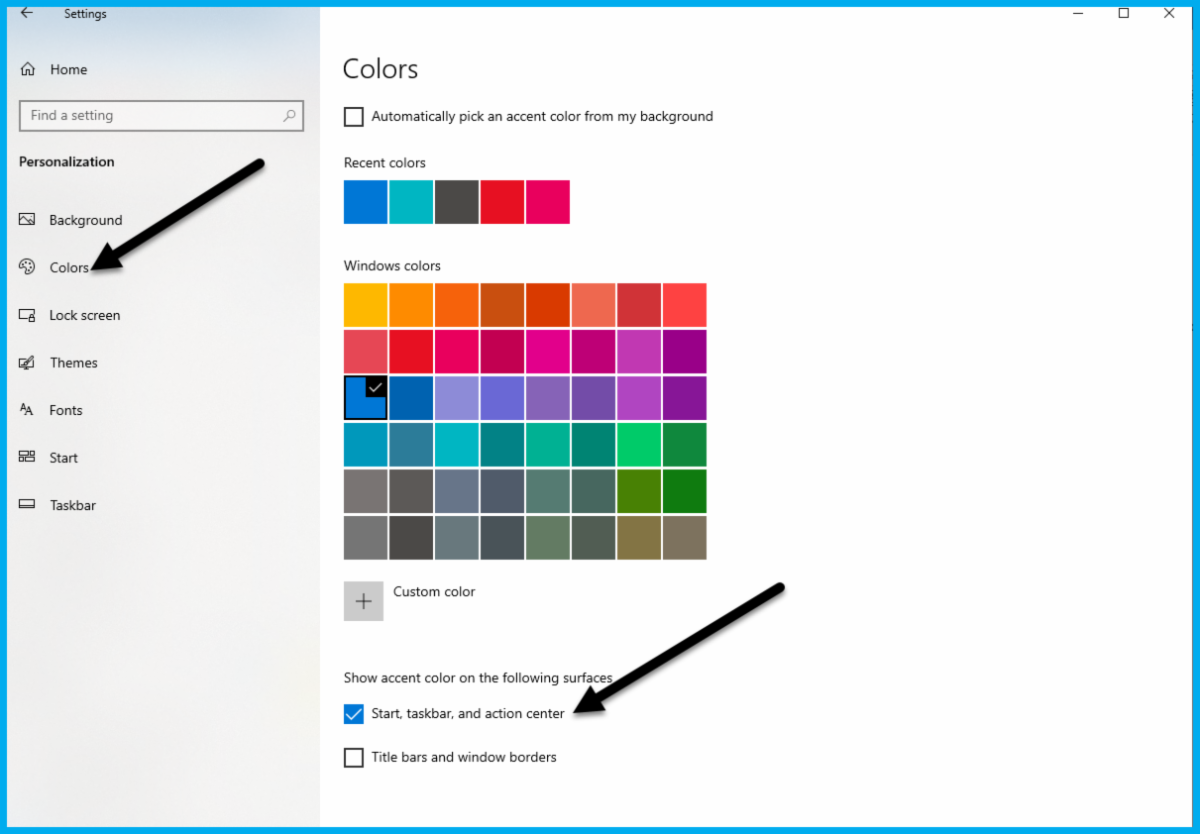
Window borders, go to Settings >Personalization > Colors >
>Show color on Start, taskbar, and action center.
Turn this option on and pick the accent color you'd like to use from the options above.

For suggestions, questions, or to add your employees to this email list contact bonnie@abinnovations.com
Thank you for joining us on #ABIMSPtechthursday