|
Let Google Maps AI Find and Order Your Dinner
Google Maps can now handle multi-step restaurant ordering directly through conversational prompts. By combining Gemini AI models with route data and merchant partners, Ask Maps lets you build and place food orders while you travel.
Deciding what to eat after a long workday often feels harder than it should.
You open one app to check restaurant ratings, another to compare menus, and a navigation map to see if the location sits anywhere near your evening commute home.
By the time you finish toggling between screens, dinner feels like an obstacle course.
Here’s a Cool Tip: Tell Ask Maps What You Crave and Let AI Handle Your Takeout Order.
Google is streamlining that hassle by turning its navigation assistant into an active ordering agent.
Instead of doing all the legwork yourself, you can describe exactly what you want to eat, where you are headed, and any dietary restrictions you have.
The app finds an open spot, builds your custom order, and prepares your cart for checkout.
Feature Explanation
Google updated its conversational search layer, Ask Maps, with agentic capabilities that execute multi-step tasks across third-party services.
Launched in August 2026, the updated food ordering system pairs Gemini model intelligence with real-time location mapping.
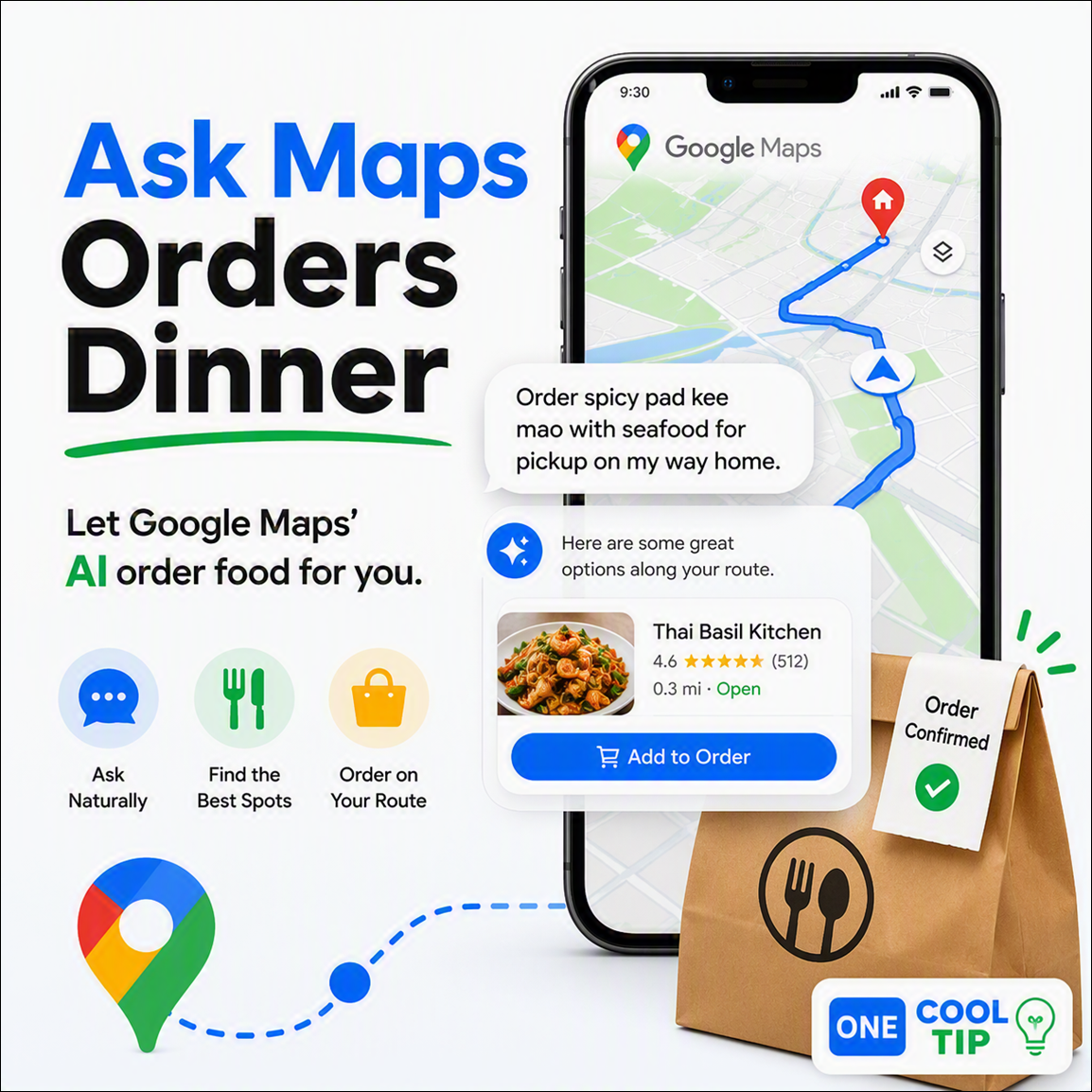
When you type or speak a request such as "Order spicy pad kee mao with seafood for me to pick up on my way home," the assistant analyzes your route, checks store hours, screens for dietary preferences, and populates your cart through integrated point-of-sale systems.
At launch, the backend relies on merchant integrations with Square and Toast, with Uber Eats delivery integration scheduled to follow shortly after.
This upgrade shifts Google Maps from a passive directory into an active assistant.
Instead of requiring you to browse static menus and manually select items one by one, Ask Maps understands nuanced commands, applies complex filters, and hands off a ready-to-pay order.
What You’ll Gain
-
Save time by skipping manual app switching and restaurant searches during your commute.
-
Reduce confusion when placing customized group orders with complex dietary needs.
-
Improve accuracy by letting AI match exact menu descriptions to your crave list.
Step-by-Step Instructions
Here's how to do it.
iPhone/iPad
-
Open the Google Maps app on your iOS device.
-
Tap the Ask Maps text bar at the bottom center of the interface.
-
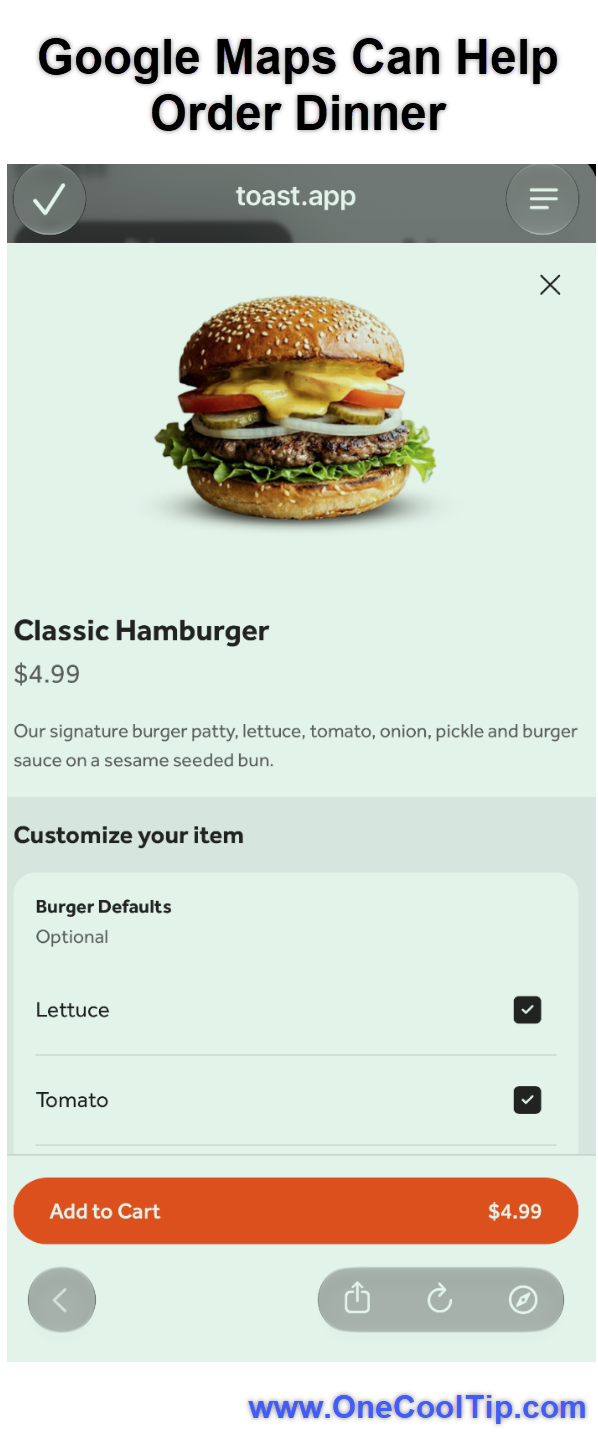
Enter your request, including specific dishes, pickup constraints, or dietary preferences such as "Order a hamburger on my way home."
-
Select your preferred restaurant from the generated shortlist.
-
Verify the populated cart items handed off to the merchant system (such as Toast or Square).
-
Tap checkout to finalize payment via Apple Pay or stored card details.
|