|
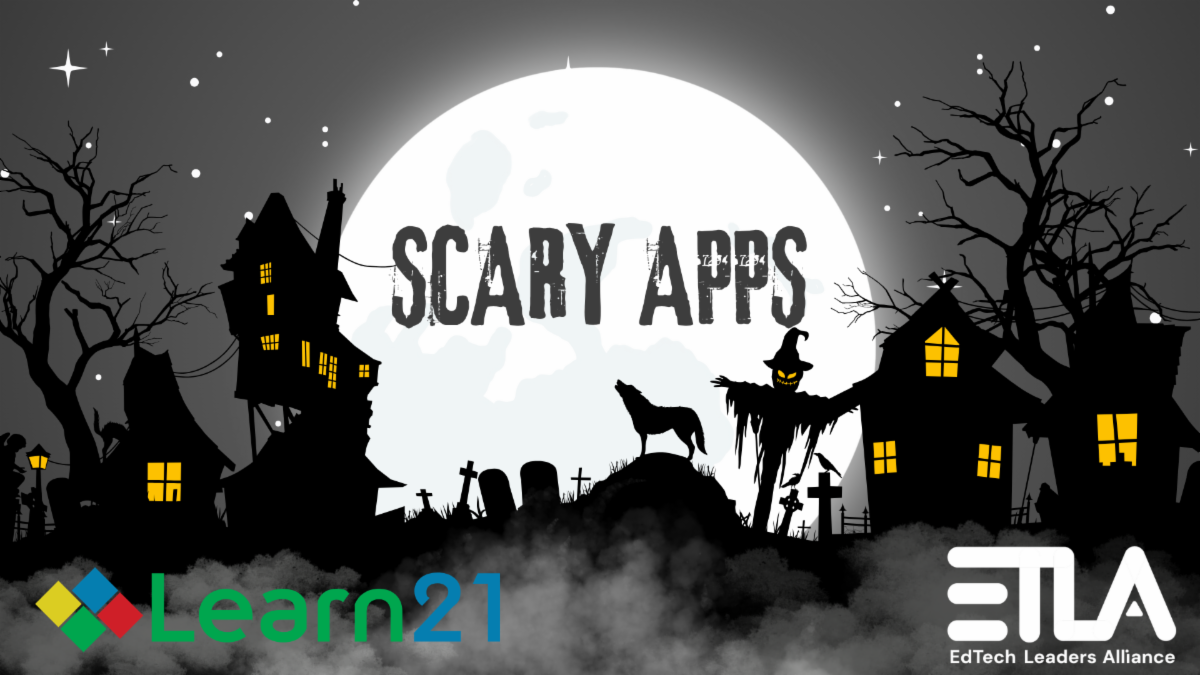
Every October, we dust off the cobwebs on common classroom tools and ask a simple question: would you invite this app into your district’s “digital house”? Our annual Scary Apps campaign isn’t about fear, it’s about clarity. Edtech leaders juggle safety, instruction, and compliance daily; this series spotlights apps whose terms, practices, or refusal to sign Data Privacy Agreements (DPAs) make them poor fits for students.
This year’s campaign comes with an extra reason to celebrate: Mike Porter, our newest team member and Colorado-based data privacy strategist, took the lead on Scary Apps 2025. Mike brings years of experience helping schools navigate privacy agreements, and he’s already showing he’s not afraid to shine a light on the monsters lurking in app stores. (Welcome to the haunted mansion, Mike!)
Here are a few patterns and concrete examples Mike found to help inform your decisions this fall:
1) Age gates matter (and they’re often buried).
Several popular creation and productivity tools restrict use to 16+ or 18+. Examples in this year’s working list include Bambu Lab (16+, accounts for under-16 may be deleted), Corel Draw (18+), Trello (16+), MyFitnessPal (18+), and Read AI (18+). If your students are younger, those terms alone should halt classroom use—even before a privacy review.
2) Targeted advertising has no place in K-12.
We continue to see mainstream apps that track behavior and serve ads. Angry Birds and Nitro Type are notable examples; Goodreads and Quizlet also allow targeted advertising or use student PII for product development. That’s a mismatch with FERPA expectations and your community’s trust.
3) “Free” can be the scariest price of all.
Some free tiers are explicitly not FERPA-friendly. Padlet’s free versions allow public sharing of PII and don’t meet DPA requirements; only Padlet for Schools is designed for education compliance. Grammarly’s free consumer product raises concerns, while the education-specific version (G4E) is the safer path.
4) Refusal to sign DPAs is a red flag.
If a vendor won’t sign, it’s a signal to pause and reassess. Animoto, Roblox, GroupMe, and others in this set either don’t sign DPAs or require parental consent workarounds, creating equity and governance challenges. When a DPA is a “no,” your move is simple: seek a district-safe alternative.
5) Data flows you can’t see still count.
Discord notes data storage outside the U.S. and lacks robust age-gating; Bitmoji (a Snap company) shares PII across platforms. Even if students behave, the architecture may not.
6) “Beloved apps” can still be misaligned with K-12.
Duolingo states its services aren’t intended for children, uses third-party trackers, and refuses to sign DPAs; Spotify requires users to be 18 or have parental consent, and content risk remains. The question isn’t popularity, it’s appropriateness.
What district leaders can do this month
- Audit your app roster against age and DPA status. Flag anything 16+/18+ or “no DPA.” A simple spreadsheet check will surface quick wins. Use “Not Approved” or “Approved w/ Parent Consent” labels consistently if your policy allows them. (See the Duolingo note on district postings.)
- Prioritize edu-grade versions and safer substitutes.
- Replace Padlet Free with Padlet for Schools or a district-vetted alternative.
- Prefer Grammarly for Education (G4E) over the consumer/free edition.
- Swap Quizlet for Knowt or Quizizz when student data use is a concern.
- Use Sora (OverDrive’s K-12 product) instead of Libby.
- Communicate the “why.” Families and staff appreciate transparent explanations: age gating protects students; DPAs codify vendor obligations; ad-tech models conflict with instructional spaces. Brief, plain-language one-pagers help principals say “no” or “let’s look for another tool” with confidence.
- Align AI use with policy. Some tools in the list include generative AI or AI-enabled analytics with 16+ limits or unclear data rights. Confirm your AI policy covers age thresholds, model training on student content, and opt-out mechanics.
- Close the loopholes. Parental consent isn’t a substitute for vendor compliance; it shifts legal risk and can undermine equity when families feel pressured to “sign or miss out.” Also, it creates additional oversight for staff to manage the classroom experience. Often, defaulting to education-grade products and district accounts over personal sign-ups is the better, less scary way to go.
The goal of Scary Apps isn’t to ban everything; it’s to buy back trust by making careful, student-first choices. Throughout October we’ll highlight specific apps, explain the risk in plain language, and point to better options. Follow along on our socials for daily posts and check our Scary Apps page for the running list and district-ready language you can reuse with your teams.
Want help reviewing your roster, drafting parent letters, or building a DPA-first procurement policy? Hit reply, we’re happy to partner so your students learn in spaces that are safe, inclusive, and ad-free where it matters most. Happy trick or treating!
|