|
Reminder: Linking Colorado Driver Licenses to Online Portal Accounts
For awareness, the state DMV Call Center cannot assist customers when they need assistance with attaching or correcting a drivers license link as this function can only be performed at the county level.
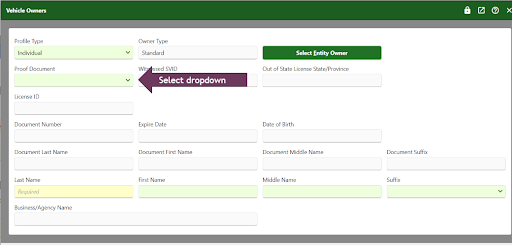
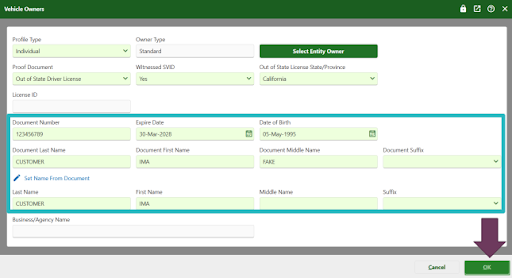
When processing title and registration transactions, county DMV staff can add the vehicle owner's driver's license number. SVID information can be entered into a transaction when needing to edit or add ownership information. Examples of transactions that allow editing or adding ownership information include: New Vehicle, New Ownership, Update Title, and Update Registration.
When entering a Colorado Driver License as SVID during a transaction, DRIVES will link the vehicle to the owner's customer portal account. As a reminder, County DMV staff have the ability to edit the Vehicle Owner details and add the Driver License number during the applicable transaction.
During the transaction, users will need to:
-
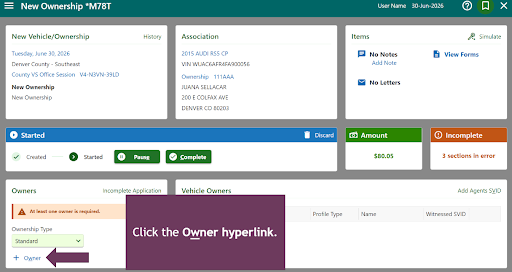
Navigate to the Vehicle Owners panel and select the Edit hyperlink. (Or + Owner during a New Ownership or New Vehicle transaction.)
|