|
One Cool Tip Newsletter
October 21, 2026
| Your daily dose of tech-savvy brilliance! | |
😀 Greetings! Happy Windows Wednesday, Cool Tipper!
Get ready to streamline your digital life with simple, actionable tips delivered straight to your inbox.
Cool Tip Theme: Michelangelus
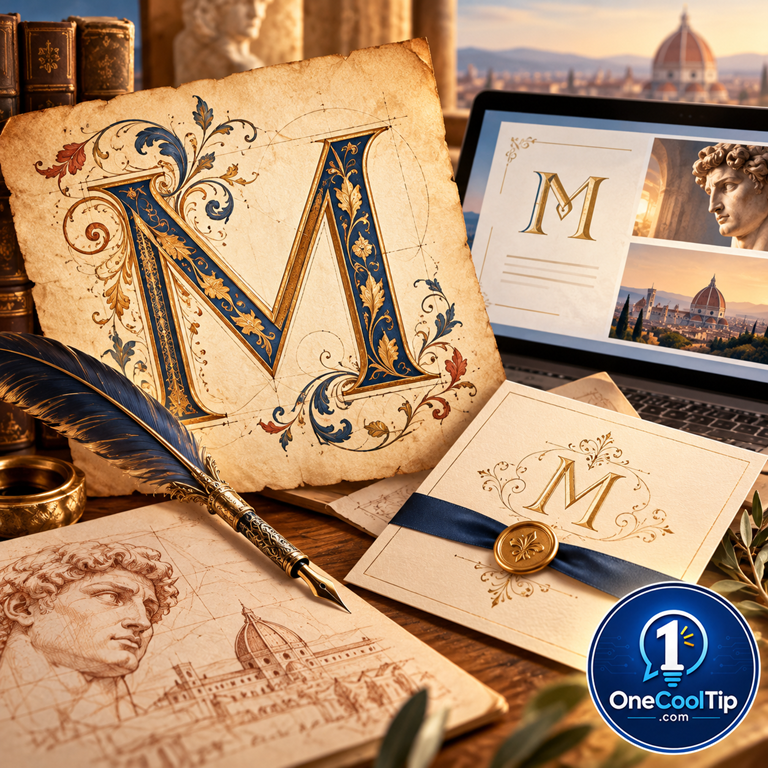
Discover Michelangelus, a new font inspired by Michelangelo’s lettering, and learn how to install it for a touch of Renaissance style.
New here? Subscribe to the One Cool Tip Newsletter for daily updates. It's FREE!
| |
3️⃣
If you enjoy the One Cool Tip Newsletter, please forward this newsletter to THREE friends or colleagues or share it on social media using the links below.
Leave a $$$ Tip!
Share this One Cool Tip Newsletter!
| | |
🚨 California Student Data Was Stolen. 🚨
The California Department of Education says an unauthorized party accessed an Educational Testing Service (ETS) file-transfer site and copied files containing student information.
The exposed data varies by student but may include names, birth dates, home addresses, schools, demographic information, disability status, and assessment information.
The state says Social Security numbers, financial information, passwords, and parent or guardian information were not involved.
Affected current and former students are being offered 24 months of complimentary identity-protection services through Experian IdentityWorks.
The Cool Tip:
If you receive a breach notification, verify it through the official incident page before enrolling in any protection service or providing personal information.
And in Other News...
- Windows 11 Just Got Faster, Especially on PCs With 8GB of RAM
Microsoft says recent improvements have made Windows 11 up to 20% more responsive, with faster experiences across Start, File Explorer, Search, Snipping Tool, Edge, and more.
A major part of the improvement comes from smarter memory management, which can keep up to 2GB more active data in RAM instead of moving it to slower storage.
PCs with 8GB of RAM may benefit the most, especially when several apps or browser tabs are open at once.
Microsoft has also reduced background memory use, with Widgets loading only when opened on PCs with 8GB of memory or less, freeing more than 200MB for other tasks.
Keep in mind that the 20% figure comes from Microsoft’s own measurements, so your actual improvement will depend on your PC and how you use it.
The Cool Tip:
Keep Windows 11 updated because many of these performance improvements are being delivered gradually through Windows updates.
| |
| 🤔 Where would you try Michelangelus first? | | | |
-
Have you tried the Upside app? Everyday cash back on gas, groceries and dining.
Help support One Cool Tip. Use this Amazon link when you shop online.
Check out these Cool Deals:
| | |
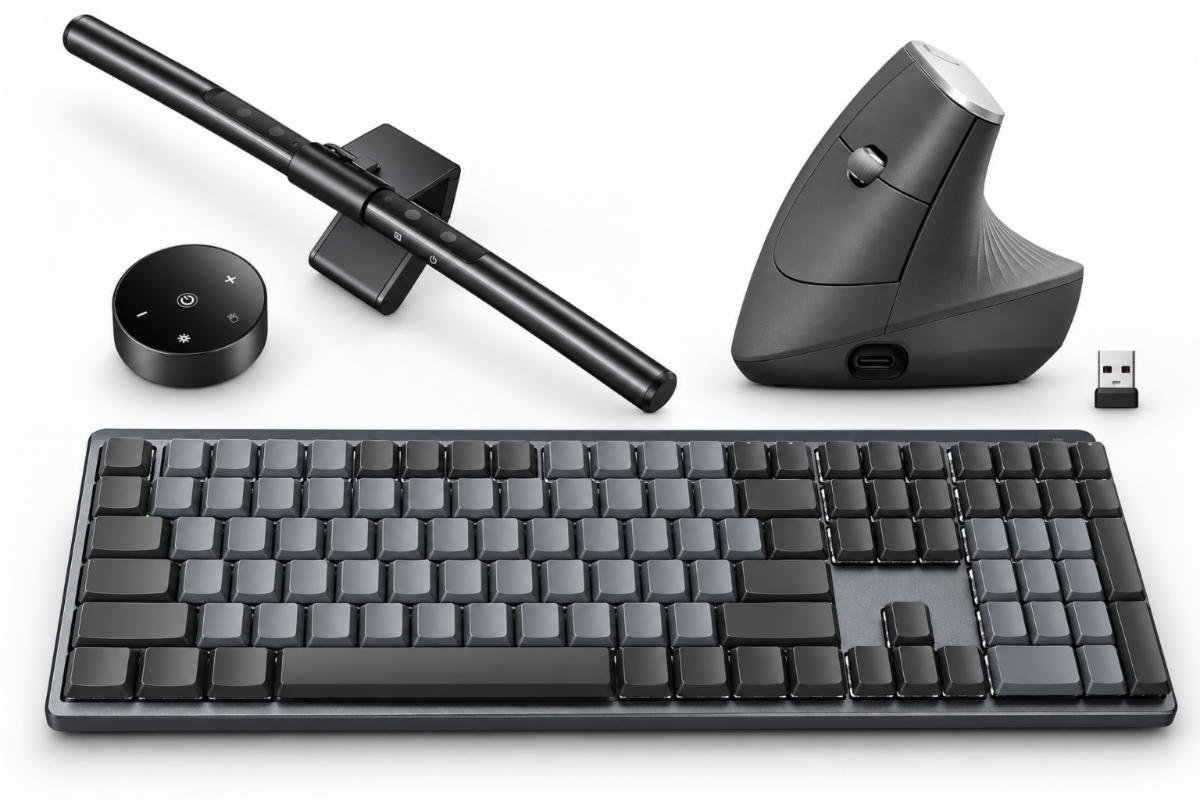
🖱️ Logitech MX Vertical Ergonomic Wireless Mouse: A comfortable productivity mouse that can be a good companion for long writing, editing, and design sessions.
Save 38%. Now $74.99. 4.4 Stars. Check it out on Amazon!
⌨️ Logitech MX Mechanical Keyboard: A full-size illuminated mechanical keyboard designed for people who spend plenty of time writing and creating.
Save 17%. Now $149.99. 4.2 Stars. Check it out on Amazon!
💡 Quntis RGB Pro+ Monitor Light Bar: A monitor-light option for readers looking to brighten a home-office or creative workstation.
Overall Pick! Now $39.95. 4.6 Stars. Check it out on Amazon!
*Prices accurate when originally published.
One Cool Tip may earn a commission from qualifying purchases.
| | Write Like a Renaissance Master With Michelangelus | | |
A little Renaissance history just arrived for your font collection.
Michelangelus is a new serif typeface inspired by Michelangelo’s handwriting and works, giving documents, presentations, invitations, and creative projects a distinctive connection to the Renaissance.
| | |
By Rodger Mansfield, Technology Editor
October 21, 2026
Subscribe
Imagine putting a little Michelangelo into your next Word document or PowerPoint presentation.
Michelangelus is a new serif typeface inspired by the work and handwritten manuscripts of Renaissance master Michelangelo Buonarroti.
The font was commissioned by the Fabbrica di San Pietro, the organization responsible for St. Peter’s Basilica, to commemorate the 400th anniversary of the basilica’s consecration.
It was created by Studiogusto, an independent creative agency from Italy and Germany.
This is not simply Michelangelo’s handwriting scanned and converted into a computer font.
The designers deliberately chose not to imitate his handwriting exactly.
Instead, they studied his manuscripts and translated aspects of his writing into a contemporary typeface.
Even better, you can download and install Michelangelus right now.
Microsoft Design also plans to distribute the font through Microsoft 365 applications, including Word, PowerPoint, and Excel, at the end of 2026.
Here’s a Cool Tip: Download Michelangelus now and give your next project some Renaissance personality.
Feature Explanation
Michelangelus is a serif font with an extraordinary pedigree.
Studiogusto studied Michelangelo’s personal notes and letters in the Vatican Apostolic Archive.
Rather than creating a calligraphic imitation, the designers set out to create a contemporary typeface informed by his writing.
The result contains more than 2,000 glyphs across four styles: regular, regular italic, bold, and bold italic.
Microsoft Typography identifies those four styles as Michelangelus, Michelangelus Bold, Michelangelus Italic, and Michelangelus Bold Italic.
The appeal goes far beyond its history. Michelangelus can give invitations, certificates, presentation titles, school projects, announcements, and personal stationery a distinctive classical character.
Instead of using Michelangelus throughout an entire document, consider using it selectively.
A large title or heading gives the font room to make an impression while a simpler typeface can handle longer passages.
What You’ll Gain
- Add a distinctive Renaissance-inspired look to documents and presentations.
- Choose from regular, italic, bold, and bold italic styles.
- Install the font now instead of waiting for its Microsoft 365 distribution.
- Give special projects a historical personality without using a generic decorative script font.
Step-by-Step Instructions
Here's how to do it.
Windows 10 and Windows 11
-
Download Michelangelus Fonts.zip from the official Microsoft Download Center.
-
Extract the ZIP file.
-
Locate the font files.
-
Double-click a font file to open it in Windows Font Previewer.
-
Select Install.
-
Repeat the process for the other Michelangelus styles you want to install.
-
Close and reopen Word, PowerPoint, or another application if it was running during installation.
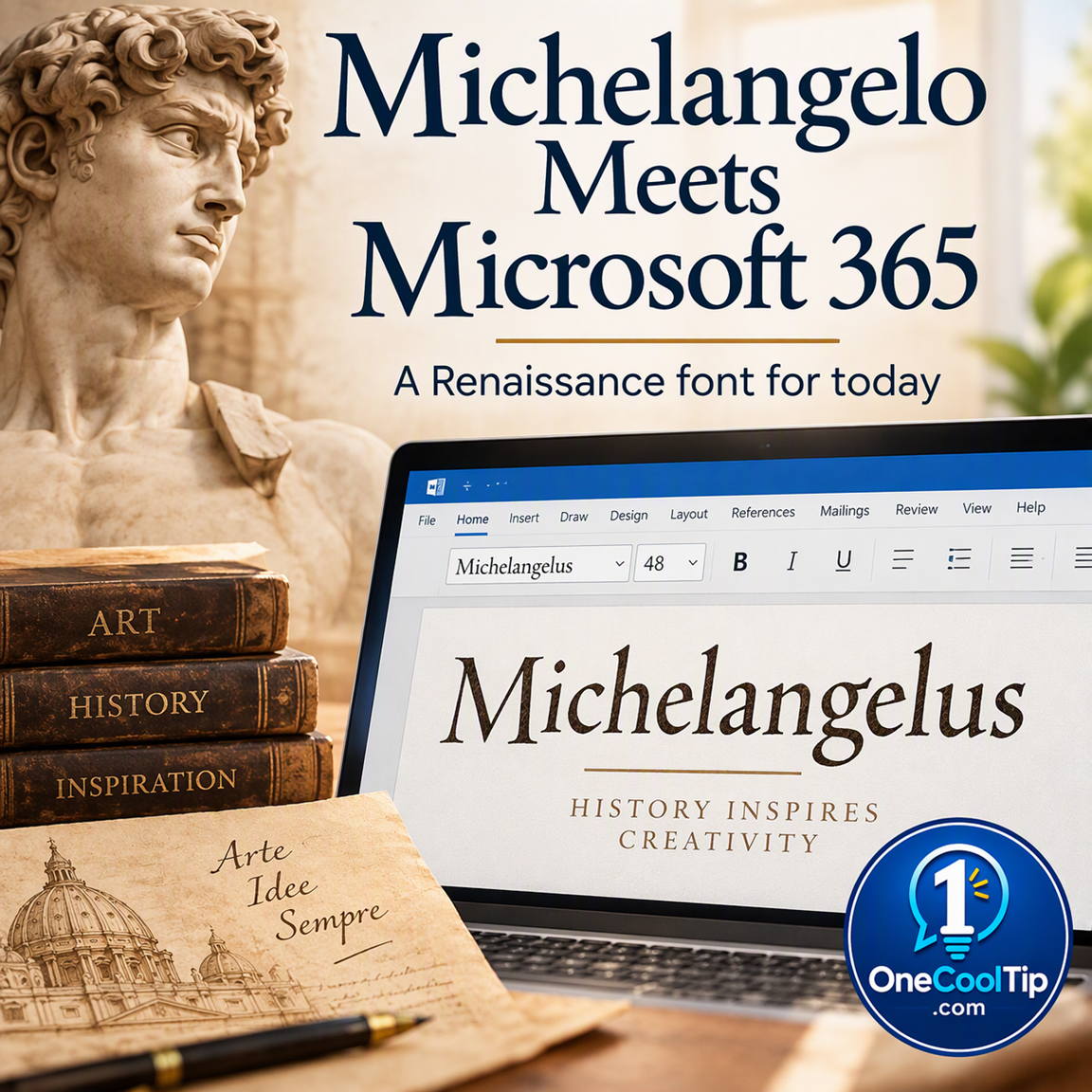
| | fig. 1 - The Michelangelus Font | | |
macOS
-
Download and extract Michelangelus Fonts.zip.
-
Open the downloaded font using Font Book.
-
Install the font.
-
Reopen the application where you want to use it.
-
Look for Michelangelus in the font menu.
Microsoft 365 Cloud Fonts
This is where the timing matters.
- Michelangelus is available for download now and will also be distributed to Microsoft 365 customers through applications including Word, PowerPoint, and Excel at the end of 2026.
- Until Microsoft confirms that the Michelangelus Microsoft 365 distribution is complete, installing Microsoft's downloadable version is the most reliable option for readers who want to use the font now.
Pros and Cons
Pros:
-
Remarkable history: The typeface connects modern typography with Michelangelo and St. Peter’s Basilica.
-
Four styles: Regular, italic, bold, and bold italic provide useful design flexibility.
-
Available now: Microsoft provides an official downloadable font package.
-
Creative possibilities: Titles, invitations, certificates, educational projects, and creative presentations are natural uses.
Cons:
-
Distinctive style: Its distinctive personality may be too strong for lengthy reports and routine business correspondence.
-
Delayed rollout: Microsoft 365 distribution is announced for the end of 2026, so you'll have to download manually until then.
-
Font sharing limits: Someone receiving an editable document may not have the downloaded font installed.
Who Should Skip This
Michelangelus probably is not the best choice if you need a deliberately neutral typeface for a lengthy report, dense spreadsheet, technical document, or routine business correspondence.
Organizations with strict branding or font-installation policies should also check their rules before using it.
Real-World Examples
Creators: Use Michelangelus for the cover of an art portfolio, event poster, invitation, or presentation where a classical visual identity fits the subject.
Students and educators: Give a Renaissance history presentation a fitting personality by using Michelangelus on the title slide and section headings while keeping the body text in a more neutral font.
Home users: Try it on a special invitation, family-history project, personalized certificate, holiday project, or decorative quotation.
Configuration Guide
There is no special Michelangelus switch to enable.
For immediate use, download the official font package and install the files through your operating system.
Microsoft's download package is intended for Microsoft 365 applications and applications that do not have access to the Microsoft 365 Cloud Fonts service.
Microsoft Typography lists these four files:
- michelangelus-regular.ttf
- michelangelus-bold.ttf
- michelangelus-bolditalic.ttf
- michelangelus-italic.ttf
Troubleshooting and Limitations
Problem: Michelangelus does not appear automatically in Word or PowerPoint.
-
Why it happens: Microsoft 365 distribution is planned for the end of 2026, so it may not yet have been delivered through the cloud-font service.
-
Fix or workaround: Download and install the official font package from Microsoft.
Problem: You installed the font, but an open Office application cannot find it.
-
Why it happens: The application may need to refresh its available fonts.
-
Fix or workaround: Close and reopen the Office application after installing the font.
Problem: Cloud fonts do not appear.
-
Why it happens: Cloud fonts require an internet connection. On Windows, access also depends on the Optional connected experiences setting and can be affected by IT restrictions.
-
Fix or workaround: Check your internet connection and connected-experience settings. Business users may need to contact their IT administrator.
Problem: Another person opens your document and the typography changes.
-
Why it happens: A custom font may not be installed on the other person's device.
-
Fix or workaround: Word and PowerPoint support font embedding in certain circumstances, which can help preserve a document's appearance when sharing files containing non-standard fonts. Or save as a PDF file to preserve the font.
Feature Access
The most important distinction is download availability versus Microsoft 365 distribution.
Michelangelus is available through the Microsoft Download Center.
The fonts can be used with Windows, macOS, or another operating system that supports and permits OpenType font installation.
The font will also be distributed through Microsoft 365 applications including Word, PowerPoint, and Excel at the end of 2026.
Score
Criterion | Score (0–10) | Justification
Value | 7
It provides a genuinely distinctive design option, although it is more creative tool than everyday necessity.
Usability | 8
Microsoft offers an official download, and installation follows standard Windows and macOS font procedures.
Wow Factor | 9
A contemporary typeface inspired by Michelangelo’s writing and connected to St. Peter’s Basilica is wonderfully unusual.
Total: 24/30 | 👍 Good
Michelangelus earns a strong 👍 Good rating because it combines a fascinating history with a typeface people can actually download and use.
Compared with an ordinary decorative font, Michelangelus stands out because of its documented connection to Michelangelo's work and manuscripts.
Key Takeaways
Michelangelus gives creators, students, educators, and everyday users an unusual way to bring Renaissance character into modern projects.
Download it now if you want to experiment, then use it selectively for titles and other places where its personality can shine.
Cool Tip Snapshot
-
Feature Name: Michelangelus
-
Platform(s): Windows, macOS, compatible OpenType operating systems; Microsoft 365 distribution announced for the end of 2026
-
Quick Benefit: Adds Renaissance-inspired character to modern projects
-
Best For: Presentations, invitations, titles, creative work, educational projects
-
Access Type: Free official download; Microsoft 365 distribution announced
-
Difficulty: Easy
Learn More
Microsoft’s Michelangelus Font Family page provides official information about the typeface, its four styles, designer, individual font files, and official download.
Try It Yourself
Download Michelangelus and give it a try on your next invitation, title page, certificate, or presentation cover.
Then comment with what you created, subscribe to the One Cool Tip newsletter, and share this Cool Tip with family, friends, and coworkers.
READ MORE
Read the Full Cool Tip!
| | |
Check Out These Cool Tips & Tricks
-
Use Contrast: Pair a distinctive heading font with a simpler body font so longer documents remain comfortable to read.
-
Think Big: Try decorative fonts at larger sizes for titles where their distinctive details have room to shine.
-
Preview First: Test several words and sizes in a new typeface before committing an entire project to it.
-
Mix Carefully: Limit the number of font families in one document so your design remains coherent.
-
Try Styles: Compare regular, bold, italic, and bold italic versions to find the right emphasis for your project.
-
Check Sharing: Before sending an important editable document, verify that its typography still looks right on another device.
-
Try PDF: If preserving the final appearance is more important than editing, consider sharing a finished document as a PDF.
-
Match the Mood: Choose a typeface whose personality fits your subject rather than selecting a font simply because it looks unusual.
-
Install Properly: Install downloaded fonts through the operating system so compatible desktop applications can detect them. Properly installed operating-system fonts become available to Office applications.
-
Stay Readable: Use highly stylized typography selectively and let readability determine which font handles longer passages.
| | ICYMI - In Case You Missed It ... | | | | |
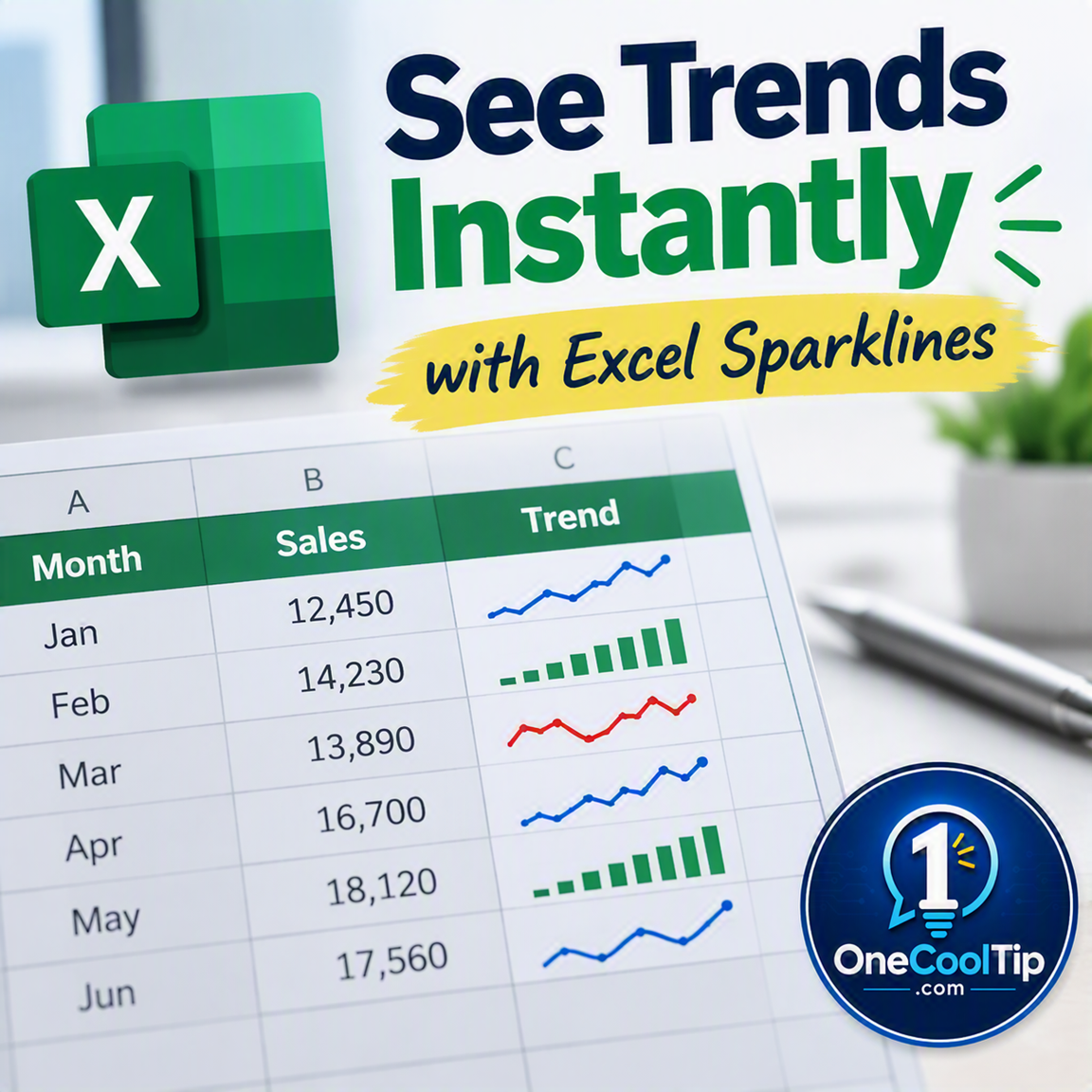
See Spreadsheet Trends at a Glance with Excel Sparklines
Need a faster way to spot trends in your spreadsheet without creating a full chart? Excel Sparklines place miniature charts directly inside cells, helping you see patterns, highs, and lows in seconds.
Read the Full Version.
Read the Newsletter Version.
| | |
Tomorrow's Cool Tip is waiting to amaze you.
Until then, go forth and conquer the tech world with your newfound knowledge!
Be sure to visit www.OneCoolTip.com for Cool Tech Tips for a Cooler Life!
And if you Like One Cool Tip, please support with TipJar!
Enjoy!
Rodger
Chief Cool Tipper
onecooltip.com@gmail.com
| |
| What do you think of today's One Cool Tip Newsletter?
| | | | Connect with One Cool Tip! | | |
|
As an Amazon Associate, One Cool Tip may earn a small commission from qualifying purchases.
Our media content is intended solely for informational purposes. Please do not construe anything here as legal, tax, investment, financial, marital or other advice.
Copyright © 2026 | www.OneCoolTip.com | All Rights Reserved
|
| | | |