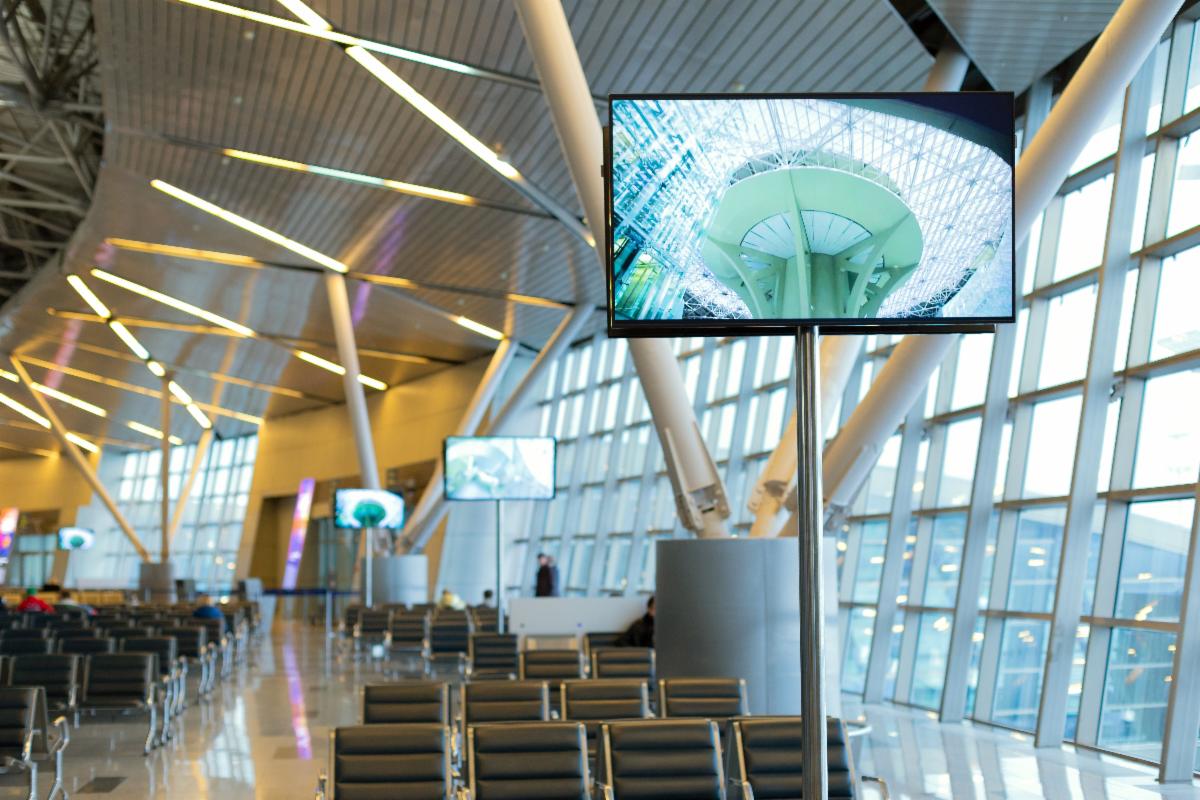
Choosing a digital screen is only part of the equation. The software behind it determines how easily you can create content, schedule updates, manage your screens and keep everything running smoothly.


With so many digital signage platforms available, it can be difficult to know which one is right for your business. The best software isn't necessarily the one with the longest list of features — it's the one that fits how you plan to use your screens.


Here are some of the key things to consider before choosing a digital signage software platform.


Start with what you want your screen to do

Before comparing software, think about what you actually want to achieve.

Will your screen display promotional content, menus, company information, announcements, live data or a combination of these? Will it be used in one location or across multiple sites?


Defining your objectives first will make it much easier to identify the features you genuinely need, rather than paying for features you may never use.


Check hardware compatibility

Digital signage software doesn't operate independently from your hardware. Your display, media player and software all need to work together.


Before choosing a platform, check whether it is compatible with your existing or planned hardware. Some systems are designed to work with particular operating systems, media players or commercial displays, while others support a wider range of devices.


Getting this right from the beginning can help avoid compatibility issues and unnecessary hardware costs later.

Make sure it's easy to manage

Someone on your team will need to update your digital signage — so the software shouldn't be difficult to use.


Look for an intuitive, browser-based content management system that allows you to upload content, create playlists and make changes without needing specialist technical knowledge.


A simple interface can make a significant difference, particularly when content needs to be updated regularly.


Look for scheduling and automation

One of the biggest advantages of digital signage is being able to change content automatically.


Good digital signage software should allow you to schedule content for specific days and times. For example, a restaurant might display breakfast menus in the morning, lunch promotions during the day and dinner content in the evening.


You may also want to schedule different content for different screens or locations. This can save considerable time compared with manually updating each display.


Consider remote management

If you have multiple screens, you don't want to visit every location whenever something needs to be changed.


Cloud-based digital signage software allows you to manage content remotely from a central dashboard. Depending on the platform, you may also be able to check whether screens are online, restart devices and identify problems without being on-site.


This becomes particularly valuable as your digital signage network grows.

Think about future growth

Your needs today may not be the same in a few years.


You might start with a single screen at your reception desk and eventually add displays throughout your premises, introduce another location or install a digital menu system.


Choose software that can grow with you and makes it straightforward to add additional screens, locations and users when required.


Don't overlook offline playback

What happens if your internet connection temporarily drops?


A good digital signage system should be able to store content locally on the media player, allowing scheduled content to continue playing even when the screen loses its internet connection.


This is an important consideration for businesses that rely on their screens to display information continuously.


Check Integrations

Some digital signage systems can connect with other software and data sources, allowing you to display information that updates automatically.


Depending on your requirements, this could include social media feeds, weather information, calendars, dashboards, menus, inventory data or other live information.


If you already use software or systems that you'd like to connect to your screens, check what integrations are supported before making your decision.

Consider Who Needs Access

If more than one person will be managing your digital signage, look for software with user permissions.


For example, you may want one person to have full administrator access while other team members can only create or update content. Larger networks may also benefit from approval workflows, allowing content to be reviewed before it goes live.


Check the Support Available

Even easy-to-use software can occasionally require troubleshooting or assistance.


Before committing to a platform, find out what support is available, how updates are handled and whether training is provided. Having reliable support can make the difference between a system that is simply installed and one that continues to work effectively over the long term.


Think About the Total Cost

Don't just look at the initial software price.


Depending on the platform, you may need to consider ongoing software licences, media players, additional features, integrations, support and future screen additions.


Make sure you understand exactly what is included and what you'll need to pay for as your system grows.


Choose Software That Fits Your Business

There is no single digital signage software that is right for every business.


A single-screen display in a reception area has very different requirements from a network of screens across multiple locations. Start with what you want your digital signage to achieve, consider how you'll manage it day-to-day, and then look for software that matches those requirements.


The right combination of hardware and software can make your digital signage easier to manage, more reliable and much more useful to your business.

Need help choosing the right digital signage solution?


At eXdigital, we can help you determine what hardware, software and setup will work best for your requirements — from a single display to a complete digital signage network.


Get in touch with eXdigital for a free quote and consultation.

Contact the eXdigital team for more tips and information 
on what digital signage can do for you!


eXdigital |107 Buchan Street, Bungalow
QLD, 4870 | (07) 4035 3817 | sales@exdigital.com.au | https://exdigital.com.au/
STAY CONNECTED
Facebook  Instagram