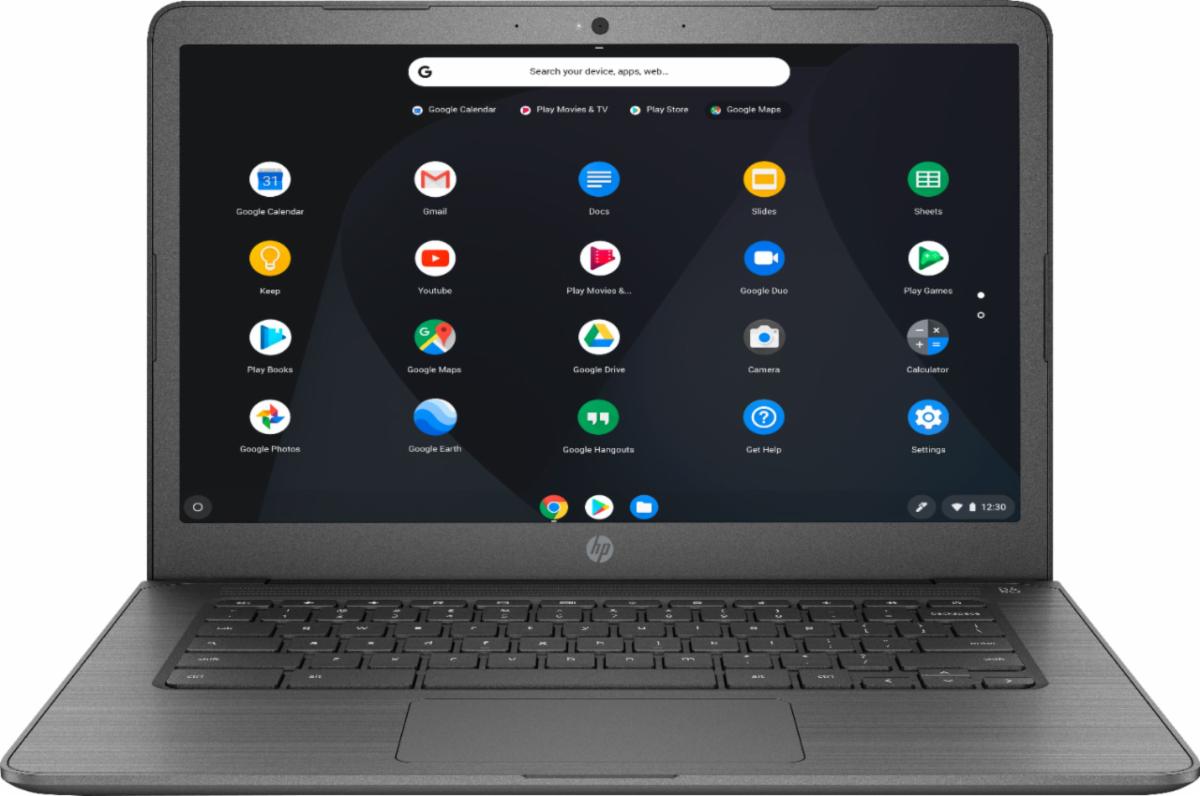
To sign into a chromebook, follow these steps:
Click Add Person in the bottom left corner.
Enter your username.
Enter your password.
When you are finished with the chromebook, close the chromebook and charge it.
When you reopen the chromebook, you will just have to enter your password.
You do not need to sign out or turn off the chromebook.
You should not sign in as a District Guest.