|
One Cool Tip Newsletter
October 24, 2025
| Your daily dose of tech-savvy brilliance! | |
😀Greetings!, Happy Friday Funday, Cool Tipper!
Get ready to streamline your digital life with simple, actionable tips delivered straight to your inbox.
Today's Cool Tip Theme: Pixel Art
IN THIS ISSUE
- 🚨 Tap-to-Pay Security Warning.
- 🚫 Meta Blocks ChatGPT on WhatsApp.
- 🚀 AI Weekly Wrap-up Prompt.
- 🖼️ AI Pixel Art Prompt.
- 🕹️ Master Pixel Art.
- 🎧 "One Sound Two Frames" Game.
- ✏️ DrawAStickman.com Adventure.
- 💬 Paint Toys Calligram.
New here? Subscribe to the One Cool Tip Newsletter for daily updates. It's FREE!
-
😂 Laugh with Us! Enjoy our Tech Joke of the Day, Haiku and Cool Tip Comics.
-
🌐 Stay Informed! Check out ICYMI, and our One Cool Tip Video.
🔔 Is your email provider (Gmail, Yahoo, Outlook...) not delivering the newsletter?
Check the Junk folder - Move the newsletter to your Inbox. And reply to this email with a “Hey, Rodger” or “I got it.” That tells your mail service you want this newsletter!
Today's Tech Trivia
Answer at the end of this newsletter.
| |
| Which early video game is widely credited with popularizing pixel art as a visual style? | | | | |
3️⃣
If you enjoy the One Cool Tip newsletter, please forward this newsletter to THREE friends or colleagues or share it on social media using the links below.
Leave a Tip!
Share this One Cool Tip Newsletter!
| |
🚨Shield Your Tap-to-Pay Transactions from Scammers🚨
Always check the payment terminal before tapping; fraudsters may attach hidden skimmers or fake readers to intercept your card data.
Tap-to-pay is fast and convenient, but scammers are adapting.
According to the Better Business Bureau, some criminals place rogue devices over legitimate terminals to capture your card info during a tap.
Others may use portable readers to skim data if you’re standing too close.
To stay safe, inspect the terminal for loose parts or unusual attachments, shield your card from nearby devices, and consider using a digital wallet with tokenized payments like Apple Pay or Google Pay for added protection.
And in Other News...
- Meta Is Blocking ChatGPT from WhatsApp
Starting January 15, 2026, Meta will ban general-purpose AI chatbots, including ChatGPT, from using the WhatsApp Business API. That means you won’t be able to chat with ChatGPT via WhatsApp anymore. If you’ve been using it for quick answers, creative writing, or productivity hacks, now’s the time to switch to the standalone ChatGPT app on iOS, Android, or web.
| | |
🚀 Make It a Great Week!
Copy/Paste this AI-powered prompt. Use with your favorite AI assistant: Gemini, Copilot, Grok, DuckAI, Meta and ChatGPT.
“Help me wrap up my week with focus and momentum. Start by asking what key tasks I still need to complete today. Then organize them into a short, achievable Friday action plan; prioritizing what’s essential, what can be delegated, and what can wait until Monday.
After that, help me write one motivating sentence to close out my week on a positive note.”
| | | |
🖼️ Cool ChatGPT AI Prompt of the Day
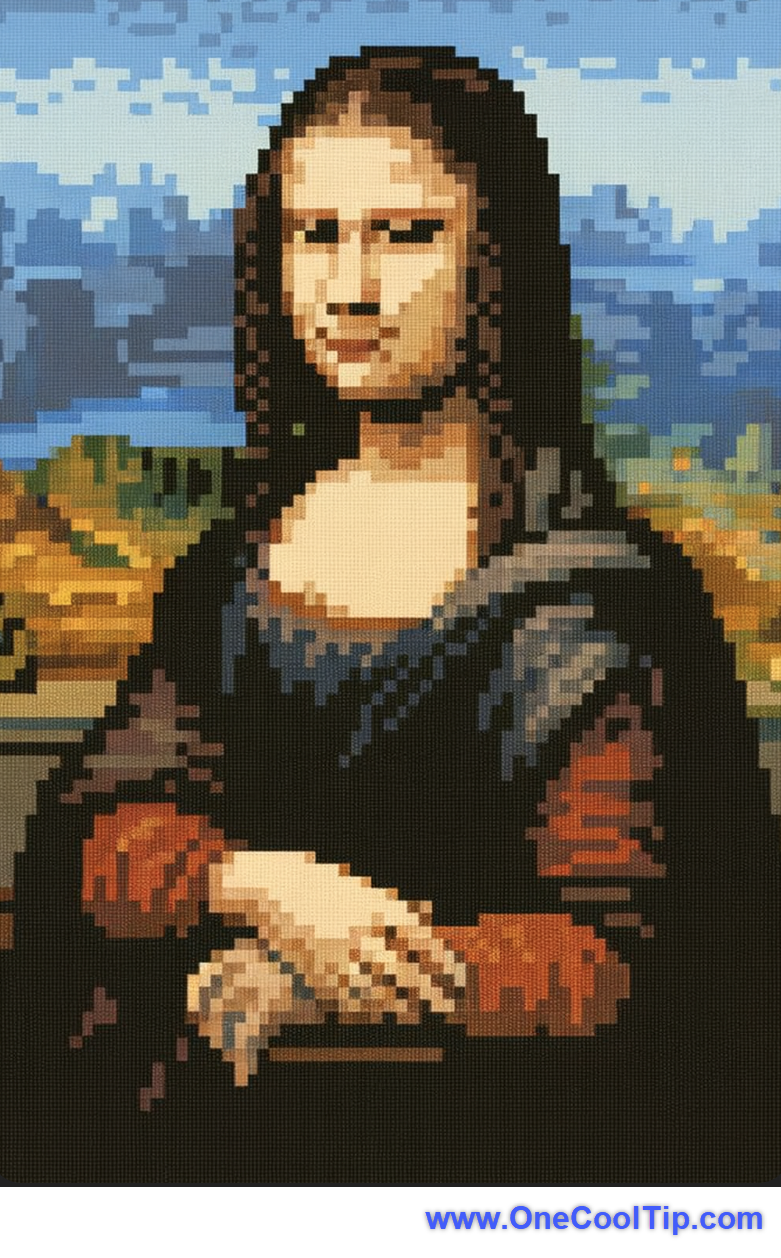
“I’m going to upload a photo. Please transform it into pixel art.
Use a retro 8-bit or 16-bit video-game aesthetic — small grid squares, simplified colors, and clear outlines.
Keep the proportions of the original image, but make it look like something from a classic NES or Super Nintendo game.
Add subtle shading for depth, and keep the background simple or transparent.
After creating it, show me the result and suggest a catchy title for my new pixel-art portrait!”
| | |
Master Pixel Art
Learn why pixel art remains a powerful medium for creators and businesses, how to get started with the free online tool Pixilart, and how this low-fidelity art form can boost your productivity or creative workflows.
When you hear “pixel art”, you might picture an 8-bit video game from the 1980s or the retro look of indie games today.
But pixel art is more than nostalgia.
For many, it offers a surprisingly efficient, flexible way to communicate ideas, mock up screens or game assets, create simple icons, or even build engaging social-media visuals.
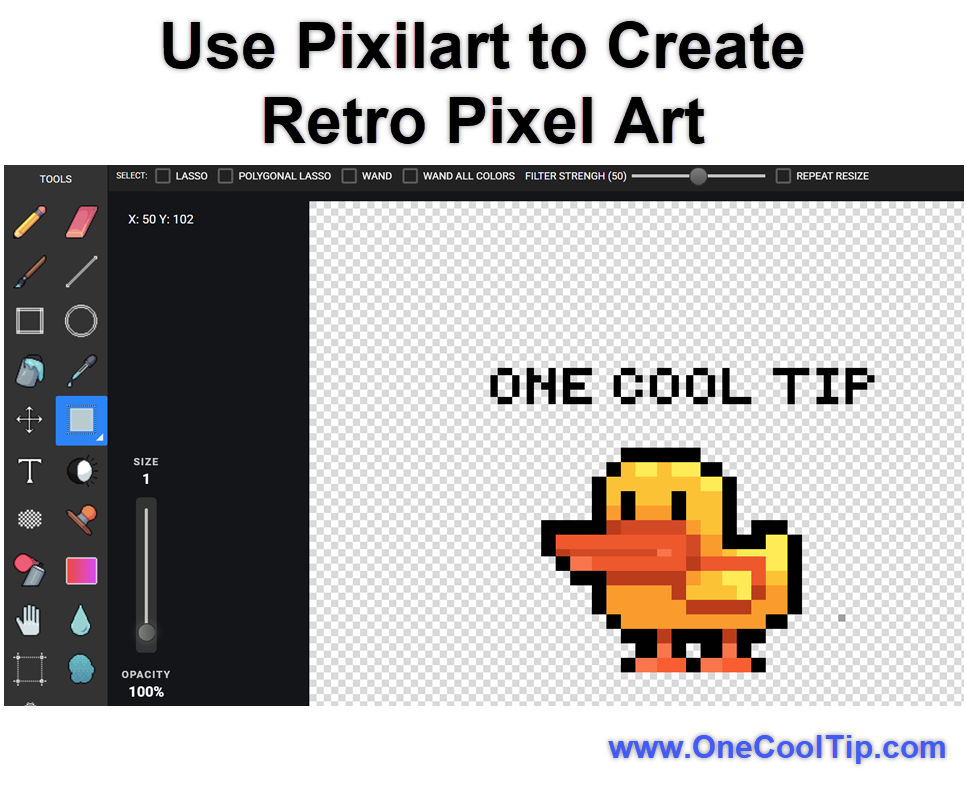
Here's a Cool Tip: Try Pixilart!
Let’s unpack what pixel art is, why it still matters, how to use Pixilart and where you might apply it in your day job.
Feature Explanation
Pixel art is a form of digital art where each individual pixel plays a deliberate role; the image is built block by block, pixel by pixel.
Historically this was born out of technical constraints (limited resolution, small palettes) in early computers and game consoles.
But even today the aesthetic remains powerful, due to its clarity, simplicity and strong visual identity.
The tool Pixilart lets you draw pixel art from scratch or use pre-made “bases”, animate your creations, share them in a community, and export the results.
Why it Matters
Because of its grid-based nature, pixel art forces clarity: every pixel counts.
That can make your icons, screen mock-ups, sprites or teaching visuals lean and instantly readable.
It speeds things up: you don’t need infinite resolution or complex shading; the limited palette and resolution accelerate decision-making.
It has strong “brand” or “style” potential: the retro or minimalist look is distinctive, and stands out in a world of high-fidelity visuals.
In short: if you need efficient visual communication, low-fidelity art with high clarity, pixel art is under-utilized but potent and Pixilart gives you a no-cost gateway.
What You’ll Gain
- A lightweight visual tool for rapid icon, sprite, mock-up or visual-metaphor creation.
- A creative outlet and community resource (via Pixilart) that encourages sharing, feedback and iteration.
- The ability to adopt a “retro/minimal” aesthetic that stands out and supports simplicity in communication.
Step-by-Step Instructions
Here's how to do it.
On Web / Desktop
- Go to pixilart.com and create a free account.
- Choose a blank canvas or select a ready-made base.
- Set your canvas size (for example 32 × 32 pixels, 64 × 64 pixels, or larger, depending on your needs).
-
Select your palette (bottom right: you can pick a limited color set to keep the aesthetic consistent).
- Use the pencil tool to place pixels, the fill tool to fill areas, and layers to separate components.
-
Zoom in to place pixels precisely, and zoom out to check the global shape. Keep in mind that every pixel matters.
-
Share your work in the Pixilart gallery/community, or export for use in presentations, mock-ups or social visuals.
| | |
On Mobile (iOS / Android)
- Download Pixilart from the Play Store (Android) or App Store (iOS).
-
Sign in or proceed as guest.
- Tap “New Drawing”, pick canvas size and palette.
- Use your finger (or stylus) to draw pixels. Pinch-to-zoom for precision.
- Use layers and frames (if supported on mobile) for more complex work.
-
Save/Export your work, or publish in the Pixilart mobile community feed.
Pros and Cons
Pros
-
Fast turnaround: You can sketch icons or visuals in minutes because you work at low resolution.
-
Unique aesthetic: The retro or minimal style pops in presentations or apps where high-fidelity design might feel overdone.
-
Accessible learning curve: The grid-based approach reduces intimidation for non-artists; it’s about placing blocks, not mastering brush dynamics.
-
Community plus feedback: With Pixilart you have a built-in gallery and peer network to share and iterate.
Cons
-
Resolution limitations: Because you’re working pixel by pixel, scaling up can be problematic. If you need ultra-high-res, pixel art may feel restrictive.
-
Perception of retro = niche: Some business audiences may view pixel art as “old school” or toy-ish unless you position it carefully.
-
Time vs complexity trade-off: If you try to make complex scenes with dozens of frames, the “low-res” approach becomes labor-intensive.
Feature Access
-
Who can use it: Pixilart is free for anyone; you don’t need to pay to start drawing.
-
Platform support: Web (desktop/laptop browsers) + iOS and Android mobile apps.
-
Subscription: There are no mandatory subscriptions for basic drawing/sharing features.
-
Business/educator use: Suitable for educational or team-use.
Score
Criterion | Score | Justification
Value 8
Pixel art via Pixilart addresses a real need: quick, stylised visuals for personal and business/education/creative workflows, which many professionals overlook.
Usability 7
The tool is easy to access and start with, though mobile shortcomings and some learning curve remain.
Wow Factor 6
While not groundbreaking in tech terms, the simplicity and distinctive aesthetic still yield a “Cool!” response, especially for non-designers.
Total Score: 21/30 👍 Good. Worth adopting for most users.
Give Pixilart a try today for small visual tasks.
Key Takeaways
Pixel art is more than nostalgia, it’s a practical, efficient visual tool for business, education and creative workflows.
With an accessible platform like Pixilart you can produce stylized, clear visuals quickly and inexpensively.
You’ll gain a distinct aesthetic, faster icon or visual asset creation, and access to a community for sharing and feedback.
Try It Yourself
Give Pixilart a spin: create a 32×32 pixel icon for your next newsletter or internal presentation.
Save the PNG, drop it into your slide deck, and see how your audience reacts.
Try sharing your creation in the Pixilart community for feedback too.
If you like it, consider making a little library of visuals for reuse and branding.
If you found this tip helpful, share this article with your team or network.
READ MORE
Read the Full Cool Tip
| | |
Help support One Cool Tip. Use this Amazon link when you shop online.
Look at these Cool Products:
|
-
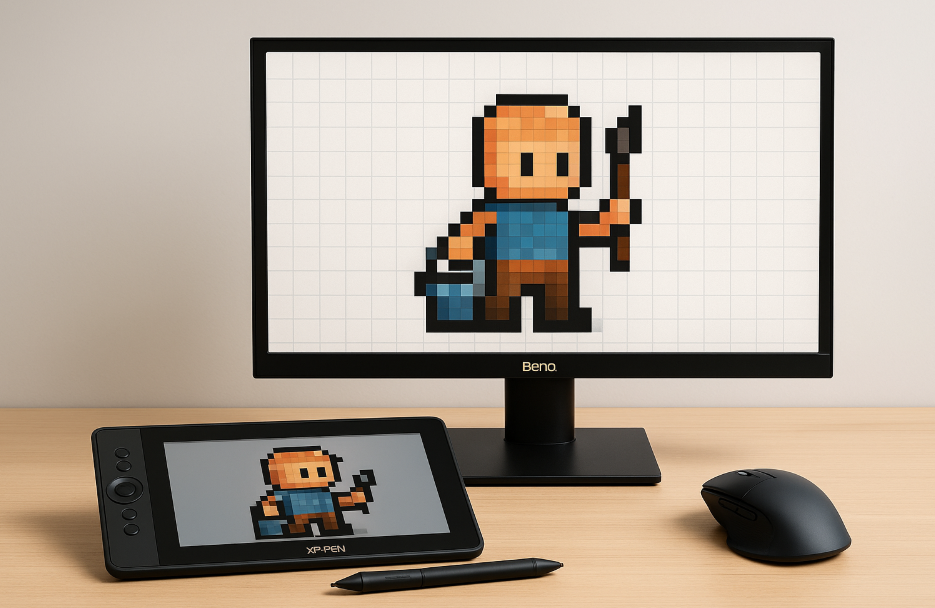
🎨 XP-PEN Artist12 Drawing Tablet: Perfect for digital creators, this tablet offers smooth pen pressure sensitivity for pixel art or design projects.👉 Save 19% Check it out on Amazon!
-
🖱️Logitech MX Master 3S Mouse: Ultra-precise and ergonomic; ideal for pixel-level control during art creation or design work.👉 Save 11% Check it out on Amazon!
-
💡 BenQ GW2490 24" Computer Monitor: Sharp display that makes individual pixels pop, great for editing, design, and retro gaming. Check it out on Amazon!
| | |
🆒Tell Me More
- Pixel art originated from hardware limits of 8-bit and 16-bit systems.
- Each pixel placement is intentional, like digital pointillism.
- Pixel icons load faster on websites due to small file sizes.
- Schools are now using pixel art to teach design principles.
⏩Quick Tips
-
🎯 Start Small: Create a 16x16 canvas before scaling up: → Open Pixilart, click “New Drawing,” and set the dimensions manually.
-
🎨 Use Limited Palettes: Stick to 8–12 colors for consistent style: → Select “Palette” in Pixilart to create a custom set.
-
💾 Save Frequently: Avoid losing work during experimentation: → Enable autosave or export regularly as PNG.
-
💡 Zoom with Purpose: Zoom in for detail but always zoom out to see balance: → Use the magnifier tool or Ctrl/Cmd + mouse wheel.
-
🚀 Animate in Frames: Bring art to life with short GIF loops: → In Pixilart, use “Animation” view to add frames and test playback.
| | ✅ More Must-Read Tech Tips | |
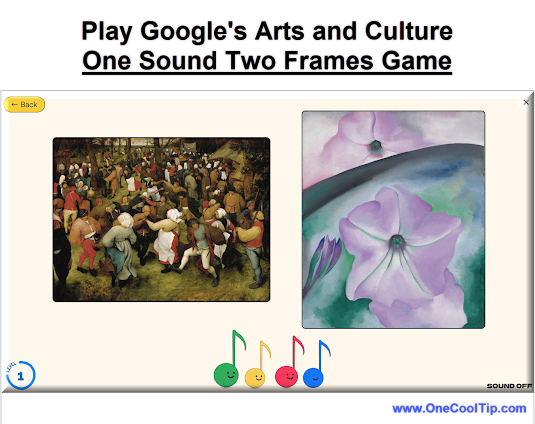
👀 How Do I Play an Art Game that Harmonizes Sight and Sound?
Have you ever wondered how a painting would sound if it were music?
Google Arts & Culture's "One Sound Two Frames" is a fascinating experiment that invites you to do just that.
Here's how to do it.
-
Access the game through the Google Arts & Culture website or app (available on iOS and Android).
-
Select "One Sound Two Frames".
-
Find the game under the "Play" tab or search for it directly. OR HERE.
-
The game presents you with a piece of AI-generated music.
-
Choose from two pieces of artwork.
-
Select the one you believe the music was based on.
-
The game reveals if you were right or wrong, offering insights into the connection between the music and the artwork.
-
Continue matching music to art to see how well your instincts align with the AI's interpretations.
"One Sound Two Frames" is more than just a game; it's an exploration of how technology can enhance our understanding and appreciation of art.
Discover more HERE.
| |
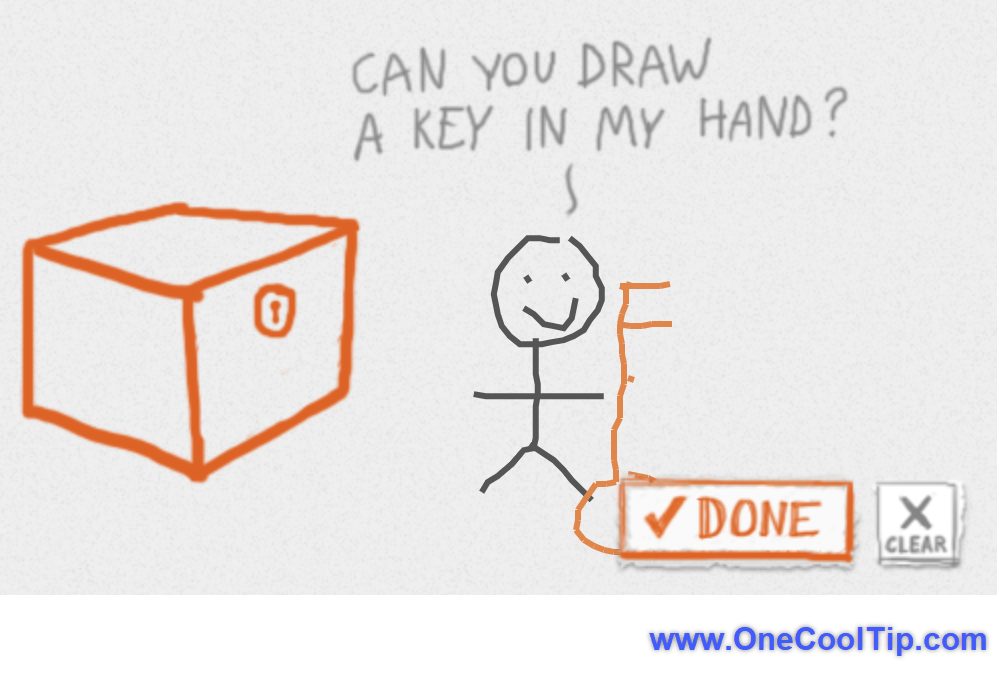
🤔 Have You Ever Wondered How to Unleash Your Inner Artist?
Remember the joy of doodling stick figures as a child?
DrawAStickman.com takes that simple pleasure to a whole new level.
This interactive website invites you to become the artist and author of your own adventures, using your creativity to overcome challenges and explore whimsical worlds.
How to Embark on Your Stickman Adventure:
-
Navigate to DrawAStickman.com.
- Use the drawing tools to create your unique stick figure character.
- Follow the on-screen prompts and use your drawing skills to overcome obstacles.
- Journey through different worlds, uncover hidden secrets, and unlock new drawing tools.
So grab your virtual pencil and start drawing your own destiny!
Find more HERE.
| | |
🙋♂️ Here's How to Create Text-based Art.
Have you ever wondered what lies at the intersection of language and visual art?
With Paint Toys Calligram, a free online tool, you can dive headfirst into this mesmerizing world and create your own text-based artwork. Intrigued? You Care?
Paint Toys Calligram is a web-based application that allows you to create calligrams, also known as "text pictures."
Here's how to do it.
-
Navigate to https://paint.toys/calligram/.
-
In the text box provided, type or paste the text you want to use for your calligram.
- This could be a poem, a quote, lyrics, or even a simple sentence.
-
Select your desired color from the options provided.
-
Click and drag your mouse across the canvas to "paint" with your chosen text.
- The words will flow and form according to your mouse movements and the selected brush style.
-
Experiment with different colors, and text arrangements to achieve your desired effect.
- Don't hesitate to undo, redo, or clear the canvas and start over.
-
Once you're satisfied with your creation, save your calligram as an image file.
- You can then share your masterpiece on social media or print it out to display.
Paint Toys Calligram offers a captivating journey into the world of text-based art.
Learn more HERE.
| | |
❓Did you share this newsletter with three friends yet?
😎 Cool Facts
-
1965: The term “pixel” comes from “picture element”, first used in 1965 by NASA engineers. Source.
-
1,024: A single 32×32 pixel art icon contains only 1,024 pixels, but can express complex emotion and motion. (32 x 32 = 1,024)
-
256: 8-bit color depth means 256 possible colors, still a defining look for retro gaming. Source.
⌨️Today's Cool Keyboard Shortcuts
Windows / Web:
-
Ctrl + Z: Undo last pixel stroke
-
Ctrl + Y: Redo
-
Ctrl + + / –: Zoom in/out
-
Spacebar (Hold): Move canvas
Mac (Browser):
-
Cmd + Z: Undo
-
Cmd + Shift + S: Save As
-
Cmd + ↑ / ↓: Adjust brush size
😜 Tech Joke of the Day 😅
🕹️ What’s a pixel’s favorite kind of party?
A block party!
🔎 Do you have a Cool Tip or tech question? Email us at onecooltip.com@gmail.com.
| | |
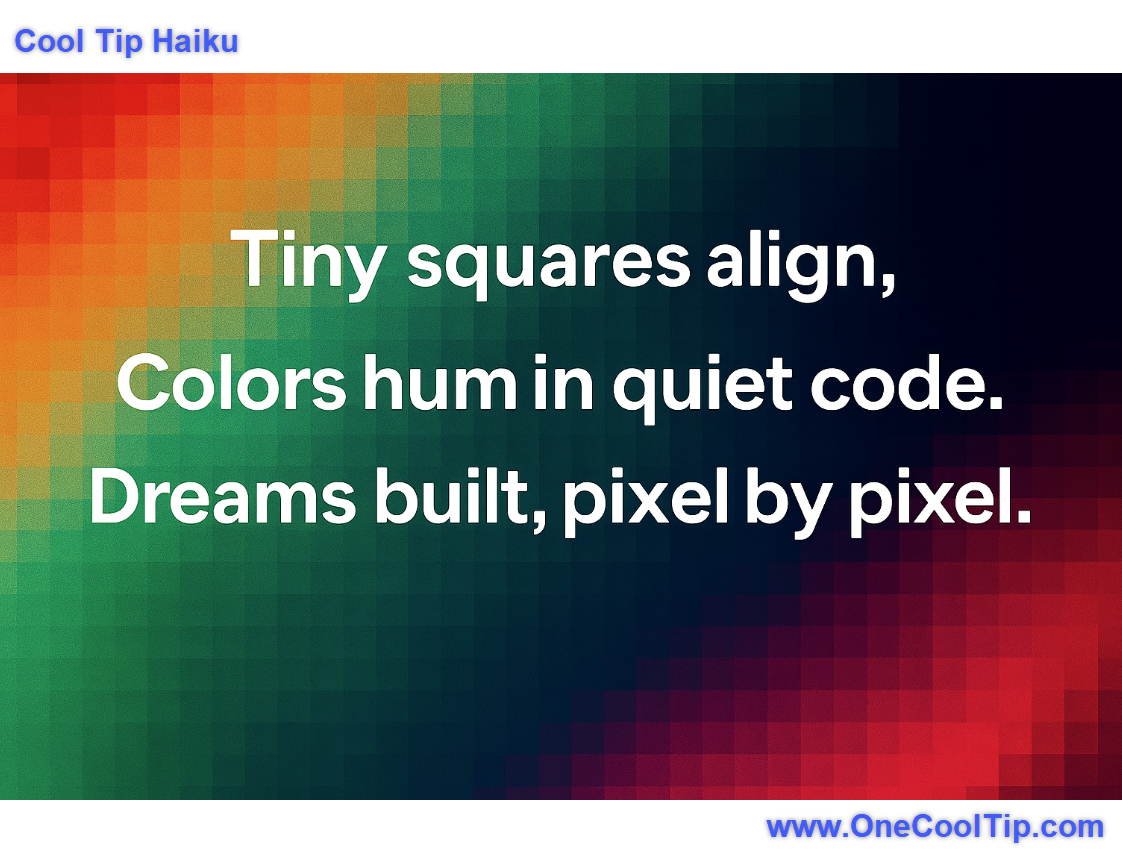
Tiny squares align,
Colors hum in quiet code,
Dreams built, pixel by pixel.
| |
| 🤔 What inspires you to create pixel art? | | | |
Did You See These Cool Tips This Week?
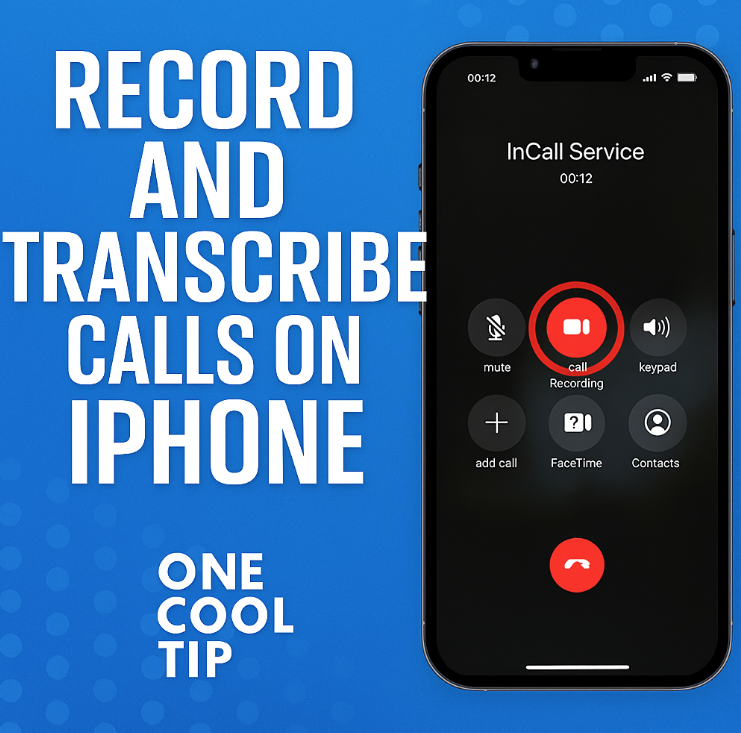
| | | | Record & Transcribe a Call on iPhone in iOS 26 | With iOS 26, your iPhone finally supports native call-recording and transcription, enabling you to capture business calls, client conversations or interviews directly and save them as searchable text in the Notes app. | | | | Windows Notepad remembers where you left off. With “Continue Previous Session,” your open tabs and unsaved notes return automatically. No more lost thoughts. No more manual reopenings. | |
ICYMI - In Case You Missed It ...
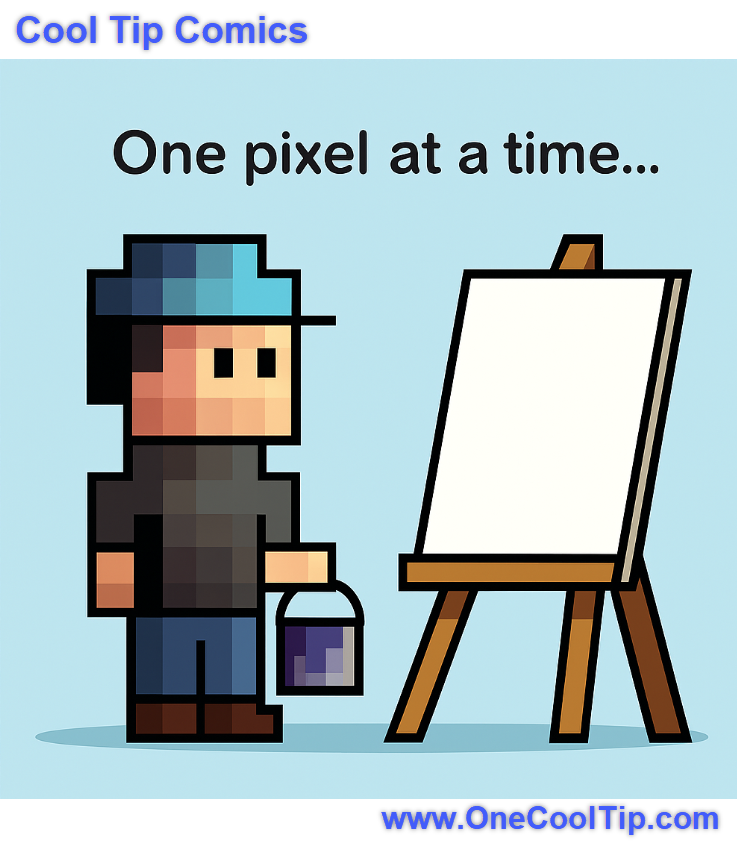
| | | | Turn Text into Emotion: Copilot Audio Expression Makes Narration Effortless | Microsoft’s Copilot Audio Expression lets you transform written text into expressive, downloadable voice narration that is perfect for educators, creators, and productivity pros who want to add personality to their content. | | “When your masterpiece starts with exactly one pixel… and a whole lot of optimism.” 🎨🪣 | | |
Trivia Answer: B) Space Invaders
Released in 1978, Space Invaders used simple monochrome sprites to represent alien enemies, setting the visual tone for countless arcade games that followed.
Its pixelated graphics weren’t just a technical limitation, they became a stylistic choice that defined an era.
The game’s success helped establish pixel art as a recognizable aesthetic in gaming and digital art.
----------
Tomorrow's Cool Tip is waiting to amaze you.
Until then, go forth and conquer the tech world with your newfound knowledge!
Be sure to visit www.OneCoolTip.com for Cool Tech Tips for a Cooler Life!
And if you Like One Cool Tip, please support with TipJar!
Enjoy!
Rodger
Chief Cool Tipper
onecooltip.com@gmail.com
| |
| What do you think of today's OneCoolTip newsletter? | | | |
Please Share the One Cool Tip Newsletter!
You asked for it. You got it. There is now a One Cool Tip Newsletter archive. Did you delete a newsletter and want to read it again? Check it out HERE.
Want to help One Cool Tip grow? Please forward this email using the link above. And if you see an OCT social media post, please LIKE, COMMENT and SHARE!
Have you subscribed to the One Cool Tip YouTube channel? Subscribe HERE.
| | Connect with One Cool Tip!! | | |
|
As an Amazon Associate, One Cool Tip may earn a small commission from qualifying purchases.
Our media content is intended solely for informational purposes only. Please do not construe anything here as legal, tax, investment, financial, marital or other advice.
Copyright © 2025 | www.OneCoolTip.com | All Rights Reserved
|
| | | |