|
We're having fun with AI.
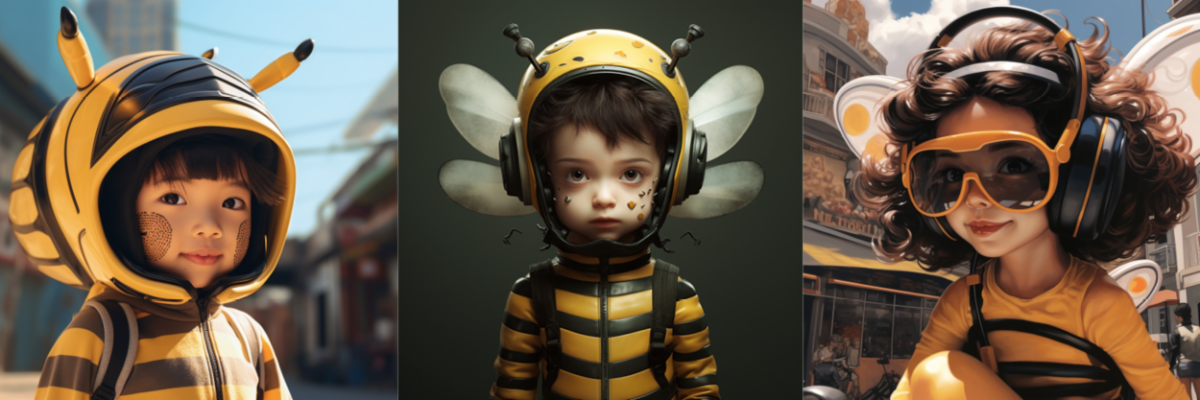
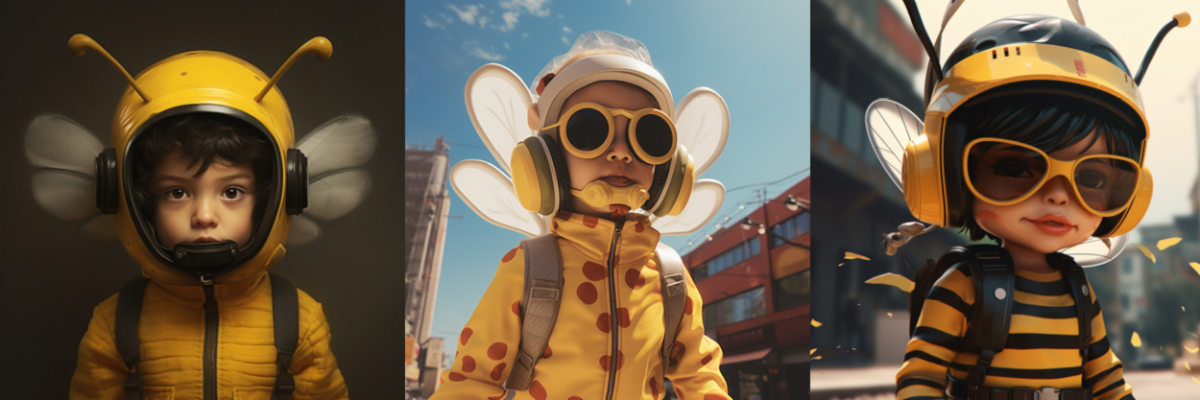
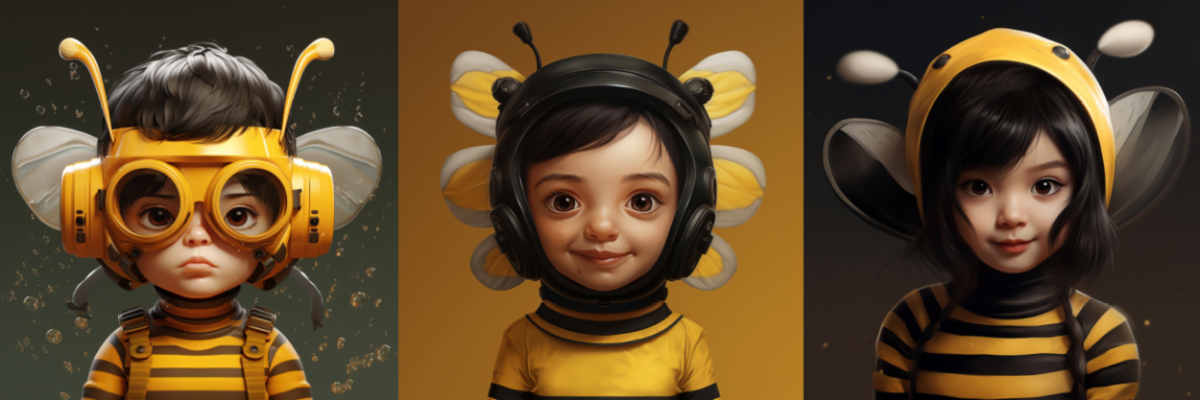
Adobe's new Firefly promises to unlock some amazing potential for image creation, but in the meantime, we've been experimenting with Discord's Midjourney. Today's email images were made from the prompt "hyper-realistic image of a cute child wearing a cartoon bee mask."
While the graphics from Discord are too low in resolution for most of our large-format applications, they are great for inspiration and brainstorming.
Want to experiment with Midjourney, too?
-
Register for a Discord account: Midjourney is part of the Discord family of apps. You can create an account here: https://discord.com/
-
Join the Midjourney server: Once you have a verified account, you'll be able to choose a Midjourney subscription plan. A basic plan is just $10 a month. Add the server to your Discord account by clicking the + button, selecting "Join a Server" and searching for /midjourney.
-
Browse the newbie channels: Groups named general-# or newbie-# are designed for beginners to start using the Midjourney bot. Scroll around to see how prompts impact the images created.
-
Use the image command: Type '/imagine prompt:' in the message field, then type a description of the image you want to create.
- Send your message and watch what Midjourney creates!
|