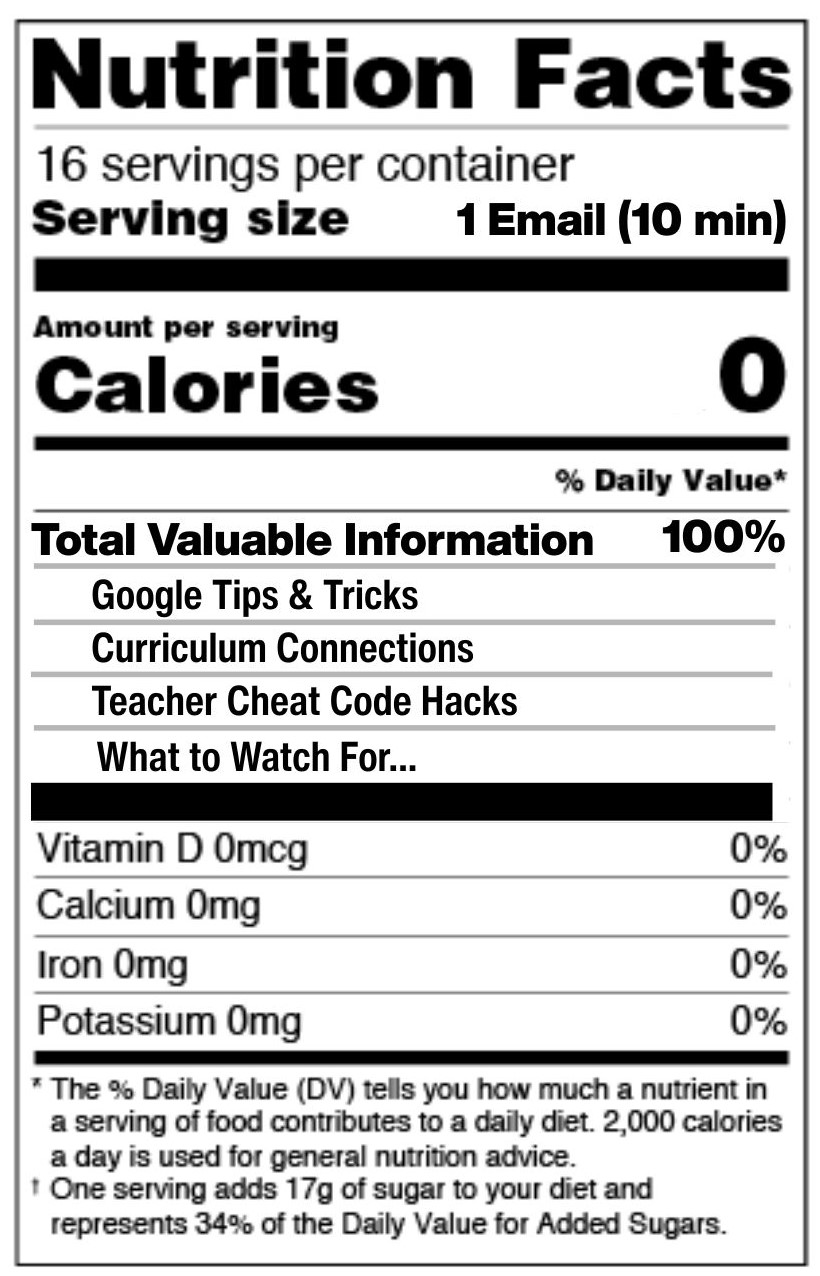
Welcome to the first issue of Tiger Bytes. You can expect this monthly dose of technology tips and tricks created by your Elementary BTIL team members and delivered to your inbox for you to use.


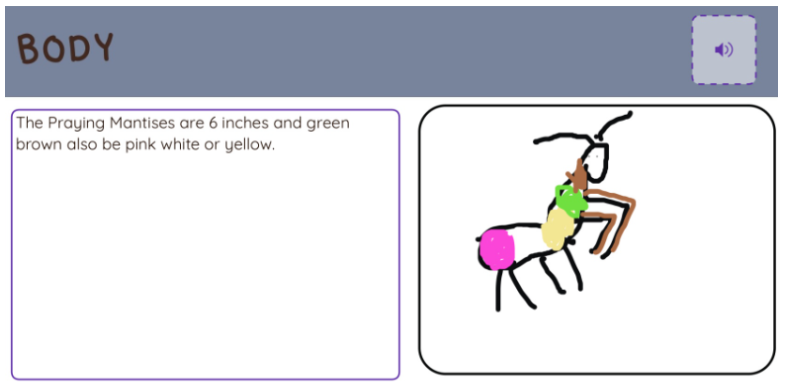
Curriculum Connections: Using PebbleGo & Seesaw with 2nd Grade Research Project


Engage your students in a tech-enhanced insect research project! They’ll use PebbleGo and Seesaw to transform their keyword notes into narrated digital books, complete with drawings. The final QR code trading cards let classmates listen and learn, building essential research and writing skills.


What to Watch For...

September 30: Last day for Typing Club Typing Test


October: Be watching for the October & November Maker Challenge!

Google Tips & Tricks: Silencing Your Google Classroom

If you’re anything like me, you may discover the headache of realizing that your Google Classroom post has been hijacked by Brain Rot comments. While this can lead to productive conversations regarding appropriate posting, it can also be a pain in the neck. If you don’t feel like enabling comments is necessary, there is a quick and simple setting to keep students from getting the permissions to post.


Teacher Hack: Tidy Up Feature in Canva


Stop wrestling with uneven elements! Discover Canva's "Tidy Up" feature to instantly align and evenly space your design elements with just a few clicks. Learn how to transform a messy layout into a perfectly organized masterpiece, saving time and creating a polished look.


Bonus Google Hack: Dot Drag


In Google Sheets, the "dot drag" or "fill handle" refers to the small blue square in the bottom-right corner of a selected cell or range of cells. Dragging this handle allows you to quickly fill cells with data or formulas, either by copying the existing content or by continuing a series.