|
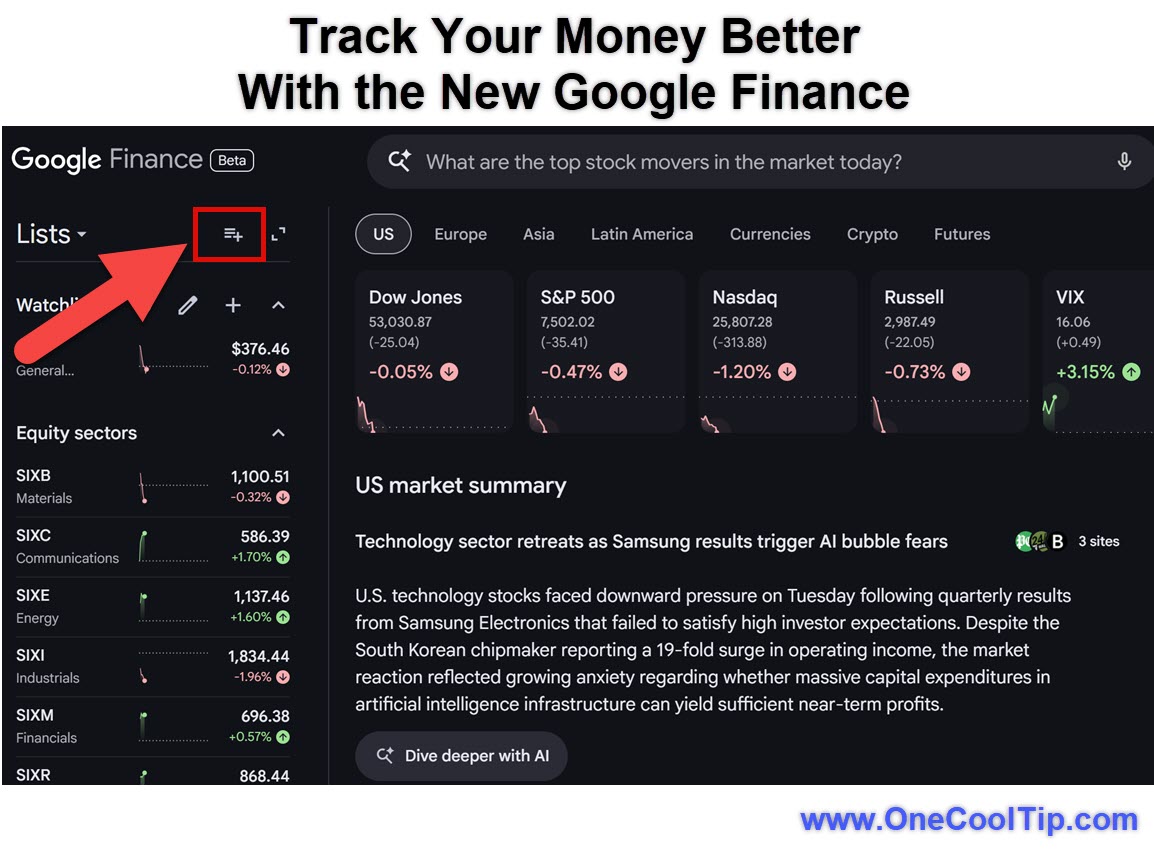
Master Your Investments With the New Google Finance App and AI Tools
Google Finance is rolling out powerful portfolio tracking tools and a brand new Android app. Discover how custom AI briefings and smart insights can help you make better financial decisions.
Keeping track of multiple investments across different platforms often leads to frustration.
Here is a Cool Tip: Automate Your Morning Market Research With The New Google Finance.
Google Finance recently updated its platform to solve the problem by consolidating your financial data and introducing smart analysis tools.
With a new dedicated Android app and AI research features moving out of beta, managing your money is now much simpler.
Whether you need a daily crypto briefing or a breakdown of your asset allocation, these updates offer significant value.
Feature Explanation
Google Finance now features a comprehensive portfolio dashboard and a dedicated Android application.
The web platform has officially moved its advanced portfolio tracking out of beta, allowing users around the world to consolidate their investments in one place.
You can create a portfolio manually, upload CSV or PDF files, or even drop in screenshots of your current holdings.
The update also includes a highly capable AI research tool.
You can ask specific questions about your asset allocation or request custom market briefings.
For example, you can schedule a daily notification analyzing overnight stock movements.
The new Android app brings these real-time data feeds, live financial news, and AI-powered key moments directly to your smartphone.
What You'll Gain
-
Save time by consolidating all your investment data into a single dashboard.
-
Reduce confusion when analyzing market trends with AI-generated key moments.
-
Make daily work easier by receiving scheduled custom briefings directly to your phone.
-
Improve financial planning by understanding asset allocation and underrepresented sectors.
Step-by-Step Instructions
Here's how to do it.
Web/Desktop:
-
Open your web browser and go to Google Finance.
-
Click on the Portfolios tab to view the new dashboard.
-
Select the option to create a new portfolio.
- Upload a CSV file, drop a screenshot of your holdings, or type a description of your assets.
-
Use the research panel to type a prompt like "What sectors are currently underrepresented in my portfolio?"
|