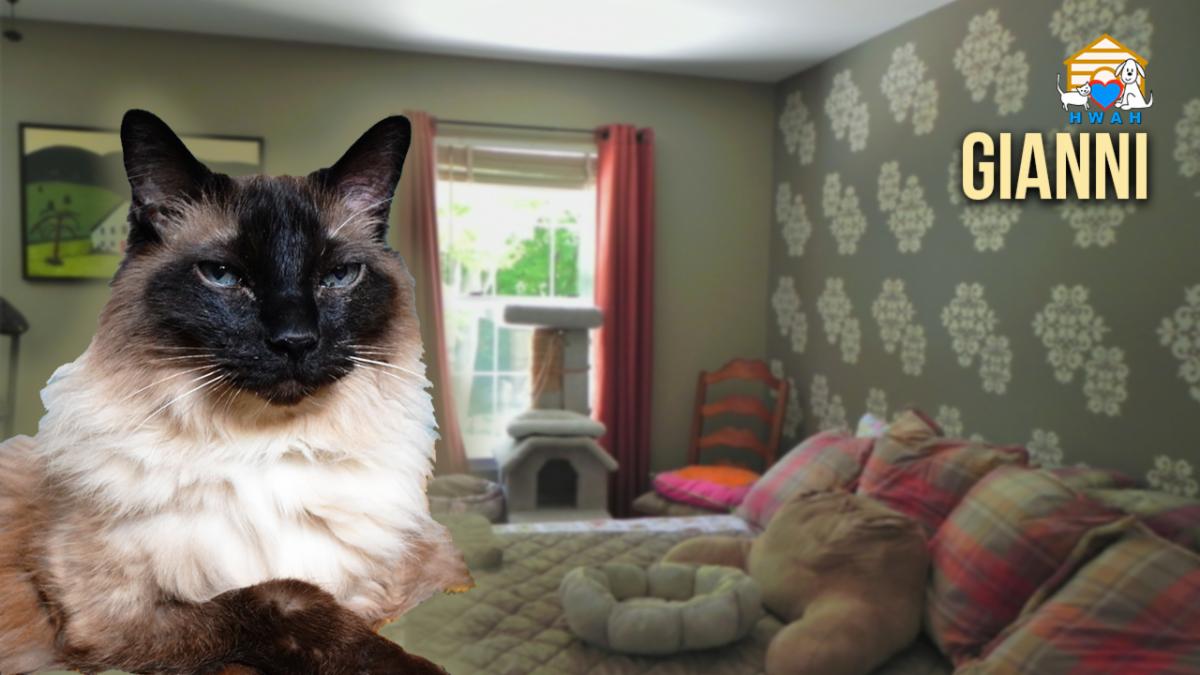
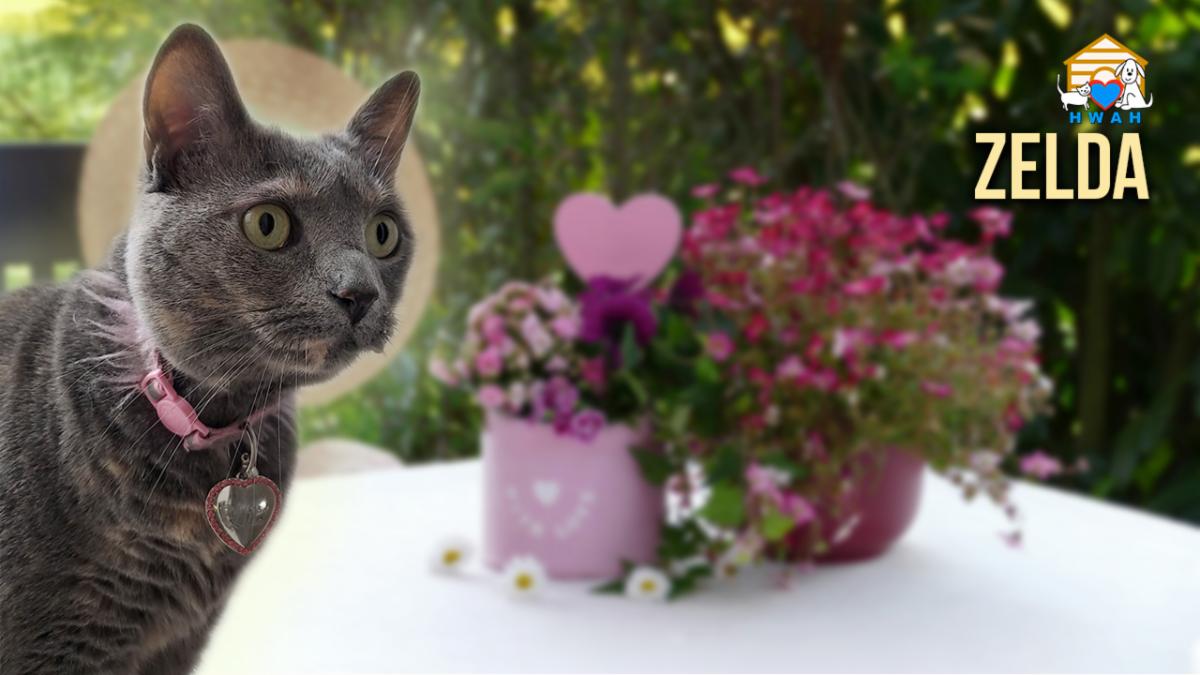
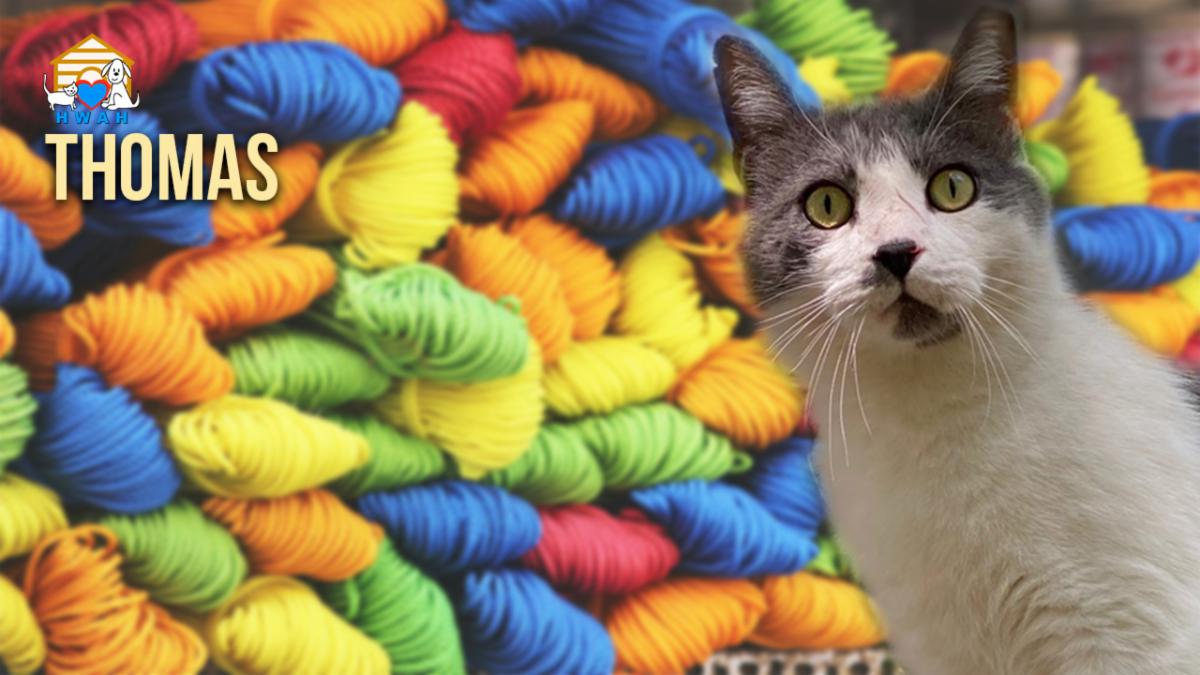
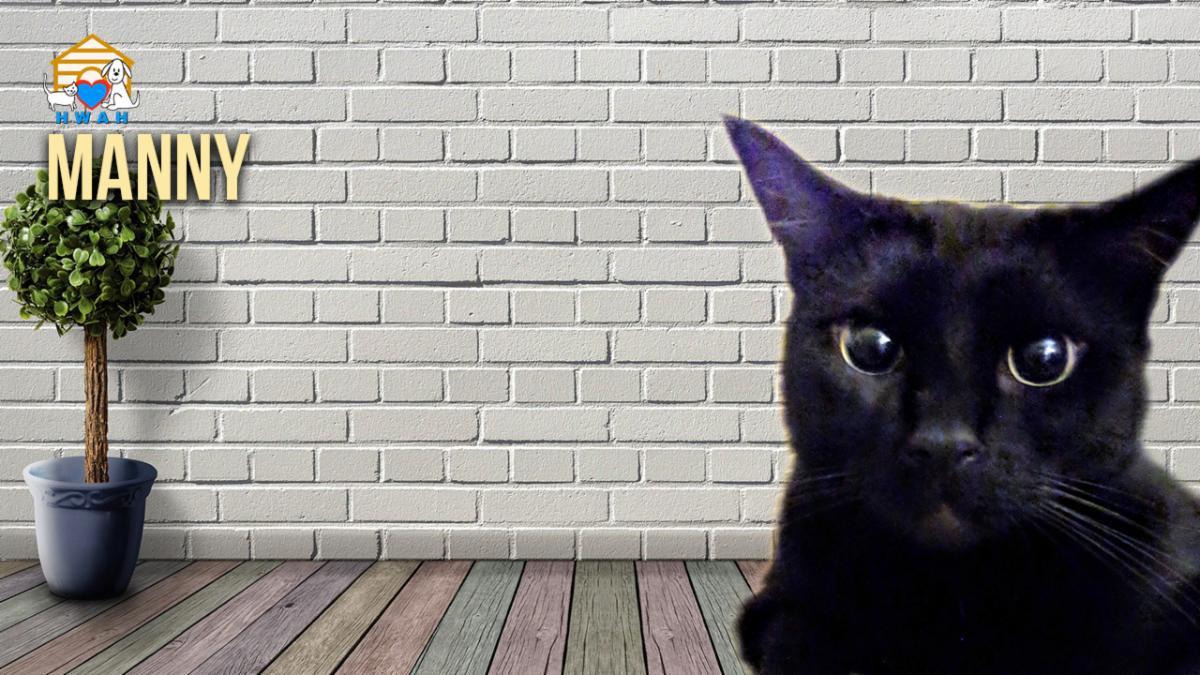
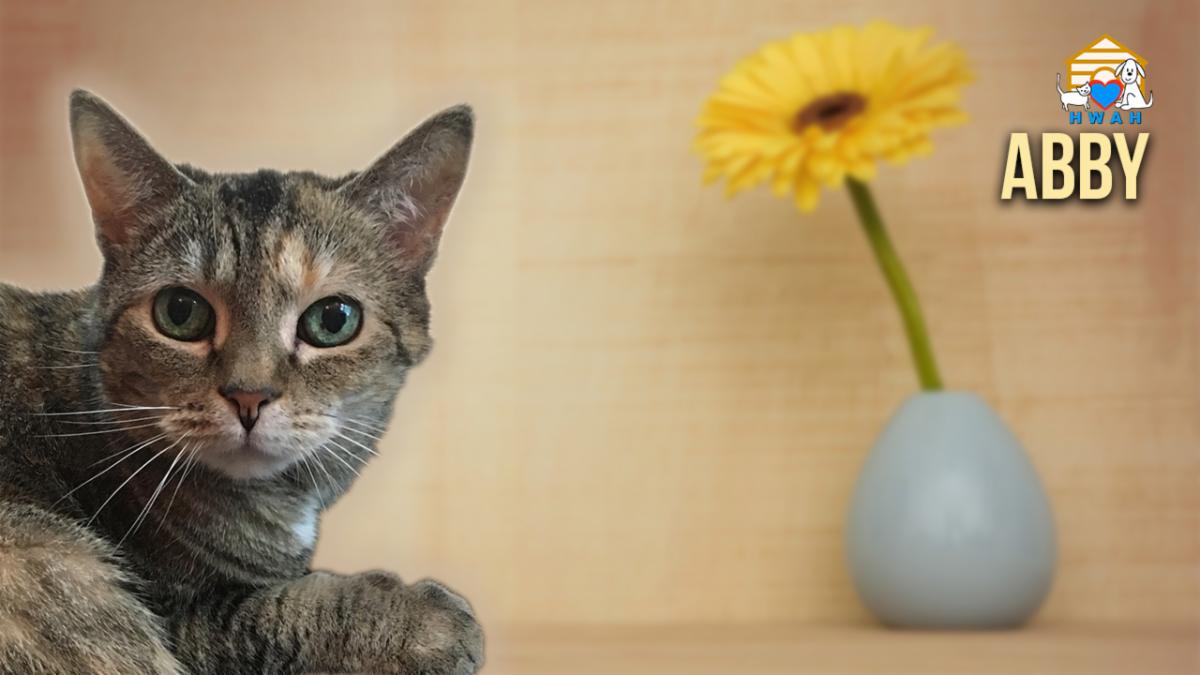
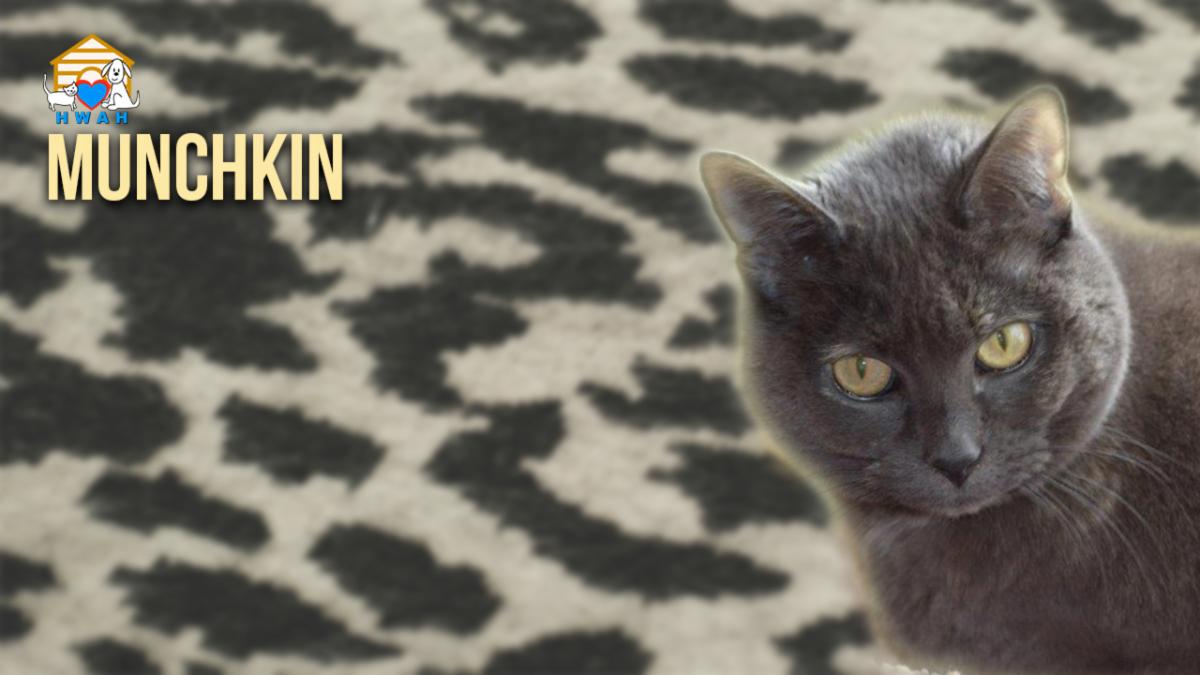
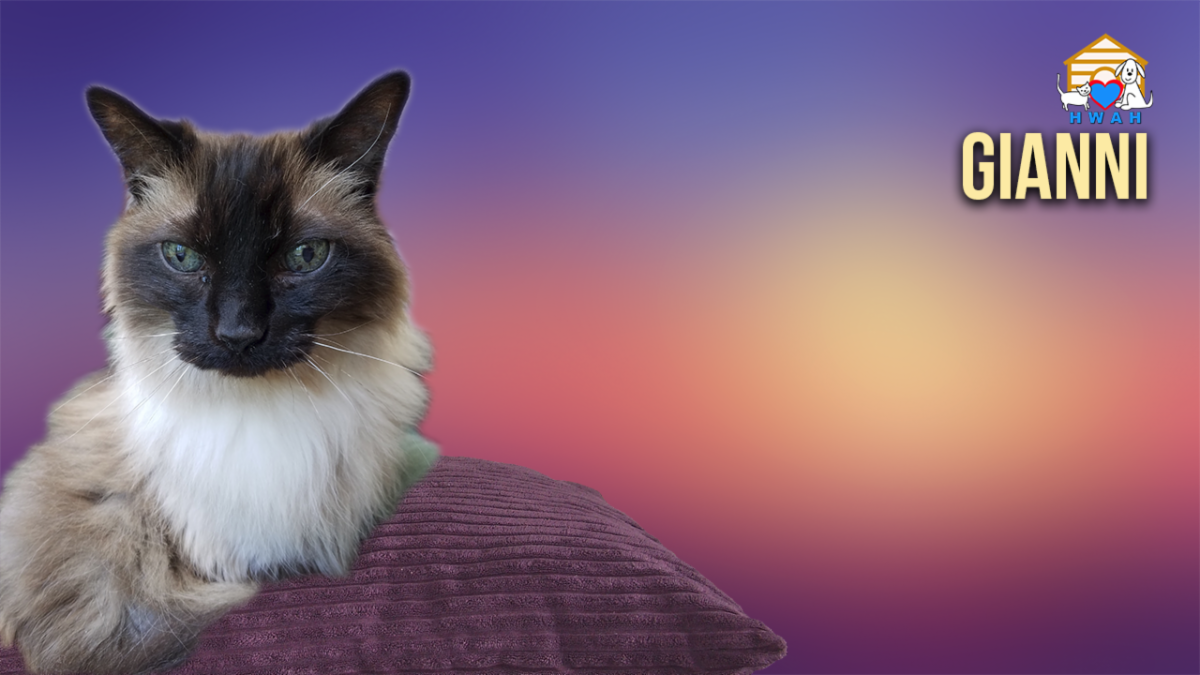
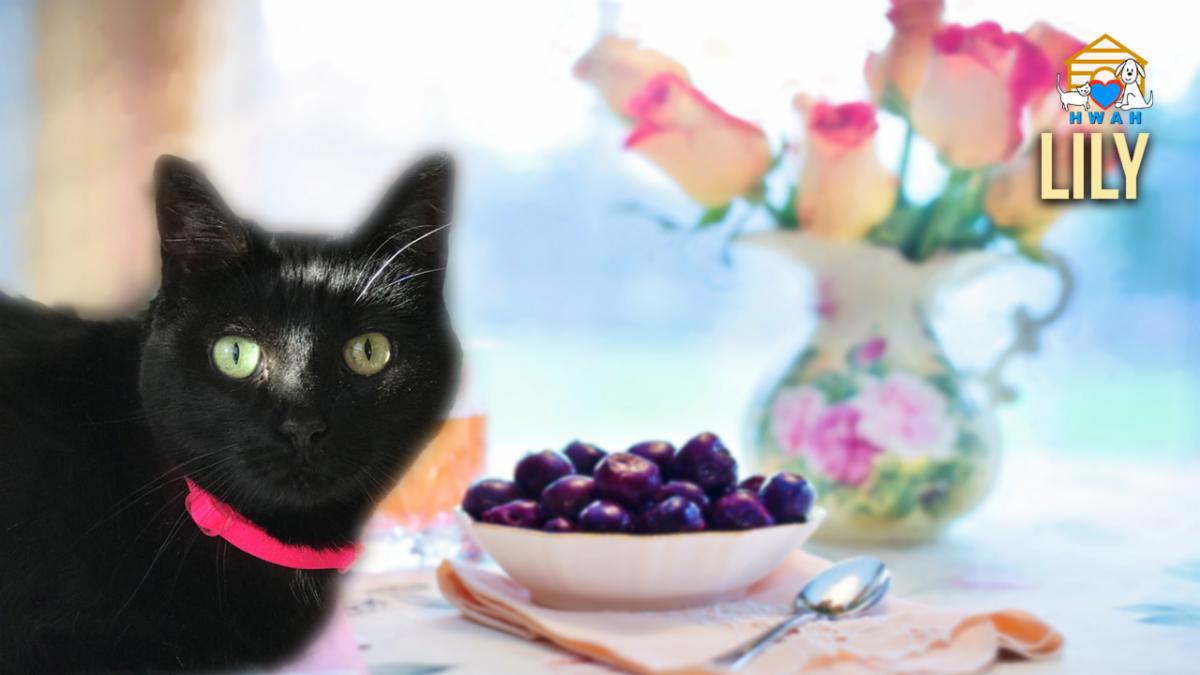
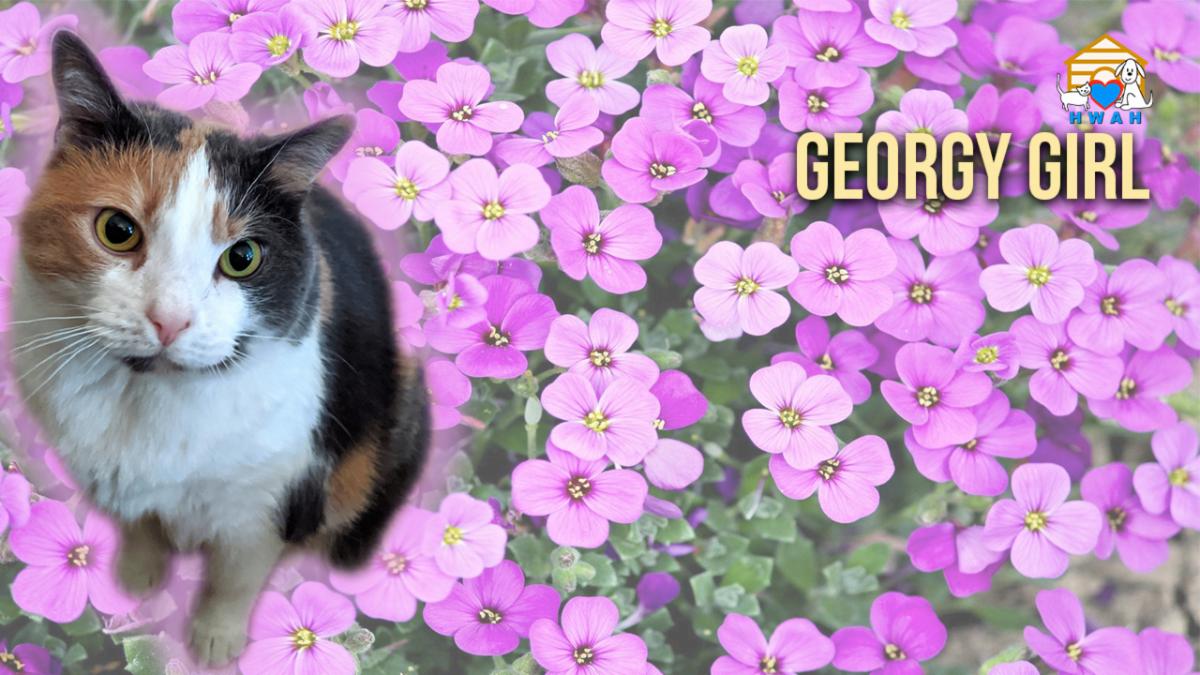
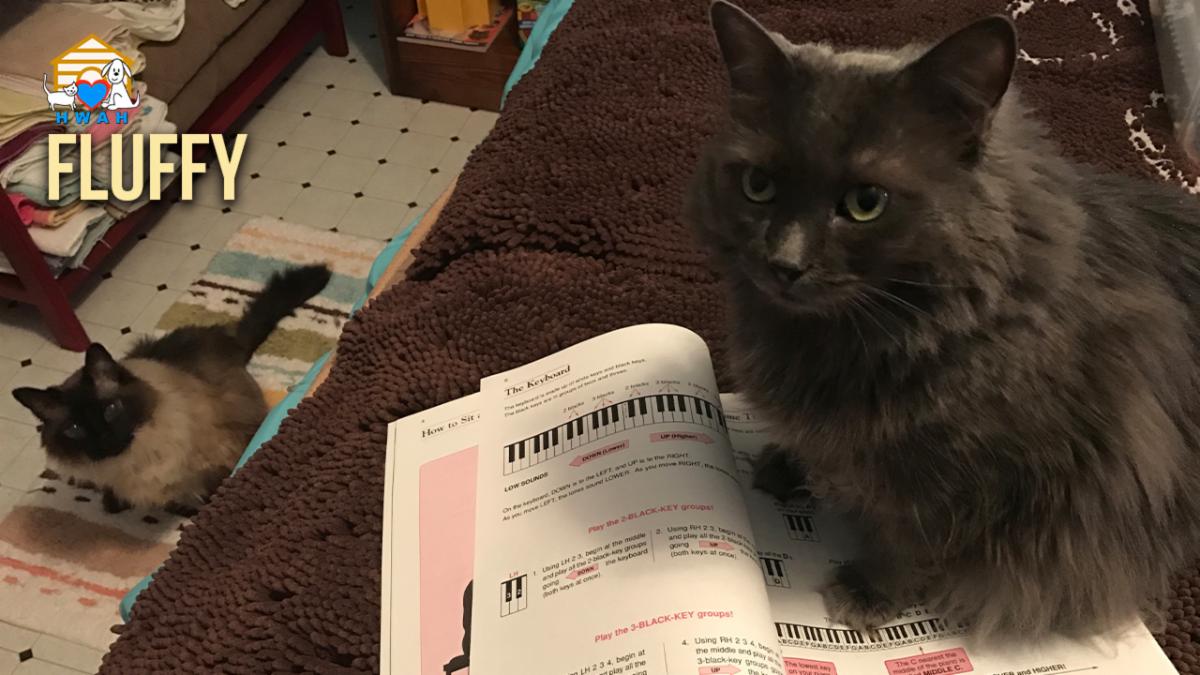
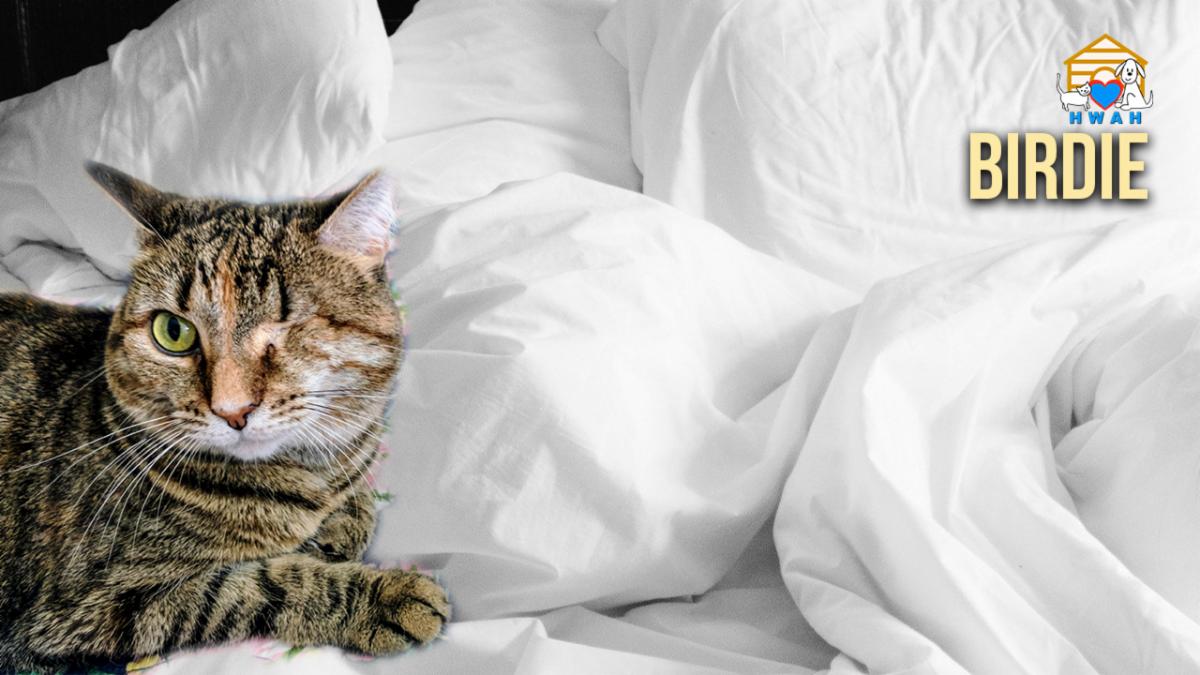
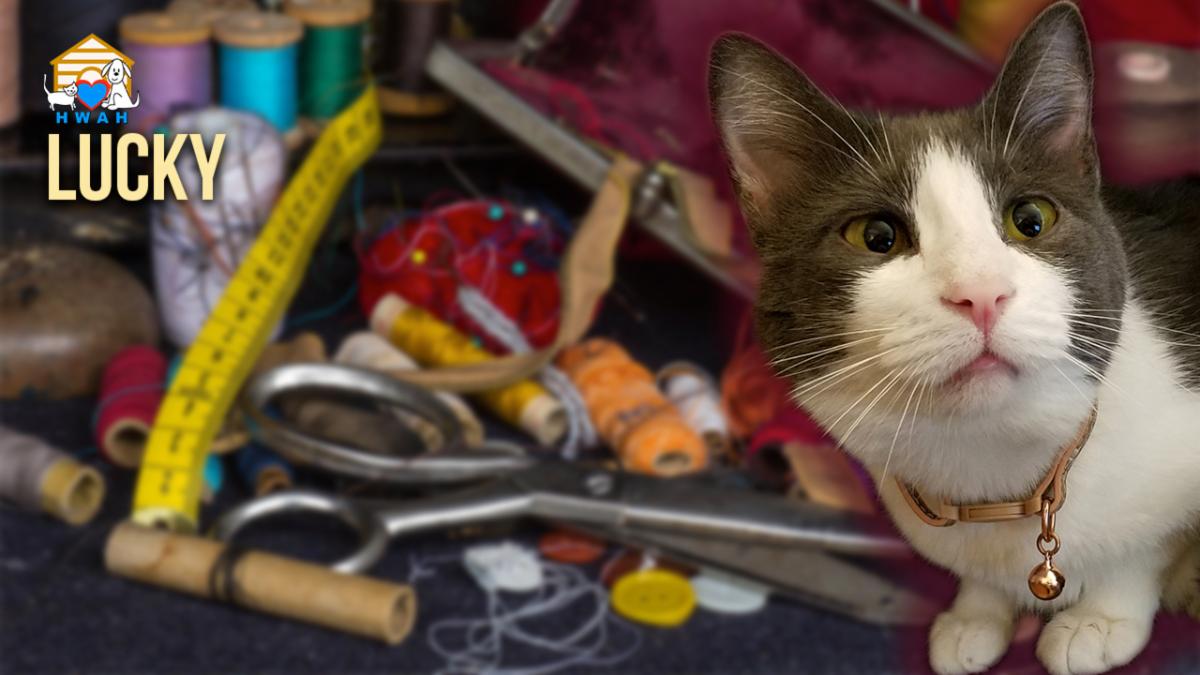
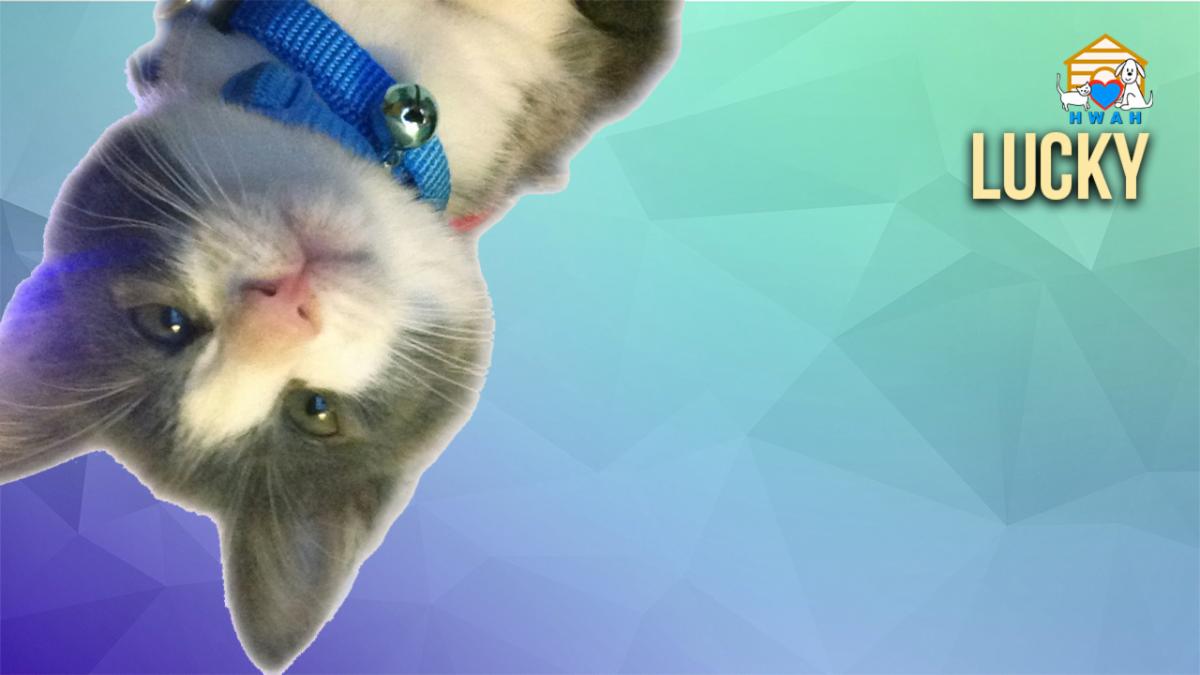
Are you a dog mom or cat dad? Spread some sunshine and show off your pet parent style with a House with a Heart’s unique Zoom background. Whether you're working from home or connecting with friends for virtual happy hour, each virtual meeting background will bring some pawsitivity into your Zoom call . This edition features all cats/kitties - with a followup edition featuring senior dogs.
Each image is already appropriately sized for Zoom (1280 x 720 pixels), so just click the photo below to view full size, right click, save as, and apply it to your background the next time you join a meeting. Enjoy!
Just in case this is your first time, here's how to set a virtual background on Zoom:
- Download the background of your choice. Better yet, download a few options, in case you want to switch them out.
- After you sign into a Zoom call, look for an icon that says "Stop video" in the bottom left corner of the window. Click the arrow to the right side of it, and select "Choose a virtual background."
- Upload as many backgrounds as you'd like, and switch them whenever you please.